Are you a busy gamer juggling work family and life but still craving that perfect gaming experience Discover the ultimate guide to building a custom built PC in 2026 This comprehensive resource offers practical tips and problem-solving strategies for optimizing performance on a budget Whether you are battling setup issues seeking game recommendations for limited time or navigating hardware upgrades we cover everything you need to create your dream rig without the hype Learn how to choose components balance value for money and stay current with the latest gaming trends to ensure your custom built PC delivers maximum relaxation fun and skill building potential This guide is designed for the modern US gamer who values smart choices and peak performance without breaking the bank or wasting precious free time Dive into the world of custom built PC creation and transform your gaming sessions today We will address common pain points and provide clear actionable solutions for a truly personalized setup
Q: Why is a custom built PC better for my specific gaming needs than a pre-built system?
A: A custom built PC provides unparalleled personalization, allowing you to select every component to match your exact gaming preferences, budget, and future upgrade plans. Unlike pre-builts, you avoid unnecessary bloatware and can ensure optimal synergy between parts, resulting in a more stable and powerful machine tailored precisely for your favorite games and how you play them, whether it's competitive esports or immersive single-player adventures.
Q: How can I ensure my custom built PC is future-proof for upcoming games in 2026 and beyond?
A: To future-proof your custom built PC, invest strategically in core components like a motherboard with the latest socket and PCIe generation, a CPU with a good core count, and a GPU that's high-mid to high-end. Aim for 32GB of fast RAM and an NVMe SSD for storage. Prioritize components known for driver support and good upgrade paths, ensuring your custom built PC can handle new titles and evolving technologies for years to come with minimal upgrades.
Q: What are the most common mistakes people make when building their first custom built PC, and how can I avoid them?
A: Common mistakes include forgetting to install the I/O shield, improper RAM seating, incorrect front panel connector wiring, not applying thermal paste to the CPU, or forgetting to enable XMP/DOCP for RAM. To avoid these, meticulously follow a detailed guide, watch video tutorials, and double-check every connection. Patience and careful reading of manuals for your custom built PC components are your best defense against these common pitfalls.
Q: How do I manage cable routing in my custom built PC for better airflow and aesthetics?
A: Effective cable routing in your custom built PC involves planning before you start. Utilize the cable management cutouts and channels in your PC case. Connect power cables before installing the motherboard, route them behind the backplate, and use zip ties or Velcro straps to bundle them neatly. This not only improves the aesthetic appeal of your custom built PC but also enhances airflow, contributing to lower temperatures and better performance.
Q: What's the best way to optimize my custom built PC for minimal input lag and maximum frame rates in competitive games?
A: To optimize your custom built PC for competitive gaming, focus on a high-refresh-rate monitor, a powerful GPU for consistently high frame rates, and a responsive CPU. Reduce in-game graphical settings to prioritize frame rate, disable unnecessary background applications, update drivers regularly, and consider enabling NVIDIA Reflex or AMD Anti-Lag technologies. Ensure a stable internet connection and use a wired mouse/keyboard to minimize input latency on your custom built PC.
Q: How important is cooling in a custom built PC, and what are my options?
A: Cooling is extremely important in a custom built PC as it directly impacts component longevity and performance, preventing thermal throttling during intense gaming sessions. Your options include air cooling (cost-effective, reliable fans and heatsinks) and liquid cooling (AIO or custom loops, offering superior thermal performance and aesthetics but at a higher cost and complexity). Choose cooling suitable for your CPU and GPU's heat output and your case's airflow capabilities.
Q: Where can I get support if I run into complex problems with my custom built PC after it's assembled?
A: If you encounter complex problems with your custom built PC, reliable support can be found in several places. Online forums like Reddit's r/buildapc, Tom's Hardware, and manufacturer support pages (for your motherboard, GPU, etc.) are excellent resources. Local PC repair shops or experienced friends can also provide hands-on assistance. Clearly describe your issue, list your components, and detail any troubleshooting steps you've already taken for the most effective help with your custom built PC.
Hey fellow gamers! Ever feel like your gaming rig just can't keep up with your busy life? You're not alone. Balancing a job, family, and still carving out time for some epic gaming sessions can be tough. The last thing you need is a PC that struggles with the latest titles or lags during a crucial online match. We gamers, especially those of us around 36 years old who make up about 60 percent of the US gaming population, value our relaxation and fun. We want performance, value for money, and the ability to connect with friends without the headache of constant technical issues. In fact, a whopping 87 percent of US gamers play regularly, often clocking in over 10 hours a week, highlighting our dedication to this fantastic hobby.
This is where building a custom built PC comes into its own. Forget the hype and the endless marketing jargon. We're here to talk practical solutions. A custom built PC isn't just about raw power; it's about tailoring an experience that fits your unique needs, whether that's crushing leaderboards, exploring vast open worlds, or unwinding with a cozy game after a long day. We'll cut through the noise, offering clear, actionable advice to help you navigate component choices, optimize performance, and even troubleshoot common snags, all while keeping your budget and precious time in mind. Let's dive into how a custom built PC can truly elevate your gaming life in 2026, offering stability, performance, and joy without compromise.
Why should I build a custom PC instead of buying a pre-built one?
Building a custom built PC offers unparalleled control over components, budget, and future upgrades, giving you superior value and performance tailored to your specific gaming and lifestyle needs compared to a mass-produced pre-built system. You avoid paying for unnecessary parts or inflated labor costs.
When you buy a pre-built PC, you often get a mix of good and average components. For instance, a fast CPU might be paired with slow RAM or a cheap power supply, creating performance bottlenecks that impact your gaming experience. With a custom built PC, you get to handpick every single part, ensuring that each component synergizes perfectly. This means better cooling, more reliable power delivery, and a machine optimized for the games you actually play and the tasks you perform, like streaming or content creation. It's about smart spending, ensuring every dollar contributes directly to your enjoyment and productivity.
For many US gamers who balance work and life, time is precious. A custom built PC means less time troubleshooting generic issues and more time enjoying smooth gameplay. It's a long-term investment that pays off in performance, stability, and the satisfaction of knowing your machine is exactly what you need.
What are the essential components for a custom built PC?
The core components for any custom built PC include the CPU, GPU, Motherboard, RAM, Storage (SSD recommended), Power Supply Unit (PSU), and a PC Case. Each plays a vital role in the system's overall performance and stability, particularly for gaming.
Think of it like this: the Central Processing Unit (CPU) is the brain, handling all general computations. The Graphics Processing Unit (GPU) is the heart of your gaming experience, rendering all the visuals. The Motherboard is the nervous system, connecting everything. RAM (Random Access Memory) provides short-term memory for active programs, while an SSD (Solid State Drive) offers lightning-fast loading times for your operating system and games. The Power Supply Unit delivers electricity to all components, and the PC Case houses everything while providing airflow for cooling. Choosing these parts wisely is the foundation of a powerful and reliable custom built PC.
For gamers around 36 who seek both performance and value, balancing these components is key. You don't want a super-powerful GPU bottlenecked by an outdated CPU, or vice-versa. Focus on a balanced build where each part complements the others, ensuring optimal performance for titles like "Palworld" or "Helldivers 2" which are trending this month, while also being ready for future releases.
How do I set a realistic budget for my custom gaming PC?
To set a realistic budget for your custom built PC, first determine your primary use (gaming, streaming, work) and target performance (e.g., 1080p, 1440p, 4K resolution at desired frame rates). Then, allocate funds proportionally across key components like the GPU and CPU, which typically consume the largest portions of the budget, adjusting for current market prices in 2026.
Many gamers try to cut costs in the wrong places, like the power supply or motherboard, which can lead to instability or limit upgrade potential. A good rule of thumb for a dedicated gaming custom built PC is to allocate about 35-40 percent of your budget to the GPU, 20-25 percent to the CPU, 10 percent to the motherboard, 5-7 percent to RAM, 5-7 percent to storage, and the remaining 10-15 percent for the PSU and case. Remember to factor in peripherals like a monitor, keyboard, and mouse if you don't already have them.
The sweet spot for a mid-range custom built PC in 2026 that handles most modern games at 1440p without breaking the bank is often in the $1200-$1800 range, excluding peripherals. High-end builds for 4K gaming or serious content creation can easily push past $2500. Regularly check sites like PCPartPicker for up-to-date pricing and compatibility checks, which is a fantastic resource for budget-conscious builders.
Which CPU and GPU are best for balancing work and play in 2026?
For balancing work and play in a 2026 custom built PC, a mid-to-high-range CPU with ample cores and threads (like an AMD Ryzen 7 or Intel Core i7) paired with a robust GPU (NVIDIA RTX 4070/4080 or AMD Radeon RX 7800 XT/7900 XT) offers excellent performance for both demanding games and productivity tasks such as video editing, streaming, or running complex applications.
Modern CPUs excel at multitasking, which is crucial when you're jumping from a work meeting to a gaming session. Look for CPUs with 8 cores and 16 threads or more for optimal performance. These processors handle background tasks, multiple browser tabs, and complex software while leaving enough power for your games. On the GPU side, the NVIDIA RTX 40-series and AMD Radeon RX 7000-series offer significant improvements in ray tracing and raw performance. The RTX 4070 Super or RX 7800 XT are often considered excellent value for 1440p gaming, providing smooth frame rates in popular titles without demanding an exorbitant price tag. If your budget allows, stepping up to an RTX 4080 Super or RX 7900 XT provides even more headroom for 4K gaming or future-proofing.
Consider the professional tools you use. If you frequently render videos, compile code, or run virtual machines, prioritize a CPU with more cores. If your "work" is mostly office applications, then a slightly less powerful CPU combined with a stronger GPU will still give you a fantastic custom built PC experience.
How can I troubleshoot common custom PC setup issues?
Common custom built PC setup issues often stem from incorrect component seating, power connection problems, or BIOS misconfigurations. Start troubleshooting by double-checking all power cables, ensuring RAM and GPU are fully seated, and resetting your motherboard's BIOS/CMOS to default settings. Use your motherboard's diagnostic LEDs or POST codes for specific error identification.
It's incredibly frustrating when your freshly built custom built PC doesn't boot up. First, verify your monitor is plugged into the GPU, not the motherboard's integrated graphics. Next, ensure the 24-pin ATX power cable and the 8-pin (or 4+4 pin) CPU power cable are securely connected. For GPUs, make sure all PCIe power cables are attached. If the PC powers on but displays nothing, try booting with only one stick of RAM. If that fails, remove all components except the CPU, one RAM stick, and the GPU, then try again. The motherboard manual is your best friend here, as it will detail error codes and diagnostic lights which are invaluable.
Don't be afraid to take a break and come back to it with fresh eyes. Sometimes, a simple reseat of a component is all it takes. Many community forums and YouTube tutorials offer step-by-step visual guides for common issues, reflecting the social and problem-solving nature of the PC building community.
What are the best value-for-money upgrades for an older custom PC?
The best value-for-money upgrades for an older custom built PC typically involve installing an SSD if you're still on an HDD, upgrading your RAM to at least 16GB, or replacing your GPU with a newer generation model. These upgrades often yield the most significant performance boosts for gaming and overall system responsiveness, especially on a budget.
If your system is running on a traditional Hard Disk Drive (HDD), upgrading to a Solid State Drive (SSD), particularly an NVMe M.2 drive, will dramatically reduce boot times and game loading screens. This is a game-changer for many older custom built PCs. Next, check your RAM. If you have 8GB or less, upgrading to 16GB (or even 32GB for heavy multitaskers) will prevent stuttering in modern games and applications. Lastly, a GPU upgrade often provides the biggest jump in frame rates and graphical fidelity. Mid-range GPUs from the last two generations can offer incredible performance per dollar, breathing new life into an aging rig without requiring a full system overhaul. For example, a used RTX 3070 or RX 6700 XT can be a fantastic upgrade for a custom built PC previously running much older hardware.
Before buying, verify component compatibility with your existing motherboard and power supply. Use online tools like PCPartPicker to ensure your new components will work seamlessly with your older custom built PC setup. This careful planning helps you get the most bang for your buck and avoids compatibility headaches.
How do I optimize my custom built PC for social gaming and streaming?
To optimize your custom built PC for social gaming and streaming, prioritize a powerful multi-core CPU, ample RAM (16GB-32GB), and a dedicated GPU that can handle both game rendering and encoding. Utilize streaming software like OBS Studio with hardware encoders (NVIDIA NVENC or AMD AMF) to offload workload from your CPU, ensuring smooth gameplay and high-quality streams for your audience and Discord friends.
Social gaming isn't just about playing; it's about sharing the experience. Whether you're streaming to Twitch, recording clips for YouTube, or just voice chatting on Discord, your custom built PC needs to handle multiple tasks simultaneously without breaking a sweat. A strong CPU is paramount here, as it manages the operating system, game logic, and streaming software. Paired with 16GB or 32GB of fast RAM, you'll avoid bottlenecks. Crucially, modern GPUs like the NVIDIA RTX series or AMD Radeon RX series feature dedicated hardware encoders. These encoders are incredibly efficient, allowing you to stream in high definition with minimal impact on your in-game frame rates. This is especially important for popular social games or esports titles where every frame counts.
Beyond hardware, optimizing software settings in OBS Studio or Streamlabs Desktop is vital. Experiment with different resolutions and bitrates. Ensure your internet connection is robust enough for uploading your stream. Remember, connecting with your community is a core part of gaming in 2026, and a well-optimized custom built PC makes that experience seamless for everyone.
What are the top trends in custom built PC gaming for 2026?
Top trends in custom built PC gaming for 2026 include continued advancements in AI-powered upscaling technologies like DLSS and FSR, wider adoption of high-refresh-rate 1440p and 4K monitors, increased demand for energy-efficient components, and the growing integration of seamless cross-play capabilities. Social and cozy games are also seeing a surge, alongside persistent online worlds and experimental VR experiences, all driving demand for versatile custom built PCs.
AI upscaling isn't just for boosting frame rates; it's becoming integrated into more titles, making high-resolution gaming more accessible even on mid-range custom built PCs. This means your carefully selected GPU will be even more efficient. We're also seeing a significant push towards energy efficiency across CPUs and GPUs, as gamers become more environmentally conscious and seek lower electricity bills. The average gamer plays 10+ hours a week, so long-term operating costs matter. The continued rise of social games, from "Among Us" to "Stardew Valley," emphasizes the need for stable online connectivity and reliable voice chat capabilities, all powered by a robust custom built PC.
Furthermore, while mobile gaming remains dominant globally, PC gaming continues to thrive with complex, narrative-driven titles and competitive esports. VR is also making quiet but steady progress, with headsets becoming more affordable and accessible, creating a niche for custom built PCs capable of driving high-fidelity virtual worlds. Staying current means being aware of these trends and building a custom built PC that can adapt.
Can a custom PC help me balance gaming with family and work?
Yes, a custom built PC can significantly help balance gaming with family and work by offering flexibility, superior multitasking capabilities, and reliability. By consolidating various tasks onto one powerful machine, you can efficiently switch between professional duties, family activities, and gaming sessions without performance bottlenecks or frustrating downtime, maximizing your limited free time.
For many adults, gaming is a cherished escape or a way to connect with friends. A custom built PC excels at handling diverse workloads. You can seamlessly switch from a demanding work presentation to a quick round of "Valorant" or a few hours in a relaxing single-player RPG. Its power means faster rendering for work projects, quicker boots, and stable performance, which translates directly to saved time and reduced stress. No more waiting for programs to load or your system to freeze during a critical task. This efficiency allows you to allocate your time more effectively, ensuring you meet deadlines, spend quality moments with family, and still enjoy your gaming hobby.
Furthermore, a custom built PC allows you to create dedicated profiles or virtual machines for different tasks, keeping your work and play environments separate and organized. This structured approach, combined with reliable hardware, makes managing a busy schedule much more manageable and ensures your gaming time is truly your own without compromising other responsibilities.
Where can I find reliable parts and guides for my custom built PC?
Reliable parts for your custom built PC can be sourced from reputable online retailers like Amazon, Newegg, Best Buy, and Micro Center, or specialized PC hardware stores. For comprehensive guides and compatibility checks, resources such as PCPartPicker, Tom's Hardware, Gamers Nexus, and various YouTube channels offer invaluable, up-to-date information and step-by-step building tutorials.
When purchasing components, always check vendor reviews and return policies. Be wary of deals that seem too good to be true. Sites like PCPartPicker are indispensable as they help you select components and automatically flag compatibility issues between parts, ensuring your custom built PC comes together smoothly. For learning how to physically assemble your PC, YouTube channels from experienced builders like Linus Tech Tips, Paul's Hardware, or JayzTwoCents provide excellent visual tutorials. These channels often cover everything from basic assembly to advanced cable management and troubleshooting, giving you the confidence to tackle the build yourself.
Additionally, online communities like Reddit's r/buildapc are fantastic resources for asking specific questions and getting personalized advice from experienced builders. Leveraging these resources ensures you not only get the best components for your custom built PC but also gain the knowledge and support to build it correctly, making the entire process enjoyable and successful.
Building a custom built PC in 2026 is more than just assembling parts; it's about crafting an optimized gaming and life experience that truly fits you. From understanding the core components to smart budgeting, and from troubleshooting common snags to optimizing for streaming, this guide has armed you with the knowledge to make informed decisions. Remember, your custom built PC is an investment in your relaxation, your fun, and your ability to connect with the vibrant US gaming community. It empowers you to enjoy the latest titles and balance your passions with your responsibilities, all while getting incredible value.
What's your biggest gaming challenge with your current setup? What custom built PC component are you most excited to upgrade? Comment below and share your thoughts!
What is the average lifespan of a custom built PC?
A well-maintained custom built PC typically lasts 5-7 years, with individual components like the GPU or CPU often upgraded every 2-4 years to stay current with gaming demands. The case, power supply, and storage can last much longer.
Is building a custom PC hard for a beginner?
Building a custom built PC is less difficult than it seems. While it requires patience and attention to detail, abundant online guides and tutorials make it very achievable for beginners. Think of it as adult LEGOs with high stakes!
Do I need special tools to build a custom PC?
You only need a few basic tools for a custom built PC: a Phillips head screwdriver, zip ties or Velcro straps for cable management, and potentially anti-static wrist strap for peace of mind. Most components come with necessary mounting hardware.
What operating system should I install on my custom built PC?
For gaming and general use on a custom built PC, Windows 11 is the recommended operating system. It offers the best compatibility with modern games, software, and hardware, including DirectX 12 Ultimate and other gaming optimizations.
How much faster is an SSD than an HDD for a custom PC?
An SSD (Solid State Drive) is significantly faster than an HDD (Hard Disk Drive) for a custom built PC, often resulting in boot times measured in seconds instead of minutes, and game loading times reduced by 50-75% or more, providing a much snappier overall experience.
Should I worry about PC component compatibility?
Yes, component compatibility is crucial for a custom built PC. Always ensure your CPU matches your motherboard socket, RAM is compatible with your motherboard and CPU generation, and your power supply provides enough wattage for all components. Tools like PCPartPicker simplify this verification.
Personalized performance optimization Budget friendly component selection Setup troubleshooting tips Game recommendations for busy gamers Staying current without hype Social play enhancement Skill building opportunities Value for money Custom built PC trends 2026
35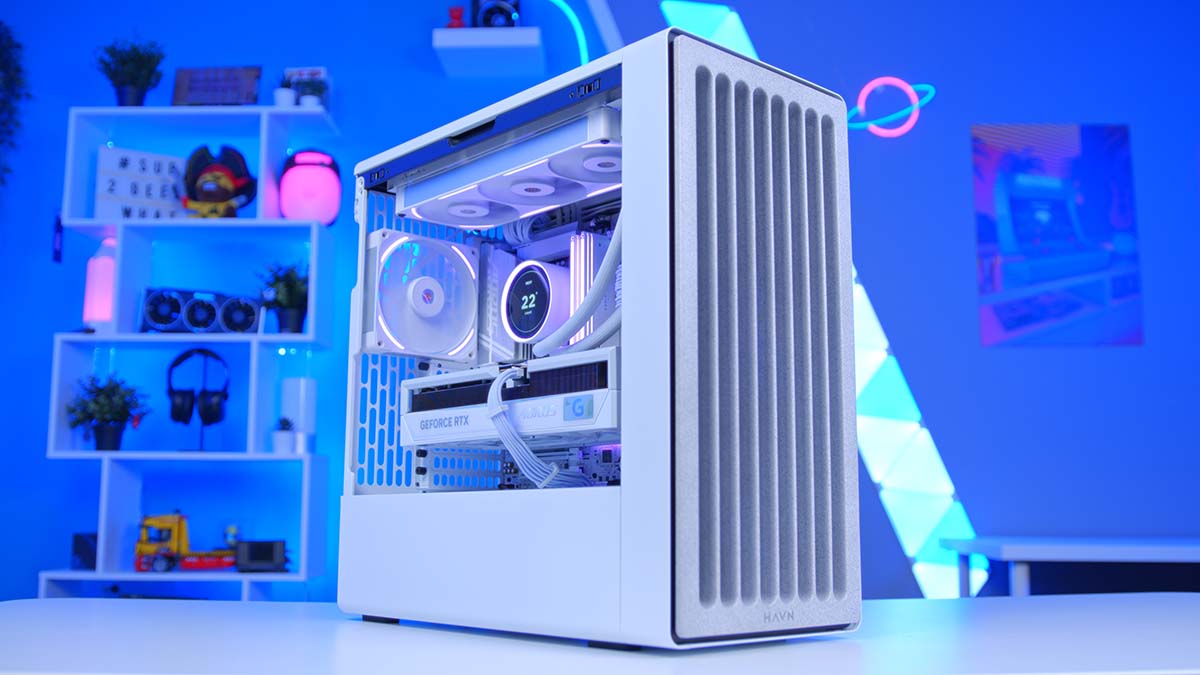
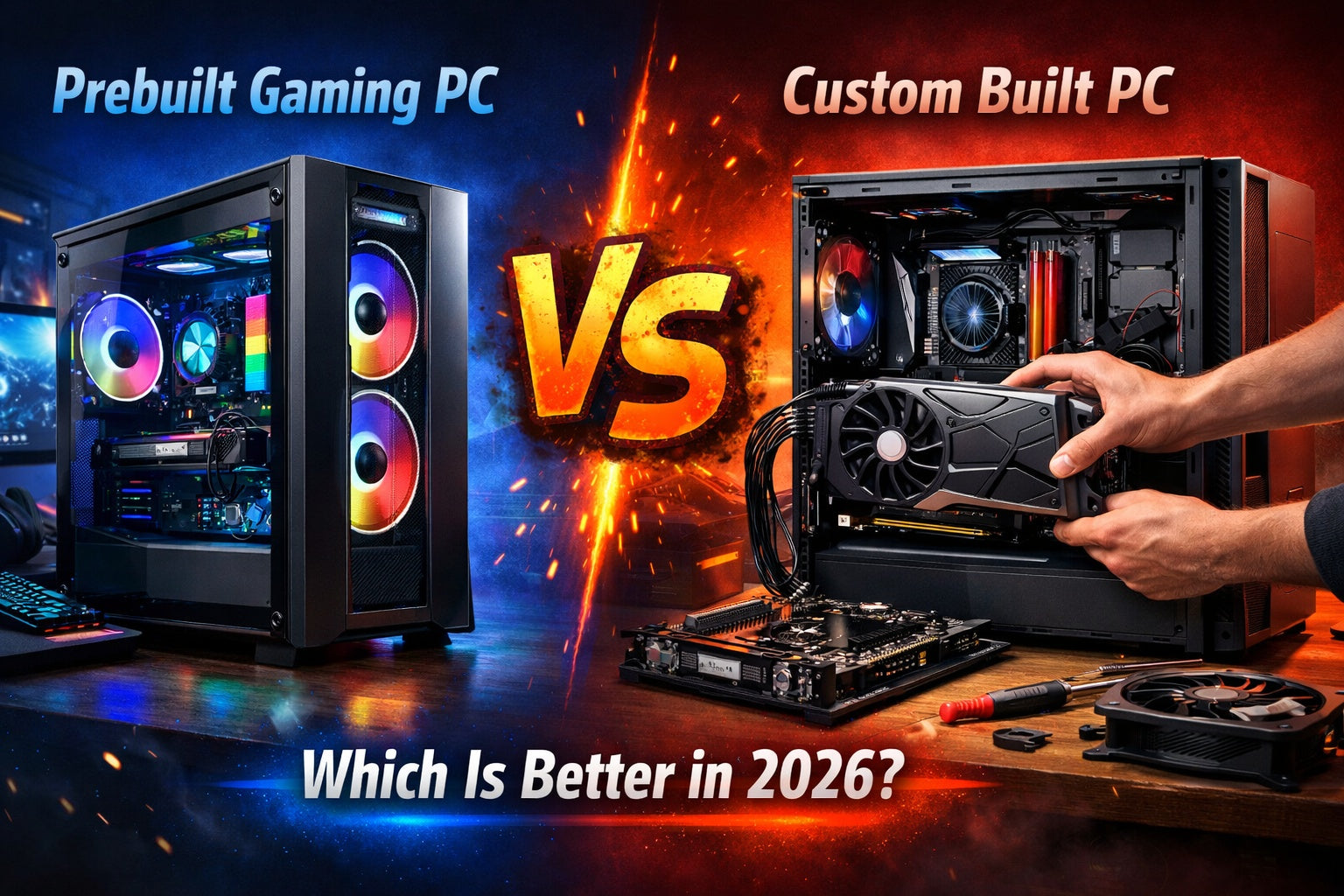


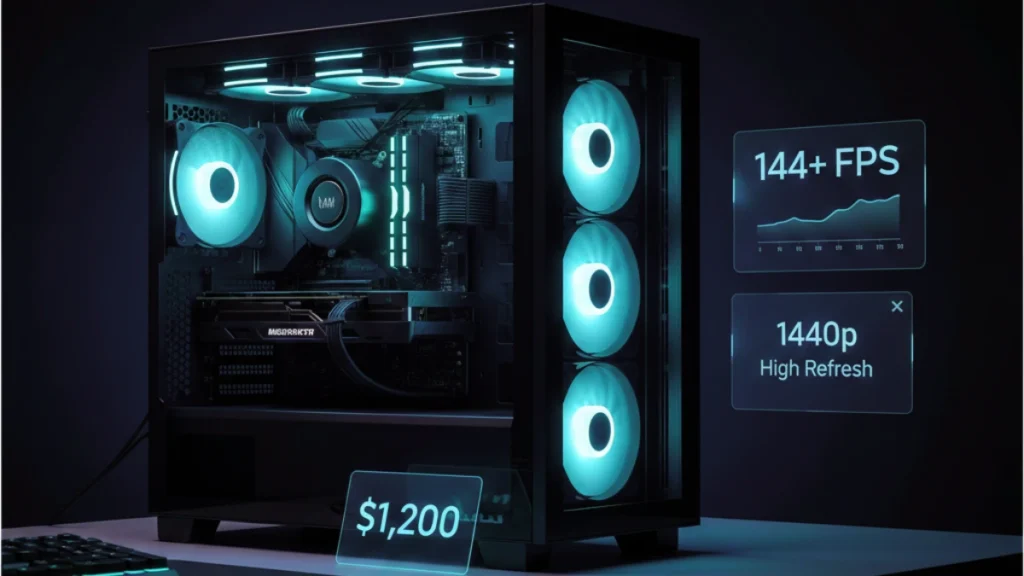
Building An Enthusiast Grade PC Build For 2026 GeekaWhat FI DM87 HAVN BF RTX 5090 Build . Prebuilt Gaming PC Vs Custom Built PC Which Is Better In 2026 Prebuilt Vs Custom Gaming Pc 2026 5a49c66d 398d 40a5 A7f0 . The Best Gaming PC Builds For 2026 Top Picks And Reviews Best Pc Build . Best Gaming PC Builds For 2026 Best Gaming PC Builds For 2026.webp. 500 Budget Gaming PC Build 2026 1200 1440p High Refresh Gaming Pc Build


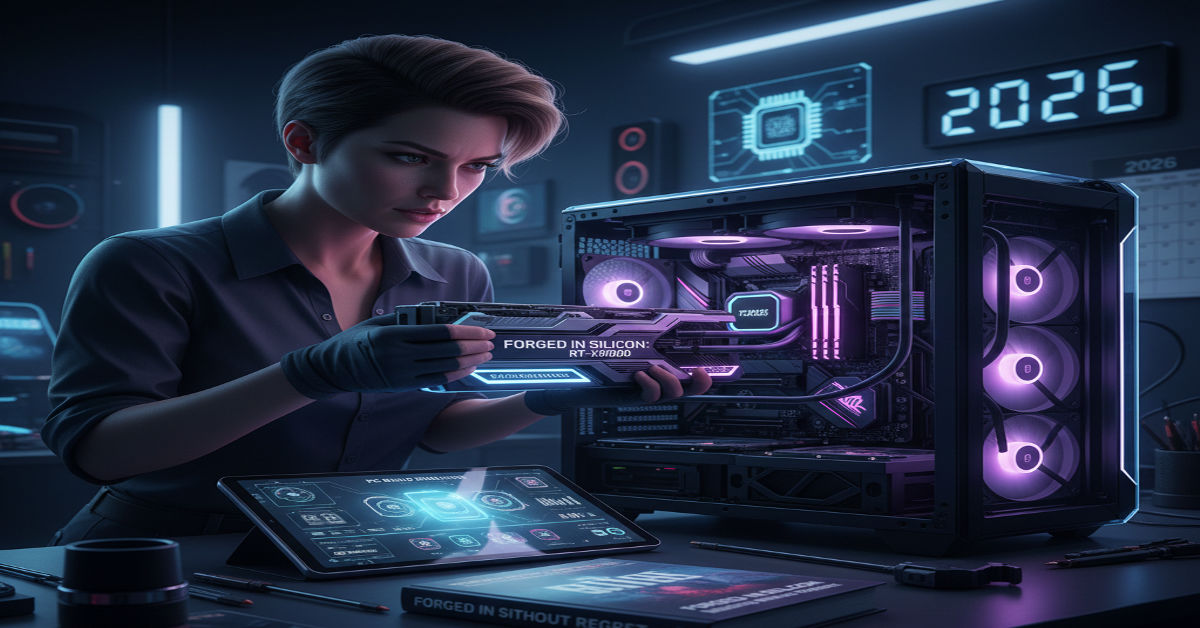
Gaming PC Buying Guide 2026 Prebuilt Vs Custom Build Gaming Pc Buying Guide 2026 . Is It Worth Rebuilding Your Old Computer 2026 Upgrade Guide KVS A Stunning 2026 Custom Built G 1 1024x559 . Building Custom PC 2026 Complete Guide Components Steps And Tips Image. How To Build A Future Proof PC In 2026 Without Regret Gemini Generated Ima. Imresizer 98 . Best Gaming PC Build Under 1 Lakh 2026 Ultimate Performance Combo 1Lakh PC Build Setup 1536x1025


Custom Gaming PC Builder In India Where To Buy How To Choose 2026 Custom Gaming PC Builder In India . The Ultimate Gaming PC Build 2026 Guide By Xidax 1 Unnamed . How To Build Gaming PC Guide 2026 Step By Step Budget Gaming PC 2026 Gaming Pc . Top 10 Best Desktop Computers 2026 For Home Office And Work Lenovo Legion Tower 7i 2026 High Performance Desktop Computer With RGB Lighting Featured In. How To Build A Gaming PC In 2026 Complete Parts Guide And Assembly Image




Best PC Builds For Gaming 2026 Ultimate Guide To Building Your Dream Best PC Builds For Gaming 2026 1024x683 . How To Build A Future Proof Gaming PC In 2026 Complete Custom Build Guide 1773043345 . Summer 2026 PC Best Buy Guide Prebuilt Power For Streamers SoftBit Pexels Photo 33475199 . Top 10 Best Desktop Computers 2026 For Home Office And Work Lenovo Legion Tower 5i 2026 Budget Desktop Computer For Home Office Among Best Desktop. Best Mini ITX Cases 2026 Our Tested Picks For Compact PC Builds Tom
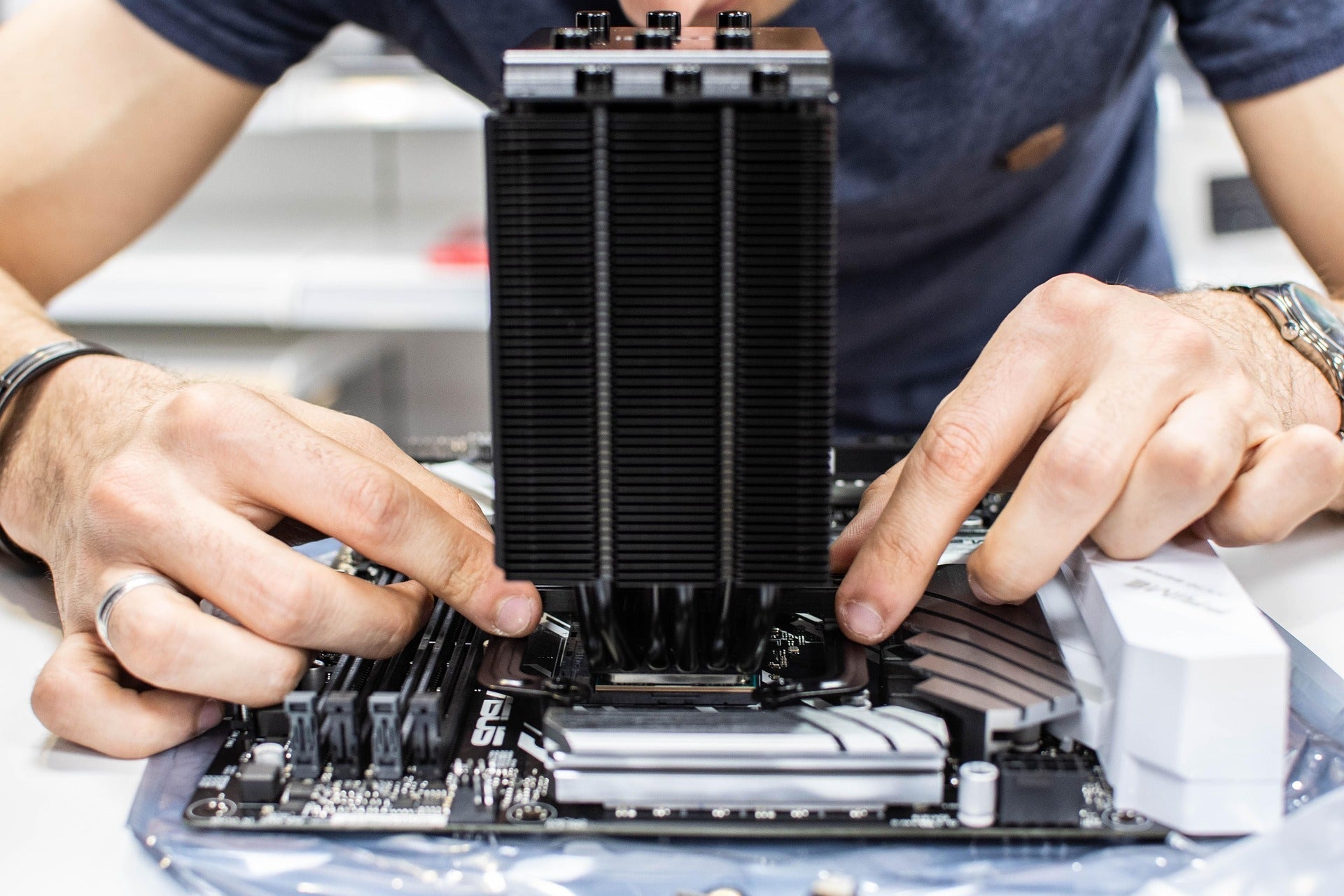


The Complete Custom PC Building Guide For 2026 Alexandria Customs Pc 4136383 1920 . Step By Step Guide To Building A Custom PC In 2026 Gfxtek Com Hardware Assembly . How To Build A PC In 2026 GEEKOM UK Pc Building Guide.webp. Top 10 Best Desktop Computers 2026 For Home Office And Work HP OmniStudio X Pro 2026 All In One Desktop Computer With Large Display Ranked Among Best. META PCs Showcases Custom Built PC Systems At CES 2026 TechPowerUp



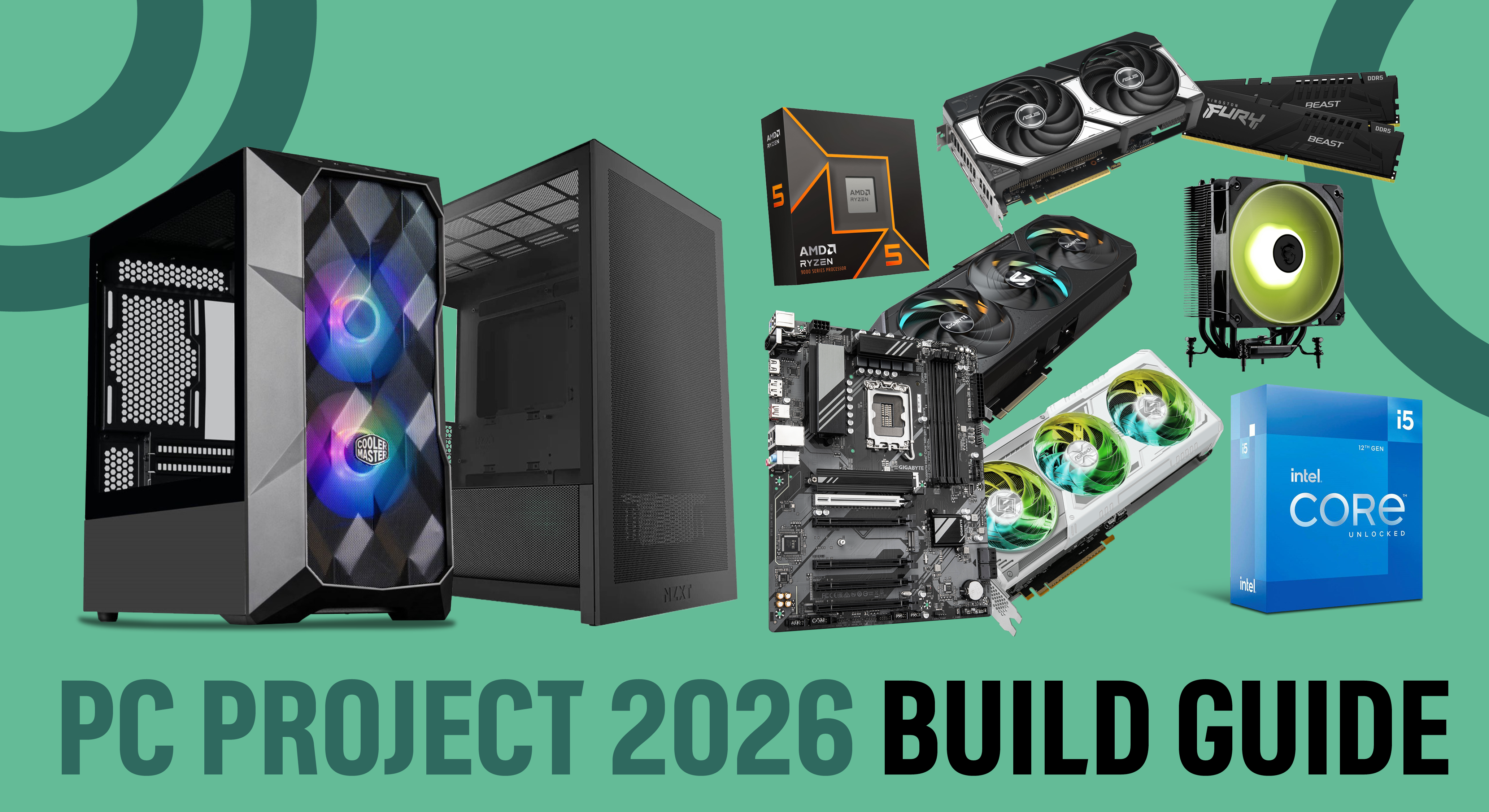
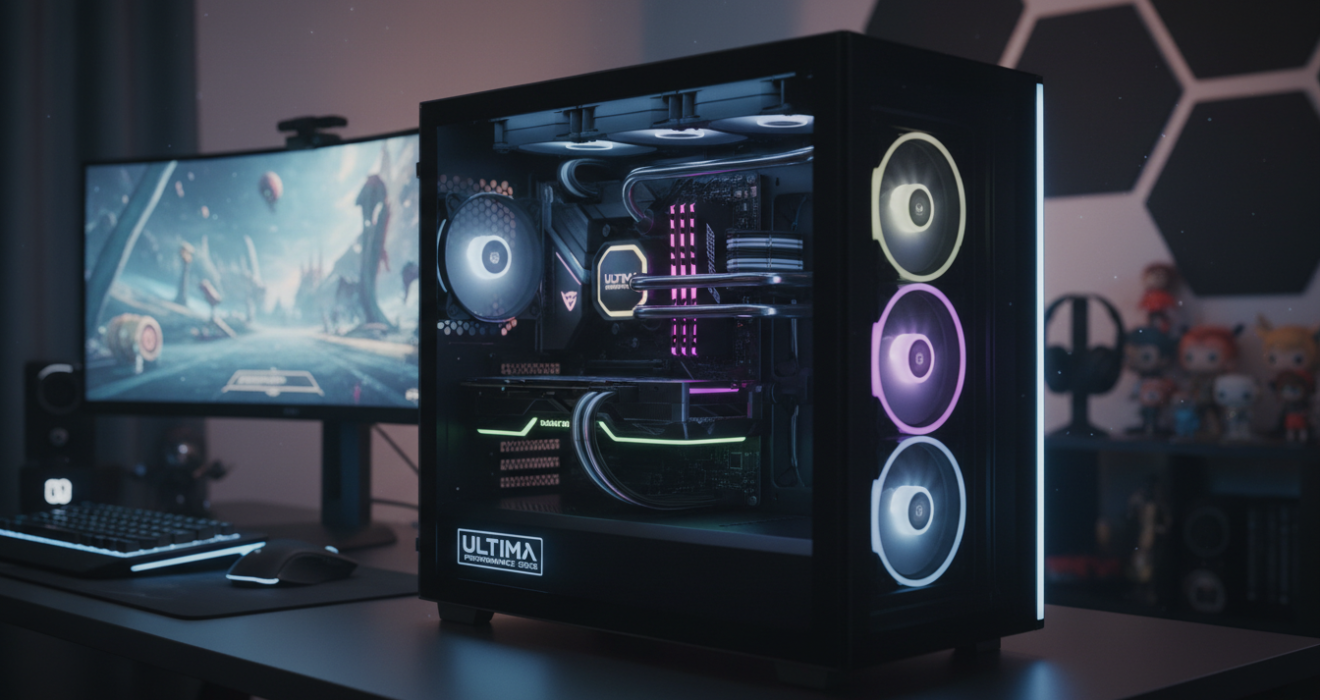
Top 10 Best Desktop Computers 2026 For Home Office And Work Apple IMac M4 2026 All In One Desktop Computer For Creative In Best Desktop. Future Proof PC Build 2026 Essentials Future Proof Pc Build Guide 2026 Banner.webp. How To Build Your First Custom PC In 2026 Togtechify Com . PC Project 2026 Where To Start With Building Your Own Gaming PC CCL CCL 667 BLOG BUILD GUIDE 1980x1080 . Best Gaming PC 2026 The Ultimate Performance Guide Bliss Lifes Best Gaming Pc 2026 The Ultimate Performance Guide Featured Image 1320x700
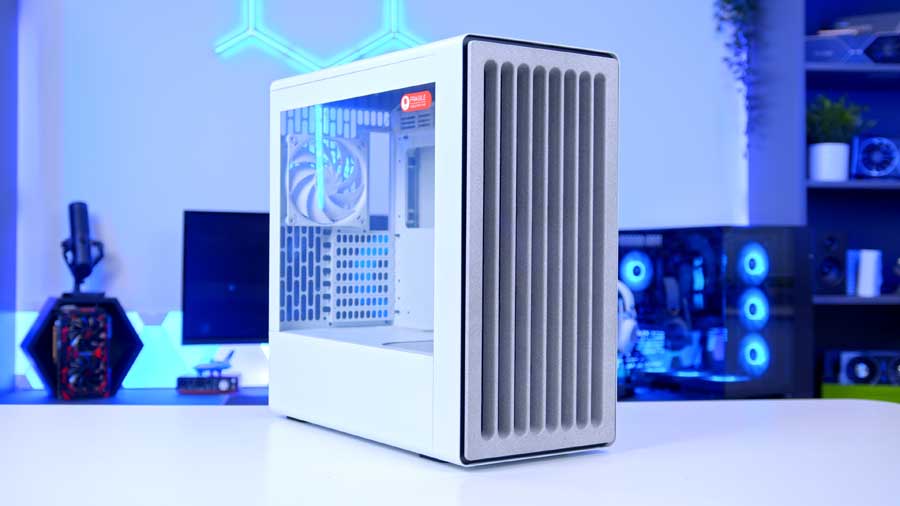


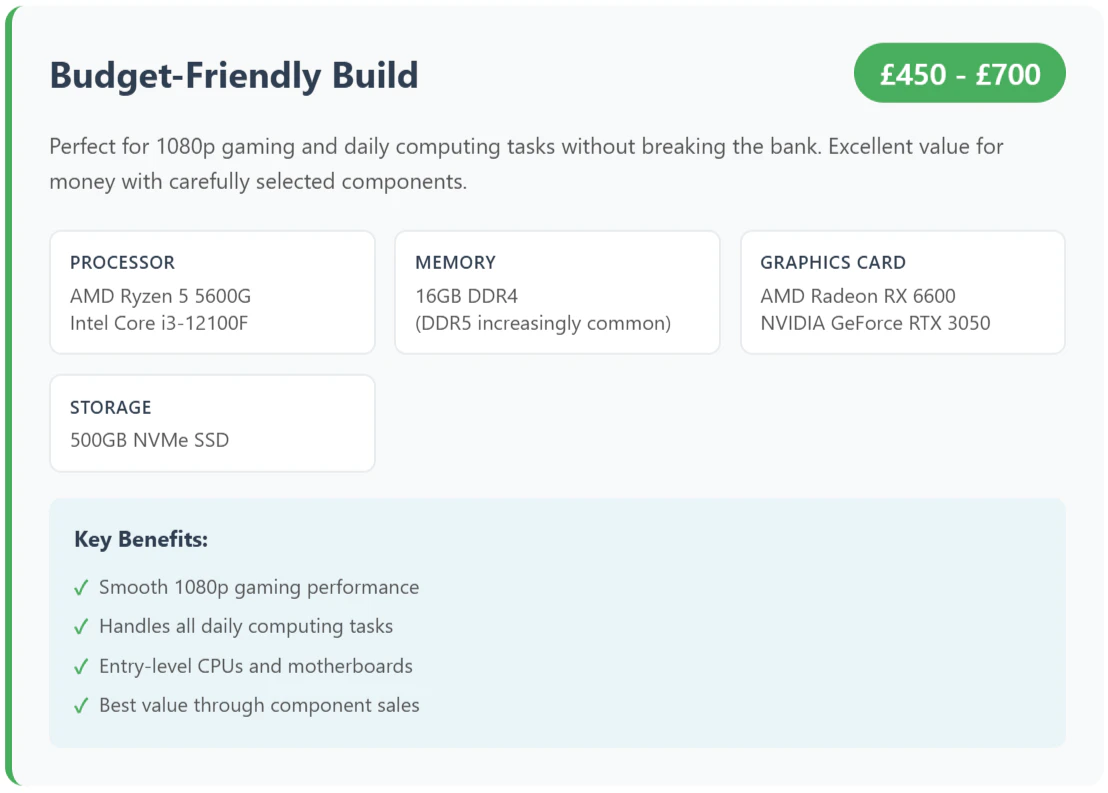
Building An Enthusiast Grade PC Build For 2026 GeekaWhat MPI HAVN BF 360 Flow . When To Build Your 2026 Gaming PC Best Time To Build Gaming Pc 2026 Banner.webp. The Complete Custom PC Building Guide For 2026 Alexandria Customs Mmsfooter 963b65ec 2e26 48d0 Aa87 . How To Build A Custom PC In 2026 Parts List Steps Pro Tips SL500 . How To Build A PC In 2026 GEEKOM UK Budget Friendly Build PC.webp