Navigating a Roblox banned screen can be incredibly frustrating especially for adult gamers who carve out precious time for relaxation and social play amidst busy lives. This comprehensive guide serves as your go-to resource to understand why your Roblox account might have received a banned screen what immediate actions you should take and how to effectively appeal a suspension. We delve into Roblox's Community Standards revealing common pitfalls that lead to bans and providing proactive strategies to safeguard your account. Discover the nuances between temporary and permanent bans the appeal process timeline and crucial tips for gathering evidence. For the busy gamer who values skill-building and connecting with friends online getting back into the game smoothly and responsibly is key. This article ensures you are equipped with the knowledge to manage a Roblox ban and prevent future disruptions keeping your gaming experience enjoyable and stress-free. Learn how to stay current with Roblox policies without the hype and optimize your fun on the platform.
What is a banned screen on Roblox?
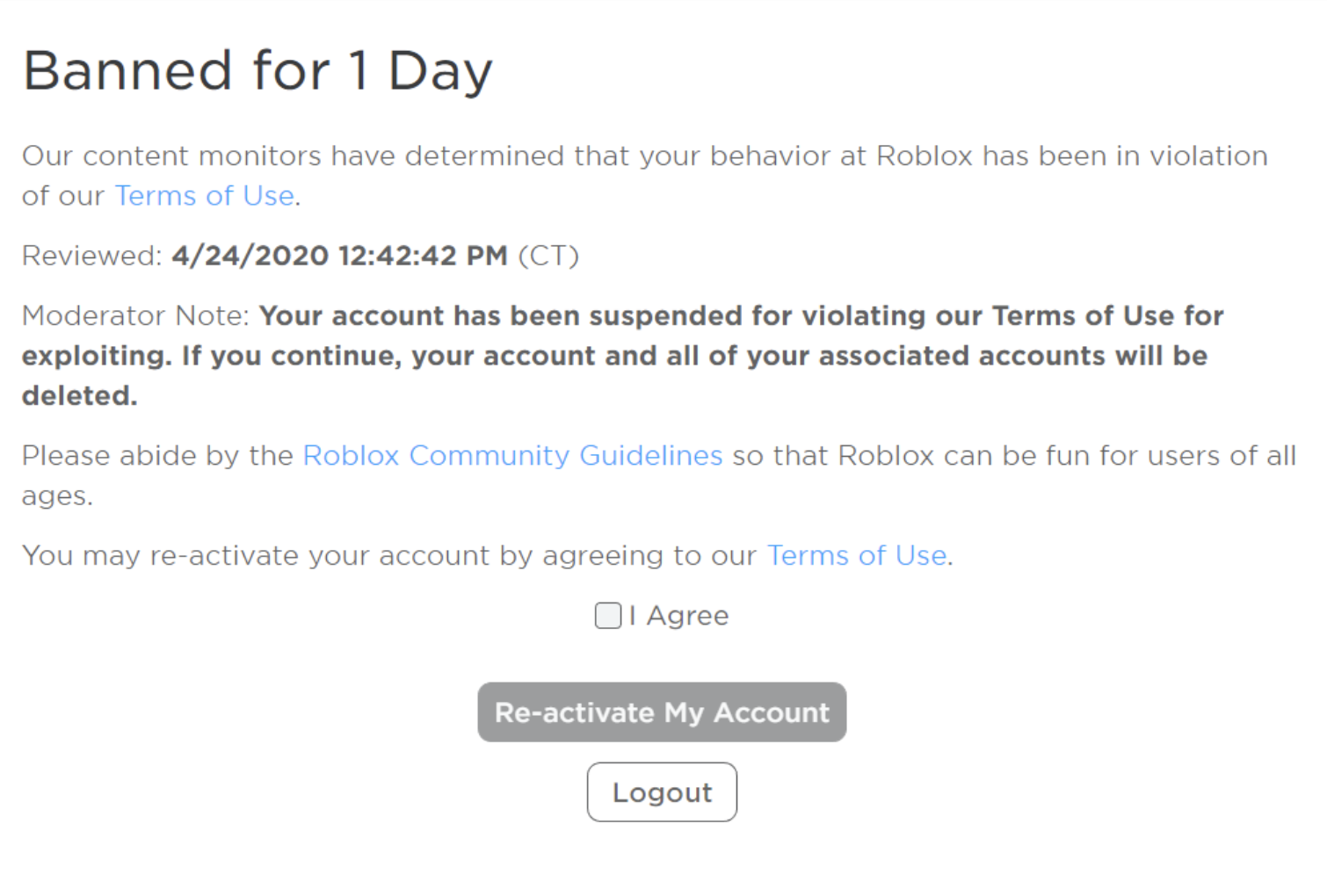
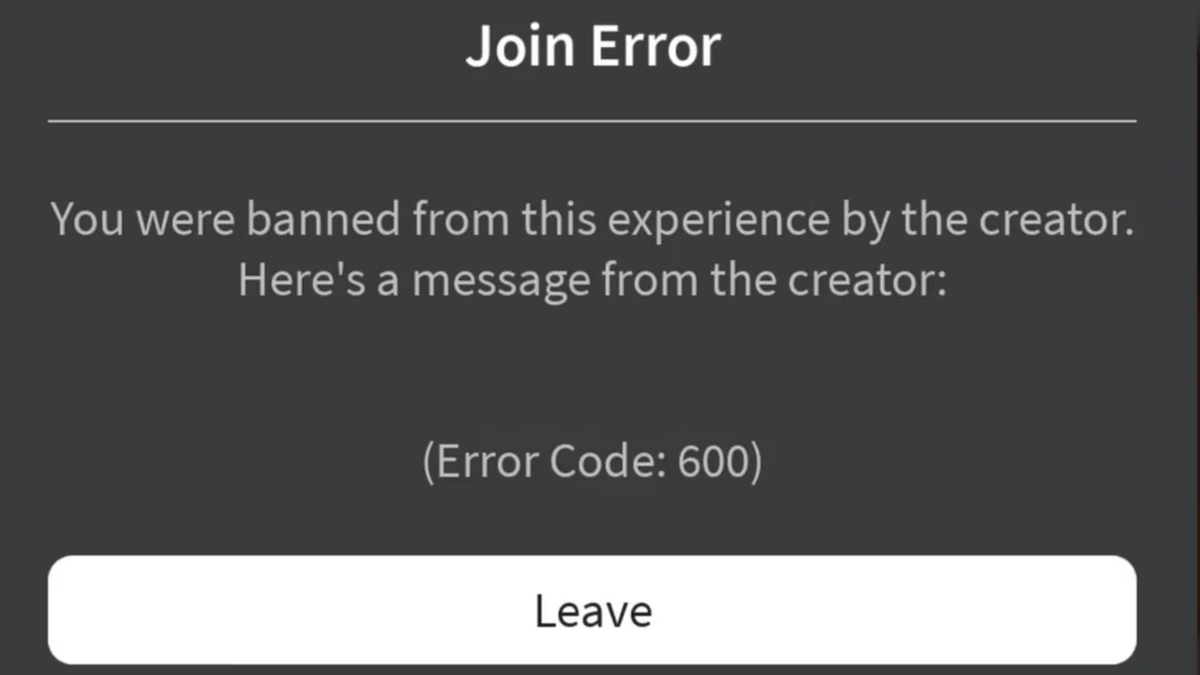
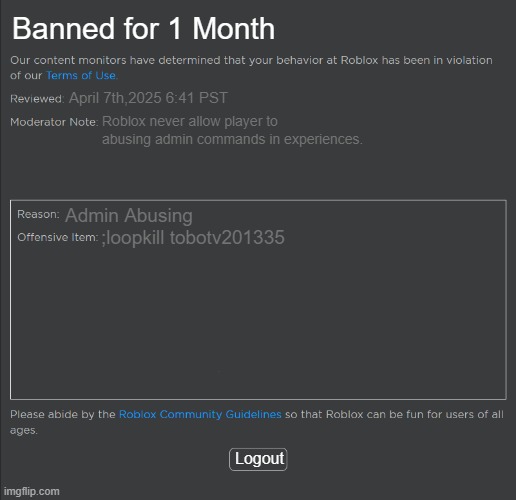
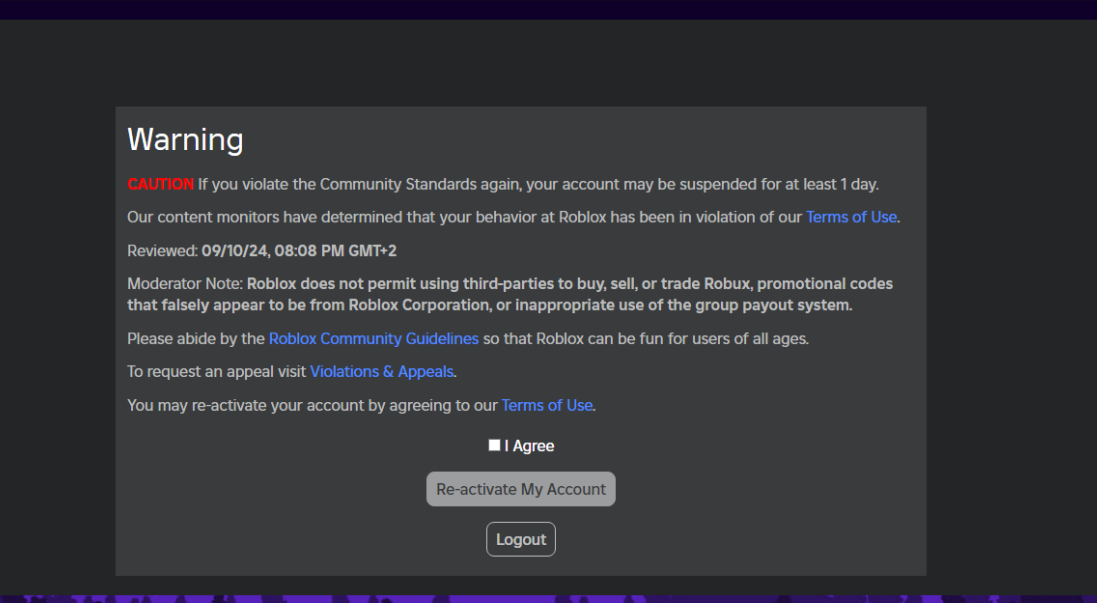
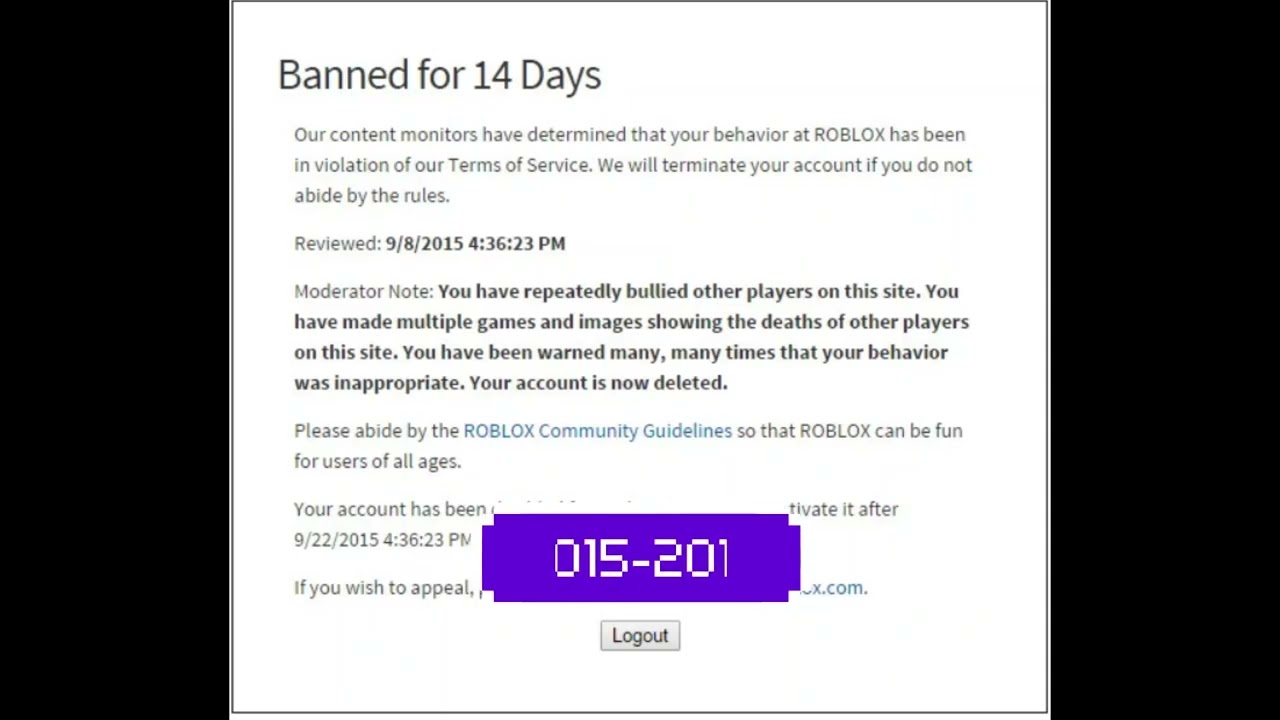
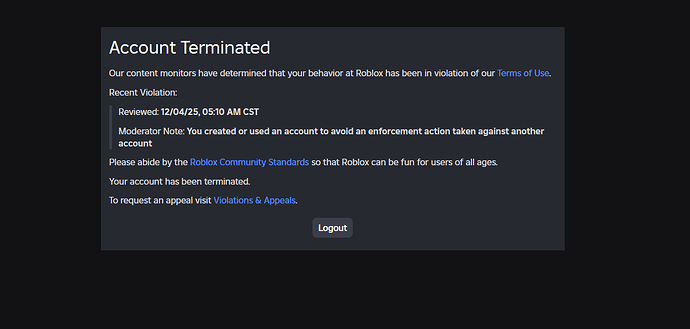
A banned screen on Roblox signifies that your account has been suspended or terminated by Roblox's moderation team for violating their Community Standards or Terms of Use. This message typically appears when you try to log in or access the platform, clearly stating the duration of the ban and often a reason.
Why did my Roblox account get banned?
Roblox accounts are banned for reasons like inappropriate content (offensive chat, images), exploiting/cheating, scamming/phishing, sharing personal information, impersonation, copyright infringement, or spamming. These violations are against Roblox's strict Community Standards designed to keep the platform safe and fair for all players.
How do I appeal a Roblox ban effectively?
To effectively appeal a Roblox ban, visit the Roblox Support page, fill out the appeal form, and provide specific, detailed information. Include your username, the ban message, and a clear, concise explanation of why you believe the ban was unjust, along with any supporting evidence like screenshots or chat logs. Politeness and factual accuracy are key.
How long does the Roblox ban appeal process take?
The Roblox ban appeal process typically takes a few days to a week for a response, though it can vary depending on the volume of appeals. Roblox aims to review each case thoroughly, so patience is required. You'll usually receive an email notification regarding the decision.
Can I play Roblox if my main account is banned?
Playing Roblox on a new account while your main account is banned for serious violations is generally not advisable and may even lead to further moderation action, including IP bans, if detected. Roblox's terms discourage circumventing bans. It's best to focus on appealing the original ban or waiting out a temporary suspension before creating new accounts.
What evidence do I need for a successful ban appeal?
For a successful ban appeal, provide specific evidence like screenshots of the alleged violation (if you believe you were wrongly accused), chat logs if the ban was communication-related, or transaction IDs if it involves Robux or items. Detail the exact time and date, along with game names or user IDs. The more context and proof you offer, the better.
How can I prevent getting a banned screen on Roblox in the future?
To prevent future bans, always adhere strictly to Roblox's Community Standards. Avoid sharing personal information, using inappropriate language, or engaging in any form of exploitation or scamming. Regularly review the rules, especially with platform updates, and report any suspicious behavior you encounter. Being a responsible and respectful player is your best defense.
Introduction Navigating the Banned Screen Challenge on Roblox
For many adult gamers balancing jobs families and life’s myriad responsibilities gaming is a cherished escape a way to unwind connect with friends or even build new skills. Roblox with its vast universe of user-generated content offers countless avenues for relaxation and social interaction. However nothing quite shatters that peace like logging in only to be greeted by a dreaded banned screen. This unexpected disruption can be particularly frustrating when you've dedicated valuable time and perhaps even money to your in-game experience.
You are not alone in this experience. Recent US gaming statistics from this month indicate that over 87% of adult gamers play regularly often dedicating 10 or more hours a week to their passion across various platforms including mobile which dominates the social gaming scene. When your access to a beloved platform like Roblox is suddenly cut off it’s more than just a minor inconvenience it’s an interruption to your chosen form of social engagement and stress relief. This article is your practical no-nonsense guide to understanding why a banned screen on Roblox appears what it means and crucially how you can navigate the appeal process or prevent it from happening again. We'll cut through the confusion offering clear actionable steps so you can get back to what you love doing playing and connecting.
What Exactly is a Banned Screen on Roblox
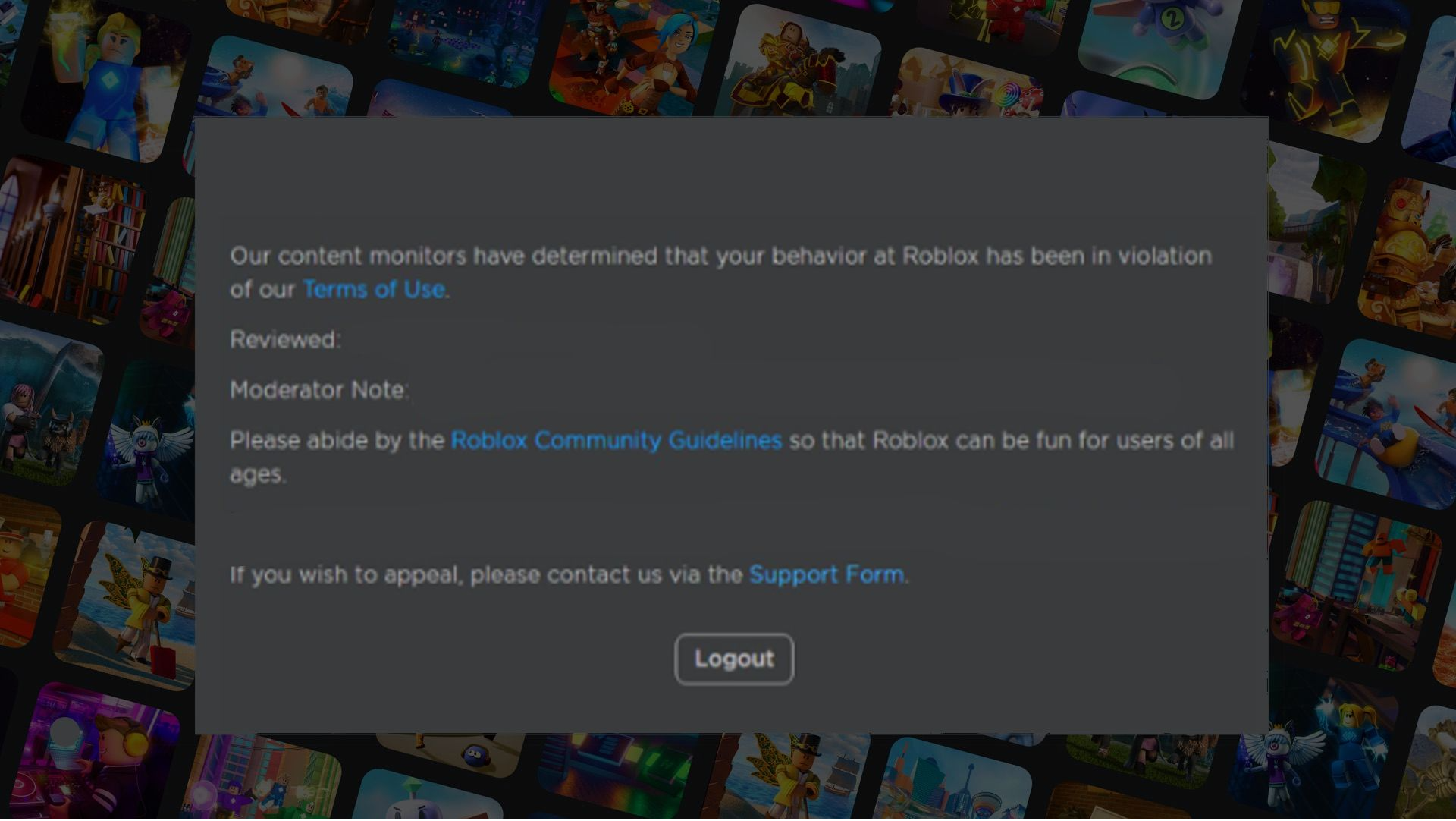
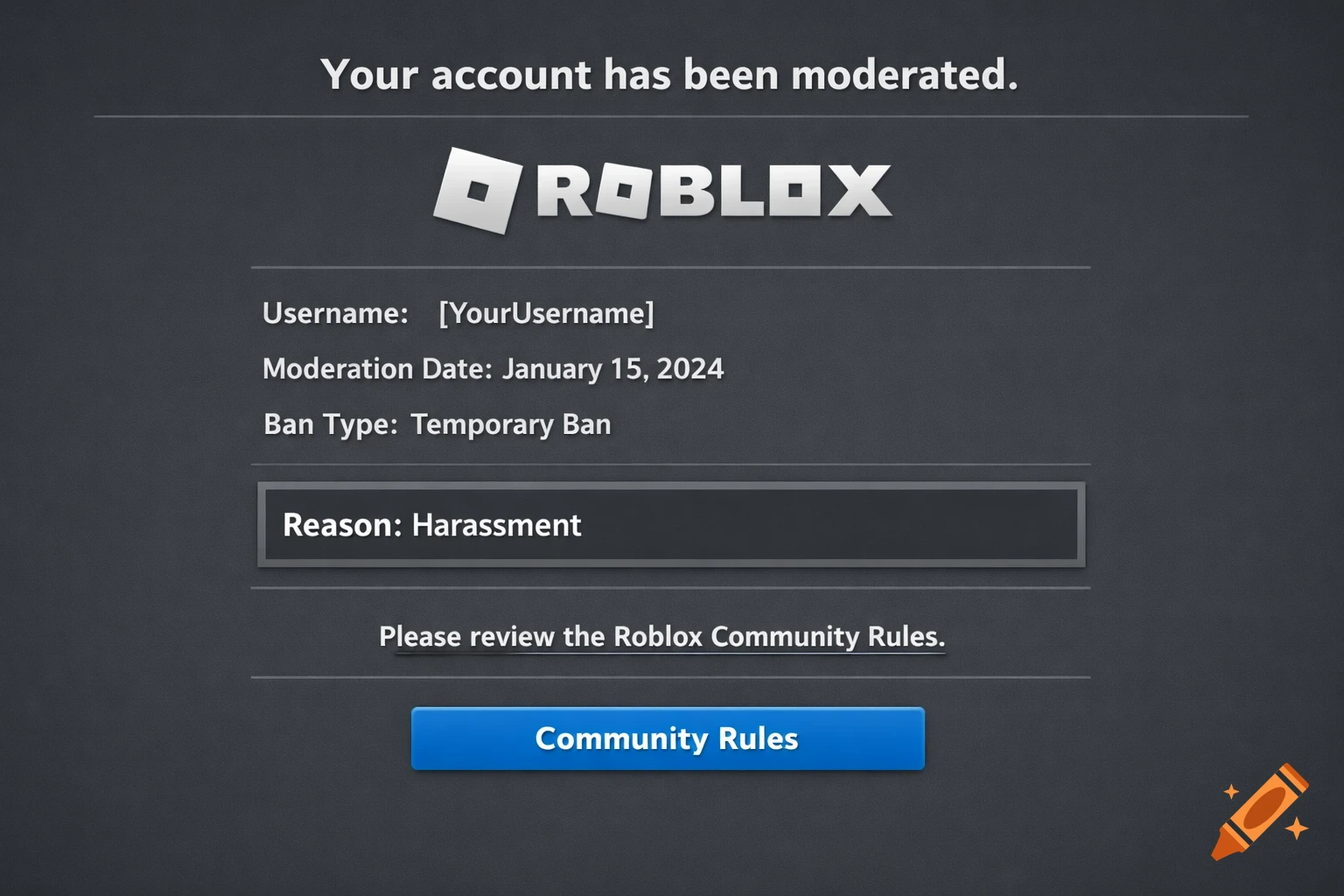
A banned screen on Roblox indicates that your account has been suspended or terminated by Roblox's moderation team for violating their Community Standards or Terms of Use. When you attempt to log in or access the platform instead of your usual dashboard or game lobby you'll see a message explaining that your account has been moderated. This screen typically includes information about the duration of the ban and sometimes a brief reason for the action.
For many gamers this can come as a shock. Roblox employs a robust moderation system utilizing both automated tools and human reviewers to maintain a safe inclusive environment for its diverse player base. Understanding this fundamental aspect is the first step in addressing any account suspension. It’s Roblox's commitment to ensuring a positive experience for everyone from young players to seasoned adults looking for some casual fun.
Why Did My Roblox Account Get Banned Common Reasons Explained
Roblox bans are issued for a variety of reasons all stemming from violations of their strict Community Standards and Terms of Use. Knowing these common triggers is crucial for prevention and for understanding any existing ban. Here are some of the most frequent reasons:
- Inappropriate Content or Behavior: This is broad covering anything from offensive language sexual content harassment discrimination or bullying. Roblox has zero tolerance for content that creates an unsafe or unwelcoming environment. This includes text chat usernames images audio and even game descriptions.
- Exploiting or Cheating: Using third-party software scripts or glitches to gain an unfair advantage in games or manipulate the Roblox platform is a direct violation. This undermines the integrity of the games and the experience for other players.
- Scamming or Phishing: Attempting to trick other users into giving away their personal information Roblox credentials Robux or items is strictly prohibited. This also includes promoting external websites that promise free Robux or items which are almost always scams.
- Sharing Personal Information: For the safety of its users Roblox prohibits sharing personally identifiable information (PII) such as real names addresses phone numbers or social media handles.
- Impersonation: Pretending to be a Roblox administrator famous developer or another prominent user to deceive or exploit others is a serious offense.
- Copyright Infringement: Uploading or using content that you do not own or have permission to use (e.g., copyrighted music images or character models) can lead to moderation action.
- Spamming or Advertising: Repeatedly posting irrelevant messages or excessively promoting external links or products outside of appropriate contexts is also a bannable offense.
Understanding these points helps you navigate the platform responsibly. Many adult gamers, accustomed to more lenient platforms, might inadvertently violate some of these strict rules, especially concerning chat content or sharing links.
How Do I Know If My Roblox Ban is Temporary or Permanent
When you encounter a banned screen on Roblox the message itself usually specifies the duration of the suspension. Bans can range from a few hours or a day for minor infractions to several days weeks or even be permanent for severe or repeated violations. It is important to carefully read the ban message as it will clearly state
Understanding Roblox ban reasons, effective ban appeal process, differentiating temporary vs permanent bans, evidence for appeal, preventing future account suspensions, Roblox Community Standards overview, immediate steps after a ban.
35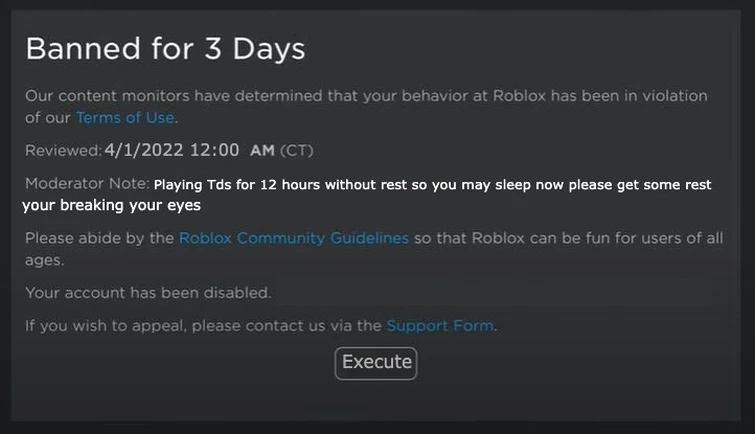

I Edited Roblox Ban Screen Fandom 755. New Interface For Bans And A New Warning System Website Features . Roblox Ban Screens With Their New Current Font R Roblox Ban Screens With Their New Current Font V0 . Is Roblox Banned In The US Unpacking The Rumors 93xzre . A Roblox Ban Screen On A Dark Background Showing The Message Your



How To View Banned Accounts In Roblox 13 Copy 21 . Rare Roblox Bans Heres Another Glitched Ban Screen V0 . How To Fix Stuck On Ban Screen Roblox 2025 Fast Easy Guide YouTube . How To Fix Roblox Error Code 600 Game Bans Appeals T 9 . Wrongly Banned Creating Or Using An Account To Avoid An Enforcement 2 690x358


When Is The Next Roblox Ban Wave Expected 9q00dd . When Is The Next Roblox Ban Wave Expected . How To Message On Roblox 2026 A Quick Guide . I Have Officially Been Banned On Roblox For 1 Year YouTube . Is Roblox Getting Banned In The US Truth About 2026 Ban Roblox Getting Banned




How To View Banned Accounts In Roblox 23 1 . Roblox Bans False Reports Lets Clear This Up 2 1024x530 . When Is The Next Roblox Ban Wave Expected . Roblox Hardware Ban What You Need To Know . Got A Banned Roblox ID What Happens When Your Account Is Restricted Ban Roblox Roblox


Rank The Roblox Ban Screens From Best To Worst R Rank The Roblox Ban Screens From Best To Worst V0 . How To View Banned Accounts In Roblox 26 1 . Banned In The Future Platform Usage Support Developer Forum Roblox . How To Ban Roblox Lets Talk About It . Roblox Hardware Ban What You Need To Know



Rank The Roblox Ban Screens From Best To Worst R Rank The Roblox Ban Screens From Best To Worst V0 . Roblox Hardware Ban What You Need To Know . Roblox Banned Screen . How To View Banned Accounts In Roblox 27 1 . Roblox Banned Screen


Evolution Of Roblox Ban Screen 2008 2020 YouTube . Reinstated 12 16 2025 Banned AGAIN 01 14 2026 Account Hacked 2 690x329 . Roblox Banned Screen . C Mo Eliminar Un Baneo De Roblox En 2026 Apelelar Ban Roblox YouTube . Rank The Roblox Ban Screens From Best To Worst R Rank The Roblox Ban Screens From Best To Worst V0