Discover the most effective and safe methods for how to get the old roblox experience back on your modern devices in 2024. This comprehensive guide covers everything from using specialized browser extensions like BTRoblox and RoGold to explore classic site layouts to diving into highly accurate in game simulations like RetroStudio and Super Nostalgia Zone. We analyze why players are flocking back to the 2008 to 2015 era of gaming and how to safely navigate private servers and version archives. Learn about the technical requirements for running legacy clients and how the preservation community keeps the spirit of the old blocky avatars alive for new generations of gamers to enjoy today. Whether you want the original physics or the iconic blue top bar this navigational guide provides every step needed to transform your current gaming setup into a nostalgic time machine.
Most Asked Questions about how to get the old roblox
How can I get the old Roblox layout back in 2024?
To get the old Roblox layout you should install the BTRoblox or RoGold browser extensions. These tools allow you to customize the website interface by reverting the navigation bar and profile pages to their classic appearances from 2014 to 2016. Always ensure you download these from the official Chrome or Firefox web stores to maintain account security while browsing.
What is the safest way to play old Roblox games?
The safest way to play old Roblox games is through the RetroStudio experience found on the official platform. RetroStudio acts as an emulator that recreates the engine and building tools from the 2009 to 2015 era. This method requires no external downloads and keeps your account safe since you remain within the official Roblox application throughout your entire session.
Are there any games that feel like the original 2008 Roblox?
Yes Super Nostalgia Zone is a highly popular game on the platform specifically designed to replicate the 2008 experience. It features classic maps like Crossroads and Glass Houses with the original sound effects and physics. It is a fantastic way to experience the early days of the platform without needing to install any third party software or legacy clients.
Can I still use a Guest account in Roblox?
Official Guest accounts were removed by the developers in 2017 to encourage account creation and improve security. However you can still simulate the Guest experience by using the classic Guest avatar skin tones and clothing in the avatar editor. Some nostalgic games like RetroStudio also allow you to toggle a Guest appearance for your character while you are playing.
How do I fix bugs when playing old versions on private servers?
When using private servers like Novetus bugs are often fixed by adjusting the compatibility settings of the launcher. Ensure you are running the client in administrator mode and check the community forums for specific patches related to modern Windows updates. Most legacy clients require specific older versions of DirectX to run smoothly so keep those drivers updated on your gaming PC.
Summarizing the Old Roblox Experience
Getting the old Roblox experience today is all about choosing the right tools for your specific needs. Whether you want the old website look or the original blocky gameplay there are community driven solutions like BTRoblox and RetroStudio that make it possible. These projects are built by fans who want to preserve the creative history of the platform for everyone to see. It is amazing how much effort has gone into making sure that the early days of digital building are not lost to time.
Ultimately the most important thing is to stay safe while you explore. While external clients offer the most authentic feel staying within the official app using nostalgic recreations is the best way to protect your account. The community is constantly updating these tools so you can always find a way to revisit your favorite childhood memories. It is a great reminder of how far gaming technology has come while celebrating the simple joy of where it all started.
Many gamers today find themselves asking how to get the old roblox back because the modern interface feels a bit too corporate compared to the wild west days of 2010. I remember the first time I logged in and saw that classic blue top bar and the simple blocky avatars that defined a generation of creativity. It was a time of simple physics and experiments. If you are looking to reclaim that magic you are in the right place because the community has built some incredible tools to help you travel back in time safely and easily. This article serves as the ultimate living FAQ for anyone trying to navigate the nostalgic waters of classic gaming while keeping their modern accounts secure from threats.
The Core Appeal of Classic Roblox
Why do we all want to go back to the old days of the platform anyway? For many it is the simplicity of the games like Crossroads or the original Chaos Canyon that offered pure fun without the complex monetization of today. The question of how to get the old roblox is really about finding that specific feeling of 2008 through 2014 when every game felt like a new frontier. Modern updates have improved the engine but they also removed some of the quirky glitches and physics interactions that made the old games so charming and unique to play.
The Rise of RetroStudio and In-Game Emulators
The safest and most popular way to experience the past is through RetroStudio which is an actual game you can find on the modern platform. It acts as a dedicated engine within an engine allowing you to build and play games exactly as they appeared in 2009 or 2012. You do not have to download any suspicious files or worry about account bans because it operates entirely within the official ecosystem. This is the perfect starting point for beginners who want to see what the fuss is about without any technical headaches or security risks.
- RetroStudio offers a complete historical editor for creators
- Super Nostalgia Zone provides a curated list of original games
- Classic physics are replicated using modern scripting techniques
- No external downloads are required for this specific method
Using Browser Extensions for the Vintage Look
If your version of how to get the old roblox involves the website layout itself you should look into browser extensions like BTRoblox or RoGold. These tools allow you to toggle on features that revert your profile page and the home screen to the older styles we used to love. You can bring back the old sidebar or the classic inventory layouts with just a few clicks in the settings menu. It is important to only use trusted extensions from the official Chrome or Firefox stores to ensure your login data remains private and protected at all times.
Advanced Methods and Private Servers
For the more tech-savvy players seeking how to get the old roblox through actual legacy clients there are projects like Novetus. These are standalone applications that allow you to host private servers running specific versions of the game from 2006 to 2011. While these are amazing for preservation you must be careful because they operate outside of the official moderation systems. Always use these in a sandbox environment and never share your main account password on any third-party launcher or community server that is not officially recognized by the developers.
Beginner / Core Concepts
1. **Q:** How can I make my avatar look like an old guest or noob for free today?
**A:** I get why this is such a common goal because the classic noob look is iconic. To do this you just need to go into your avatar editor and remove all modern layered clothing. You should set your skin colors manually to bright yellow for the head and arms bright blue for the torso and green for the legs. It is a quick way to show you appreciate the history of the game. You've got this!
2. **Q:** Is it actually legal to play old versions of the game on private servers?
**A:** This is a great question that many people worry about. Generally playing old clients for personal use or on private community servers is considered a grey area but it is mostly safe as long as you aren't profiting from it. The community focuses on preservation rather than competition with the main site. Stick to well-known projects like Novetus to stay on the right side of the community guidelines. Try it out with some friends this weekend!
Intermediate / Practical & Production
3. **Q:** Which browser extension is the safest for changing the website layout?
**A:** I totally understand wanting to be safe with your account. BTRoblox is widely considered the gold standard because it has been around for years and is open source. It lets you change the header color and layout to match the 2014 or 2016 styles very easily. Just make sure you download it from the official web store and not a random link you found on a forum. You're going to love the new look!
4. **Q:** Can I still find original games like Crossroads in their unedited form?
**A:** Yes you absolutely can and it is easier than you think. Searching for Super Nostalgia Zone is your best bet because they have archived the original maps with the old scripts intact. Most modern versions of these maps have been updated with new lighting which ruins the vibe so look for the archived versions instead. Go check out the classic maps and see how different the jumping feels!
Advanced / Research & Frontier
5. **Q:** How do those old physics engines actually work compared to the new ones?
**A:** This is where things get really interesting for the tech enthusiasts. The old engine used a different solver for collisions which made things like corner clipping and wall hopping possible. Modern servers use a more stable system that prevents these glitches which is why the old games feel different today. If you want that specific bouncy feeling you have to play on a legacy client that uses the older physics dll files. It is a deep rabbit hole but very rewarding to explore!
Quick Human-Friendly Cheat-Sheet for This Topic
- Always use RetroStudio for the safest nostalgia trip
- Download BTRoblox only from official browser stores
- Never share your main account password on private launchers
- Set your avatar colors to the classic noob palette for instant vibes
- Check out the Roblox Archive on GitHub for technical history
Safe use of RetroStudio and Super Nostalgia Zone in game apps. Browser extensions like BTRoblox for vintage UI layouts. Understanding the history of legacy clients and private servers. Security tips for protecting your current account while exploring old versions. How the physics engine changes affect gameplay in nostalgic maps.
35


How To Get Old ROBLOX YouTube . How To Get Old Roblox Loading Screen Back Quick Easy YouTube . How To Get Old Roblox Studio UI 2026 YouTube . How To Get Old Roblox Menu Cursor And OOF Sound Easy And Simple . How To Get OLD Roblox Studio UI BACK 2026 OUTDATED IT DOENSN T WORK

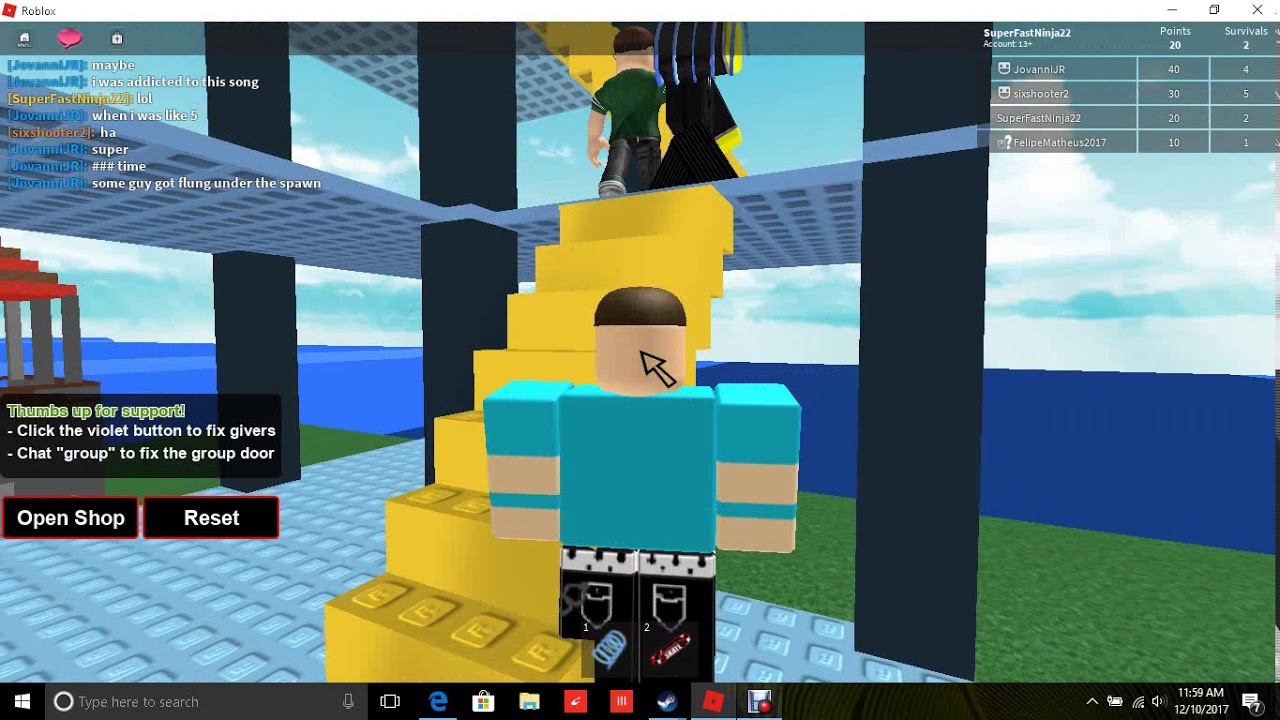


How To Get Back OLD NEW Menu In Roblox Easy YouTube . How To Get Old Roblox Textures And Sounds YouTube . How To Get The Old Roblox Studio GUI YouTube . How To Get The Old Roblox Menu Back YouTube . How To Recover Old Roblox Account Without Email Password New Process


UPDATED 2024 How To Get The OLD CURSOR BACK ROBLOX YouTube . HOW TO GET THE OLD ROBLOX YouTube . How To Get Old Roblox Back NO DOWNLOADS YouTube . How To Get Old Materials On Roblox Studio 2025 YouTube . How To Get Old Roblox Ui After Bloxstrap S Update Mxve Mp3 Mp4 Mqdefault


How To Get The OLD ROBLOX Back In 2022 YouTube . How To Get Old Cursor Back In Roblox Full Guide YouTube . HOW TO GET THE OLD ROBLOX LAYOUT BACK 2018 YouTube . How To Get The OLD Roblox UI In 2024 YouTube . How To Get Old Roblox Ui Game Xbox Ui Launcher YouTube


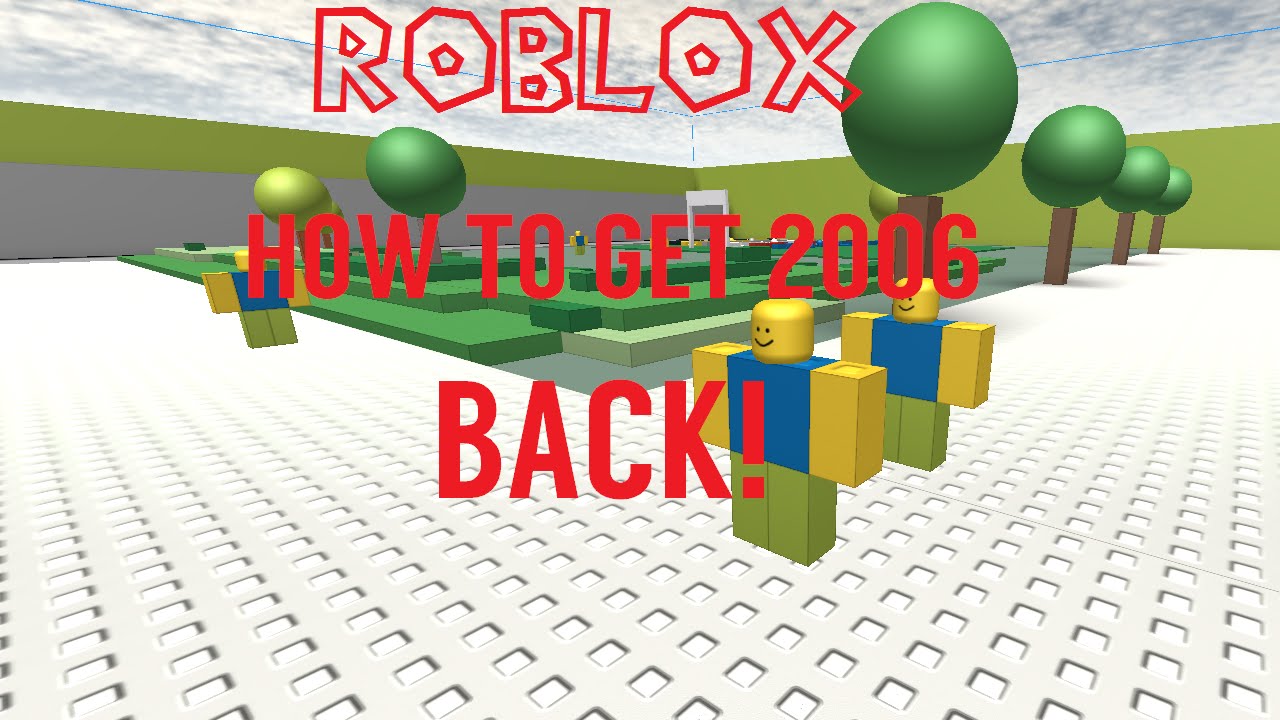

How To Get Back Old Loading Screen In Roblox Question For Roblox . Definitive Guide To Roblox 2026 TM 07169 Definitive Guide To Roblox 2026 . How To Get Old Roblox Cursor Back UPDATED YouTube . How To Get 2006 ROBLOX Back YouTube . Roblox R6 Explained What Does It Really Mean Oar2


Roblox Old Sign 1 9 . How To Message On Roblox 2026 A Quick Guide SL1500 . When Did Roblox Come Out Answering Your Questions . How To Get The Old Roblox Ui With Bloxstrap YouTube . How To Get Old Roblox Cursor In 2026 YouTube



READ PINNED COMMENT How To Get The Old Roblox Chat In Roblox Studio . How To Get Old Roblox Studio Textures Back Roblox Studio YouTube . Roblox Account Recovery Your Guide To Getting Back In 2 1024x865 . How To Get Old Roblox Back In 2021 WORKING 2021 YouTube . 2026 How To RECOVER ROBLOX ACCOUNT WITHOUT EMAIL OR PHONE NUMBER