Navigating the digital playground of Roblox safely is a top priority for adult gamers balancing work and family life. This comprehensive guide will show you how to lock down Roblox accounts, providing peace of mind and protecting your children from online risks. Learn essential steps for robust account security, enabling powerful parental controls, configuring privacy settings to limit interactions, and preventing unauthorized Robux purchases. Discover how to leverage Roblox's built-in safety features, understand common threats, and implement best practices for a secure and enjoyable gaming experience. This informational resource is trending among parents seeking practical solutions for digital safety, offering clear, actionable advice to safeguard young players and maintain a balanced household where gaming thrives securely. Secure your family's Roblox experience with these vital tips.
How do I set up a Parent PIN on Roblox?
You can set up a Parent PIN in the Account Settings under the Parental Controls tab. This PIN prevents others from changing account settings without your approval, adding a crucial layer of security, especially for safeguarding privacy and purchase options.
What are the recommended privacy settings for a child's Roblox account?
For optimal privacy, navigate to Settings then Privacy. Adjust 'Who can message me', 'Who can chat with me in app', and 'Who can invite me to VIP Servers' to 'Friends' or 'No one'. Also, limit 'Who can make me a friend' to 'No one' for younger users to control social interactions.
How can I enable Two-Step Verification (2SV) for a Roblox account?
To enable 2SV, go to Account Settings, then the Security tab. You'll need a verified email address. Turn on '2 Step Verification' and follow the prompts to enter codes sent to your email whenever a new device logs in, significantly boosting security against unauthorized access.
Can I restrict what games my child can play on Roblox?
Yes, through Parental Controls, you can set age-based experience restrictions. This limits the types of games your child can access based on their age rating (e.g., 9+, 13+), ensuring they only play content deemed appropriate and aligned with your family's values.
How do I prevent unauthorized Robux purchases on Roblox?
To prevent unwanted spending, ensure credit card details are not saved to the account and set up a Parent PIN to approve all purchases. For mobile, utilize device-level purchase restrictions through your app store settings, adding robust financial control.
What should I do if my child encounters inappropriate content or users on Roblox?
If your child experiences anything inappropriate, immediately use the 'Report Abuse' button located near chat messages or player profiles. Explain the issue clearly in the report. You should also block the user and then discuss the incident with your child to reinforce online safety.
Is it possible to view my child's chat history on Roblox?
While direct parental access to full chat logs isn't available on Roblox itself, you can generally see who your child is friends with and monitor their activity feed for public interactions. For stricter control, setting chat to 'No one' or 'Friends' and regular communication are effective strategies.
Balancing a demanding job, family responsibilities, and a passion for gaming isn't easy. You crave those moments of relaxation, skill-building, or social connection that gaming provides. But then there's the other side: ensuring your kids can enjoy their digital worlds safely, especially on platforms like Roblox. It's a common dilemma for busy adults: how do you provide freedom and fun without constant worry about online risks, inappropriate content, or accidental spending? You're not alone. Given that 87% of US gamers play regularly, often for 10+ hours a week, and mobile gaming dominates, platforms like Roblox are central to many households. The good news is, you absolutely can lock down Roblox accounts effectively, giving your children a secure space to play while you focus on your own well-deserved gaming or family time. This guide is your practical roadmap to securing Roblox, designed for adult gamers who value efficiency, real solutions, and peace of mind.
We understand that you don't have hours to dig through complicated menus. You need clear, actionable steps that address common pain points: setup issues, privacy concerns, and unexpected in-game purchases. Let's dive into how to lock down Roblox, transforming potential worries into confident control over your family's online gaming experience. By implementing these strategies, you'll be well-equipped to navigate the Roblox universe securely, ensuring your kids can build, play, and socialize safely, just as you manage to balance your own gaming passions with life's other demands.
Why is Locking Down Roblox Important for Busy Parents?
For adult gamers juggling careers and family, understanding why robust Roblox security is crucial boils down to protecting your peace of mind and your wallet. Roblox, a massively popular platform, allows millions to create and play, but with that openness comes potential risks: exposure to inappropriate content, cyberbullying, unauthorized access to accounts, and accidental in-game purchases. These aren't just abstract threats; they're real concerns that can disrupt family harmony and lead to financial surprises. By proactively securing your child's Roblox experience, you're not just setting up digital boundaries; you're safeguarding their online well-being and your family's financial stability, ensuring that gaming remains a positive, stress-free activity.
How Do I Enable Two-Step Verification (2SV) on Roblox?
Two-Step Verification, or 2SV, is a non-negotiable security layer for any Roblox account, especially those associated with a child or linked to payment methods. It's essentially a digital bouncer that requires an extra code in addition to the password whenever someone tries to log in from an unrecognized device. To activate it, first ensure the account has a verified email address. Then, navigate to 'Account Settings,' select the 'Security' tab, and toggle '2 Step Verification' to 'On.' You'll receive a prompt to confirm via email. This simple step dramatically reduces the risk of unauthorized access, protecting your account from potential hackers and giving you peace of mind.
What Are the Best Parental Control Settings on Roblox?
Roblox offers a robust suite of parental controls designed to empower adults. The most critical step is setting up a Parent PIN within the 'Parental Controls' section of the 'Account Settings.' This PIN prevents anyone from changing settings or making purchases without your approval. Once the PIN is active, you can then set 'Account Restrictions' to limit the types of experiences (games) your child can play based on age ratings. For instance, you can restrict access to experiences rated for 9+ or 13+, ensuring content appropriateness. These controls are your primary tools for curating a safe environment.
How Can I Manage Privacy Settings to Protect My Child?
Effective privacy settings are paramount for controlling who your child interacts with on Roblox. In 'Account Settings,' under the 'Privacy' tab, you'll find options to manage communication and interaction. For younger children, consider setting 'Who can message me,' 'Who can chat with me in app,' and 'Who can invite me to private servers' to 'Friends' or even 'No one.' This significantly reduces exposure to strangers. You can also manage 'Who can make me a friend,' which, for very young players, can be set to 'No one' to prevent unsolicited friend requests. Regularly review these settings as your child grows and their needs change.
What Steps Prevent Unauthorized Access to a Roblox Account?
Preventing unauthorized access goes beyond just 2SV. First, ensure a strong, unique password is used and never shared. Regularly changing passwords every few months is also a good practice. Second, educate your child about phishing scams and never clicking suspicious links or sharing account details. Third, avoid saving login information on shared devices. Finally, review 'Login Sessions' in the security settings to see all active logins and log out any unfamiliar devices. Proactive password management and digital literacy are key defenses.
How Do I Report Inappropriate Content or Behavior on Roblox?
Roblox is committed to user safety and provides accessible tools for reporting. If your child encounters inappropriate content, bullying, or suspicious behavior, they (or you) should use the 'Report Abuse' feature. This button is typically found near chat messages, player profiles, or within game menus. Select the specific reason for the report and provide clear details. You can also block the user, which prevents them from interacting with your child. It's vital to teach your child how and when to use these reporting tools, empowering them to act responsibly online.
Can I Set Spending Limits for Robux Purchases?
Unexpected Robux purchases are a common pain point for parents. To avoid this, first and foremost, ensure that no credit card details are saved to the Roblox account. Whenever a purchase is attempted, require re-entry of payment information. Secondly, the Parent PIN (mentioned earlier) can be configured to restrict spending, requiring the PIN for any Robux purchases. For mobile gamers, you can also leverage device-level purchase restrictions through your device's app store settings (Apple App Store or Google Play Store), adding another layer of protection. Clear communication with your child about spending rules is also crucial.
What Are Safe Gaming Practices for Roblox Players?
Beyond technical settings, fostering safe gaming practices is essential. Teach your children never to share personal information like their real name, age, address, school, or phone number online. Encourage them to tell you if anything makes them feel uncomfortable. Emphasize that online friends are not the same as real-life friends and they should never agree to meet up with someone they only know from Roblox. Regularly discuss their gaming experiences, asking open-ended questions about what they're playing and who they're playing with. This open dialogue helps build trust and ensures they feel comfortable coming to you with concerns.
How Do I Review and Monitor My Child's Activity on Roblox?
While Roblox doesn't offer a direct parental dashboard for comprehensive chat logs, you can still monitor activity effectively. Periodically check their 'Friends' list to see who they're connecting with. Review their 'Recently Played' experiences to understand what games they're engaging in. You can also observe their 'Activity Feed' for any public posts or interactions. For more real-time monitoring, consider using third-party parental control software that operates at the device or network level. The most effective monitoring, however, comes from consistent communication and a trusting relationship with your child.
Are There Third-Party Tools to Enhance Roblox Security?
Yes, while Roblox offers strong built-in features, several third-party tools can further enhance overall digital security. These often include device-level parental control apps that can set screen time limits, filter web content (including within browsers used for Roblox access), and provide activity reports across all apps. Network-level solutions, like smart DNS filters or specialized routers, can also block access to specific categories of content or even entire websites. Always research and choose reputable software that respects privacy and complements Roblox's native security measures. Many busy adult gamers find these tools invaluable for managing screen time and content across multiple platforms seamlessly.
You've made it! By implementing these strategies for how to lock down Roblox, you're not just installing digital safeguards; you're investing in your child's online safety and your own peace of mind. It's about empowering them to enjoy gaming while you manage your busy life, knowing their digital playground is secure. Remember, staying current with settings and having open conversations are your best tools. What's your biggest gaming security challenge? Comment below and share your insights!
FAQ Section
Is Roblox safe for young children?
Roblox can be safe for young children when appropriate parental controls are enabled, privacy settings are adjusted, and regular monitoring and communication are maintained. These measures help filter content and interactions to create a more secure environment.
How often should I check Roblox settings?
It's wise to review Roblox settings periodically, especially after major platform updates or as your child grows older and their online habits evolve. A quarterly check or after any significant account activity is a good practice to ensure everything remains optimized.
Can I restrict who my child talks to on Roblox?
Yes, absolutely. Within the 'Privacy' settings of a Roblox account, you can restrict who your child can chat with in the app and who can message them, typically limiting interactions to 'Friends' or even 'No one' for maximum security.
What is a PIN and why is it important for Roblox?
A Parent PIN is a four-digit code you set in the 'Parental Controls' section of Roblox. It's crucial because it prevents unauthorized changes to account settings, including privacy, spending limits, and experience restrictions, without your explicit approval.
Does Roblox offer age-appropriate experiences?
Yes, Roblox uses an experience guidelines system that includes content ratings to help parents and players filter games based on age appropriateness. You can set account restrictions using these ratings in the 'Parental Controls' section.
What if my child accidentally shares personal info?
If your child accidentally shares personal information, immediately adjust their privacy settings, block the user they shared with, and use the 'Report Abuse' feature to notify Roblox support. Teach your child never to share private details online.
Roblox account security, parental controls, privacy settings, two-step verification, Parent PIN, spending limits, safe gaming practices, reporting inappropriate content, monitoring activity, preventing unauthorized purchases.
35

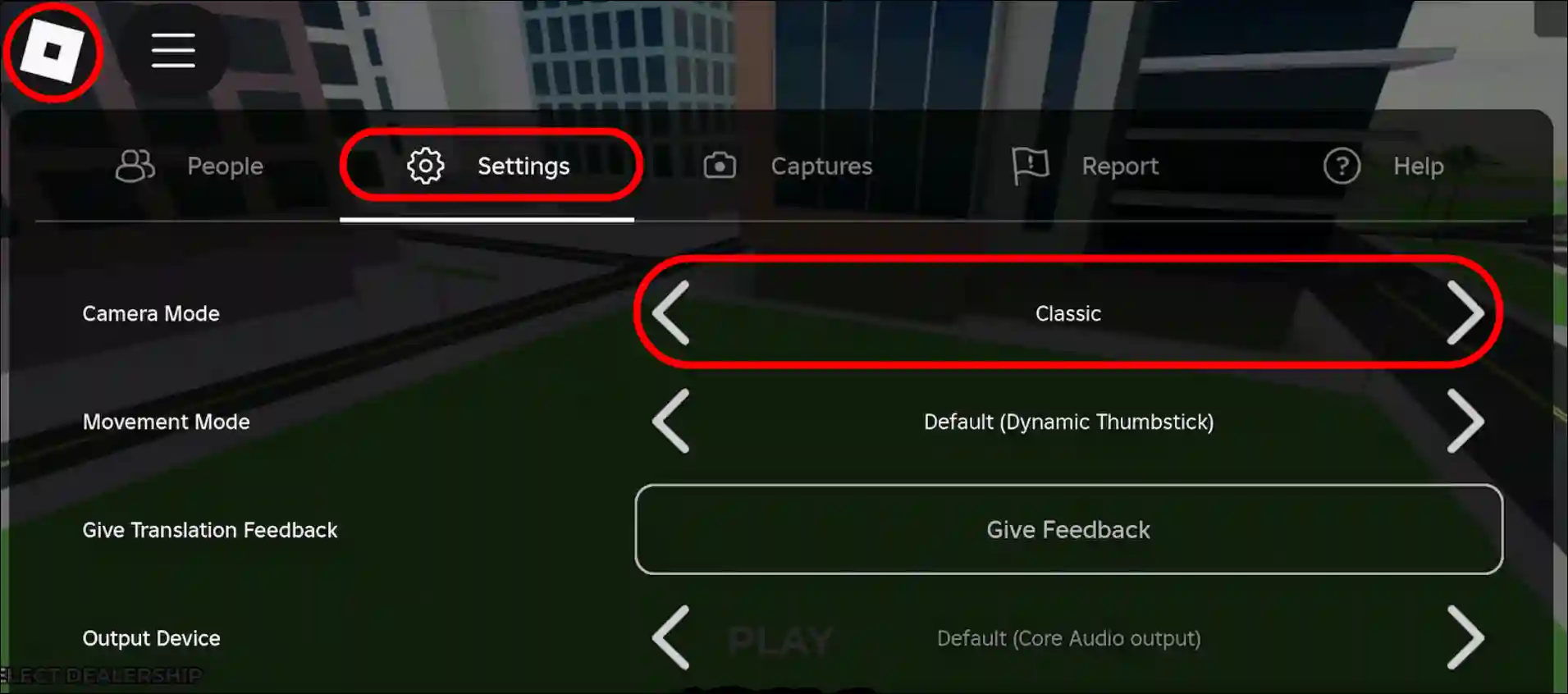
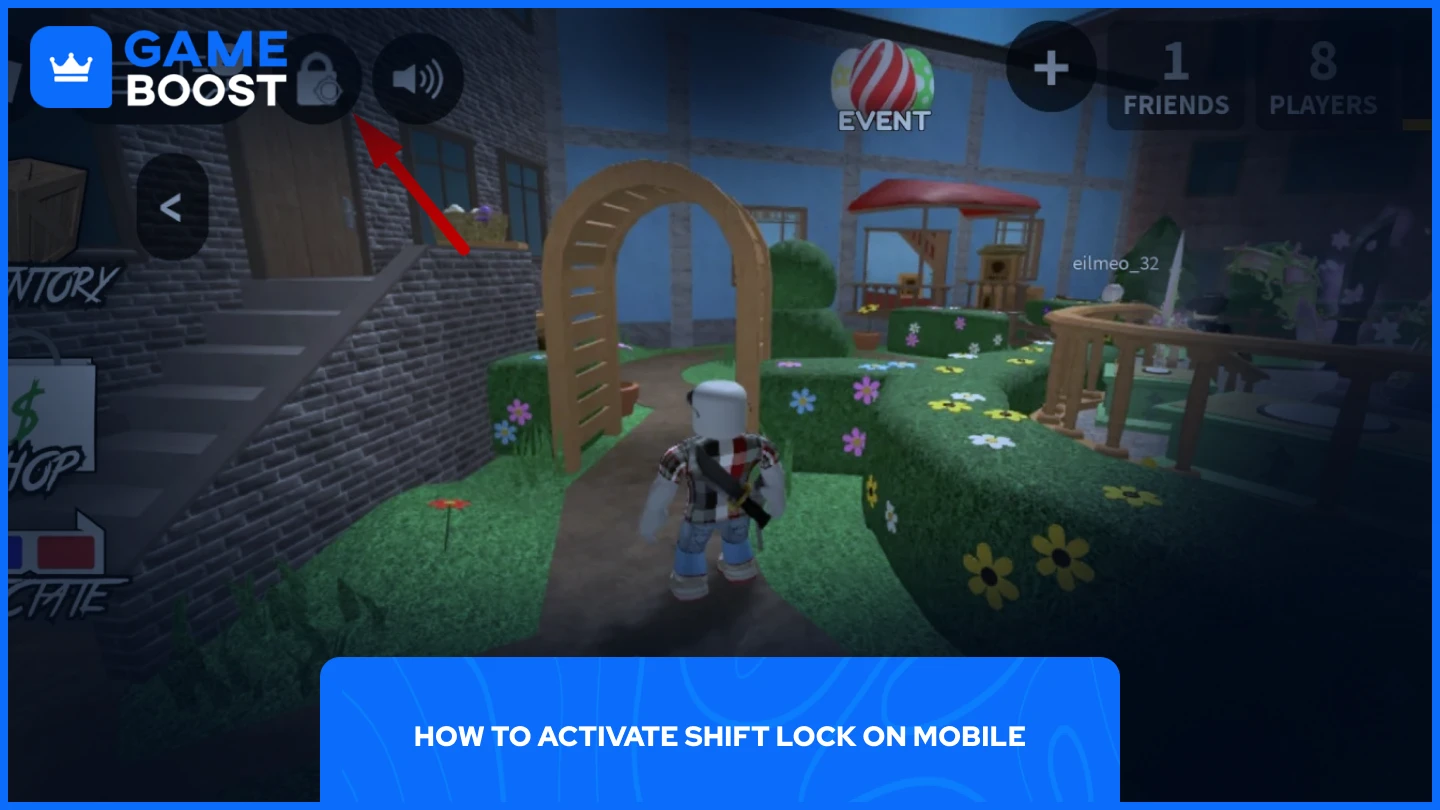

How To Enable Shift Lock On Roblox Mobile March 2026 Guide How To Enable Shift Lock On Roblox Mobile . How To Enable Shift Lock On Roblox Mobile March 2026 Full Guide Enable Shift Lock On Roblox Mobile . How To Get Or Enable Shift Lock On Roblox Mobile And PC 2026 Techy Get Shift Lock On Roblox Mobile.webp. Shift Lock Roblox 1fd75767 7800 4c5d Ba4e. How To Enable Shift Lock In Roblox Step By Step Guide 6dad346d B853 4217 A7ec


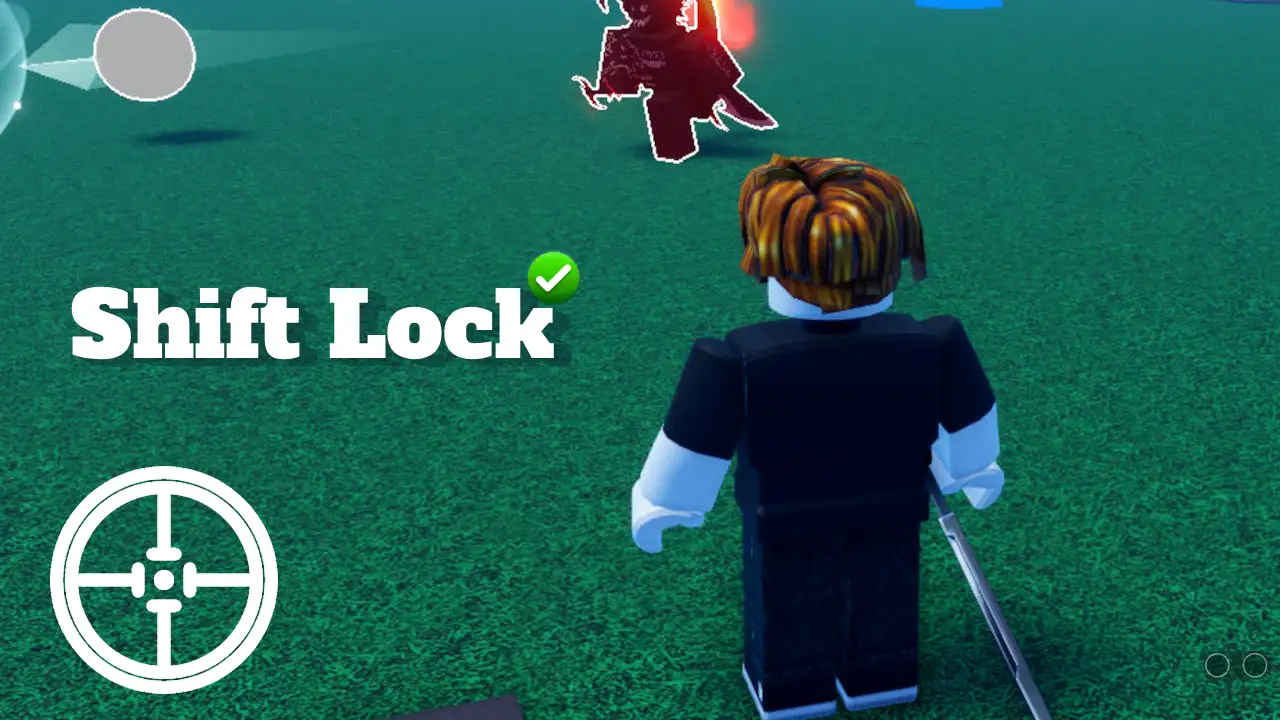

How To Add Shift Lock In Roblox Studio 2025 800x450. How To Lock Screen In Roblox PC H Ng D N Chi Ti T V C C M O T I U V4 460px Shift Lock On Roblox Step 9 . How To Shift Lock On Roblox Sddefault . How To Get Or Enable Shift Lock On Roblox Mobile And PC 2026 Techy Get Enable Shift Lock Roblox Mobile Pc.webp. Roblox Mouse Shift Lock Roblox Shift Lock PING


Roblox Shift Lock Not Working Here S How To Fix It Roblox Shift Lock Not Working How To Fix . How To Enable Shift Lock In Roblox Step By Step Guide 27be1944 D154 4947 9deb Webp.webp. Roblox Shift Lock Is Not Working How To Fix Shift Lock On Min . How To Lock Mouse When Looking Around In Roblox 2024 YouTube . How To Do Shift Lock On Roblox Windows Mac 2026 YouTube
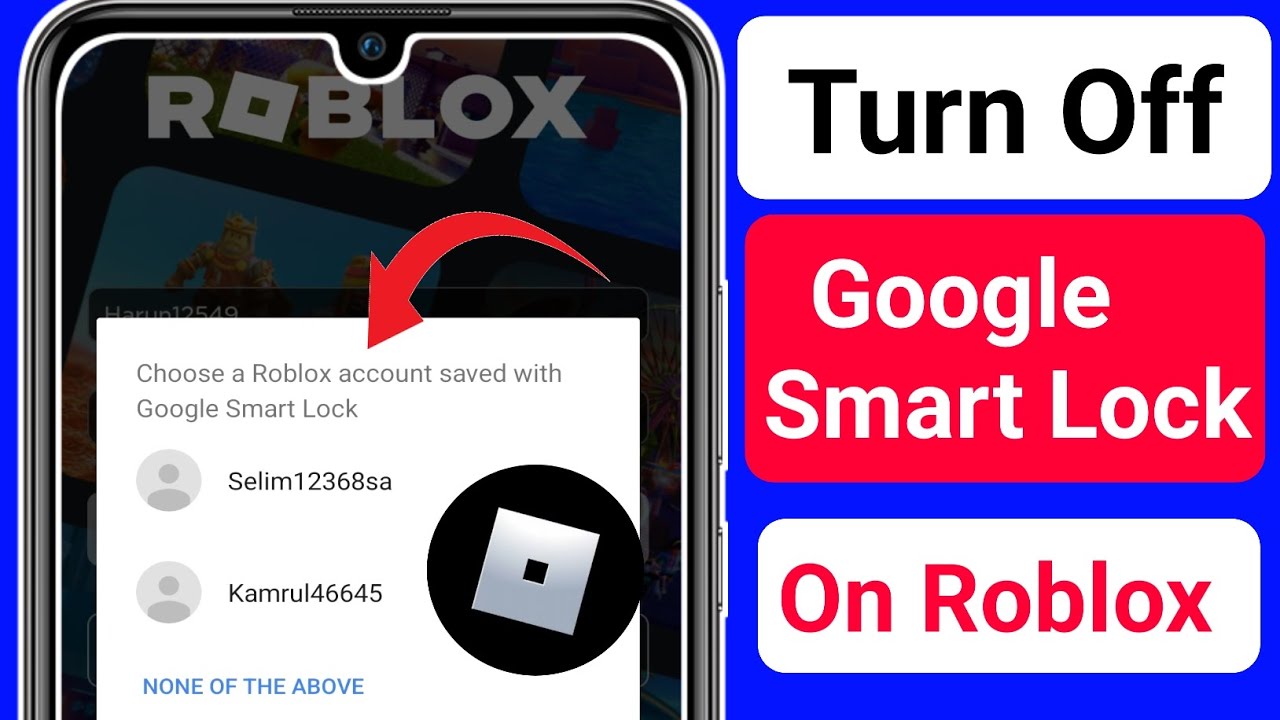



What Is Google Smart Lock On Roblox At Ryan Moorman Blog . Best Roblox VPN 2026 Security And Unlimited Access For Players VPN Roblox 2026 Terbaik Melindungi Privasi Dan Akses Tanpa Batas 3756ba1bbf . Roblox Is Shutting Down Games Without Age Ratings May 2026 What Roblox Is Shutting Down 768x419 . Is Roblox Down Check Server Status In March 2026 Live Updates Is Roblox Down . A Mother Or Father S Information To Utilizing Roblox In 2026 Ivugangingo 2026 Parental Guide For Roblox Usage UnicMinds

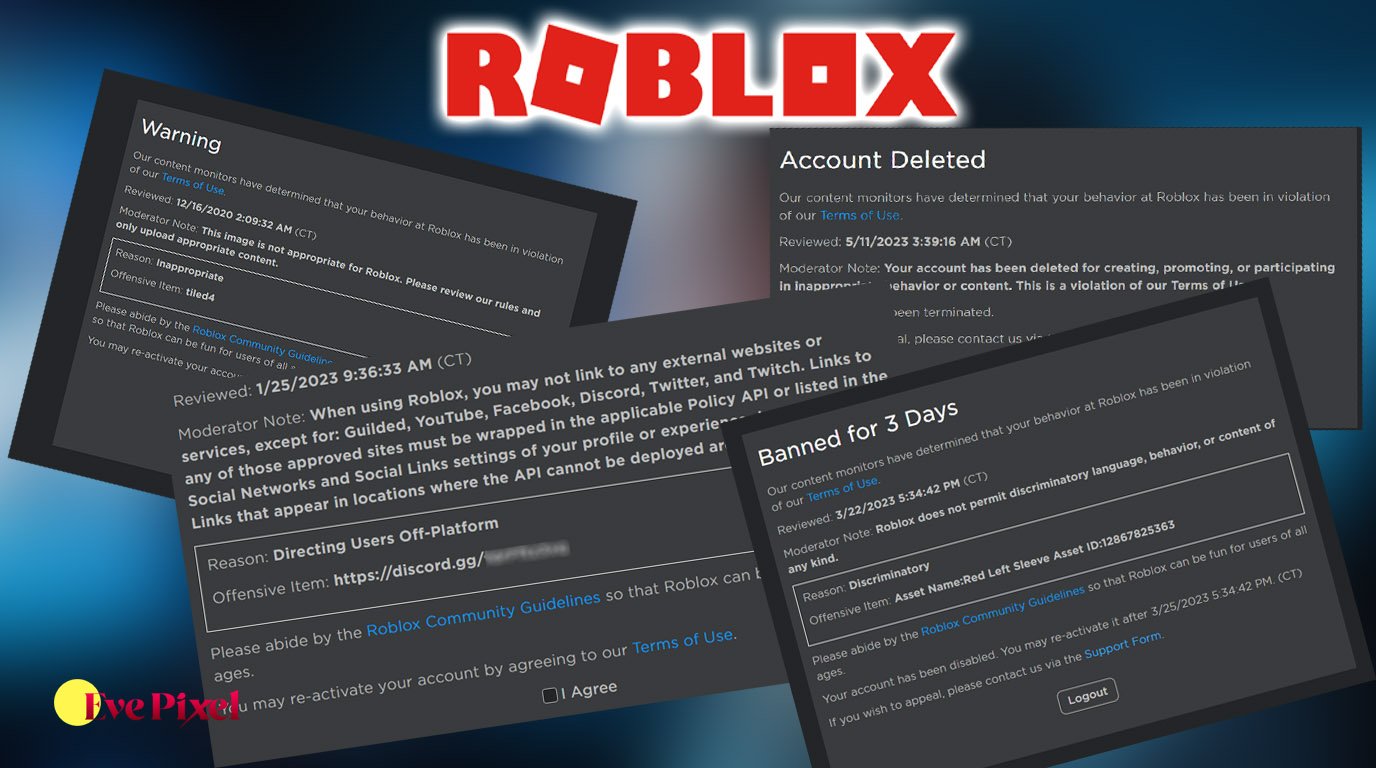


Roblox Shutting Down Today Lets Get The Facts Straight Roblox Shutting Down 2025 768x512 . Trends Is Roblox Shutting Down . Roblox Moderation System Changes Impact 2026 Roblox Moderation System Changes Impact 2026 . How To Publish A Game On Roblox In 2026 Roblox YouTube . Down Roblox H Ng D N To N Di N V Nh Ng I U B N C N Bi T




Roblox Me Command What Does It Actually Do NoFilter. Is Roblox Shutting Down Here Is What Parents Need To Know Roblox 3 . How To Message On Roblox 2026 A Quick Guide SL1500 . Is Roblox Down Right Now Issues Roblox Error Code 112 . How To Download Roblox On Any Device Easily In 2026 1200x1769



Lost Roblox Password How To Find Yours In 2026 . Is Roblox Down March 1 2026 Roblox Down DesignTAXI Community. How To Shift Lock On Roblox 2024 Easy Tutorial YouTube . Is Roblox Down April 1 2026 Roblox Down DesignTAXI Community Image . How To Turn ON Shift Lock In Roblox 2024 YouTube