Ever wondered how to truly stand out in the bustling world of Roblox? Customizing your avatar is key and learning how to make Roblox faces can elevate your game experience significantly. This comprehensive guide is tailored for adult gamers who enjoy personalizing their digital presence, balancing their passion for gaming with real-world responsibilities. We dive deep into the creative process, offering practical steps and expert tips to design, upload, and even sell your unique face creations. Whether you are looking to express a specific mood, showcase your artistic skills, or simply add a unique flair to your character, mastering custom Roblox faces is a rewarding endeavor. Discover the tools, techniques, and community insights that will transform your Roblox avatar from ordinary to extraordinary. This resource aims to empower you to enhance your social gaming interactions and unleash your creative potential without unnecessary complexity or time sinks, addressing common pain points like getting started and optimizing your creations for various platforms.
How do I get started with making custom Roblox faces as a beginner?
To begin making custom Roblox faces, start by downloading the official Roblox face template, which is a 420x420 PNG file found online. Next, choose a user-friendly image editing software like GIMP (free) or Photopea (web-based). Load the template into your chosen software and design your face on a new layer, focusing on eye and mouth placement using the template as a guide. Keep your initial designs simple to learn the ropes. Save your finished work as a transparent PNG file before uploading it to Roblox Studio.
What are the best free tools for designing Roblox faces without spending money?
For budget-conscious gamers looking to design Roblox faces, GIMP (GNU Image Manipulation Program) is an excellent, full-featured desktop alternative to Photoshop, offering extensive tools for detailed work. Photopea, a free web-based photo editor, is another fantastic option that runs directly in your browser and mimics Photoshop's interface, making it very accessible. Paint.NET, available for Windows, provides a good balance of simplicity and advanced features. These tools allow you to create high-quality face textures without any financial investment.
Can I make Roblox faces on my mobile device, and what apps should I use?
While PC-based software offers more precision, you can indeed make Roblox faces on mobile devices. For Android, apps like Ibis Paint X or Autodesk Sketchbook provide drawing and layering capabilities. On iOS, Procreate Pocket (paid) or Ibis Paint X (free) are strong contenders. You will need to import the 420x420 Roblox face template into the app and carefully draw your design. Keep in mind that fine details can be challenging on smaller screens, but for simpler, expressive faces, mobile is a viable option for many busy gamers who often game on the go.
How do I ensure my custom Roblox face passes moderation quickly?
To ensure your custom Roblox face passes moderation quickly, adhere strictly to Roblox's community guidelines. This means avoiding any copyrighted material, offensive content, or anything sexually explicit or violent. Keep your designs clean, original, and appropriate for all ages. Double-check that your image is a 420x420 transparent PNG and correctly aligned with the template. Simple, clear designs generally get approved faster. Testing the face in Roblox Studio before official upload can also help catch any visual issues that might otherwise cause delays.
What are some creative tips for making unique and trending Roblox faces?
To create unique and trending Roblox faces, consider current popular aesthetics on the platform like Y2K, minimalist, or specific role-playing expressions. Experiment with varying eye shapes, mouth styles, and even subtle cheek details. Think about how your face conveys emotion or character. Utilizing complementary color palettes and slight shading can add depth. Follow popular Roblox creators for inspiration but always strive for originality. Creating faces that cater to diverse styles or specific game genres can also increase their appeal, helping your creations stand out in the bustling Avatar Shop.
What are the requirements for selling custom Roblox faces on the Avatar Shop?
To sell custom Roblox faces on the Avatar Shop, you typically need to be accepted into the Roblox User-Generated Content (UGC) Program. This program has specific criteria, which often include a proven track record of creating quality assets and adherence to Roblox's community standards. Once accepted, you can upload your face as a UGC item, set a price in Robux, and make it available for others to purchase. Stay updated on the latest requirements on the Roblox Creator Hub, as the program's accessibility can evolve.
Why would a busy adult gamer invest time in making custom Roblox faces?
For busy adult gamers, investing time in making custom Roblox faces offers a unique blend of relaxation, creative expression, and skill-building. It is a rewarding hobby that allows them to personalize their digital identity, making their avatar truly their own without significant financial outlay thanks to free design tools. This creative outlet provides a mental break from daily routines, fosters a sense of accomplishment, and enhances social interactions by making their avatar more recognizable and expressive. It also offers a taste of the creator economy, potentially even earning some Robux, making it a valuable use of their precious gaming time.
In the vibrant, ever-expanding universe of Roblox, where creativity knows no bounds, one of the most personal ways to express yourself is through your avatar. For many of us who juggle work, family, and life's other demands, gaming is a cherished escape—a chance to unwind, connect with friends, and build something cool. And nothing screams 'you' quite like a custom touch. Forget generic smiles or frowns; we're talking about faces that truly reflect your personality, your mood, or even your inside jokes. With an estimated 87 percent of US gamers regularly diving into virtual worlds, often for 10 or more hours a week, and mobile gaming continuing its dominance, personalized avatars are more crucial than ever for social connection and standing out in a crowded digital space.
You might be thinking, "That sounds great, but I barely have time to play, let alone learn graphic design." We hear you. The good news is that learning how to make Roblox faces isn't as daunting as it seems. This guide is crafted specifically for you, the busy adult gamer who values practical solutions, clear instructions, and tangible results without all the hype. We'll demystify the process, from choosing the right tools to uploading your masterpiece, ensuring you can enhance your Roblox experience efficiently and effectively. Let's unlock your creative potential and give your avatar the face it deserves!
What Exactly Is a Roblox Face and Why Customize It
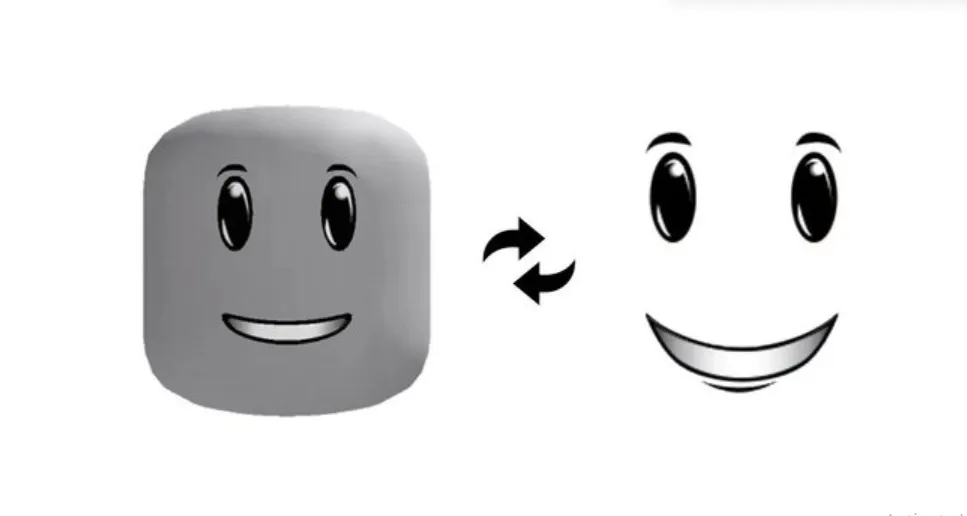
A Roblox face is essentially a 2D image texture that's applied to the front of your Roblox avatar's head. It dictates your character's facial expression, from a cheerful grin to a stoic gaze or even something abstract. While Roblox offers a vast catalog of pre-made faces, customizing one allows for unparalleled personalization. In an era where online identity is increasingly intertwined with self-expression, having a unique face helps you stand out in social hubs and games, making your avatar instantly recognizable to friends. For many gamers, it is about adding a personal touch that enhances immersion and fosters a stronger connection to their digital persona. It is also an accessible way to engage with the Roblox creator economy, allowing you to craft items that resonate with others.
Is It Possible for Average Gamers to Create Custom Roblox Faces
Absolutely! The idea that you need to be a professional artist to create a custom Roblox face is a common misconception. While graphic design skills are helpful, the process is quite accessible, especially with modern, user-friendly software and abundant online tutorials. Many adult gamers, balancing full-time jobs and families, find creative outlets in activities like this, valuing the skill-building aspect and the sense of accomplishment. You don't need expensive software either; free tools can get you started. The key is understanding the basic template and having a vision. Think of it as a creative puzzle rather than a daunting art project. The Roblox platform encourages user-generated content (UGC), making it easier than ever for everyday players to contribute their designs and truly make the platform their own.
What Are the Essential Tools Needed to Make a Custom Roblox Face
To embark on your Roblox face creation journey, you'll need a few key tools. First, a reliable image editing software is crucial. Popular choices include Adobe Photoshop or GIMP (a powerful free alternative), Photopea (a web-based free option), or even simpler tools like Paint.NET. You will also need the official Roblox face template, which provides the precise dimensions and layout required for your texture. A stable internet connection is necessary for downloading templates and uploading your finished design. While not strictly essential, a drawing tablet can offer more precision and a natural feel compared to a mouse, especially if you plan on intricate designs. However, many fantastic faces are created using just a mouse. Lastly, access to Roblox Studio is important for testing your face and uploading it to the platform. Budget-conscious gamers will appreciate that many of these tools have excellent free versions or trials available.
How Do I Design My Own Roblox Face Step by Step
Creating your own Roblox face is a rewarding process. Here is a step-by-step guide to help you:
Download the Roblox Face Template: Search online for 'Roblox face template' or 'Roblox default face texture.' This is a 420x420 pixel image that shows exactly where the eyes, mouth, and other facial features should be placed. It is usually a PNG file with transparent areas.
Open the Template in Your Image Editor: Load the downloaded template into your chosen software (e.g., GIMP, Photoshop, Photopea). It will serve as your guide and background layer.
Design Your Face: On a new layer above the template, start drawing your desired face. Pay close attention to the template's guidelines for eye and mouth placement. Consider the expression, style (realistic, cartoony, abstract), and color palette. Use different layers for different elements (eyes, mouth, nose, accessories) to allow for easy adjustments. Remember, Roblox faces are relatively small, so keep designs clear and uncluttered for maximum impact. Think about how the face will look on different head shapes and sizes.
Refine and Detail: Once the basic features are in place, add details like shading, highlights, or subtle textures. Experiment with different brush types and opacities. Always keep the Roblox aesthetic in mind; some styles translate better than others. For example, highly detailed, realistic faces might lose clarity due to the low resolution.
Remove the Template Layer: Before saving, hide or delete the original template layer. Your final image should only contain your new face design on a transparent background, precisely within the template's dimensions.
Save Your Face: Save your completed face as a PNG file. This format supports transparency, which is crucial for the face to blend seamlessly with the avatar's head. Ensure the image dimensions remain 420x420 pixels. Give it a descriptive name like 'MyCoolRobloxFace.png'.
What Are the Best Practices for Uploading Custom Faces to Roblox
Uploading your custom face to Roblox involves a few key steps and considerations to ensure it passes moderation and looks great on avatars.
Use Roblox Studio: The most reliable way to upload is through Roblox Studio. Open Studio, navigate to the 'View' tab, and open the 'Asset Manager'. Click 'Bulk Import' and select your PNG file. This uploads the image as a 'Decal' or 'Image' asset.
Moderation Guidelines: Roblox has strict content moderation. Ensure your face adheres to all their community standards. This means no inappropriate, offensive, or copyrighted material. Generally, simple, expressive faces are approved quickly. Overly complex or controversial designs may face delays or rejection.
Payment for Uploads: There is a small Robux fee (typically 10 Robux) to upload an image asset. This is a one-time fee per asset. For gamers on a budget, this is important to factor in when planning multiple creations.
Testing Your Face: After uploading, you can apply your face to a dummy avatar in Roblox Studio to see how it looks. This allows you to make any final adjustments before making it public or applying it to your own avatar. The Item ID generated upon upload is what you'll use to equip it.
Can I Sell My Custom Roblox Faces and Make Robux
Yes, you absolutely can! Roblox has a robust creator economy that allows users to sell their creations, including faces, through the Avatar Shop. This is where the real value for money and potential for skill-building comes in for many adult gamers. To sell your face:
Upload as a UGC Item: Once your image is approved as a decal, you'll need to create it as a UGC (User-Generated Content) item. This typically requires being part of the Roblox Creator Program or meeting specific criteria. Roblox is continuously expanding access to this program, so check the latest requirements on their developer hub.
Set a Price: You determine the Robux price for your face. Research what similar popular faces are selling for to set a competitive yet fair price. Remember, Roblox takes a percentage of sales.
Promote Your Face: Share your creation on social media platforms like Discord, X (formerly Twitter), or even within Roblox groups. Showing off your unique faces is a great way to attract buyers and build a reputation as a designer. Many gamers appreciate unique, high-quality custom items that help them stand out without breaking the bank.
Are There Common Pitfalls When Making Roblox Faces and How to Avoid Them
Even seasoned creators can stumble, but knowing common pitfalls can save you time and frustration:
Incorrect Sizing/Placement: The most common issue is not using the template correctly, leading to misaligned eyes or mouths. Always double-check your face against the template before saving.
Lack of Transparency: Saving your image as a JPG instead of PNG will result in a white or black background, making your face look like a floating square. Always save as PNG with transparency.
Copyright Infringement: Using copyrighted images or characters will lead to immediate moderation rejection and potential account warnings. Always use original work or public domain assets.
Over-Complication: While detail is good, too much can make the face appear pixelated or muddy due to its small resolution. Keep designs relatively clean and impactful.
Ignoring Moderation Rules: Any content violating Roblox's terms of service will be rejected. Familiarize yourself with their guidelines to ensure a smooth upload process.
How Can I Ensure My Roblox Face Looks Good on Different Avatar Types
Ensuring your custom Roblox face looks great across various avatar types is crucial, especially with the diversity in Roblox's character models, from classic R6 to more modern R15 and even upcoming Rthro avatars. The key lies in designing with versatility in mind. Start with a relatively neutral expression that can adapt. Test your design on a variety of head shapes and sizes within Roblox Studio before finalizing your upload. Pay attention to how the eyes and mouth align with different proportions. Sometimes, a simpler, bolder design translates better than intricate details, which can get lost or distorted. Consider how the face's features might stretch or compress. This thorough testing helps in creating a face that truly enhances the performance and aesthetics for a wider range of users, ultimately offering more value for money to potential buyers.
What Are the Current Trends in Roblox Face Design for 2026
As of 2026, Roblox face design trends are heavily influenced by the platform's social and community-driven nature. We are seeing a rise in 'aesthetic' faces that complement specific avatar styles, like 'Y2K,' 'cottagecore,' or 'dark academia.' Expressive faces that convey strong emotions, often used for role-playing or meme culture, remain popular. The demand for 'clean' and 'minimalist' faces is also growing, appealing to players who prefer a sophisticated look. Furthermore, faces that incorporate subtle animations or glow effects (achieved through advanced texture mapping) are gaining traction as technology evolves. Many creators are also focusing on faces that offer inclusivity, providing a wider range of expressions and styles to represent diverse player bases. These trends reflect the desires of a player base, many of whom are balancing their gaming with busy lives, to stay current and express themselves authentically.
How Does Making Custom Faces Enhance the Social Gaming Experience
Making custom faces significantly enhances the social gaming experience on Roblox by fostering stronger personal connections and encouraging creative interaction. When you personalize your avatar's face, you are projecting a unique part of yourself into the game, making your presence more memorable and authentic. This fosters conversation, as friends and strangers alike might comment on your distinctive look, sparking new interactions. It also allows for more nuanced role-playing and storytelling within games, as your avatar's expression can convey emotions that text chat alone cannot. For adult gamers who use Roblox as a social hub, a custom face is a subtle yet powerful tool for self-identification and community building, akin to a unique profile picture on a social media platform. It turns your avatar into a true extension of your online persona, enhancing both relaxation and social play.
Creating custom Roblox faces might seem like a niche skill, but as we've explored, it's a wonderfully accessible and rewarding way to personalize your gaming experience, express your creativity, and even engage with the Roblox economy. Whether you're designing for personal use or hoping to sell your creations, the journey from concept to in-game face is a testament to the power of user-generated content. Remember, the best designs often come from passion and a willingness to experiment. So, grab your favorite image editor, download that template, and start bringing your unique vision to life.
What's your biggest gaming challenge when it comes to personalization? Comment below!
FAQ Section
Can I use any image for a Roblox face? You cannot use just any image. It must fit the Roblox face template dimensions (420x420 pixels) and adhere to Roblox's content moderation policies, meaning no copyrighted, inappropriate, or offensive material.
Do I need Roblox Premium to upload custom faces? No, you do not need Roblox Premium to upload custom face textures as decals. However, you will need a small amount of Robux (typically 10) to cover the upload fee for each image asset. Selling them as UGC items has separate requirements.
What are the dimensions for a Roblox face texture? The standard and required dimensions for a Roblox face texture are 420x420 pixels. This ensures it aligns correctly with the avatar's head mesh.
How long does it take for Roblox to approve a custom face? Moderation times can vary. Simple, clear designs that clearly follow guidelines are often approved within minutes to a few hours. More complex designs or those that might trigger closer inspection could take longer, sometimes up to 24-48 hours.
Are there free alternatives to design software for Roblox faces? Yes, several excellent free alternatives exist, such as GIMP (GNU Image Manipulation Program), Photopea (a web-based editor similar to Photoshop), and Paint.NET (for Windows users). These tools offer robust features suitable for creating detailed faces.
Can I remove a custom face once uploaded? You can archive an uploaded image asset in Roblox Studio, which effectively removes it from public view and your inventory, but it cannot be permanently deleted from Roblox's servers once uploaded.
Unlock creative self expression with custom Roblox faces. Learn step by step design and upload processes. Discover how to earn Robux by selling your creations. Enhance social gaming through unique avatar personalization. Avoid common design pitfalls with expert tips.
35


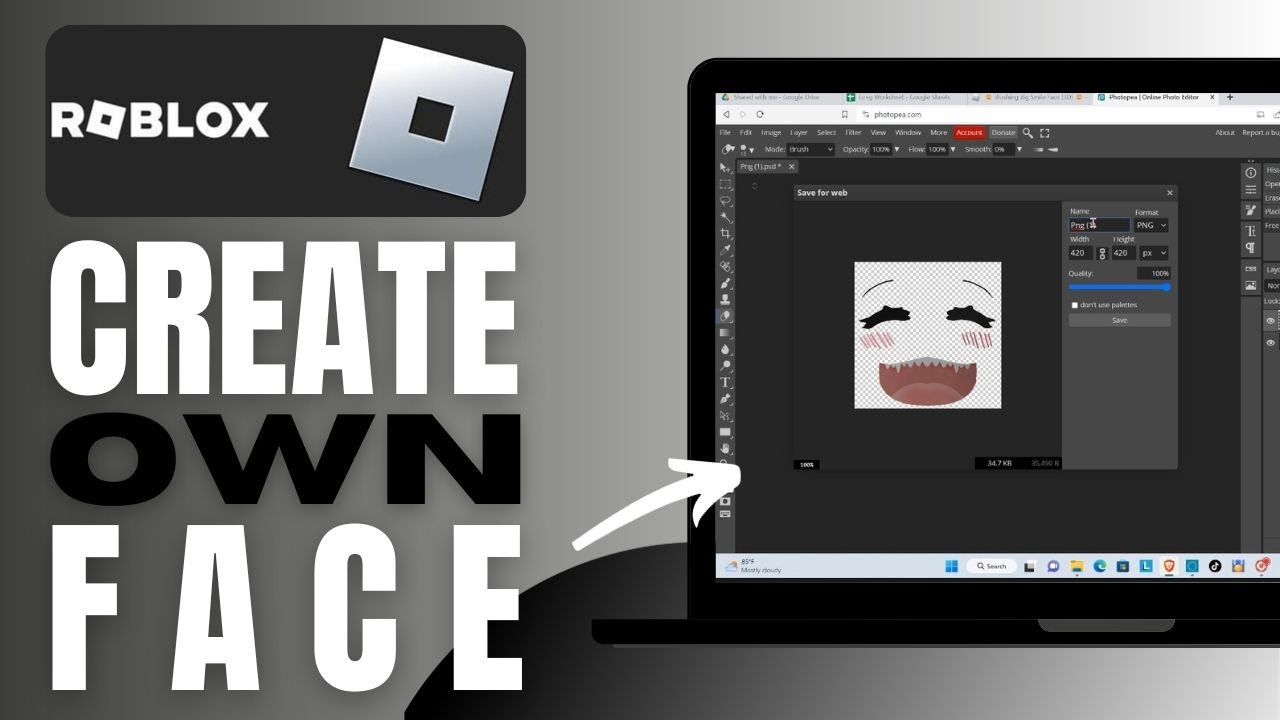

HOW TO MAKE YOUR OWN FACE ON ROBLOX Windows Only YouTube . How To Make And Use 3D Faces NEW Roblox YouTube . How To Make Your Own Face Roblox YouTube . How To Make Your Own Face In Roblox Complete Guide YouTube . HOW TO MAKE YOUR OWN FACE FOR FREE ON ROBLOX YouTube
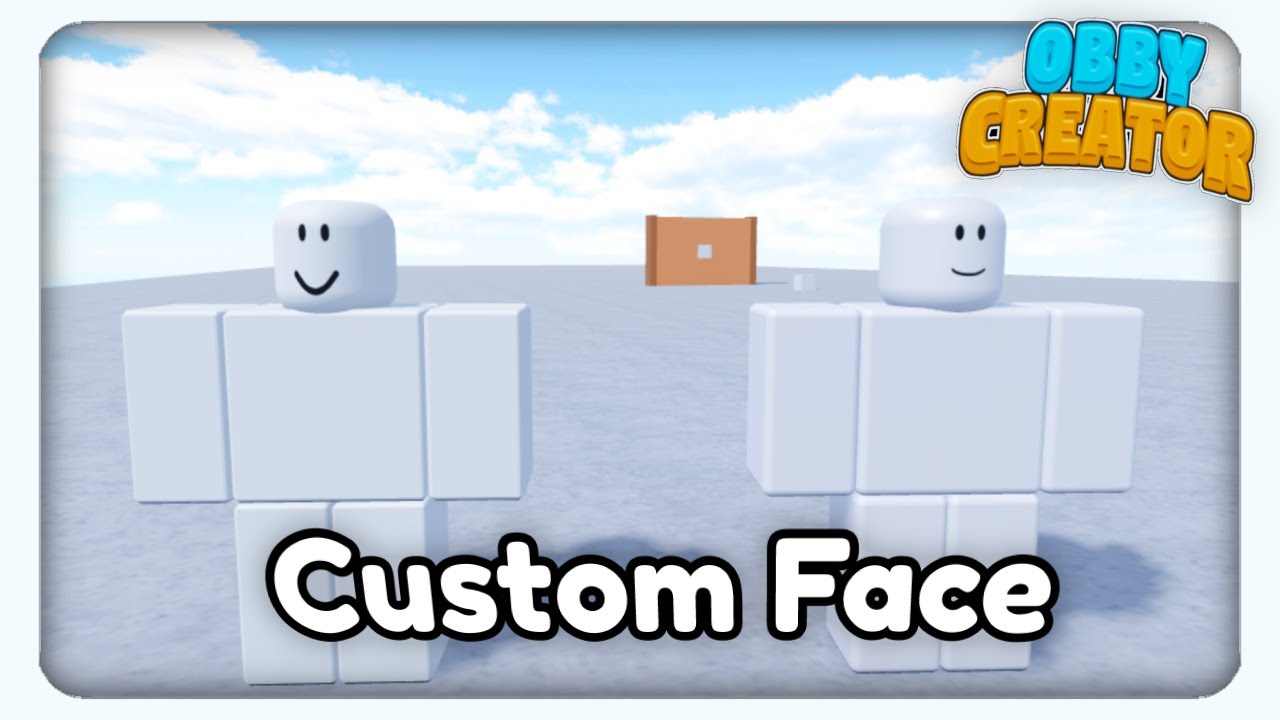
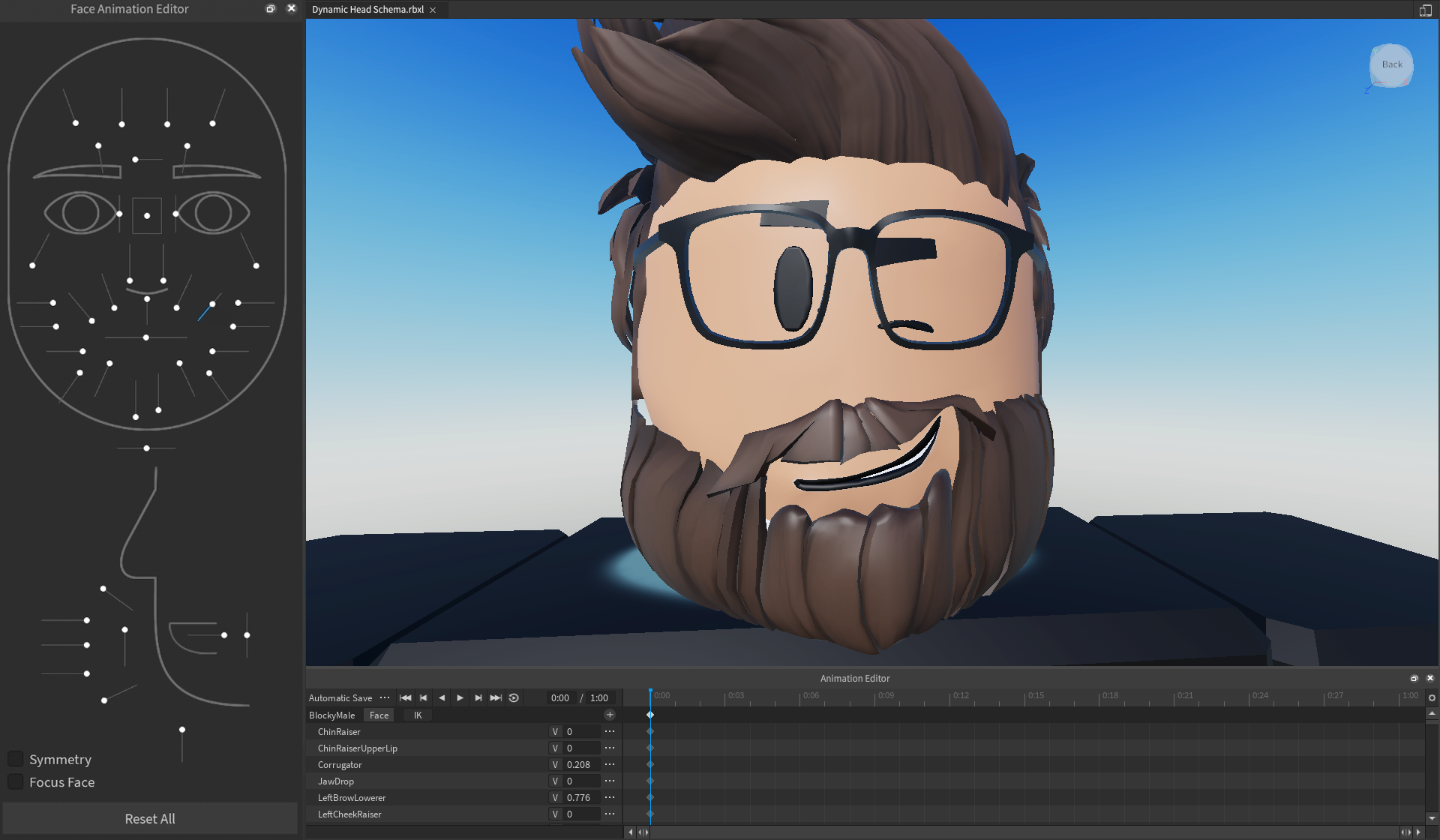
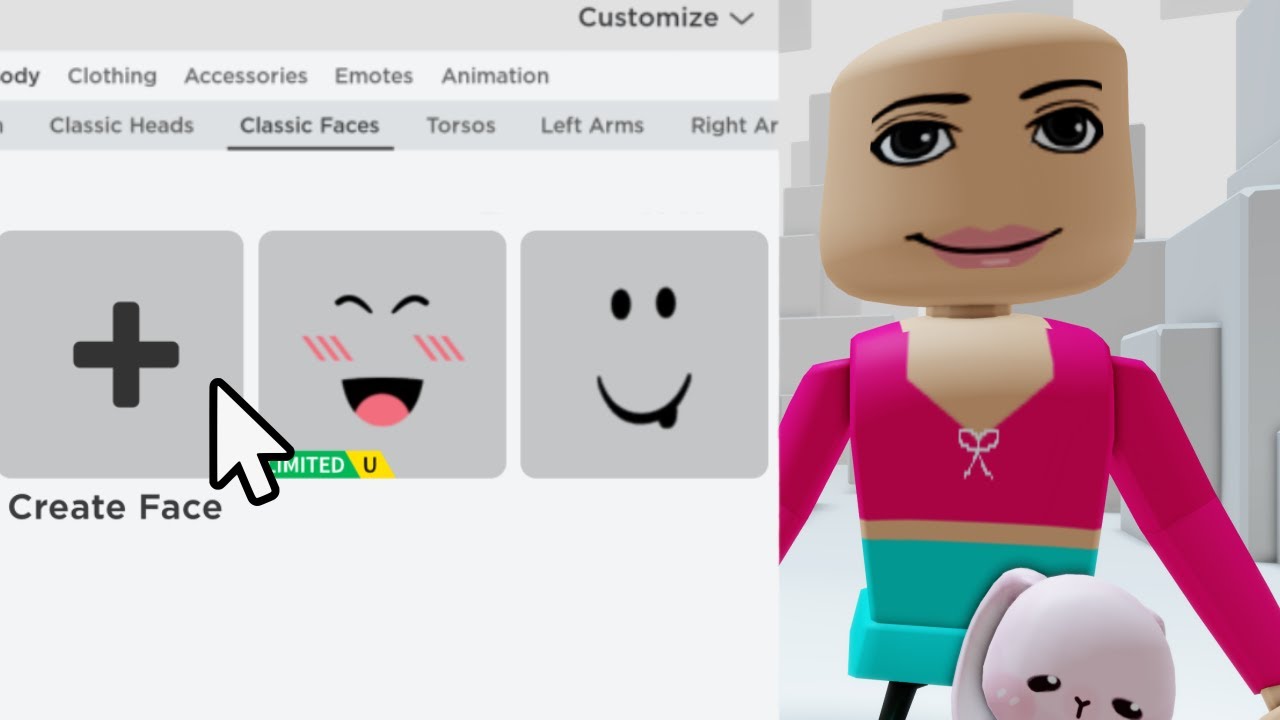
How To Make Custom Face Tutorial Roblox Obby Creator YouTube . Expressive Body And Face Animations Overview . YOU CAN CREATE YOUR OWN ROBLOX FACES YouTube . Roblox Converting Classic Heads And Faces To Dynamic By Feb 2026 Roblox Character Creation. YOU CAN CREATE YOUR OWN COSTUM FACES IN ROBLOX YouTube



Create Your Own CUSTOM FACE In ROBLOX FREE YouTube . How To Make Custom Faces On Roblox 2021 YouTube . How To Make Custom Faces In Roblox STUDIO Mini Tutorial 5 YouTube . How To Make Your Own Face On Roblox Check The Description YouTube . Easily Make Classic Looking Dynamic Heads Faces ROBLOX UGC GUIDE


How To Make A Custom Face In Roblox Mobile YouTube . Get Free Face Roblox How To Make Your Own Face In Roblox For Free . How To Make Your Own Face In Roblox Complete Guide 2024 YouTube . How To Make Roblox Face Move Tutorial For Roblox Core YouTube . How To Make Your Own Face And Upload It To Roblox Without Premium



How To Get And Make Pal Face Roblox Hq720 27 1144x644 . HOW TO MAKE YOUR OWN FACE ON ROBLOX FOR FREE YouTube . How To Create FREE ROBLOX Faces On Mobile Easy Tutorial Mxddsie . How To Create Your Own Face In Roblox H Ng D N T O Avatar C O V . How To Change Your Face In Roblox Studio 2020 Roblox YouTube



How To Make Your Own Face In Roblox YouTube . Roblox Dynamic Faces Explained Classic Face Removal Dynamic Head Roblox Dynamic Faces. Finding Cute Face Roblox IDs For Your Avatar . How To Make A CUSTOM FACE For Roblox GFX YouTube . How To Make A Roblox Face A Step By Step Guide Playbite How To Make Roblox Face 1024x576



HOW TO GET MAKE YOUR OWN FACE ON ROBLOX YouTube . OMG HOW TO MAKE YOUR OWN ROBLOX FACE 2023 COMPELETLY FREE YouTube . Roblox Face Makeover Black Hair Roblox Roblox . Roblox Face Ideas . YOU CAN CREATE YOUR OWN CUSTOME FACES IN ROBLOX YouTube