Navigating the world of gaming PCs can feel overwhelming, especially for beginners balancing busy lives. This comprehensive guide helps you understand beginner gaming PCs, from essential components and budget planning to easy setup and troubleshooting. Discover how to choose the right rig, optimize performance for popular games, and connect with fellow gamers, all while managing your time and finances. We address common pain points like performance issues and budget-friendly upgrades, ensuring you get the most value and enjoyment from your first gaming setup. Learn about current gaming trends, social play, and how to build a powerful yet affordable system that fits seamlessly into your lifestyle. This guide provides practical, actionable advice for a smooth entry into PC gaming, empowering you to make informed decisions and enjoy countless hours of fun. We cover everything you need to know about beginner gaming PCs in 2026, making it simpler than ever to dive into the action.
What are the essential parts of a beginner gaming PC?
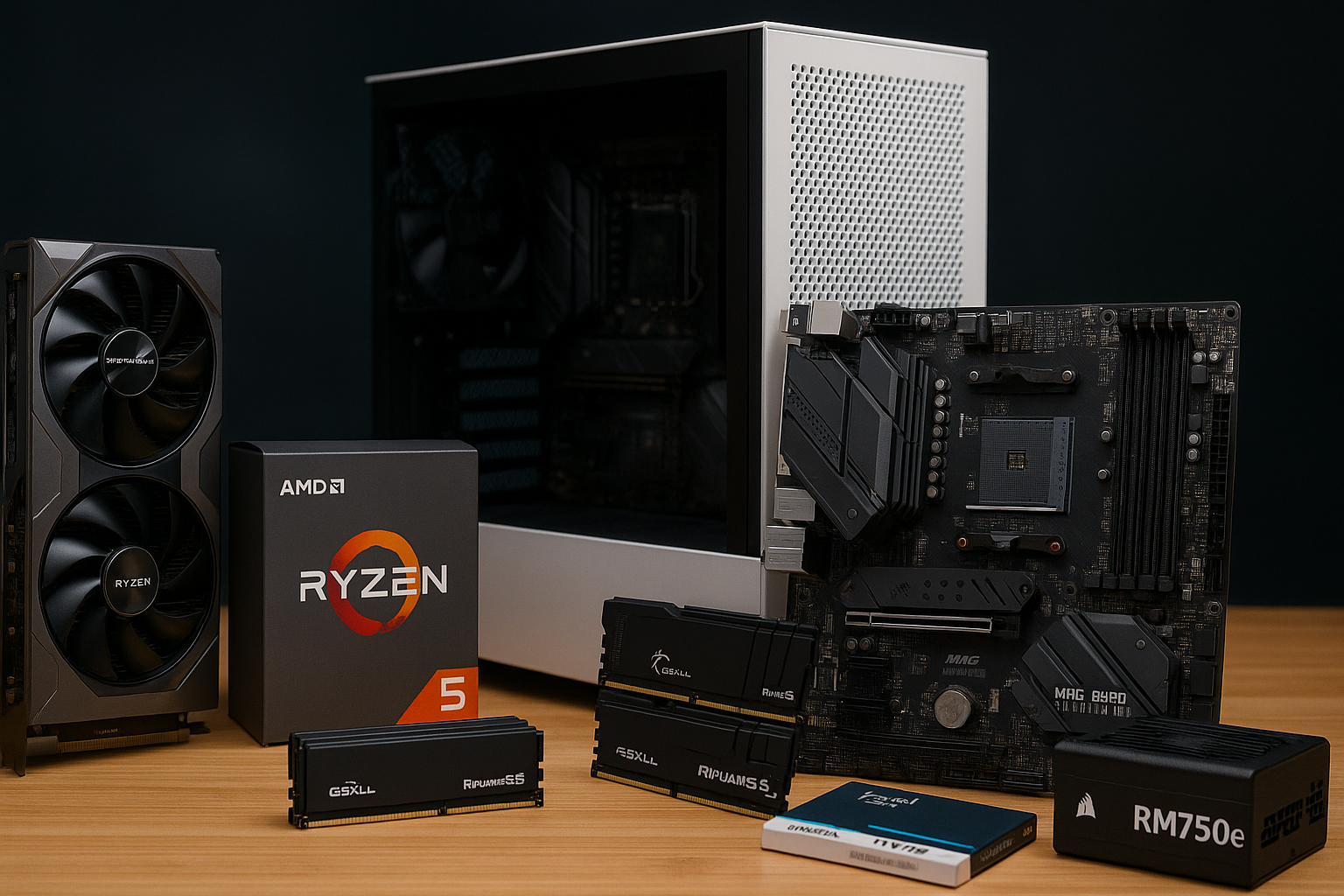
The essential parts of a beginner gaming PC include a capable CPU (like an Intel Core i3/i5 or AMD Ryzen 3/5), a dedicated GPU (such as an NVIDIA RTX 3050/4060 or AMD RX 6600/7600), at least 16GB of RAM, a fast NVMe SSD for storage (500GB-1TB), a reliable motherboard, a sufficient power supply unit, and an effective cooling solution. These components work together to ensure smooth gaming performance at 1080p resolution.
How much money do I really need for a decent first gaming PC?
For a decent first beginner gaming PC tower, expect to spend between 500 and 900 US dollars in 2026. If you're including peripherals like a monitor, keyboard, and mouse, the total budget should ideally be between 700 and 1200 US dollars. This range allows for components that deliver good performance for current popular games without breaking the bank, offering excellent value for new PC gamers.
Where can I buy a reliable pre-built beginner gaming PC?
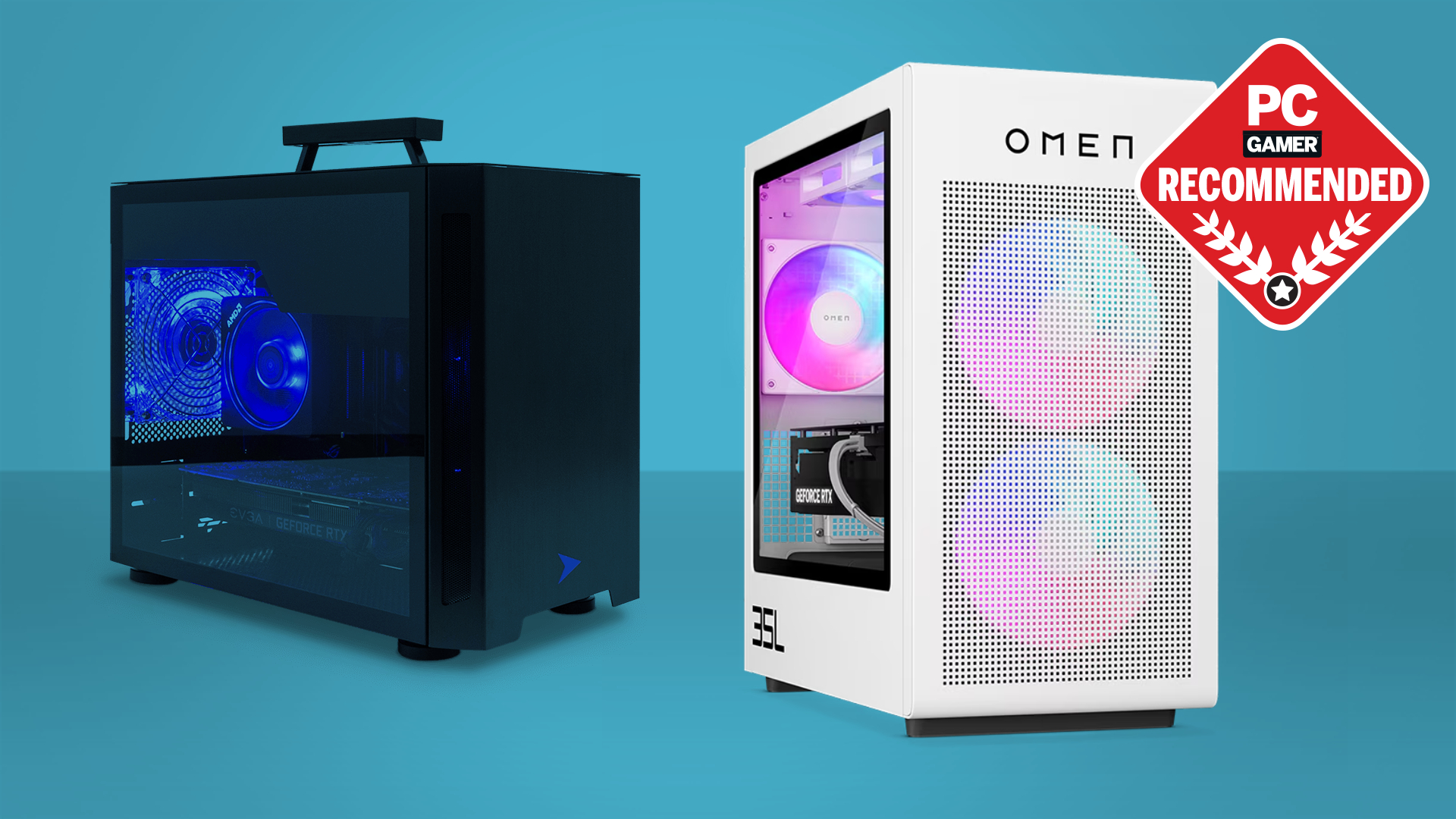
You can purchase reliable pre-built beginner gaming PCs from well-known retailers and system integrators. Major options include Best Buy, Amazon, and Newegg for general tech. For specialized gaming PCs, consider companies like CyberPowerPC, iBUYPOWER, NZXT BLD, and HP Omen. Always check user reviews and compare specifications to ensure you're getting the best value and support for your budget.
What games can a beginner gaming PC typically run smoothly?
A typical beginner gaming PC in 2026 can smoothly run popular esports titles like Valorant, CS2, and League of Legends at high frame rates. It can also handle many modern AAA games at 1080p resolution with medium to high graphics settings, including titles like Palworld, Cyberpunk 2077 (with FSR/DLSS), and Assassin's Creed Mirage. Indie games and most free-to-play titles will run flawlessly, ensuring a broad gaming library.
How do I set up my new beginner gaming PC without issues?
Setting up your new beginner gaming PC is straightforward. First, connect your monitor to the graphics card (not the motherboard) using HDMI or DisplayPort. Plug in your keyboard, mouse, and power cable. Turn it on, and follow the on-screen prompts for Windows setup. Crucially, download and install the latest drivers for your graphics card from NVIDIA or AMD's official websites. Ensure all Windows updates are applied, and you'll be ready to game.
Why is cooling important for beginner gaming PCs?
Cooling is crucial for beginner gaming PCs because excessive heat can degrade performance and shorten component lifespan. When components like the CPU and GPU get too hot, they automatically throttle their speed to prevent damage, leading to lower frame rates and stuttering in games. Good airflow and adequate cooling solutions, like a decent CPU cooler and case fans, maintain optimal temperatures, ensuring stable, high performance and longevity for your system.
Who should consider a beginner gaming PC over a console?
Individuals who should consider a beginner gaming PC over a console include those who value game versatility, modding capabilities, superior graphics and frame rates, and the ability to use the system for productivity. It's ideal for gamers who want access to a broader library of titles, enjoy social cross-play with both console and PC friends, or seek to balance gaming with other computer-based hobbies or work, making it a more versatile investment.
Welcome to the exciting world of PC gaming! If you're an adult gamer, perhaps in your mid-thirties, juggling a job, family, and other commitments, the idea of diving into PC gaming can feel both thrilling and daunting. You want that relaxation, fun, and perhaps some skill-building, but the sheer volume of information on gaming PCs can be overwhelming. Questions about setup, performance, budget, and balancing your passion with life are common. You're not alone; a staggering 87 percent of US gamers play regularly, often dedicating 10 or more hours a week, and many are looking for practical, value-driven solutions without all the hype.
This guide on beginner gaming PCs is crafted just for you. We'll cut through the noise, offering clear, actionable advice to help you choose, set up, and enjoy your first gaming PC. We understand you value performance optimization and staying current without breaking the bank or dedicating endless hours to research. Whether you're looking to unwind with a cozy game, join friends in a social multiplayer experience, or just explore immersive worlds, we'll help you find a beginner gaming PC that fits your lifestyle and budget. Let's make your entry into PC gaming smooth, enjoyable, and genuinely rewarding.
What Exactly is a Beginner Gaming PC and Why Do I Need One?
A beginner gaming PC is an entry-level desktop computer specifically configured to run modern video games smoothly at decent settings (usually 1080p resolution, medium to high settings). It prioritizes value and essential performance over bleeding-edge features or ultra-high resolutions. You need one because PC gaming offers unparalleled versatility: access to vast game libraries, often better graphics and frame rates than consoles, modding capabilities, and the ability to multitask. For busy adults, it provides a flexible entertainment hub that can also handle productivity tasks, unlike a dedicated console. With current trends seeing PC and console cross-play, a beginner gaming PC opens up more social opportunities.
How Much Should I Spend on My First Gaming PC in 2026?
In 2026, a realistic budget for a solid beginner gaming PC, including essentials like a monitor and peripherals, generally ranges from 700 to 1200 US dollars. The sweet spot for just the tower often falls between 500 and 900 US dollars. Remember, technology evolves rapidly, but this range allows for components that can comfortably handle popular titles like Palworld, Valorant, or even some AAA games at respectable frame rates without feeling immediately outdated. Focus on getting the best CPU and GPU your budget allows, as these are the core of your gaming experience.
Which Components Are Most Important for a Beginner Gaming PC?
When building or buying beginner gaming PCs, prioritize these components: the Graphics Processing Unit (GPU) and Central Processing Unit (CPU). The GPU handles graphics rendering, directly impacting game visuals and frame rates. For a beginner PC, aim for a mid-range card from NVIDIA's RTX 30/40 series or AMD's RX 6000/7000 series. The CPU is the brain, managing game logic and other tasks. A modern quad-core or hexa-core processor from Intel (i3/i5) or AMD (Ryzen 3/5) is usually sufficient. Beyond these, ensure you have at least 16GB of RAM (32GB is ideal for multitasking and future-proofing), a 500GB-1TB NVMe SSD for fast load times, and a reliable power supply unit (PSU) from a reputable brand.
Pre-built vs. Custom: Which is Better for New Gamers?
For beginner gaming PCs, especially for those balancing life and limited time, a pre-built PC is often the best choice. It offers convenience, professional assembly, warranty support, and often comes with an operating system pre-installed, meaning you can plug and play almost immediately. While building your own can be slightly cheaper and educational, it requires research, patience, and troubleshooting skills. Pre-built systems from reputable manufacturers like CyberPowerPC, iBUYPOWER, or NZXT offer excellent value and reliability. This month, many retailers are offering competitive deals on well-configured beginner gaming PCs.
How Can I Balance Gaming with My Job and Family Responsibilities?
Balancing gaming with life is a common challenge for many adult gamers. Here are some strategies:
- Schedule your gaming time: Treat it like any other appointment. Even 30-60 minutes can be enough to unwind.
- Communicate with family: Let them know when you plan to game to avoid conflicts.
- Choose time-friendly games: Many popular games like Fall Guys, Among Us, or even certain MMOs have quick play sessions. Mobile gaming, which dominates casual play, can also be a good fill-in.
- Utilize social features: Play with friends via Discord. Social gaming can be a great way to connect without requiring huge time commitments.
- Set boundaries: Avoid letting gaming bleed into work or family time.
What Are Some Great Games for New PC Gamers with Limited Time?
With limited time, you'll want engaging games that respect your schedule. Here are a few suggestions popular this month:
- **Palworld:** A survival crafting game that can be enjoyed solo or with friends, offering both quick sessions and deeper dives.
- **Valorant/Overwatch 2:** Free-to-play competitive shooters that offer fast-paced matches, great for quick bursts of action and skill-building.
- **Stardew Valley/Animal Crossing: New Horizons (via emulation/PC port if available):** Cozy, relaxing games perfect for winding down.
- **Lethal Company:** A cooperative horror game that's great for short, intense social sessions with friends.
- **Xbox Game Pass for PC:** Provides access to a huge library of games, including many indie titles and smaller experiences perfect for quick plays.
How Do I Troubleshoot Common Setup and Performance Issues?
Setup and performance issues can be frustrating, but many are easily fixable:
- **Monitor not displaying:** Check all cable connections (HDMI/DisplayPort) to both the GPU and monitor. Ensure the monitor is on the correct input.
- **Low FPS in games:** Update your GPU drivers (NVIDIA GeForce Experience or AMD Radeon Software). Lower in-game graphics settings. Close unnecessary background applications. Ensure your PC is not overheating using monitoring software.
- **Internet lag:** Use a wired Ethernet connection if possible. Check your internet speed. Close bandwidth-heavy applications.
- **Audio issues:** Check speaker/headset connections. Ensure correct audio output device is selected in Windows Sound Settings.
- **Random crashes:** Update all drivers (chipset, audio). Monitor temperatures. Run a memory diagnostic tool.
Most problems can be solved with a quick online search or by checking the manufacturer's support pages. The gaming community on platforms like Reddit or Discord is also incredibly helpful.
When Should I Upgrade My Beginner Gaming PC?
You should consider upgrading your beginner gaming PC when it consistently struggles to run new games at acceptable frame rates and settings for your enjoyment, or when you feel limited by its current capabilities. Typically, this might be every 2-4 years for a beginner system, depending on game demands and budget. Often, upgrading just the GPU can provide a significant performance boost. Other common upgrades include adding more RAM or a larger SSD as your game library grows. Remember, smart, incremental upgrades can extend your PC's lifespan significantly.
Are There Budget-Friendly Ways to Improve My Gaming Experience?
Absolutely! Improving your gaming experience doesn't always mean buying new hardware:
- **Software Optimization:** Keep drivers updated. Use game mode in Windows. Close background apps. Disable unnecessary startup programs.
- **Peripherals:** A comfortable gaming mouse, keyboard, or headset can dramatically enhance immersion and control without a huge cost.
- **Free-to-Play Games:** Explore the vast world of free-to-play (F2P) titles like Warframe, Apex Legends, or Genshin Impact. They offer high-quality experiences for zero upfront cost.
- **Game Pass/Epic Games Store:** Subscriptions like Xbox Game Pass offer hundreds of games for a monthly fee. Epic Games Store regularly gives away free games.
- **Monitor Calibration:** Properly calibrating your monitor's colors and refresh rate can make games look and feel better.
- **Clean Your PC:** Regularly cleaning dust from fans and components can prevent overheating, which impacts performance.
How Do I Connect with Other Gamers and Build a Community?
Social gaming is a huge part of the PC experience. Here's how to connect:
- **Discord:** The unofficial hub for gamers. Join servers for your favorite games, streamers, or general gaming communities. You can find voice chats, text channels, and LFG (Looking for Group) options.
- **In-game Communities:** Many multiplayer games have built-in guilds, clans, or public lobbies where you can meet people.
- **Online Forums/Reddit:** Subreddits for specific games or gaming hardware are great places to ask questions, share experiences, and find like-minded individuals.
- **Content Creators:** Engage with streamers and YouTubers. Many have their own Discord communities.
- **Local Meetups (if applicable):** Though less common for PC gaming specifically, some areas have general gaming groups.
Remember, social gaming is about finding your tribe and enhancing the fun. Dive in!
As we wrap up, remember that getting into PC gaming with a beginner gaming PC doesn't have to be a headache. With the right information, a smart budget, and a focus on what matters most to your gaming style, you can build a fantastic setup that brings hours of enjoyment. Modern gaming is more accessible than ever, with tools and communities ready to support you. Don't let the technical jargon scare you off; your perfect gaming journey starts here. What's your biggest gaming challenge or question right now? Comment below and let's tackle it together!
FAQ Section
What's the minimum RAM for a beginner gaming PC in 2026?
For a beginner gaming PC in 2026, 16GB of DDR4 or DDR5 RAM is the recommended minimum. This ensures smooth performance for most modern games and allows for basic multitasking without significant slowdowns. While 8GB might suffice for older or less demanding titles, 16GB provides a much better overall experience and future-proofing. Many games and applications are increasingly benefiting from more memory.Can a beginner gaming PC run VR?
Some higher-end beginner gaming PCs might be able to run basic VR experiences, but it's generally not their primary focus. VR typically demands more powerful GPUs and CPUs than what's found in an entry-level system. If VR is a key priority, you'll likely need to stretch your budget for a more capable mid-range gaming PC. Always check the specific VR headset's minimum system requirements.Where can I find reliable pre-built beginner gaming PCs?
Reliable pre-built beginner gaming PCs can be found from major retailers like Best Buy, Amazon, Newegg, and directly from system integrators such as CyberPowerPC, iBUYPOWER, and NZXT. Look for systems with transparent component lists and good customer reviews. Reputable brands often provide better warranties and support, which is invaluable for new PC gamers. Comparison shopping is always a good idea.Is integrated graphics enough for light gaming?
Integrated graphics can handle very light gaming, like older indie titles, browser games, or esports titles at very low settings. However, for a true beginner gaming PC experience with modern games, even at 1080p, a dedicated graphics card is essential. Integrated graphics are fine for productivity and media consumption, but they will severely limit your gaming options and visual quality.How often do I need to clean my gaming PC?
You should aim to clean your gaming PC every 3 to 6 months, or more frequently if it's in a dusty environment or if you have pets. Regular cleaning involves using compressed air to remove dust from fans, heatsinks, and vents. This prevents dust buildup, which can lead to overheating and reduced performance. A clean PC runs cooler, quieter, and lasts longer.What's Discord and why should I use it for gaming?
Discord is a free communication platform popular among gamers. It offers voice chat, video calls, and text messaging across various servers or private groups. You should use it for gaming because it provides seamless communication with friends while playing, helps you find new teammates, and lets you join communities for your favorite games or streamers. It's an excellent tool for social gaming and enhancing your multiplayer experience.Choosing your first beginner gaming PC, understanding essential components like CPU and GPU, setting a realistic budget for your gaming rig, pre-built vs custom options for new gamers, optimizing PC performance for popular titles, troubleshooting common issues, balancing gaming with a busy life, game recommendations for limited time, budget-friendly upgrade strategies, and building a social gaming community.
35

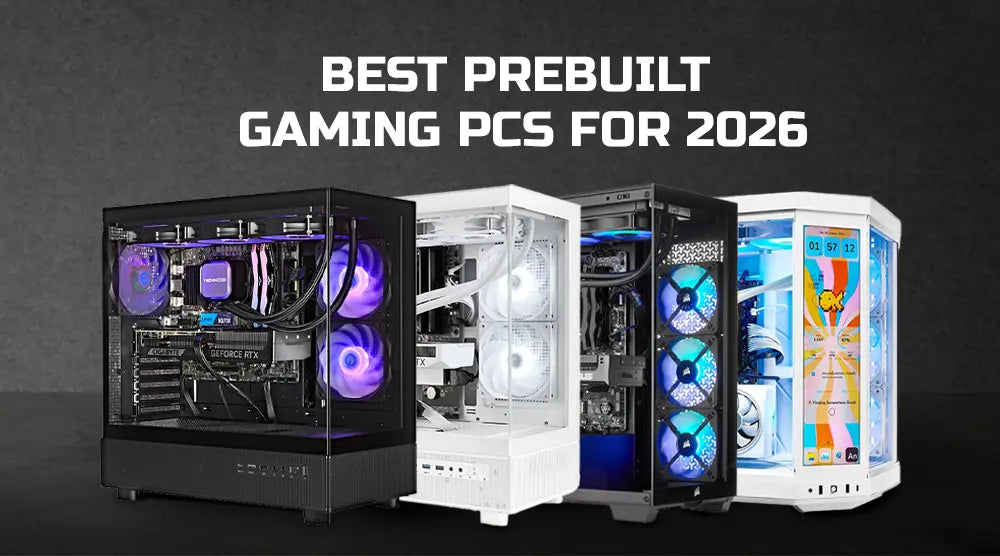
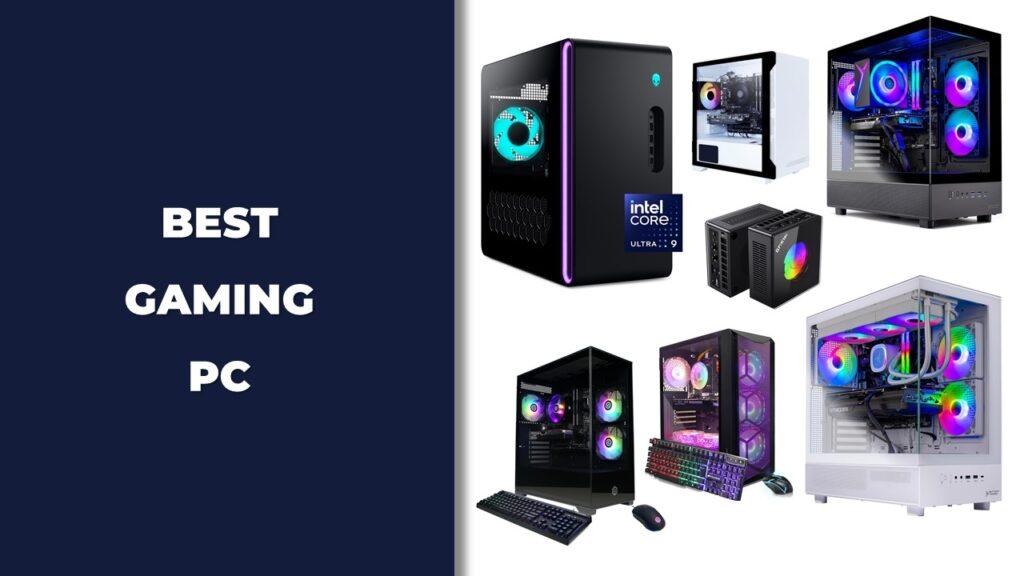
Best Beginner Gaming Computer In 2026 Com Gaming PC Guru Best Beginner Gaming Computer Featured . Best Budget Gaming Setup In 2026 Full Guide For Beginners Budget Friendly Gaming Setup In 2026 . 15 Best Prebuilt Gaming PCs Under 1500 April 2026 Expert Tested Best Prebuilt Gaming PCs Under 1500 1024x559 . 10 Best Prebuilt Gaming PCs For 4K Gaming April 2026 Top Tested Best Prebuilt Gaming PCs For 4K Gaming 1024x559 . Best Prebuilt Gaming PCs For 2026 Technoid S Top Picks Best Prebuilt Gaming PCs For 2026 Technoid S Top Picks.webp
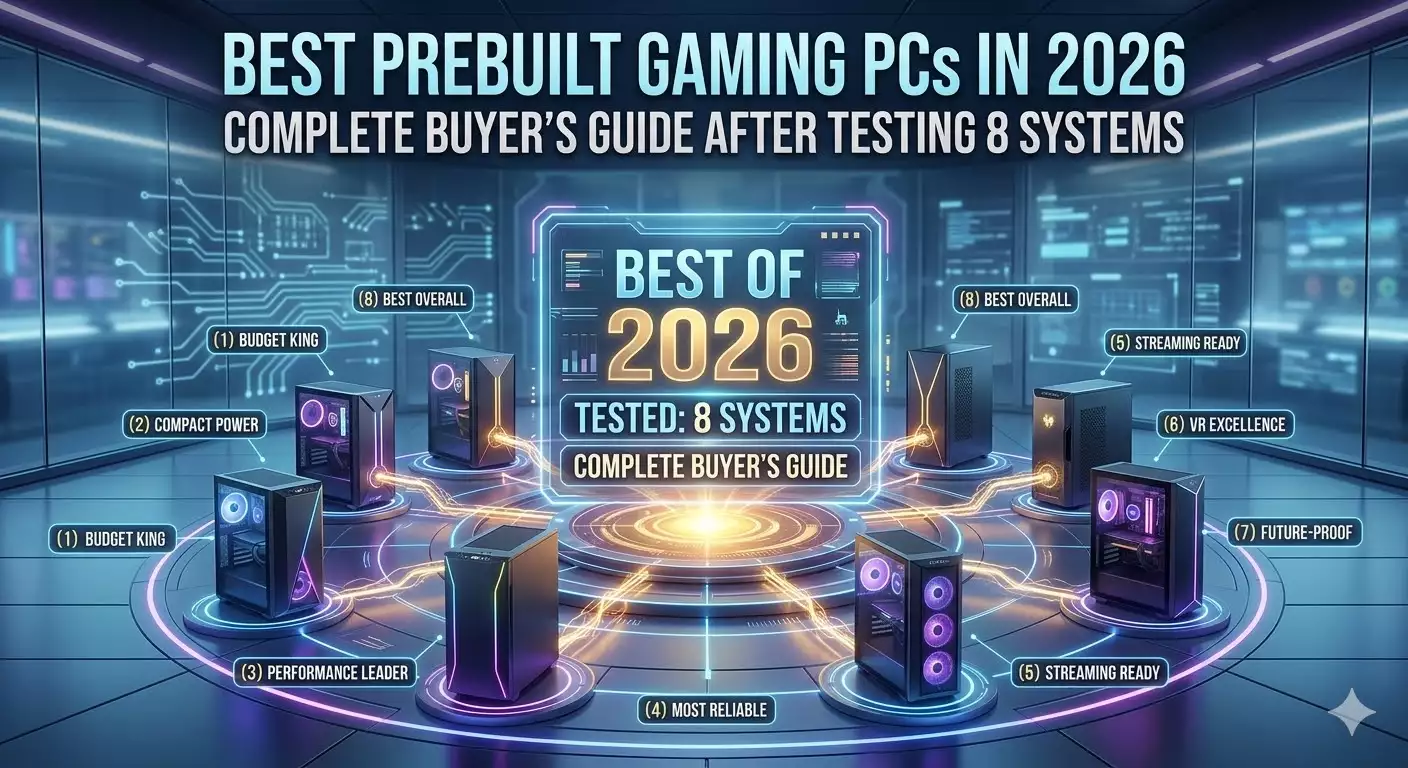


12 Best Compact Gaming PCs For 2026 Reviews Mill Compact Gaming Pcs 2026 Te8ov . Best Prebuilt Gaming PCs In 2026 Complete Buyer S Guide After Testing Best Prebuilt Gaming PCs In 2026 Complete Buyers Guide After Testing 8 Systems . Top 10 Best Desktop Computers 2026 For Home Office And Work Lenovo Legion Tower 7i 2026 High Performance Desktop Computer With RGB Lighting Featured In. The Best Gaming PC Builds For 2026 Top Picks And Reviews Best Pc Build . 12 Best Gaming PC Under 500 In 2026 Tested Reviewed Best Gaming PC 2 1024x576

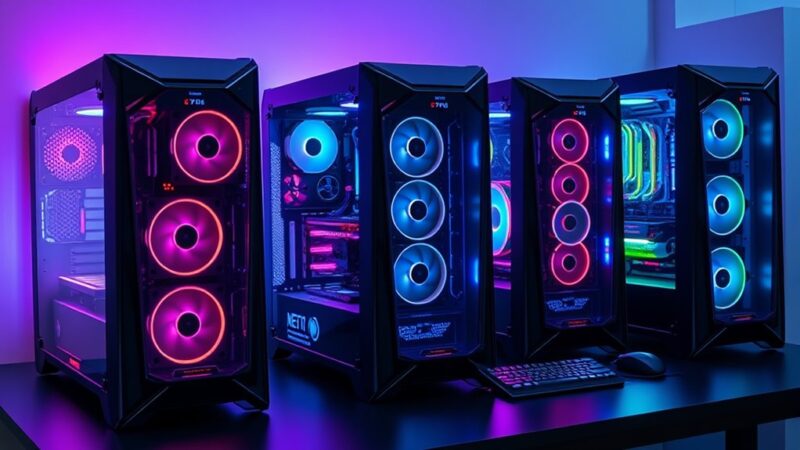

Best Gaming Streaming PC In 2026 High FPS Gaming PC Guru Best Gaming Pc For Under 500 Dollars Featured 800x500 . The 5 Best Gaming PCs Of 2026 Power Performance And Gaming Top 5 Gaming Pcs 2026 Fh2q5 800x450 . Best Graphics Cards In 2026 I Ve Tested Pretty Much Every AMD And . Will Gaming PCs Get CHEAPER In 2026 Gaming PC Prices RAM Prices Media. 12 Best Prebuilt Gaming PCs June 2026 Expert Tested Picks Best Prebuilt Gaming PCs 768x419





10 Best Gaming PCs For Beginners June 2026 Ranked Reviewed Best Gaming PCs For Beginners 768x429 . Top 5 Best Beginner Gaming Pcs 2024 YouTube . The Ultimate Gaming PC Build 2026 Guide By Xidax 1 Unnamed . Best Gaming PC Builds For 2026 Best Gaming PC Builds For 2026.webp. Best Gaming PC For Competitive Gaming 2026 Hardware Guide The Best Gaming PC For Competitive Gaming 2026 Performance Guide.webp




7 Best Gaming PCs Of 2026 Power Performance And Value Revealed Top Gaming Pcs 2026 1lmv2 . Best Gaming PC Builds 2026 Every Budget Resolution 1536x1024 . Tech Guided Tech Guides PC Builds Hardware Reviews Best Budget Gaming PC Builds For 2026.webp. Why More Gamers Are Switching To PC Gaming Best Gaming Desktop PC 2025 Main . Best PC Builds For Gaming 2026 Ultimate Guide To Building Your Dream Best PC Builds For Gaming 2026 300x200



Best Gaming PCs Of 2026 UK Best Pcs Twitter . I Want To Acknowledge That We Messed Up NZXT Addresses Concerns . 5 Best Entry Level Gaming PCs 2026 Gaming Net Razer R1 Edition By Maingear . RTX 5060 Gaming PCs Affordable Power For Next Gen Gaming AWD IT AWD 6 . Best Gaming Pc For Beginners In The UK 2026 51jkZd0C ML

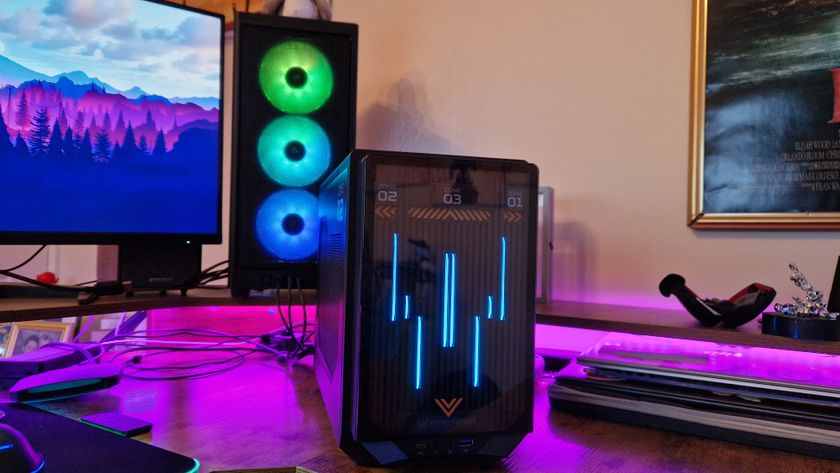

What Was The Top PC Gaming Experience Best Gaming Desktops . Best Value Gaming PC 2026 Buy In South Africa Evetech Best Value Gaming Pc South Africa 2026 980px V1.webp. The Best Budget Gaming Monitors 2026 GamesRadar 840 80 . The Best Cheap Gaming Laptops For 2026 Tested For Gaming Top 3 Gaming Laptops Of 2026 - The Ultimate Guide . Best Gaming PC Under Rs 55 000 In February 2026 Gaming PC Feb 55k