Navigating your online identity can sometimes feel like a mini-quest itself, especially in a dynamic platform like Roblox. Many seasoned gamers and casual players alike find themselves wondering about changing their Roblox username. Perhaps your old handle no longer fits your evolved gaming persona, or maybe you're looking for a fresh start. This comprehensive guide dives into everything you need to know about updating your Roblox username in 2026, offering clear steps and crucial insights. We address the 'why' behind a name change, the 'how' with practical instructions, and what to consider before making the switch. From understanding the costs involved to ensuring your new name perfectly reflects your current gaming style, this resource is designed for busy adults who seek straightforward solutions to optimize their Roblox experience without unnecessary hassle. Discover how a simple name change can refresh your profile and enhance your social interactions within the Roblox metaverse, keeping you current with your online presence.
Q: How do I change my Roblox username?
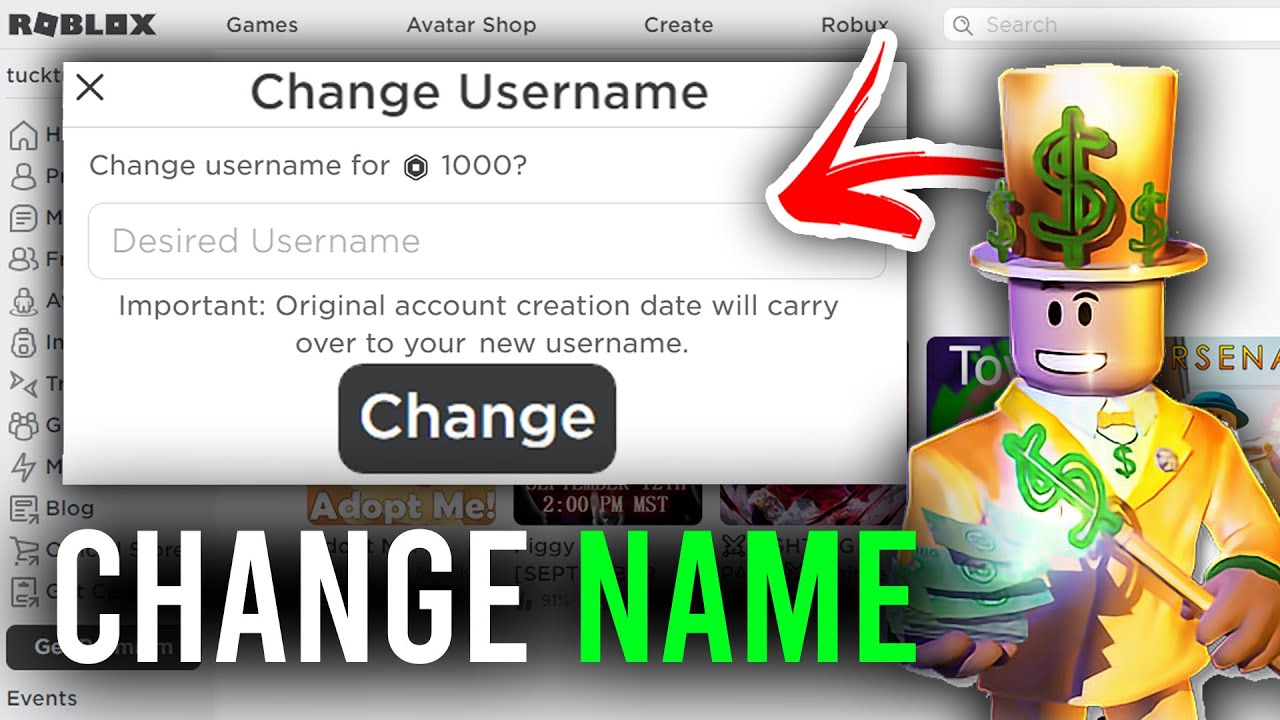
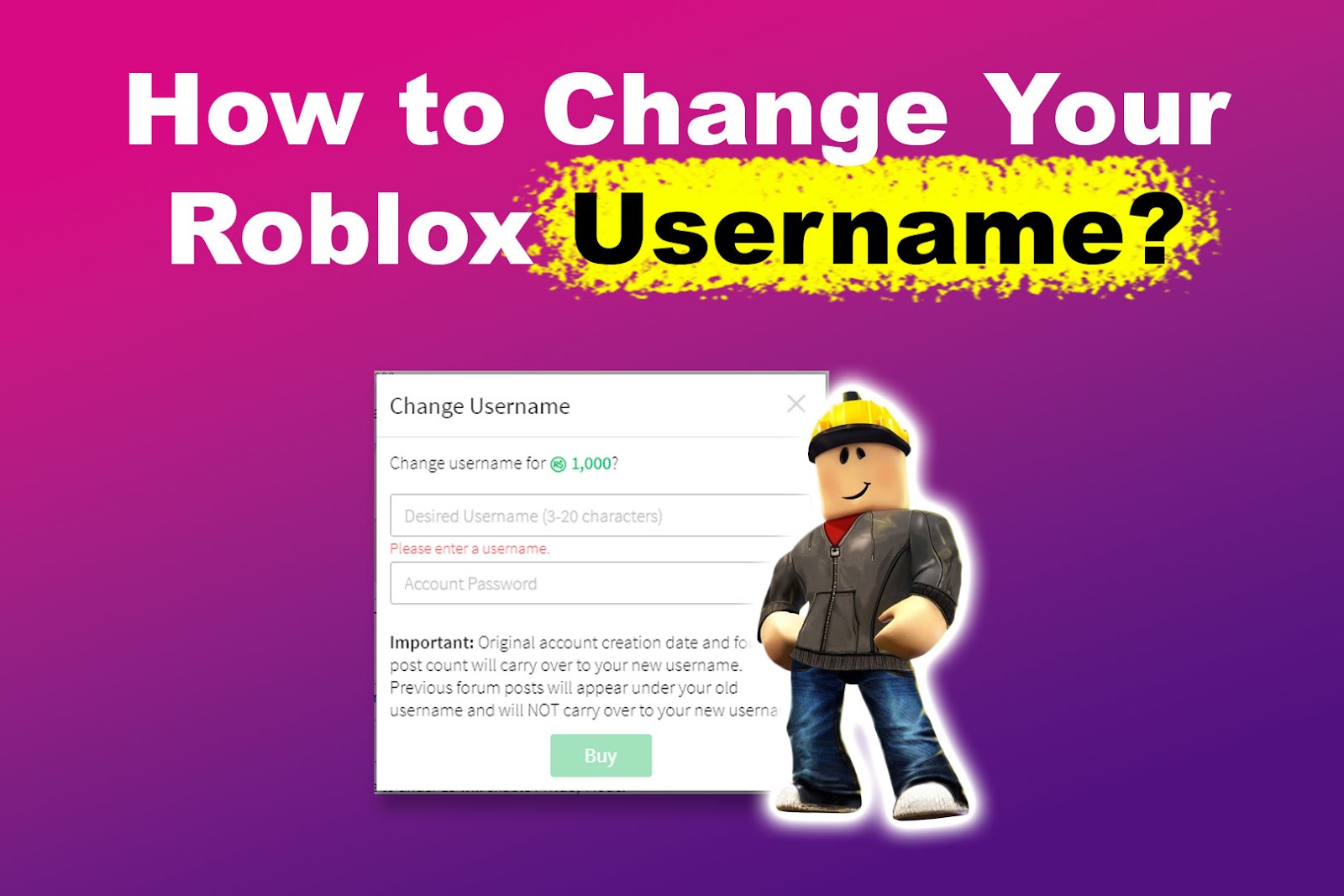
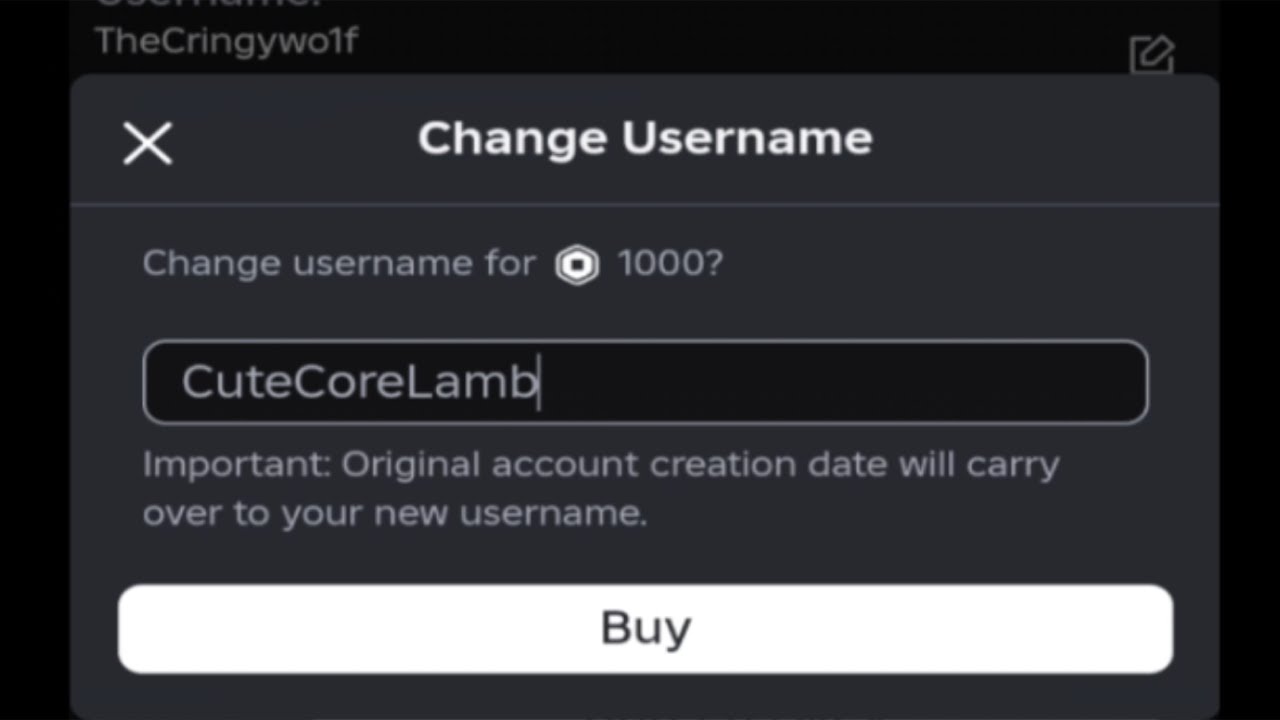
A: Changing your Roblox username involves logging into your account via a web browser, not the app. Head to 'Settings,' then 'Account Info,' and select 'Change Username' next to your current name. You'll enter your new desired name, check its availability, and then confirm the change by paying 1,000 Robux. Double-check your spelling as there are no refunds!
Q: What is the exact cost to change my Roblox username in 2026?
A: As of 2026, the cost to change your Roblox username remains 1,000 Robux. This fee is standard across all platforms and accounts. It's a one-time charge per change, so choose wisely as there are no refunds if you're not satisfied with your new selection.
Q: Can I change my Roblox username for free, or is there always a fee?
A: To clarify, changing your *unique* Roblox username always costs 1,000 Robux. However, you can change your *Display Name* for free once every seven days. Display Names are cosmetic and appear above your avatar, while your username is your core login identity. The free option is for display names only.
Q: What is the main difference between a Roblox username and a display name?
A: Your Roblox username is your unique, permanent login ID that identifies your account globally and is used for logging in. A display name, conversely, is a customizable name shown publicly in games and on your profile; it can be changed for free every seven days and does not affect your login credentials or core account identity.
Q: What happens to my old Roblox username after I change it?
A: When you change your Roblox username, your old username is held in a 30-day "cooldown" period, during which no one else can claim it. After these 30 days, it becomes publicly available again for any other player to use. Your unique numerical User ID remains unchanged, ensuring your account data is safe.
Q: Why would a busy adult gamer consider changing their Roblox username?
A: Busy adult gamers, who balance life and gaming, often change their Roblox username to better reflect their evolved identity, move past an outdated or embarrassing name, or align with a new gaming community. It's about optimizing their digital persona for relaxation, social play, and a more current online presence without hassle.
Q: Are there any specific character limitations or rules for a new Roblox username?
A: Yes, new Roblox usernames must be 3-20 characters long, use only letters, numbers, and single underscores. They cannot start or end with an underscore, have consecutive underscores, or contain inappropriate language. Roblox's moderation ensures names comply with community safety and respect guidelines.
In the bustling digital playgrounds of 2026, where 87% of US gamers regularly dive into virtual worlds, a player's online identity is more crucial than ever. For many, Roblox isn't just a game; it's a social hub, a creative outlet, and a place to unwind after a long day of work and family commitments. But what happens when your trusty Roblox username, the one you picked years ago, no longer feels like 'you'? Perhaps it's a relic from your younger days, or maybe you've evolved your gaming style and want a handle that truly reflects your current persona. You're not alone. Many adult gamers, who spend an average of 10+ hours a week balancing virtual adventures with real-world responsibilities, frequently ponder refreshing their online presence. The good news is, changing your Roblox username is entirely possible, and this guide is here to walk you through every step, helping you navigate the process smoothly. We understand the value of a seamless gaming experience and the desire to stay current without getting bogged down by technicalities. Let's explore how to update your Roblox identity, ensuring your digital self always matches your current vibe.
What is the difference between a Roblox Username and a Display Name?
This is one of the most common questions gamers have when considering an identity refresh on Roblox. Your Roblox Username is your unique, permanent identifier. It's what you use to log in, and it's how your account is primarily recognized within the Roblox system. Think of it like your digital fingerprint; it's unique to you. On the other hand, a Display Name is a more flexible, cosmetic name that appears above your avatar in games and on your profile. You can change your Display Name for free every seven days, offering a quick way to switch up your look without affecting your core account ID. For many players, especially those balancing gaming with life's demands, Display Names offer a convenient way to experiment with different personas without the commitment or cost of a full username change. This distinction is crucial for understanding how 'changing Roblox username' truly works.
Why would I want to change my Roblox Username?
Gamers choose to change their Roblox username for a variety of personal reasons. Often, it's about evolution. The name you picked as a teenager might not resonate with your adult gaming self. Maybe your current username has become associated with past online interactions you'd rather leave behind, or perhaps you've joined a new gaming community and want a name that aligns better with your squad. For adults who use gaming as a form of relaxation and social connection, a well-chosen username can enhance their experience, reflecting their maturity, humor, or dedication to specific game genres. It's about personal branding in the metaverse, much like how you might update your professional profile or social media handles. A fresh username can offer a sense of renewal, making your time in Roblox feel more current and personalized to who you are today.
How much does it cost to change my Roblox Username?
Changing your unique Roblox username comes with a price tag: 1,000 Robux. This fee is non-negotiable and must be paid from your account balance. Roblox does not offer refunds for username changes, so it's absolutely vital to ensure you're completely satisfied with your new choice before finalizing the process. For many gamers, especially those on a budget or looking for value, 1,000 Robux is a significant investment. It's roughly equivalent to about 12.50 USD, depending on how you purchase Robux. This cost highlights the importance of thoughtful consideration before making the switch, encouraging players to pick a name they'll be happy with long-term, rather than impulsively changing it. Remember, while Display Names are free and frequent, a full username change is a premium service.
What are the steps to changing my Roblox Username?
Changing your Roblox username is a straightforward process, but it requires careful attention to detail. Here's a step-by-step guide to get you through it:
Log into your Roblox account on a browser (PC or mobile browser, not the app).
Navigate to the 'Settings' page. You can usually find this by clicking the gear icon in the top-right corner.
Once in Settings, look for the 'Account Info' tab. Your current username will be listed there.
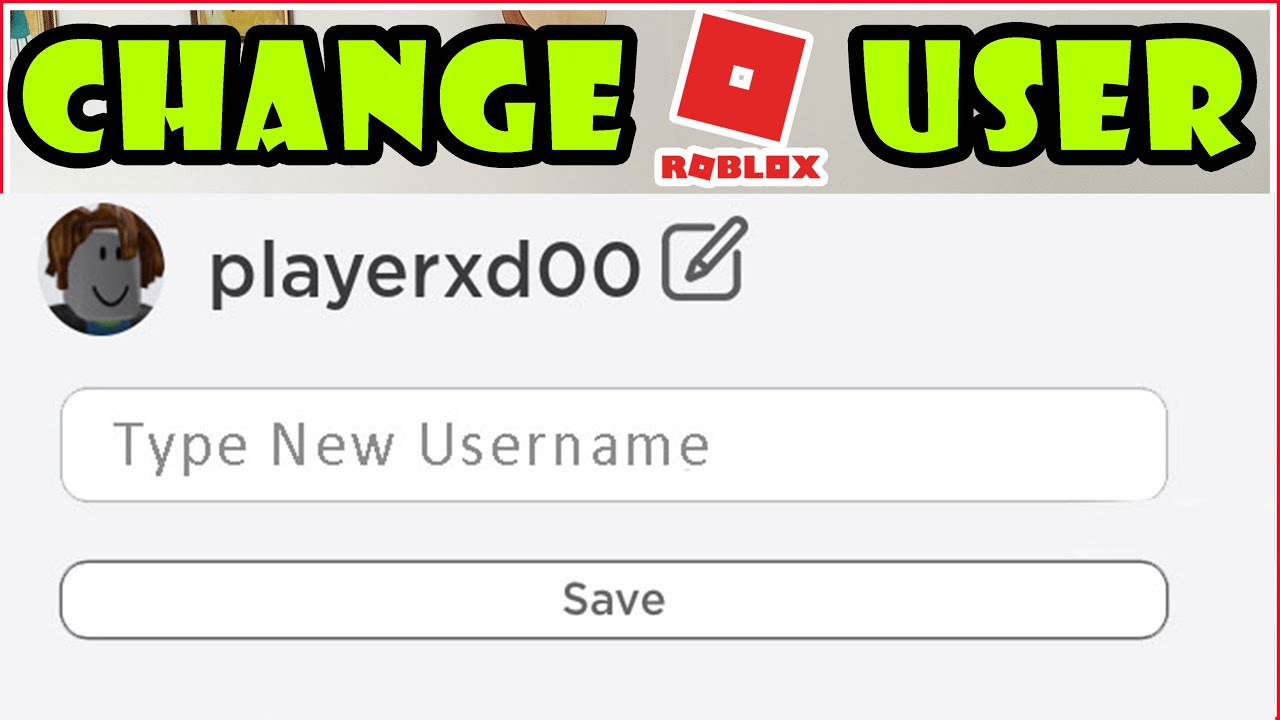
Next to your username, you'll see a 'Change Username' button (it might look like a pencil icon). Click on it.
A pop-up window will appear, prompting you to enter your new desired username. This is where you'll need to be creative and check for availability.
After entering your new name, Roblox will inform you if it's available. If it is, you'll be prompted to confirm the change and pay the 1,000 Robux fee.
Enter your password to verify the change and finalize the transaction. Once confirmed, your new username will be active!
Double-check everything before confirming, as there's no undo button once the Robux are spent.
What happens to my old Username after I change it?
When you successfully change your Roblox username, your previous handle doesn't just vanish into thin air. Roblox implements a system where your old username becomes unavailable for use by other players for a period of 30 days. This grace period prevents others from immediately snatching up your old name, offering a small buffer. After these 30 days, your old username is released back into the general pool of available names, meaning any other player could potentially claim it. This is an important detail for players who might later regret their change or who want to ensure their old name isn't immediately adopted by someone else. Your account's unique ID, which is a numerical identifier, remains unchanged, ensuring all your data, progress, and purchases are safely linked to your account regardless of the username switch.
Are there any restrictions or rules for new Usernames?
Yes, Roblox has strict guidelines for usernames to maintain a safe and respectful environment, which is especially important as social gaming continues to thrive in 2026. When choosing a new username, you must adhere to the following rules:
No inappropriate, offensive, or vulgar language.
No personal identifying information (e.g., real names, addresses, phone numbers).
No discriminatory or hateful content.
No promotion of illegal activities.
Must be between 3 and 20 characters long.
Can only contain letters, numbers, and underscores.
Cannot start or end with an underscore, or have consecutive underscores.
Must not impersonate other users, staff, or celebrities.
Roblox's moderation system is constantly updated to catch violations, so attempting to bypass these rules could lead to your account being moderated or even banned. Always aim for a name that is respectful and fits within the community guidelines.
Can I change my Roblox Username on mobile devices?
While you can access Roblox on your mobile device, the process for changing your username (not display name) is a bit specific. You cannot directly change your Roblox username through the official Roblox mobile app. Instead, you'll need to use a web browser on your mobile device. Open your preferred browser (like Chrome, Safari, or Firefox) and navigate to the Roblox website. Make sure you're logged into your account. From there, you can follow the same steps as you would on a desktop computer: access your 'Settings,' then 'Account Info,' and proceed with the 'Change Username' option. This distinction is crucial for mobile-first gamers, as 60% of US gamers regularly engage with mobile titles, and many might assume all features are available directly in the app. Knowing this simple workaround ensures a smooth experience for changing your Roblox identity on the go.
How do I ensure my friends can still find me after a name change?
Keeping your social connections intact after a username change is a common concern for adult gamers who value their online communities. Fortunately, Roblox has mechanisms in place to help. Firstly, your unique User ID (a string of numbers) remains the same, so any friends who saved you by that ID will still have you on their list. More practically, if your friends know your Display Name, they can still search for you using that. However, the most reliable method for your friends is to simply communicate your new username to them directly. A quick message through Roblox chat, Discord, or any other platform you use to connect with your gaming pals will do the trick. Many seasoned players recommend posting a heads-up on your profile or within your private groups before making the switch, ensuring no one loses track of your new persona. Social gaming is a huge trend, and maintaining these ties is essential for a complete Roblox experience.
Is changing my Roblox Username worth it in 2026?
Deciding if changing your Roblox username is 'worth it' truly depends on your personal feelings and priorities. For some, the 1,000 Robux fee is a small price to pay for a fresh start, a more mature online identity, or a name that better reflects their current gaming interests. In 2026, where digital identity plays a huge role in how we interact and express ourselves, a fitting username can enhance your overall enjoyment and social experience on Roblox. If your current name causes discomfort, feels outdated, or genuinely hinders your immersion, then investing in a new one can be a significant quality-of-life upgrade. However, if your current name is functional and you're simply considering a change on a whim, remember that Display Names offer a free, temporary alternative for experimenting with new monikers. Weigh the cost against your desire for a permanent identity refresh.
What if I regret my new Username? Can I change it back or get a refund?
This is a critical point that every player should understand before committing to a username change: Roblox does not offer refunds for username changes, nor can you immediately change it back. Once you confirm the new username and the 1,000 Robux fee is processed, that name is permanent for your account until you decide to pay another 1,000 Robux to change it again. Your old username will be unavailable for 30 days, but after that period, it will be released and could potentially be claimed by another player. This means if you regret your choice, you'll have to wait to change it again and pay the fee once more. This policy underscores the importance of careful planning and double-checking your desired new username before finalizing the transaction. Take your time, get feedback from friends, and ensure your new name is one you'll be happy with for the long haul.
Updating your Roblox username in 2026 is more than just a name change; it's an opportunity to refresh your digital identity and ensure your online presence truly reflects who you are as a gamer today. While it involves a modest Robux fee and a few careful steps, the ability to align your persona with your current gaming interests and social circles can significantly enhance your Roblox experience. Remember the key distinctions between usernames and display names, plan your new name thoughtfully, and communicate with your friends to maintain those valuable social connections. Your journey in the metaverse is constantly evolving, and your username can evolve with it, empowering you to connect, create, and play with confidence. What's your biggest gaming challenge in adapting your online identity? Comment below!
Can I reserve a username on Roblox?
No, Roblox does not offer a feature to reserve usernames. Names become available when a player changes their username or when an account is deleted. Once released, they are on a first-come, first-served basis, often after a 30-day cool-down period from a previous owner.
Does changing my Roblox username affect my game progress or Robux?
Absolutely not. Changing your Roblox username only alters your public-facing name. Your account's unique numerical ID remains the same, ensuring all your game progress, purchased items, Robux balance, and friend list are entirely unaffected by the username change.
How often can I change my Roblox username?
You can change your Roblox username as many times as you like, provided you pay the 1,000 Robux fee each time. There isn't a cooldown period between paid username changes, but the cost encourages thoughtful consideration.
What if the username I want is already taken?
If your desired username is already taken, Roblox will inform you immediately. You will need to choose a different, available name. Try adding numbers, underscores, or slight variations to your preferred name until you find one that is unique and meets the platform's criteria.
Will my followers know I changed my username?
Roblox does not send out automatic notifications to your followers or friends when you change your username. To ensure they know, you should directly inform them through in-game chat, private messages, or external platforms like Discord.
Changing your Roblox username costs 1000 Robux. Display Names are free and change frequently. Understand the difference between username and display name. Process takes a few steps in settings. Your old username becomes unavailable for 30 days. Plan your new name carefully for social continuity. No refunds for accidental changes. Account security is vital during the process. Ensure your payment method is ready. Old friends can still find you via display name or friend list. Check name availability before committing. This update refreshes your online persona.
35


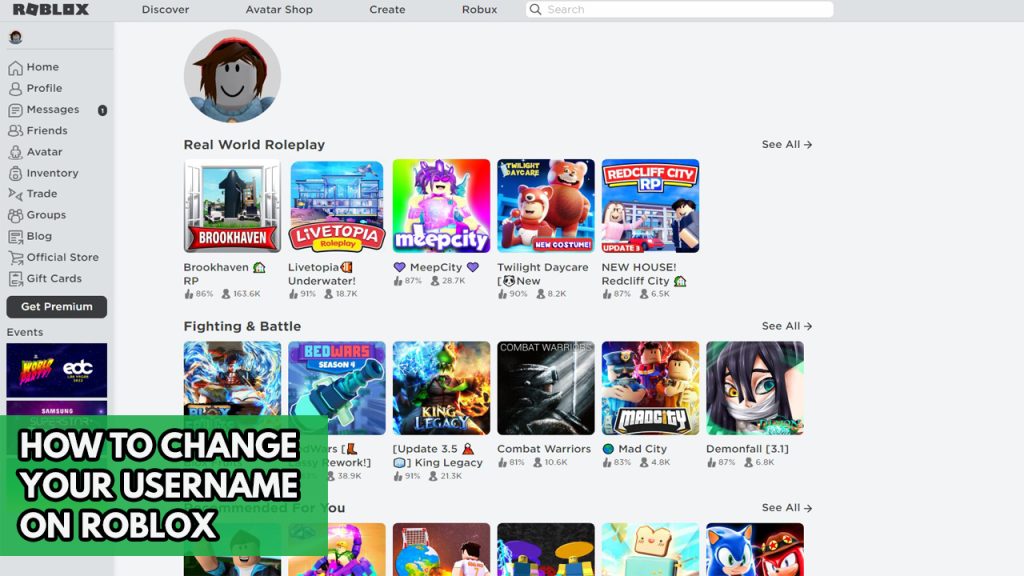

How To Change Roblox Username Easy Guide YouTube . How To Change Roblox Username For Free 2026 UPDATED YouTube . How To Change Roblox USERNAME YouTube . Roblox Username Change How To Update Your ID Easily How To Change Your Username On Roblox 1024x576 . How To Change Username On Roblox Is It Free Now YouTube
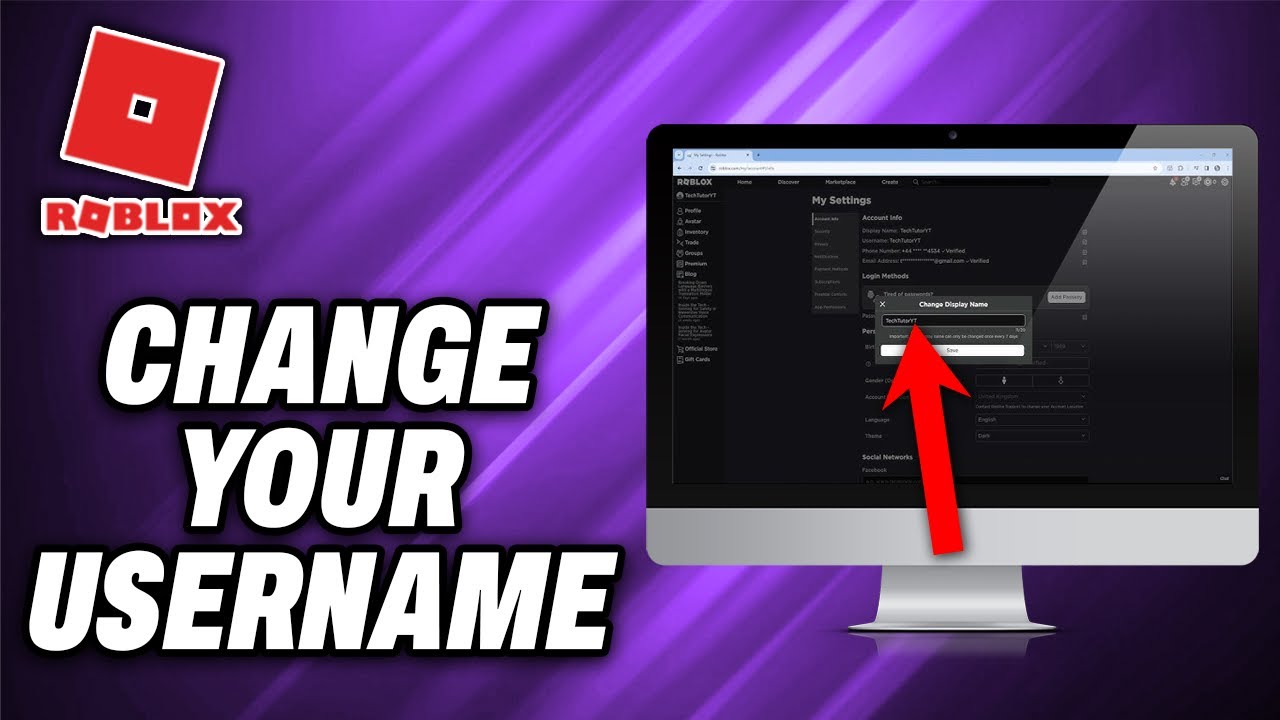


How To Change Your Roblox Username Quick Help YouTube . How To Change Your Roblox Username Change Roblox Gamertag YouTube . Roblox Username Change How To Update Your ID Easily How To Change Roblox Username . How To Change Your Display Name Username On Roblox Full Guide YouTube . How To Change Roblox Username Quick Easy YouTube


How To Change Roblox Username Display Name YouTube . Roblox Username Change How To Update Your ID Easily . How To Change Your Roblox Username For Free 2025 Without Paying 1000 . Changing Your Roblox Name In 2025 Username Vs Display Name Explained . How To Change Username On Roblox YouTube


Roblox Names With X At Joel Marshall Hall Blog . Roblox Username Change How To Update Your ID Easily How To Change Roblox Username . How To Change Your Roblox Username 2026 Full Guide YouTube . How To Change ROBLOX Username Free XBOX Simple Guide YouTube . How To Change Your Username In Roblox For FREE 2024 YouTube




How To Change Your Roblox Username For FREE In 2022 Roblox YT Ban . Roblox Username Change How To Update Your ID Easily . How To Change Roblox Username Guide. ROBLOX How To Change Your Username On Roblox YouTube . How To Change Username On Roblox Change Username On


How To Reset Your Roblox Password In 8 Easy Steps Guide Robfp7 1536x791 . Seeking Unique Japanese Usernames For Roblox Find Yours Roblox Usernames 1 559x1024 . Roblox Username Change How To Update Your ID Easily Ce44c 1920 . Roblox Color Name Checker . Roblox Change Username Change Roblox


Roblox Username Ideas 2026 Cool Cute Unique Names Roblox Username Ideas 2026 Name Examples Display Names Creation Tips . How To Change Username On Roblox Updated Quick Simple YouTube . How To Change Roblox Name Tag Color 2026 UPDATED Roblox Username . CHANGING MY ROBLOX USERNAME FIRST TIME YouTube . Roblox Change Username