Unleash the full potential of Grand Theft Auto V with OpenIV, the essential modding tool that transforms your single-player experience. For the average US gamer, around 36 years old and balancing work, family, and limited free time, OpenIV offers a fantastic way to refresh a beloved title without buying new games. This comprehensive guide navigates installation, common issues, and safe modding practices, ensuring you can enjoy custom vehicles, textures, and scripts effortlessly. With 87% of US gamers regularly diving into virtual worlds for an average of 10+ hours weekly, optimizing your time for maximum fun is key. Discover how OpenIV helps you extend GTA V's replayability, build new skills through creative modding, and find fresh relaxation. Avoid common pitfalls, protect your game integrity, and get straight to the enhanced gameplay you deserve. This article addresses typical pain points like setup confusion and performance concerns, providing clear, actionable solutions for a hassle-free modding journey. Dive in and make GTA V truly your own.
What is OpenIV for GTA V and why is it essential for modding?
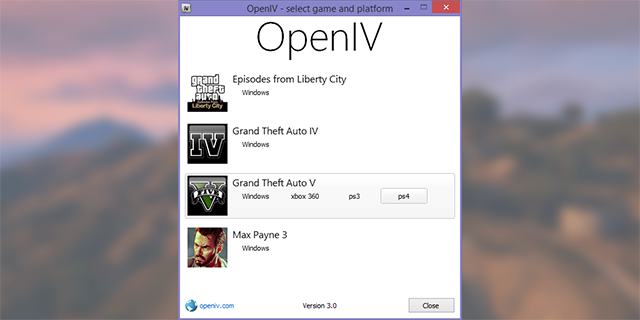
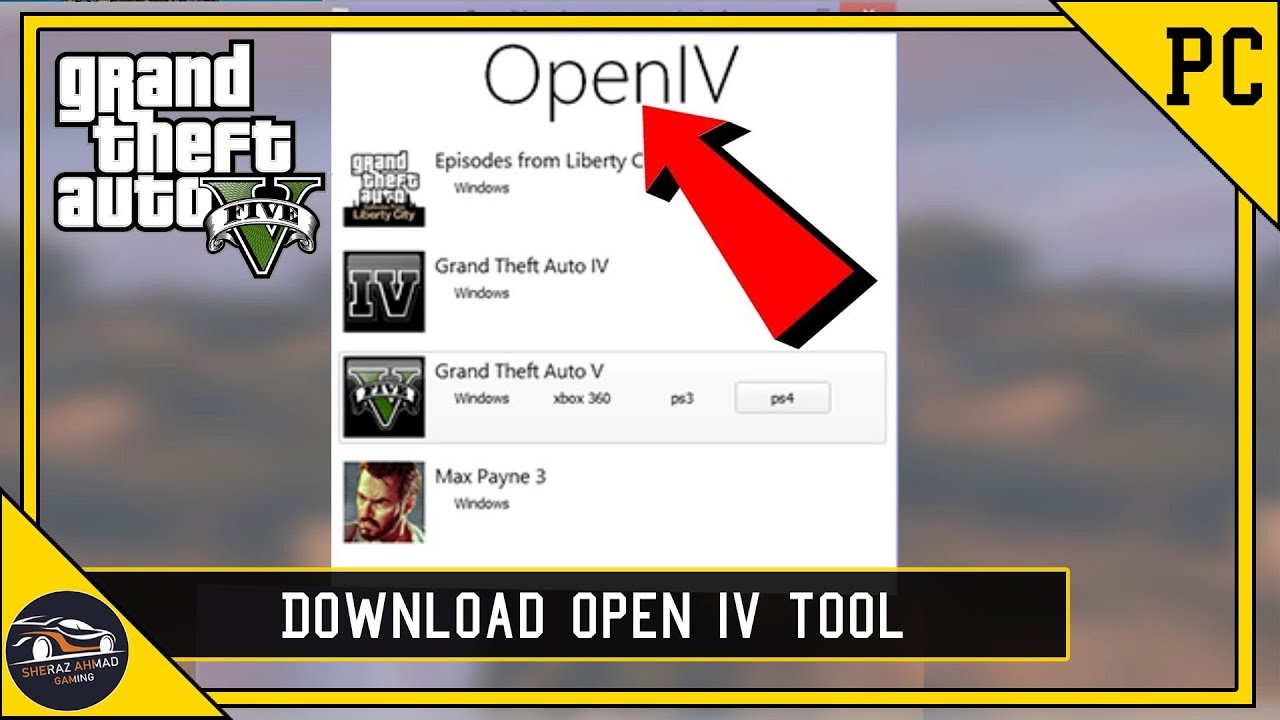
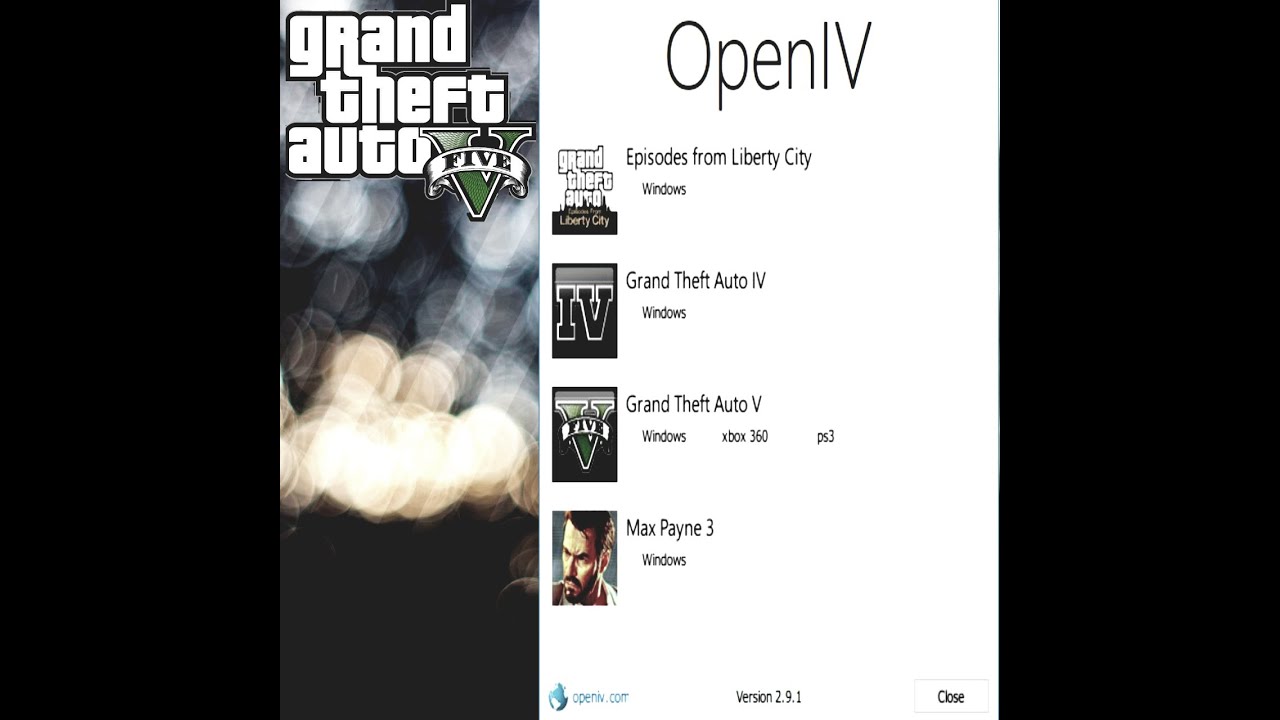
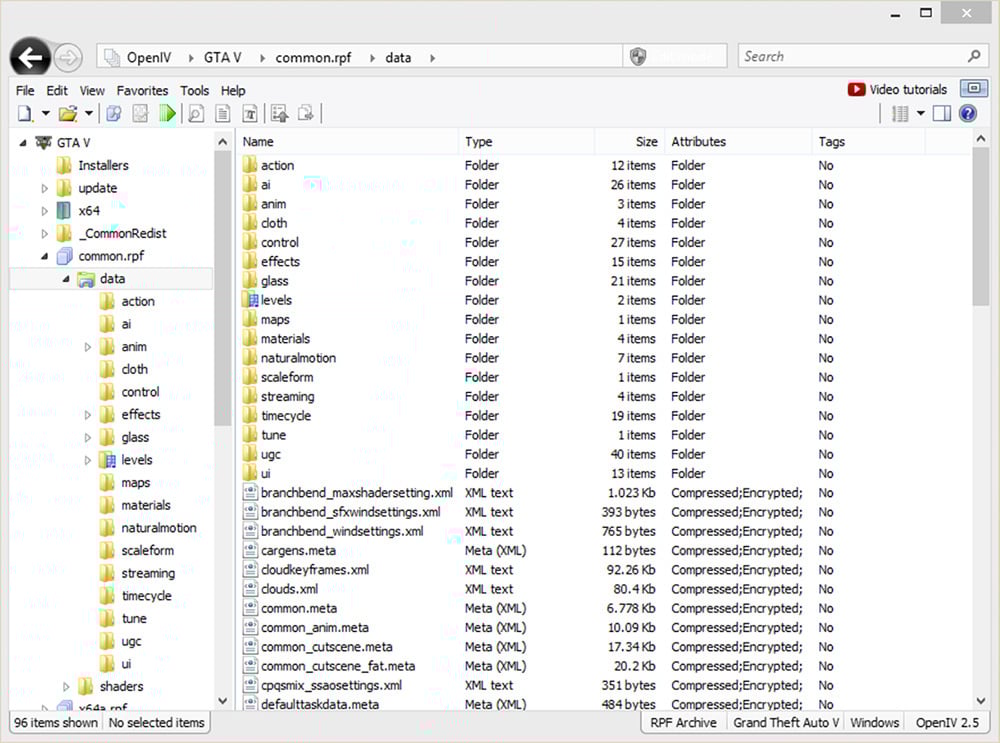
OpenIV is a powerful multi-purpose editor and archive manager primarily used for Grand Theft Auto V. It allows gamers to access, view, and modify the game's internal files, enabling the installation of custom content like new vehicles, textures, scripts, and maps. For modding GTA V, OpenIV is indispensable as it acts as the gateway to inject custom files and transform the single-player experience beyond the vanilla game, making it a cornerstone tool for the modding community.
How do I install OpenIV correctly for Grand Theft Auto V to avoid issues?
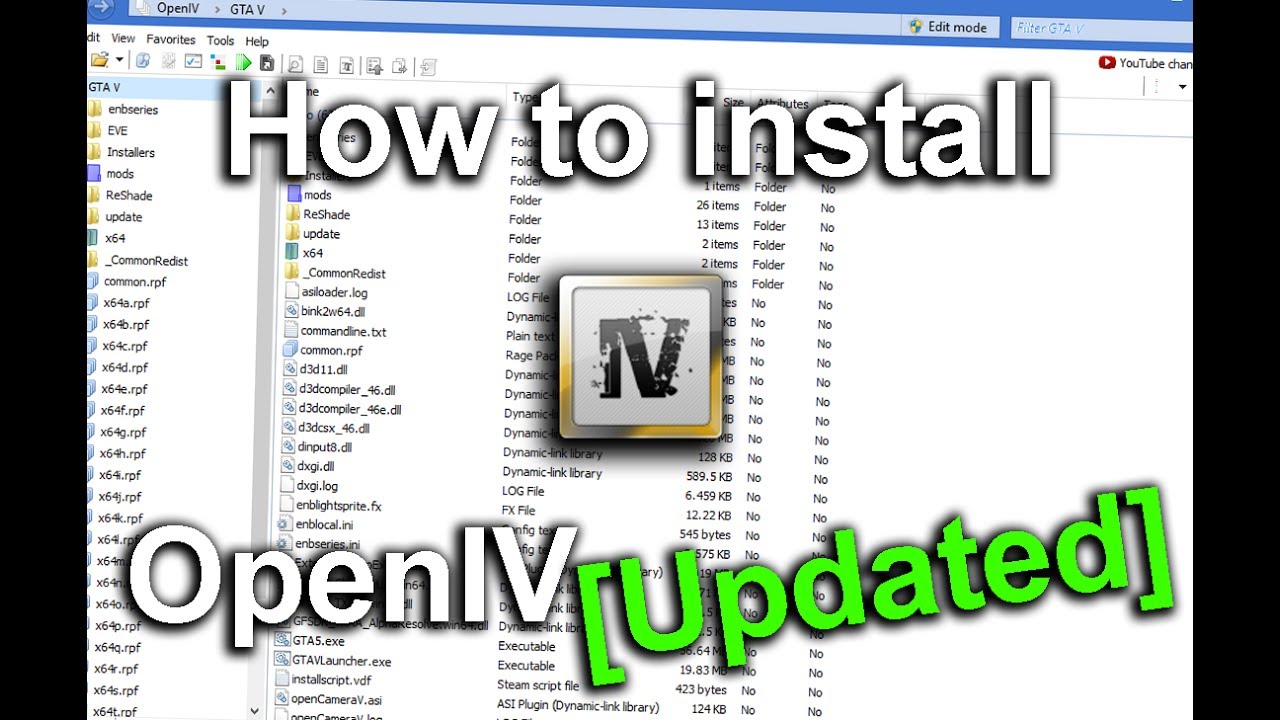
To correctly install OpenIV, first download the official setup from a reputable source. Run the installer and direct it to your GTA V game directory. Crucially, after OpenIV is installed, launch it, go to 'Tools', then 'ASI Manager', and install 'ASI Loader' and 'OpenIV.asi'. Also, create a 'mods' folder in your main GTA V directory and copy original game archives (like update.rpf) into it. Always make modifications within this 'mods' folder to safeguard your original game files and prevent stability issues or game corruption.
Is it safe to use OpenIV with GTA V for playing online?
No, it is NOT safe to use OpenIV or any modifications for Grand Theft Auto V when playing online. Rockstar Games strictly prohibits any modding in GTA Online, and doing so will almost certainly result in a permanent ban of your account. OpenIV is exclusively designed for enhancing the single-player story mode experience. Always ensure your game is completely vanilla (no mods active or loaded) before attempting to connect to GTA Online to protect your account and progress.
Where can I find reliable and up-to-date mods for GTA V that work with OpenIV?
Reliable and up-to-date GTA V mods compatible with OpenIV can primarily be found on popular modding websites. GTA5-Mods.com remains the premier destination, offering a vast library of vehicles, scripts, maps, and visual overhauls. Nexus Mods also hosts a significant collection. Always check a mod's download count, user ratings, and recent update dates to ensure its quality and compatibility. Prioritizing mods from well-known creators and communities helps ensure a safer and more stable modding experience for your game.
What are the common problems when using OpenIV and how can I troubleshoot them?
Common problems with OpenIV include 'Grand Theft Auto V is not installed' (ensure correct directory selection), game crashes after mod installation (often due to conflicting mods, incorrect installation, or insufficient hardware resources), and mods not appearing in-game. Troubleshooting involves ensuring ASI Loader and OpenIV.asi are installed via the ASI Manager, checking for a properly configured 'mods' folder, installing mods one at a time to isolate issues, and consulting mod pages for specific compatibility requirements. Regularly backing up your 'mods' folder also allows for quick problem resolution.
Can OpenIV affect GTA V's performance, and what steps can optimize it?
Yes, heavy modding through OpenIV can impact GTA V's performance, especially with high-resolution textures or numerous script mods. To optimize, prioritize well-optimized mods over quantity, monitor your VRAM usage, ensure your game and mods are on an SSD if possible, and keep your graphics drivers updated. Consider reducing in-game graphics settings for less critical elements if performance dips. For busy gamers, choosing fewer, high-impact mods can provide a great refresh without demanding significant hardware upgrades or extensive optimization time.
What should I do if a GTA V game update breaks my OpenIV mods?
If a GTA V game update breaks your OpenIV mods, the first step is to be patient. Major game updates often render the ASI Loader, Script Hook V, and many mods incompatible. The best approach is to revert your game to its vanilla state by removing or renaming your 'mods' folder. Then, wait for the developers of OpenIV, Script Hook V, and individual mods to release updated versions that are compatible with the new game patch. Attempting to force outdated mods on a new game version will almost certainly lead to crashes and instability.
Hey fellow gamers! Ever find yourself wanting more from your favorite games but struggling to find the time for a whole new title? We get it. Many of us, especially those around 36 years old who juggle jobs, families, and life's endless quests, love the relaxation and fun gaming brings. But after countless hours in Grand Theft Auto V's Los Santos, even a masterpiece can start to feel a little too familiar. You're not alone if you've wished for a way to inject new life, new vehicles, or even entirely new experiences into the game without sacrificing precious hours on complex setups or troubleshooting.
That's where OpenIV comes in. This powerful, free modding tool is a game-changer for GTA V, allowing you to customize your single-player world in ways you never thought possible. Imagine cruising a custom supercar, exploring new map additions, or even overhauling the game's visuals, all tailored to your taste. This guide is built for you: the gamer who values their time, wants performance optimization, and seeks maximum fun without the hype. We'll cut through the confusion, address common pain points like tricky installations and potential performance hits, and provide clear, actionable steps to get you modding safely and efficiently. With 87% of US gamers regularly playing and many dedicating 10+ hours a week, let's make sure those hours are as epic as possible. Ready to transform your GTA V experience and make every gaming session count?
What Exactly Is OpenIV and Why Do I Need It for GTA V?
OpenIV is essentially a multi-purpose editor and archive manager for several Rockstar Games titles, with Grand Theft Auto V being its most popular application. Think of it as your master key to unlock and modify the game's internal files. It allows you to replace, add, or edit textures, models, audio, and even scripts. For a gamer balancing life's demands, OpenIV isn't just a tool; it's a time-saver. Instead of getting bored and hunting for a new game, you can easily refresh your existing GTA V experience, adding hundreds of hours of new content and replayability to a game you already own and love. It’s about getting more value and more enjoyment out of your investment.
How Do I Safely Install OpenIV for Grand Theft Auto V Without Breaking My Game?
Installing OpenIV correctly is crucial to avoid headaches. The process is straightforward if you follow the steps. First, download the official OpenIV setup from a reputable source (like its official website). During installation, you'll need to direct it to your GTA V game directory. The most critical step is installing the ASI Loader and OpenIV.asi via the 'Tools - ASI Manager' within OpenIV. This enables custom content. Always make sure to create a 'mods' folder in your GTA V directory and copy original game archives (like update.rpf) into it before making any changes. This 'mods' folder acts as a sandbox, protecting your original game files and making it easy to revert changes if something goes wrong. This setup is a lifesaver for busy adults who don't have hours to troubleshoot a broken game.
What Are the Best Types of Mods to Enhance My GTA V Single-Player Experience with OpenIV?
OpenIV opens up a world of customization for GTA V's single-player mode. For gamers looking for quick, impactful changes, consider these categories:
- Vehicle Mods: Replace default cars with real-life models, custom designs, or even sci-fi vehicles. This is a huge hit, offering fresh driving experiences.
- Visual and Texture Mods: Upgrade graphics, add new weather effects, or overhaul specific areas of Los Santos for a fresh look.
- Script Mods (with Script Hook V): These add new gameplay mechanics, characters, or missions, dramatically extending the game's life. Remember, Script Hook V often works alongside OpenIV for these.
- Pedestrian and Weapon Mods: Change character models or weapon skins to personalize your world.
Remember, prioritizing mods that fit your personal style ensures you spend your valuable gaming time exactly how you want to. Many gamers around 36 appreciate visual overhauls or new vehicles that make their quick play sessions feel novel and exciting without demanding a huge time commitment.
Can Using OpenIV Impact My GTA V Game's Performance, and How Can I Optimize It?
Yes, adding extensive mods via OpenIV can impact performance, especially if you're running on older hardware or trying to use many high-resolution textures. Each mod adds to the game's load, both graphically and in terms of processing. To optimize performance:
- Choose Mods Wisely: Prioritize quality over quantity. Stick to well-optimized mods from reputable creators.
- Monitor VRAM Usage: High-resolution texture packs can quickly eat up your GPU's video memory. Use in-game benchmarks or monitoring tools.
- Clean Installation: Ensure your GTA V installation is clean before modding. Remove any old, incompatible mods.
- Upgrade Components (Budget-Friendly): If performance is a consistent issue, consider a budget-friendly RAM upgrade (from 8GB to 16GB) or a slightly better GPU. Even small upgrades can make a big difference in modded games.
It's all about balancing the visual enhancements with what your system can comfortably handle, ensuring your gaming sessions remain smooth and enjoyable.
Is It Safe to Use OpenIV for GTA V Online, and How Can I Avoid Getting Banned?
Absolutely NOT. This is critical for every GTA V player: **NEVER use OpenIV or any mods while playing GTA Online.** Rockstar Games has a strict policy against any modifications that alter the game's code or assets in their online environment. Using OpenIV or any mod in GTA Online will almost certainly result in a permanent ban. OpenIV is designed exclusively for the **single-player story mode**. Many gamers, particularly those balancing life, cherish their online progress and don't want to risk it. Always ensure your game is completely vanilla (no mods loaded) before entering GTA Online. The safest practice is to have a dedicated 'mods' folder and rename or move it out of the GTA V directory when you want to play online, or even better, use a mod manager that allows easy switching between modded and vanilla versions.
Where Can I Find Reliable and Up-to-Date GTA V Mods Compatible with OpenIV in 2026?
Finding quality mods is key to a great experience. While the modding scene evolves, a few platforms remain reliable hubs:
- GTA5-Mods.com: Still the go-to for thousands of vehicle, weapon, script, and visual mods. Look for highly-rated mods with recent update dates.
- Nexus Mods (for GTA V): Another popular platform offering a wide array of mods, often with detailed installation instructions and community feedback.
- Specific Modding Forums/Communities: Dive into communities on Reddit (e.g., r/GTAV_Mods) or dedicated forums where creators often showcase and distribute their work.
Always check comments, ratings, and download counts to gauge a mod's reliability and compatibility. Always scan downloaded files with antivirus software as an extra precaution. Staying current with trends, like new vehicle packs or enhanced realism mods, keeps your gameplay fresh and exciting.
How Do I Update Mods Installed via OpenIV, and What If a Game Update Breaks My Mods?
Updating mods can be a bit of a dance. For simple file replacements, you often just replace the old mod files with the new ones using OpenIV. For more complex script mods, you might need to download updated versions of Script Hook V and the mod itself. Rockstar game updates are the biggest challenge for modding. When a major game update rolls out, it often renders OpenIV.asi and Script Hook V (and consequently, many mods) incompatible until their developers release updated versions. This is where your 'mods' folder becomes invaluable. If an update breaks your game, simply remove or rename your 'mods' folder to revert to the vanilla game, then wait for modding tool updates before reintroducing your mods. Patience is key during these times!
What are the common pain points for OpenIV users, and how can I fix them?
Many gamers face similar hurdles when diving into OpenIV. One common issue is the 'OpenIV.asi not found' error, which usually means the ASI Loader wasn't installed correctly via the 'Tools - ASI Manager' in OpenIV. Another frequent problem is a crashing game after installing mods; this often points to an incorrect file path for the mod, conflicts between mods, or simply not having enough RAM/VRAM for the added content. Always double-check your installation path for mods, ensure they are for the correct game version, and consider installing mods one by one to easily identify culprits if crashes occur. A clean 'mods' folder backup is your best friend here, allowing for quick reversions. Remember, troubleshooting is part of the learning curve, and with a little patience, you'll overcome most issues.
As we navigate 2026, social gaming remains a dominant trend, with mobile gaming also on the rise. While OpenIV is for single-player, the skills you learn in managing game files and understanding game mechanics can transfer to other areas of gaming, even to building communities around custom content. It's about optimizing your experience and building a game that genuinely relaxes and entertains you after a long day.
So there you have it! OpenIV is a powerful ally for any GTA V player looking to revitalize their game. It empowers you to tailor Los Santos to your exact preferences, providing endless hours of fresh entertainment without needing to constantly invest in new titles. For the busy gamer, it's about making every minute count, optimizing fun, and building a gaming experience that truly fits your life. Don't let installation fears or troubleshooting woes hold you back. Dive in, experiment, and enjoy a GTA V that's uniquely yours. What's your biggest gaming challenge when it comes to customizing your games? Comment below!
FAQ: Quick Answers for OpenIV & GTA V Modding
What is the 'mods' folder in OpenIV?
The 'mods' folder is a crucial directory you create in your GTA V game folder. You copy original game archives (like update.rpf) into it and then apply all your modifications within these copied files. This acts as a sandbox, protecting your original game files and allowing you to easily remove mods by deleting or renaming the 'mods' folder.
Can I revert changes made with OpenIV?
Yes, if you've used the 'mods' folder correctly, reverting changes is as simple as deleting or renaming that folder. If you modified original game files directly (which is not recommended), you might need to verify game file integrity through Steam/Epic Games or reinstall certain parts of the game.
Do I need Script Hook V with OpenIV?
OpenIV handles model and texture replacements, but many advanced script-based mods (like new gameplay mechanics or custom missions) also require Script Hook V to function. Always check a mod's requirements, as Script Hook V is often a companion tool for a richer modding experience.
Why does OpenIV say 'Grand Theft Auto V is not installed'?
This error usually means OpenIV can't find your GTA V game directory. During the initial setup, ensure you select the correct folder where your 'GTA5.exe' file is located. Sometimes, reinstalling OpenIV and carefully pointing it to the right path resolves this issue.
How do I backup my GTA V game before modding?
The best way to backup is by creating the 'mods' folder and only applying changes there. Additionally, you can manually copy your entire GTA V game directory to another location on your hard drive. Steam/Epic Games also offer 'verify game files' options which can restore original files if you accidentally modify them outside the 'mods' folder.
Can I get viruses from GTA V mods?
While rare from reputable sources, it's possible. Always download mods from trusted sites like GTA5-Mods.com or Nexus Mods. Read comments, check ratings, and always scan downloaded archives with up-to-date antivirus software before installing anything. Exercise caution with any executable files disguised as mods.
What is 'Edit Mode' in OpenIV?
'Edit Mode' is a toggle within OpenIV that allows you to make changes to game files. When you're in 'Edit Mode,' you can replace, add, or delete files within the game archives. Remember to always be in 'Edit Mode' when you want to apply mods, and ensure you're working within your 'mods' folder.
GTA V OpenIV installation guide, safe modding practices for Grand Theft Auto V, troubleshooting OpenIV errors, enhancing GTA V single-player experience with custom content, best GTA V mods using OpenIV, understanding OpenIV's impact on game performance, preventing bans in GTA Online with OpenIV.
35



Como Instalar E Configurar O OpenIV No GTA 5 2026 YouTube . How To Install OpenIV In GTA V Enhanced 2025 GTA 5 Mods YouTube . OpenIV The Ultimate Modding Tool For GTA V GTA IV And Max Payne 3 00 . OpenIV Has Been CANCELLED GTA5 OpenIV . CARA INSTALL OPEN IV Di GTA V Enhanced AMAN NO VIRUS Tutor GTA V


How To Install Openiv For GTA 5 How To Install Open Iv Tool YouTube . GTA 5 PC How To Install Open IV 2024 Full Guide YouTube . How To Install Open IV 2025 GTA 5 MODS YouTube . How To Install Openiv 2024 Latest Version In Gta V Mods Master Gaming Mqdefault . HOW TO INSTALL OPEN IV GTA 5 OPEN IV INSTALL YouTube



How To Install Open IV For GTA V Open Iv Install Karny Ka Aasan Triqa Hqdefault . HOW TO INSTALL OPEN IV 2022 GTA 5 MODS YouTube . OpenIV 3 0 For GTA 5 ProgGTA Ru Open Iv Gta5 . Por Qu GTA IV Sigue Siendo Tan Realista En 2026 YouTube . 2mtv Grand Theft Auto VI Will Now Release On May 26 2026 Rockstar Crawler



Data De Lan Amento De GTA 6 Confirmada Para Maio De 2026 GAMES GG Medium GTA 6 Release Date Locked For May 2026 B69bceb5b4 . GTA VI Could Be Delayed To 2026 KitGuru Cropped 1920 1080 1343612 . GTA 6 Release May Be Delayed Until 2026 SDN Sektor Uzmanlarina Gore Gta 6 2026ya Ertelenecek . Gta 6 2025 Or 2026 Grand Theft Auto V Inc Update 4 MedienHome De Grand Theft Auto 8K GTAV Real Scaled . TOP 15 MOST ANTICIPATED Open World Games Like GTA 6 Coming In 2026

GTA IV Grand Theft Auto IV Teaser Trailer 2026 Sebastian Stan . 2026 Grand Theft Auto Universe Wiki Fandom 1200. GTA 6 Leaked Screenshots Ignite Fan Frenzy Massive Open World And New GTA 6 Leaked Screenshots . Gta 5 Exe Download Open Iv Mdlinda . Gta 6 2025 Or 2026 Grand Theft Auto V Inc Update 4 MedienHome De 1335660

GTA 6 Vs GTA 5 Map Comparison Mind Blowing Numbers GTA 6 Vs GTA 5 Map Comparison . Grand Theft Auto V PS4 Ve PS5 . Epic Games Gta 5 Social Grand Theft Auto V RUB 99 998 EGS S1 2560x1440. OpenIV GTA5 Mods Com D74623 Openiv 1 . How To Play GTA IV Online 2026 YouTube


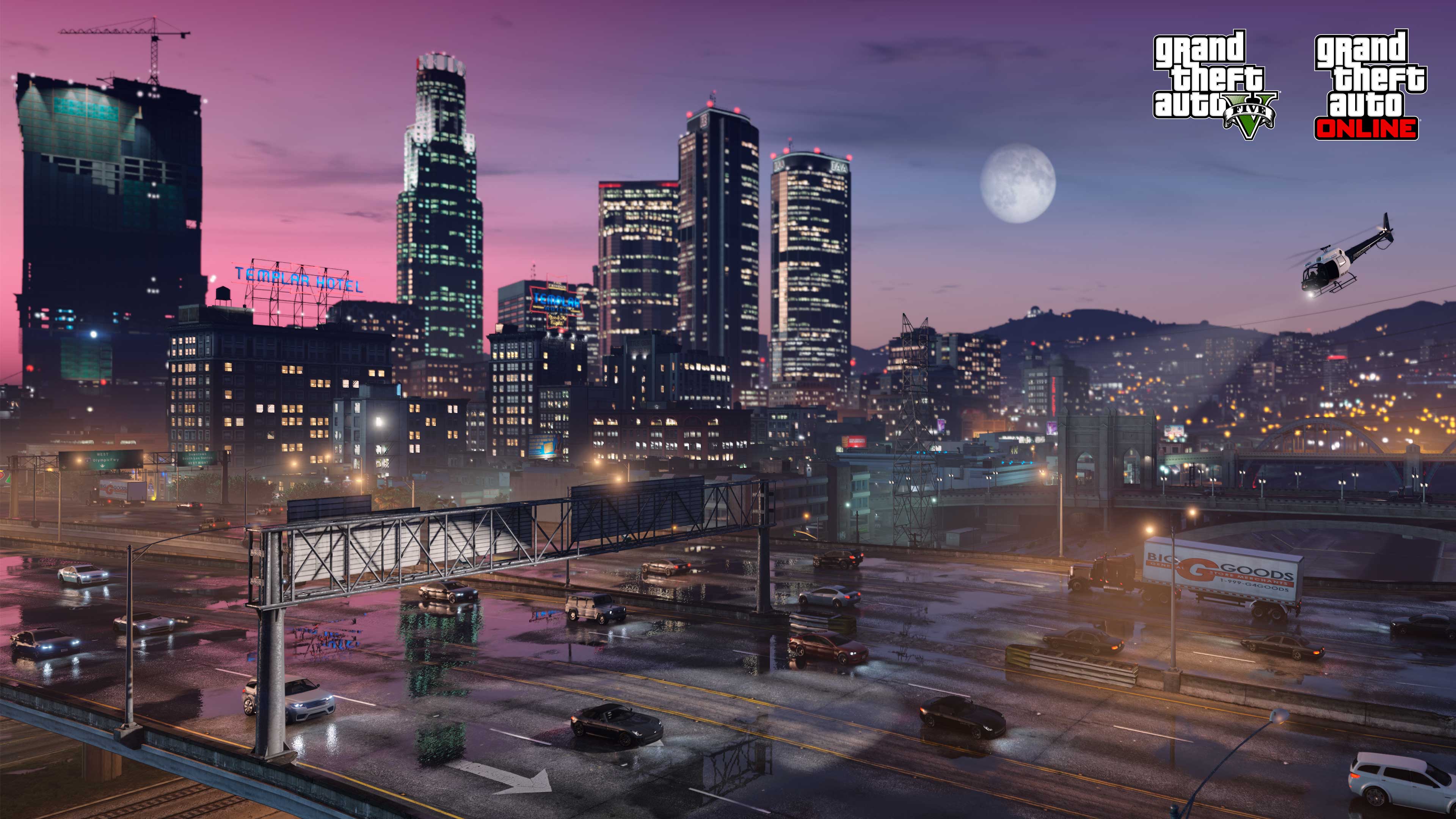
GTA V OPEN IV 2021 OPEN IV 2021 YouTube . GTA V Open IV 2K24 YouTube . GTA VI In 2026 YouTube . 2026 NEW YEAR PARTY GTA 5 SERIES YouTube . Darmowe Ulepszenie Grand Theft Auto V Na PC Premiera 4 Marca