Building an AMD gaming PC in 2026 is an exciting journey offering exceptional performance value and future proofing for avid gamers. As technology evolves rapidly choosing the right components for your AMD gaming PC build can seem daunting but this comprehensive guide simplifies the process. We will navigate through processor choices graphics cards memory storage and motherboards ensuring you make informed decisions for a powerful and reliable setup. Whether you are looking to dominate esports titles stream your gameplay or immerse yourself in the latest AAA adventures an AMD powered machine provides the horsepower needed. Discover tips for balancing performance with budget optimizing your system and staying current with the latest gaming trends. This resource is tailored for the average gamer around 36 years old balancing life and passion providing practical solutions without the hype. Get ready to unlock your ultimate gaming experience with an AMD build.
What are the best AMD CPUs for gaming in 2026
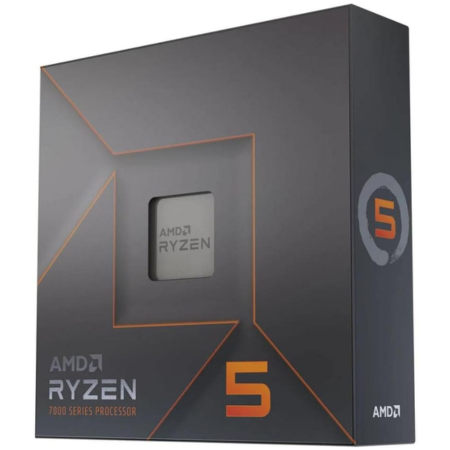
For high-end gaming in 2026, the AMD Ryzen 7 7800X3D often provides the best value due to its exceptional 3D V-Cache technology, delivering superb frame rates without overspending. For users who also engage in heavy productivity tasks alongside gaming, the Ryzen 9 7950X3D is a top-tier choice. On a tighter budget, the Ryzen 5 7600 offers fantastic performance per dollar, making it ideal for 1080p and 1440p gaming on an AMD gaming PC build.
How much should I spend on an AMD gaming PC build
The ideal budget for an AMD gaming PC build in 2026 varies greatly based on desired performance. A solid entry-level 1080p system can start around $800-$1000. For excellent 1440p gaming, expect to spend $1200-$1800. If you are aiming for top-tier 4K performance, a budget of $2000+ will be necessary. Remember to allocate funds wisely, prioritizing the GPU and CPU for gaming performance.
What AMD GPU is best for 1440p gaming
For 1440p gaming on an AMD system, the Radeon RX 7800 XT is currently the sweet spot in 2026, offering exceptional performance and value. It delivers consistent high frame rates in most modern titles at this resolution. If your budget allows, the RX 7900 XT provides an even greater performance uplift for smoother experiences in more demanding games or higher refresh rate monitors.
Is the AMD AM5 platform future-proof
Yes, the AMD AM5 platform, which supports Ryzen 7000 series CPUs, is designed for longevity and future-proofing. AMD has committed to supporting the AM5 socket until at least 2025, with potential extensions beyond that. This means you can upgrade your CPU to future Ryzen generations without needing to replace your motherboard and DDR5 RAM, making it a wise long-term investment for your AMD gaming PC build.
Can an AMD gaming PC handle streaming and content creation
Absolutely. Modern AMD Ryzen CPUs, especially those with higher core counts like the Ryzen 7 or Ryzen 9 series, excel in multi-threaded workloads, making them perfect for streaming and content creation alongside gaming. Their efficiency allows for smooth gameplay while simultaneously encoding video, running design software, or handling complex editing tasks, providing a powerful all-in-one solution for your AMD gaming PC.
How important is RAM speed for an AMD gaming PC
RAM speed is quite important for AMD Ryzen processors, particularly for gaming performance. Ryzen CPUs benefit significantly from faster RAM, with DDR5 6000MHz CL30 being the current optimal sweet spot for AM5 platforms in terms of performance and stability. Ensuring your RAM runs at its advertised speeds via EXPO in BIOS can provide a noticeable boost in frame rates and overall system responsiveness for your AMD gaming PC build.
What are common mistakes to avoid when building an AMD PC
Common mistakes when building an AMD PC include neglecting BIOS updates for new CPUs, especially with older motherboard stock. Not enabling EXPO for DDR5 RAM to run at full speed is another. Overlooking proper driver installation for chipset and GPU can lead to performance issues. Also, ensure adequate cooling for your chosen Ryzen CPU and manage cables for optimal airflow. Careful planning and attention to detail will prevent headaches during your AMD gaming PC build.
Hey fellow gamers! Ever find yourself scrambling for game time after a long day juggling work and family? Maybe your current rig struggles to keep up with the latest titles or you are tired of choppy framerates when trying to unwind with friends online. You are not alone. According to recent US gaming stats, a whopping 87% of gamers play regularly, often clocking in 10 or more hours a week, even while balancing jobs and family life. We all value that precious escape, the thrill of skill-building, and the social connections gaming brings.
That is why building an AMD gaming PC in 2026 is more relevant than ever. It offers a sweet spot of raw power, incredible value, and a clear upgrade path, making it perfect for those of us who want a high-performance machine without breaking the bank or dedicating endless hours to troubleshooting. This guide will cut through the noise, providing practical, actionable advice to help you build an AMD rig that fits your life, your budget, and your gaming ambitions. Let's dive in and build a PC that truly elevates your play!
Why Choose an AMD Gaming PC Build in 2026
Choosing AMD for your next gaming PC build offers a compelling package, especially in 2026. AMD's Ryzen processors, particularly the X3D models, consistently deliver top-tier gaming performance, often matching or even surpassing competitors in specific titles due to their innovative 3D V-Cache technology. This means smoother gameplay and higher frame rates, crucial for competitive multiplayer or immersive single-player experiences. On the graphics front, Radeon RX GPUs provide excellent rasterization performance and increasingly competitive ray tracing capabilities, often at a more attractive price point compared to rivals. For gamers who prioritize value without sacrificing significant performance, AMD presents a very strong case.
Beyond raw power, the AMD ecosystem boasts features like Smart Access Memory SAM, which allows the CPU to directly access the GPU's entire VRAM, boosting performance in many games. The AM5 platform, supporting Ryzen 7000 series and future generations, ensures a robust upgrade path, meaning your investment today can evolve with tomorrow's technology without needing a complete overhaul. This is a huge win for budget-conscious gamers who want their rig to stay relevant for years. Furthermore, AMD's commitment to open standards and driver optimization continues to improve, making their hardware a reliable choice for long term gaming enjoyment.
What Components Do I Need for an AMD Gaming PC Build
Building an AMD gaming PC involves selecting several key components that work in harmony. Here is a breakdown of what you will need:
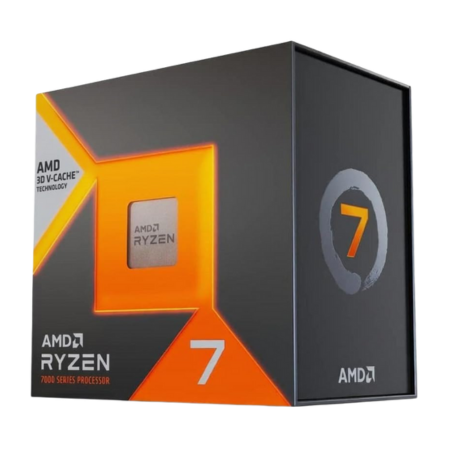
- Processor CPU: This is the brain of your PC. For an AMD build, you will be looking at Ryzen processors. The Ryzen 7000 series is current for 2026, with the 7800X3D being a fan favorite for gaming due to its exceptional performance and efficiency.
- Graphics Card GPU: The heart of your gaming experience. AMD Radeon RX 7000 series cards are the top choice for an AMD build. Consider an RX 7800 XT for excellent 1440p gaming or an RX 7900 XT/XTX for 4K prowess.
- Motherboard: This connects all your components. For Ryzen 7000 series CPUs, you need an AM5 socket motherboard, typically with a B650 or X670 chipset. A B650 board often provides the best value for most gamers.
- RAM Random Access Memory: Essential for multitasking and game loading. DDR5 RAM is standard for AM5 platforms. Aim for 32GB 6000MHz CL30 for optimal performance and value.
- Storage: A fast NVMe SSD is non-negotiable for snappy game loading and system responsiveness. A 1TB or 2TB PCIe Gen4 SSD is highly recommended. You can add a larger SATA SSD or HDD for extra game storage if needed.
- Power Supply Unit PSU: Provides power to all your components. Choose a reputable brand with sufficient wattage (e.g., 750W-850W for most mid-to-high end builds) and an 80 Plus Gold rating for efficiency.
- PC Case: Houses all your components. Look for good airflow, cable management options, and aesthetics that you like.
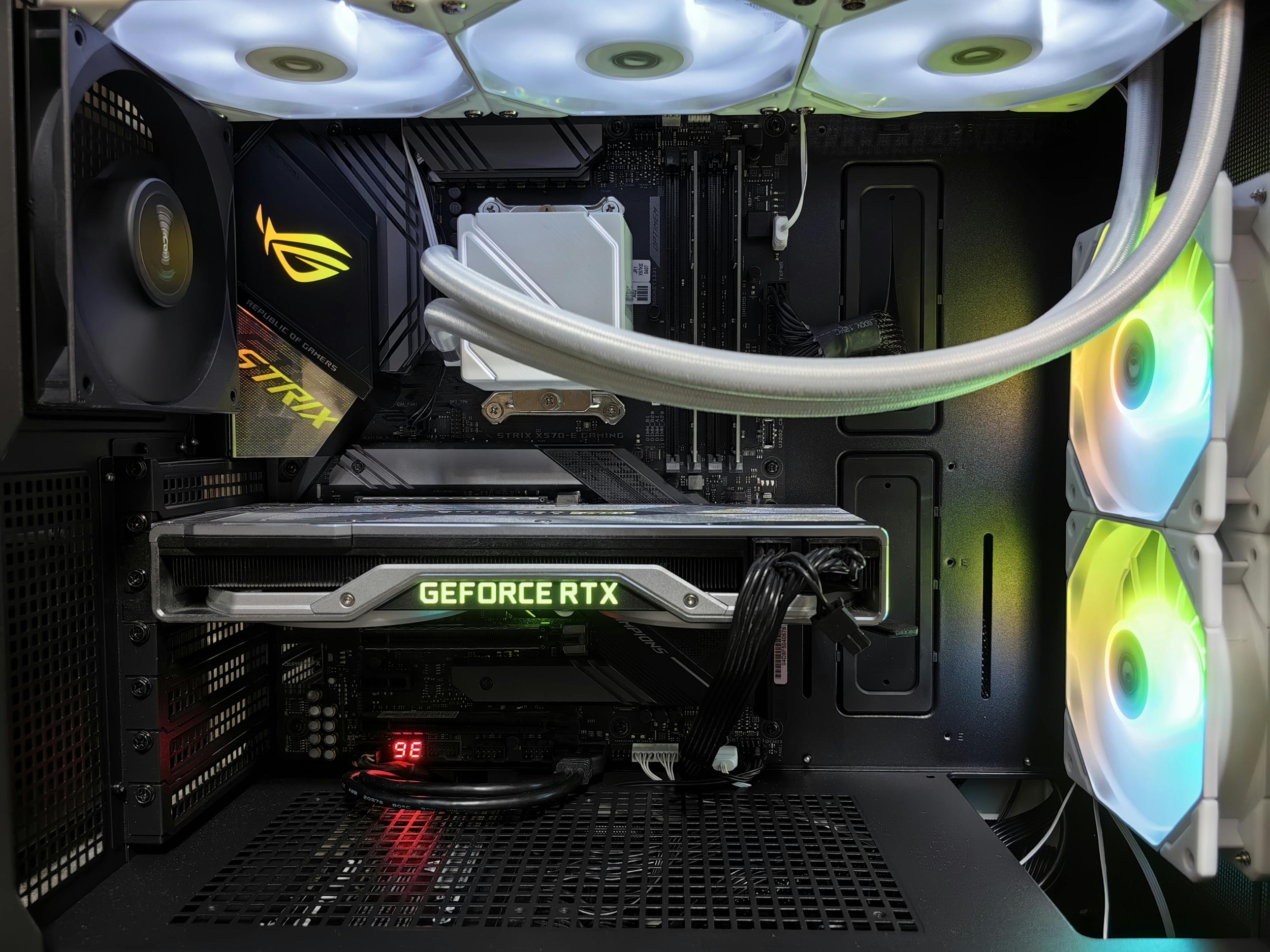
- CPU Cooler: While some Ryzen CPUs come with stock coolers, an aftermarket air cooler or AIO liquid cooler is recommended for better performance and quieter operation, especially for X-series chips.
How Can I Balance Budget and Performance for My AMD Build
Balancing budget and performance for your AMD gaming PC build is all about smart allocation and knowing where to splurge and where to save. For most gamers, the GPU and CPU will be the largest investments and the biggest determinants of in-game performance. Prioritize a strong GPU, as it has the most significant impact on frame rates. For instance, opting for an AMD Radeon RX 7800 XT instead of an RX 7900 XTX can save hundreds while still delivering fantastic 1440p gaming experiences.
When it comes to the CPU, consider the Ryzen 7 7800X3D for its exceptional gaming value. While more expensive than entry-level Ryzens, its performance justifies the cost for many. You can save on the motherboard by choosing a B650 chipset over an X670, as the former offers most features a gamer needs without the premium price. Similarly, a high-quality air cooler can be significantly cheaper than an AIO liquid cooler while still providing excellent thermal performance. Do not cheap out on the PSU, but you do not always need the highest wattage or platinum rating. A reliable 750W 80 Plus Gold unit from a trusted brand is usually sufficient for a mid-to-high-end AMD build. Lastly, a 1TB NVMe SSD for your OS and main games is a must; you can always add a slower, larger drive later for less critical titles.
Are AMD Gaming PCs Good for Social Gaming and Streaming
Absolutely! AMD gaming PCs are incredibly well-suited for social gaming and streaming, a trend that continues to dominate the US gaming landscape where players frequently engage in cross-play and community platforms like Discord. Ryzen CPUs excel in multi-threaded tasks, which is precisely what streaming demands. While you are gaming on one core, other cores can efficiently handle encoding your gameplay for Twitch or YouTube, running Discord voice chat, and managing background applications without a noticeable dip in your in-game performance.
Radeon GPUs, combined with AMD's Adrenalin software, offer excellent streaming encoders that are constantly improving, providing high-quality output with minimal performance impact. Features like AMD Noise Suppression also enhance your streaming experience by filtering out background noise from your microphone. Whether you are hosting a co-op session of Palworld with friends, diving into an Apex Legends match, or showcasing your latest Minecraft build, an AMD gaming PC provides the stable and powerful platform needed to game, stream, and connect with your community seamlessly. The synergy between AMD CPUs and GPUs ensures a smooth, integrated experience for content creators and social gamers alike.
What are the Common Pain Points When Building an AMD PC and How to Avoid Them
Even seasoned builders encounter snags, and an AMD gaming PC build is no exception. A common pain point is BIOS updates. New Ryzen CPUs, especially when paired with older motherboard stock, might require a BIOS update before they can even boot. To avoid this, check the motherboard's QVL Qualified Vendor List for CPU compatibility and ensure your chosen board has a BIOS Flashback feature, allowing you to update the BIOS without a compatible CPU installed. This is a lifesaver.
Another frequent issue is RAM compatibility and speed. DDR5 RAM, essential for AM5 builds, can be finicky. Make sure your RAM is on your motherboard's QVL and enable EXPO in the BIOS for optimal speeds. Forgetting to install all necessary drivers post-build, especially for the chipset and GPU, can lead to performance problems and stability issues. Always download the latest drivers directly from AMD's website. Finally, inadequate cooling can lead to thermal throttling. While AMD CPUs are efficient, investing in a decent air cooler or AIO is crucial for consistent performance, especially under load. Proper cable management also aids airflow and aesthetics, preventing overheating and making future upgrades easier.
How to Optimize Your AMD Gaming PC for Peak Performance
Optimizing your AMD gaming PC build is crucial to squeeze every last frame out of your hardware. First, ensure your drivers are always up-to-date. This includes your GPU drivers from AMD's Adrenalin software and your chipset drivers from AMD's website. These updates often bring performance improvements and bug fixes. Second, enable EXPO in your motherboard's BIOS for your DDR5 RAM to run at its advertised speeds; otherwise, it will default to slower JEDEC profiles. This single step can significantly boost gaming performance.
Next, utilize AMD's Smart Access Memory SAM feature. When enabled, SAM allows your Ryzen CPU to fully access your Radeon GPU's VRAM, which can provide a noticeable performance uplift in many games. Within the Adrenalin software, you can also tweak game-specific settings, enable Radeon Anti-Lag for reduced input latency, or Radeon Boost for dynamic resolution scaling. Ensure your power plan in Windows is set to 'High Performance' or 'Ultimate Performance.' Regularly clean out dust from your PC case and coolers to maintain optimal airflow and prevent thermal throttling. Finally, keep your Windows operating system updated, as these updates often include performance enhancements and security fixes.
When Should I Upgrade My AMD Gaming PC Components
Knowing when to upgrade your AMD gaming PC components is key to maintaining a competitive edge and enjoying the latest games without constantly buying new parts. A good rule of thumb is when you start noticing significant performance drops in your favorite games, struggling to maintain acceptable frame rates even at lower settings, or if newer titles simply will not run smoothly. Typically, GPUs are the first component to show their age, with many gamers upgrading every 2-3 generations to see a substantial performance leap. For example, moving from an RX 6700 XT to an RX 7800 XT offers a noticeable boost.
CPUs tend to have a longer lifespan for gaming. A modern Ryzen CPU might last 4-5 years or more before becoming a significant bottleneck. However, if you are also streaming or doing heavy productivity tasks, a CPU upgrade might be necessary sooner. The AM5 platform offers excellent future-proofing, allowing you to upgrade your CPU to a newer generation Ryzen chip without needing a new motherboard or RAM. RAM upgrades are usually only needed if you are starting with 16GB and find yourself multitasking or running memory-intensive applications that push you to the limit. Storage upgrades are often driven by space constraints rather than performance, as NVMe SSDs remain incredibly fast for many years. Always consider your budget and current gaming needs when deciding on an upgrade.
Where Can I Find Reliable Parts for My AMD Build
Finding reliable parts for your AMD gaming PC build is crucial for a smooth and enjoyable experience. Reputable online retailers are your best bet for competitive pricing and wide selection. Major players like Amazon, Newegg, and Best Buy are trusted sources in the US, offering extensive warranties and customer support. For specific components, particularly GPUs and CPUs, also check manufacturer direct stores such as AMD.com, which sometimes offer exclusive bundles or early access to new releases.
Do not overlook local computer stores if you have any in your area. While prices might be slightly higher, they offer the benefit of immediate pickup, personalized advice, and easier returns or exchanges if issues arise. For components like power supplies and cases, which are less performance-critical but still important for reliability, sites like PCPartPicker.com can help you compare prices across multiple retailers and check for compatibility issues. Always read reviews before purchasing, focusing on verified buyer feedback, to ensure product quality and vendor trustworthiness. This diligence will save you headaches down the line and ensure your AMD build is built with quality components.
What About VR and Future Tech with an AMD Gaming PC
An AMD gaming PC build is an excellent foundation for diving into virtual reality VR and exploring future tech trends like AI-enhanced gaming. Current AMD Ryzen CPUs and Radeon RX 7000 series GPUs offer ample horsepower to drive popular VR headsets like the Meta Quest 3, Valve Index, or upcoming VR solutions. High refresh rates and stable frame delivery are paramount in VR to prevent motion sickness, and a well-balanced AMD system can provide just that, immersing you fully into virtual worlds with crisp visuals and responsive interactions.
Beyond VR, the increasing integration of AI into gaming—from smarter NPCs to upscaling technologies—benefits greatly from modern CPU and GPU architectures. AMD's continuous advancements in RDNA and Zen architectures are designed with these future demands in mind, ensuring your rig remains capable of handling new graphical innovations and computational loads. While dedicated AI accelerators are emerging, a powerful AMD gaming PC will serve as a versatile platform for many years, ready to adapt to whatever exciting technological shifts the gaming world brings next. Investing in an AMD build today means you are preparing for tomorrow's experiences.
How Do I Maintain My AMD Gaming PC for Longevity
Maintaining your AMD gaming PC for longevity involves a few simple, regular practices that will keep it running optimally for years. First, dust is the enemy. Over time, dust buildup can clog fans and heatsinks, leading to higher temperatures and reduced performance. Aim to clean your PC every 3-6 months with compressed air, paying special attention to CPU and GPU coolers, and case fans. Ensure your PC is off and unplugged before cleaning.
Software maintenance is equally important. Regularly update your GPU drivers, chipset drivers, and Windows OS to benefit from performance optimizations and security patches. Use AMD's Adrenalin software to keep track of GPU updates. Periodically check your storage health using built-in Windows tools or third-party utilities to ensure your SSDs are performing well. Avoid unnecessary startup programs and bloatware, which can slow down your system. Finally, monitor your component temperatures, especially your CPU and GPU, using tools like HWMonitor or AMD Adrenalin's overlay. If you notice consistently high temperatures, it might indicate a cooling issue or too much dust. Proactive maintenance is key to a long and happy gaming life for your AMD rig.
Building an AMD gaming PC in 2026 is a fantastic way to empower your gaming experience, balancing performance with real-world budget and life constraints. From selecting the right Ryzen CPU and Radeon GPU to optimizing your settings and maintaining your rig, you now have the tools to create a powerful, future-ready machine. Remember, your gaming PC should be a source of relaxation and fun, not frustration. By following these steps, you are well on your way to countless hours of smooth, immersive gameplay.
What's your biggest gaming challenge with your current setup? Comment below!
FAQ Section
Is an AMD gaming PC good for 4K gaming in 2026?
Yes, absolutely. High-end AMD Radeon RX 7000 series GPUs, like the RX 7900 XTX, paired with powerful Ryzen 7000 series CPUs, are fully capable of delivering excellent 4K gaming performance in most modern titles. Optimal settings might vary per game, but smooth framerates are achievable.
How much RAM do I need for an AMD gaming PC in 2026?
For most modern gaming and multitasking, 32GB of DDR5 RAM is the sweet spot for an AMD gaming PC in 2026. This provides ample headroom for games, streaming, and background applications, ensuring a fluid experience without bottlenecks.
Can I build a budget-friendly AMD gaming PC that still performs well?
Definitely. AMD offers a range of processors and graphics cards that provide incredible performance per dollar. You can build a very capable 1080p or even 1440p AMD gaming PC by carefully selecting components like a Ryzen 5 CPU and an RX 7600/7700 XT GPU, prioritizing value.
What is Smart Access Memory (SAM) and why is it important for AMD builds?
Smart Access Memory SAM is an AMD technology that allows your Ryzen CPU to directly access the entire VRAM of your Radeon GPU. This optimizes data transfer, leading to performance uplifts in many games. It is important because it is an exclusive AMD ecosystem benefit that can further enhance your frame rates.
Are AMD CPUs easy to overclock for gaming?
AMD Ryzen CPUs are generally very good for overclocking, especially with features like Precision Boost Overdrive PBO, which intelligently boosts performance based on cooling and power limits. Manual overclocking is also possible for enthusiasts, but PBO often provides excellent results with less effort.
What kind of monitor pairs best with an AMD gaming PC?
A monitor with AMD FreeSync technology is highly recommended to eliminate screen tearing and stuttering, providing a smoother gaming experience. For resolution, pair a 1080p or 1440p high refresh rate 144Hz+ monitor with mid-range builds, and a 4K high refresh rate monitor for high-end builds.
Exceptional value performance for gaming, future proofing with AM5 platform, strong multi threading for streaming and content creation, optimized for popular games and esports, budget friendly build options, seamless integration with Radeon GPUs, community support for troubleshooting and optimization, efficient power consumption, advanced features like Smart Access Memory, suitable for VR and high refresh rate monitors.
35
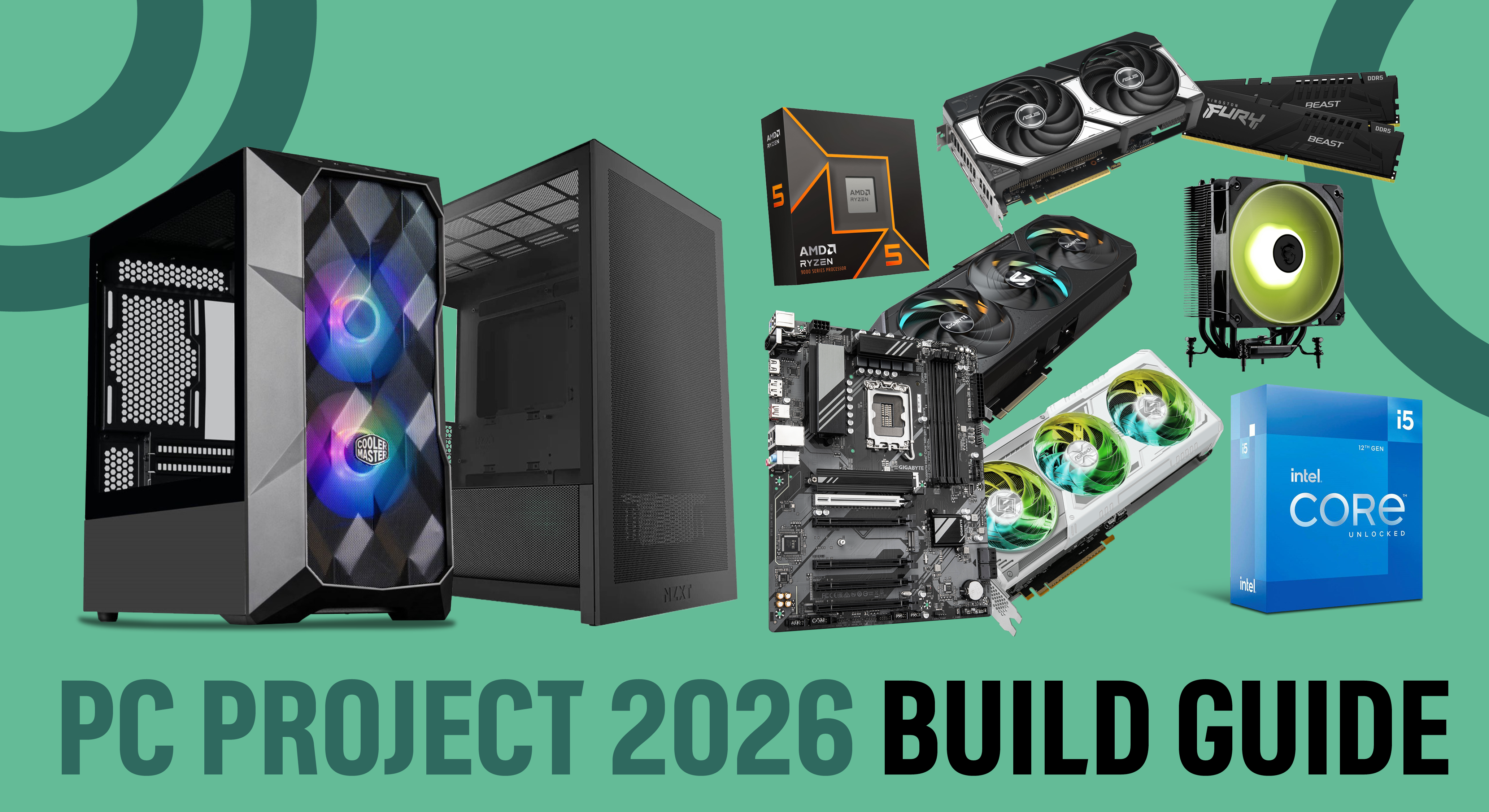


ExtraLife 2026 Build PC Building Parts AMD Gaming . PC Project 2026 Where To Start With Building Your Own Gaming PC CCL CCL 667 BLOG BUILD GUIDE 1980x1080 . Best Gaming PC Builds For 2026 Best Gaming PC Builds For 2026.webp. Building The Fastest 400 All AMD Gaming PC Build YouTube . Best AMD PC Build Under 40K In 2026 Ryzen 5 5600GT Gaming PC YouTube

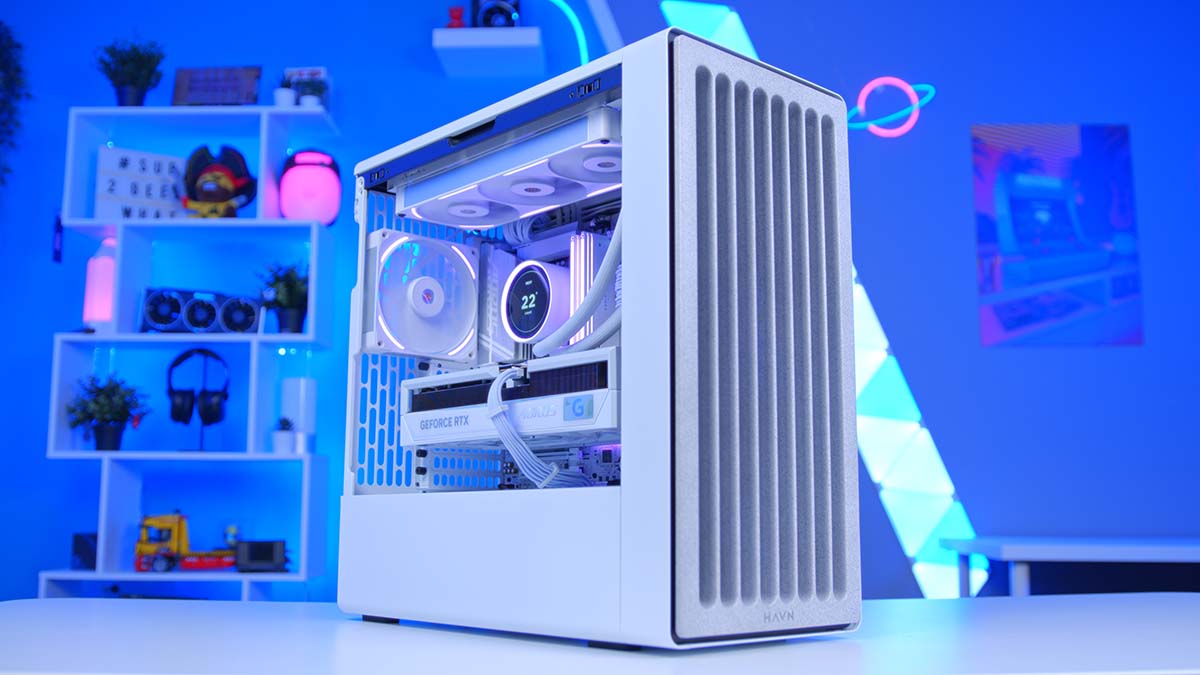
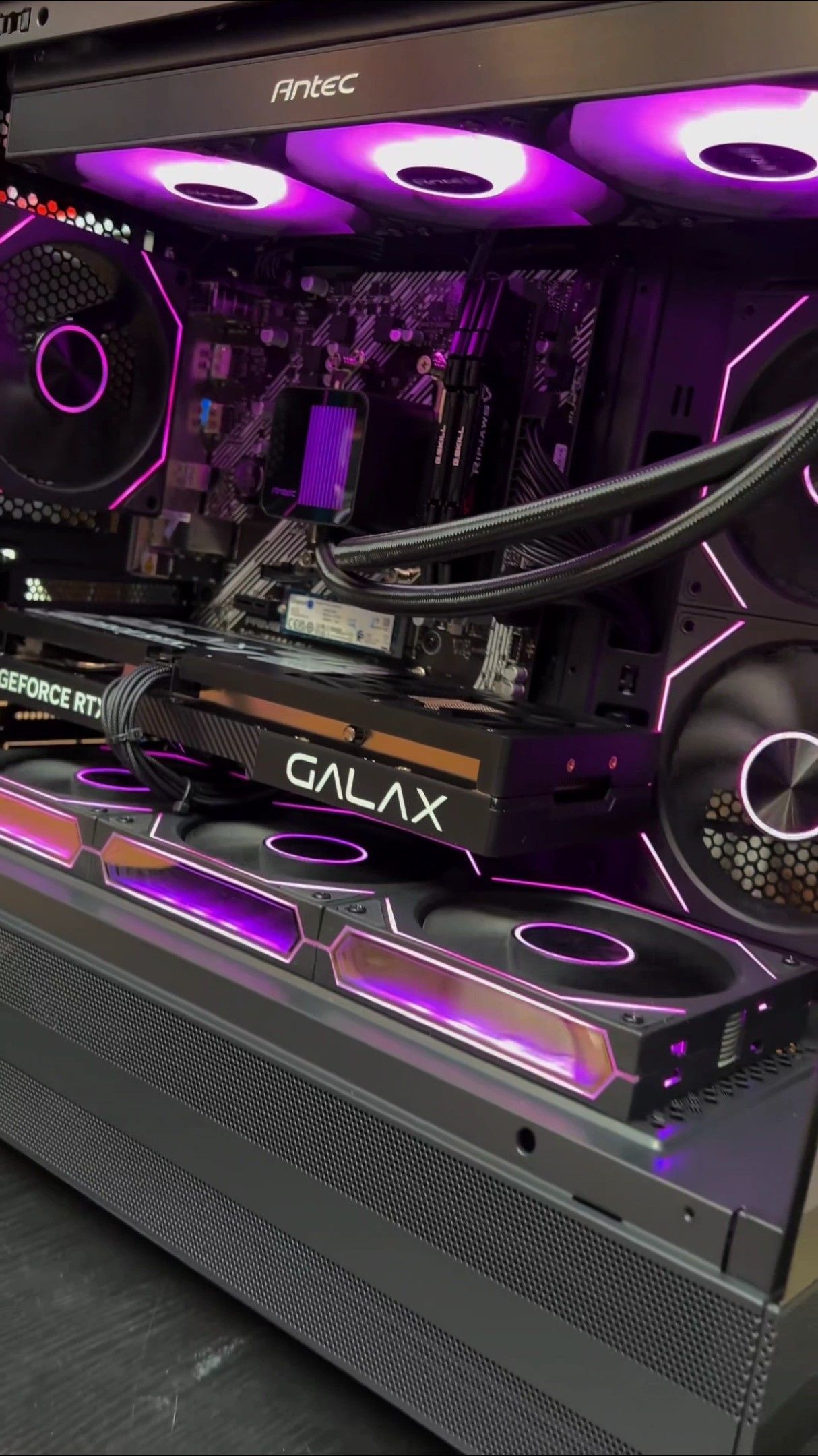
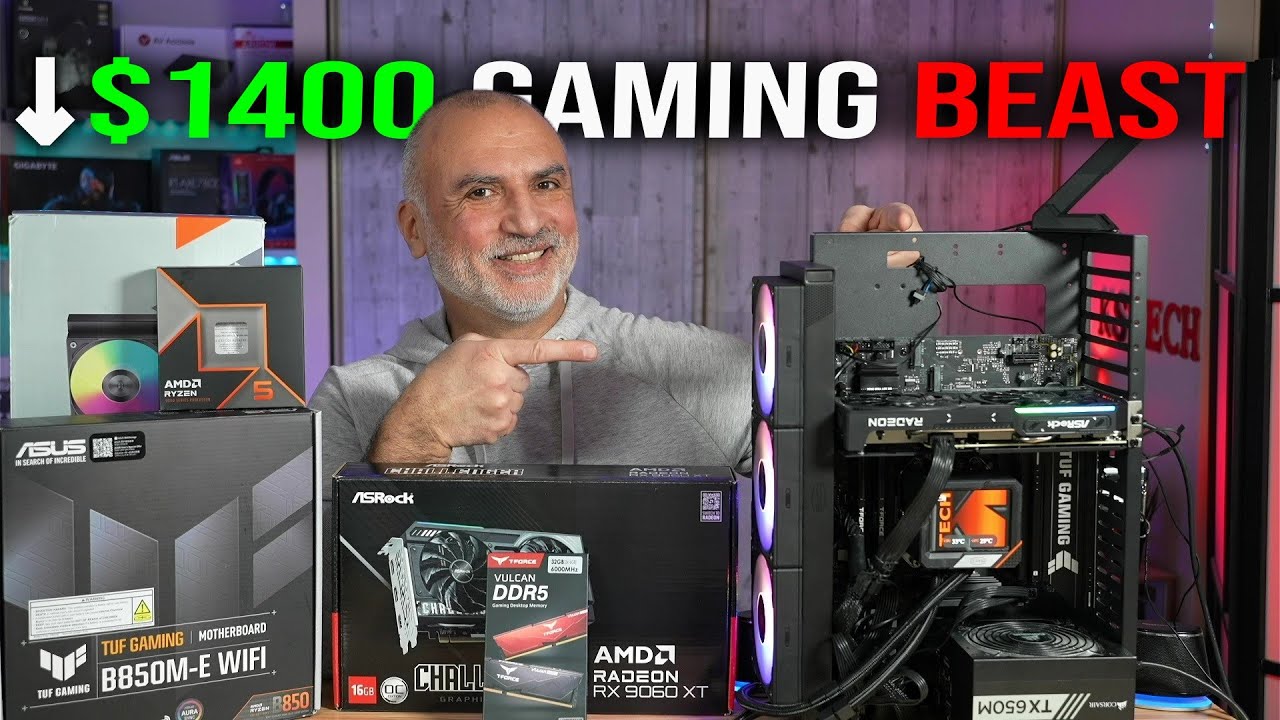

The ULTIMATE AMD Gaming PC Build 2026 YouTube . Building An Enthusiast Grade PC Build For 2026 GeekaWhat FI DM87 HAVN BF RTX 5090 Build . Pocket Friendly Gaming PC Build 2026 AMD Ryzen 7 5700X RTX 5060 Oardefault . Stop Overpaying The Best Value AMD Gaming PC Build For 2026 YouTube . Discover The Top 5 High End AMD Gaming PCs Of 2026 In Canada 418 EX0t48L. SL500
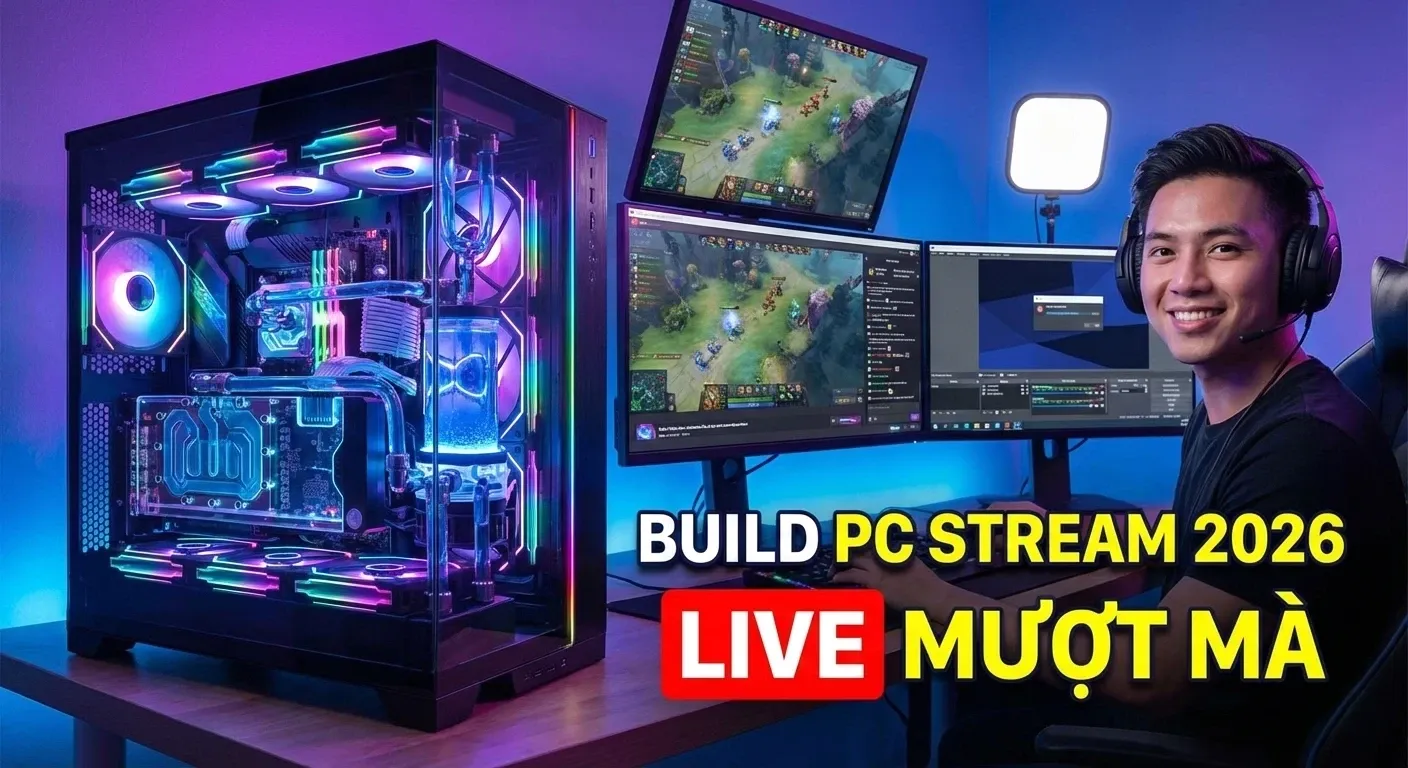

Ryzen 7 9850X3D Gaming PC Build Guide High End Setup For 2026 Ryzen 7 9850x3d Gaming Pc Build 2026 1 . Build PC Stream Game 2026 C N C U H Nh Ra Sao Live M T Kh Ng Lag Build PC Stream Game 2026 Can Cau Hinh Ra Sao De Live Muot Khong Lag.webp. How To Build A Gaming PC In 2026 Complete Parts Guide And Assembly Image. The Best Gaming PC Builds For 2026 Top Picks And Reviews Best Pc Build 300x300 . Intel Core I5 Vs Ryzen 5 Best Laptop Choice For UK Buyers In 2026 Intel Vs AMD CPUs The 2026 Desktop Showdown

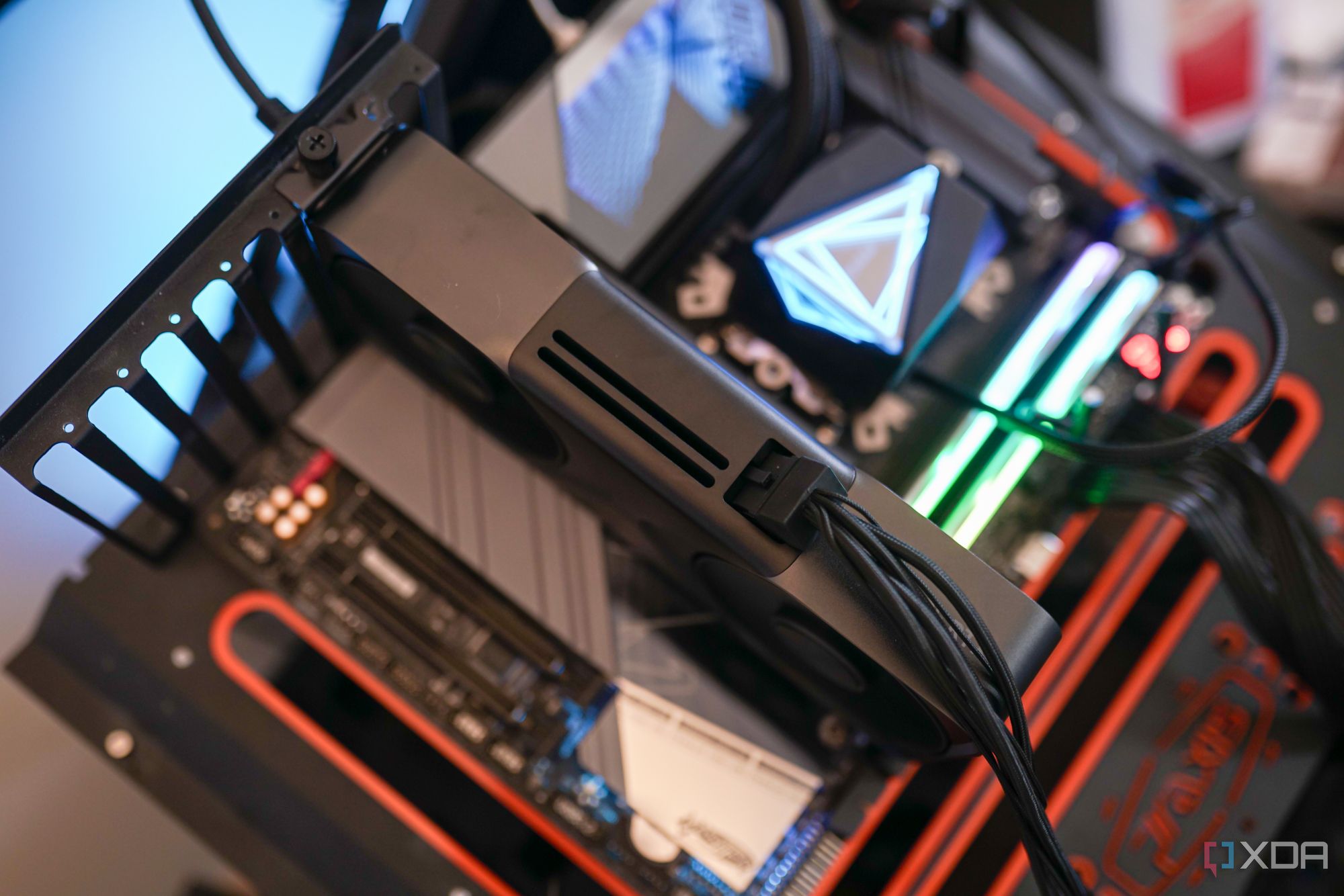


Best 1500 Gaming PC Build 2026 Ryzen 7 7800X3D RTX 5070 1440p 4K 1536x1024 . The Gaming PC You Need To Build For 2026. SUPER GAMING PC BUILD For 2026 AMD Ryzen 7 9800X3D RTX 5090 Oardefault . 15 Best AMD Ryzen CPUs For Gaming June 2026 Guide Best AMD Ryzen CPUs For Gaming 1024x559 . Flat Sale Offer 80K PC Only 75K 2026 AMD Gaming PC Build Best
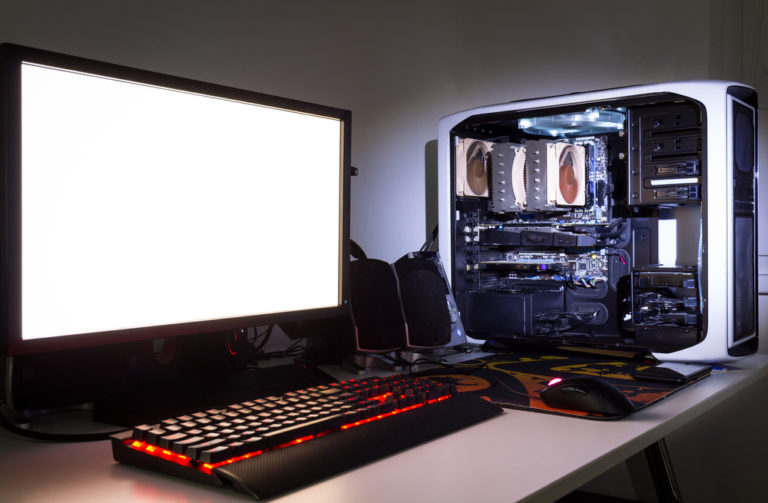

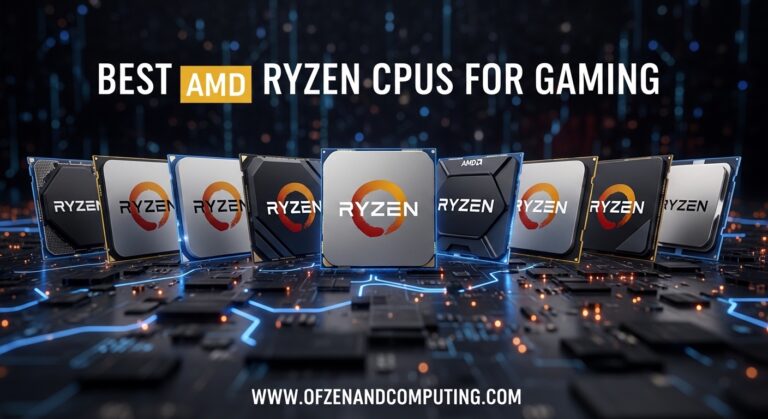
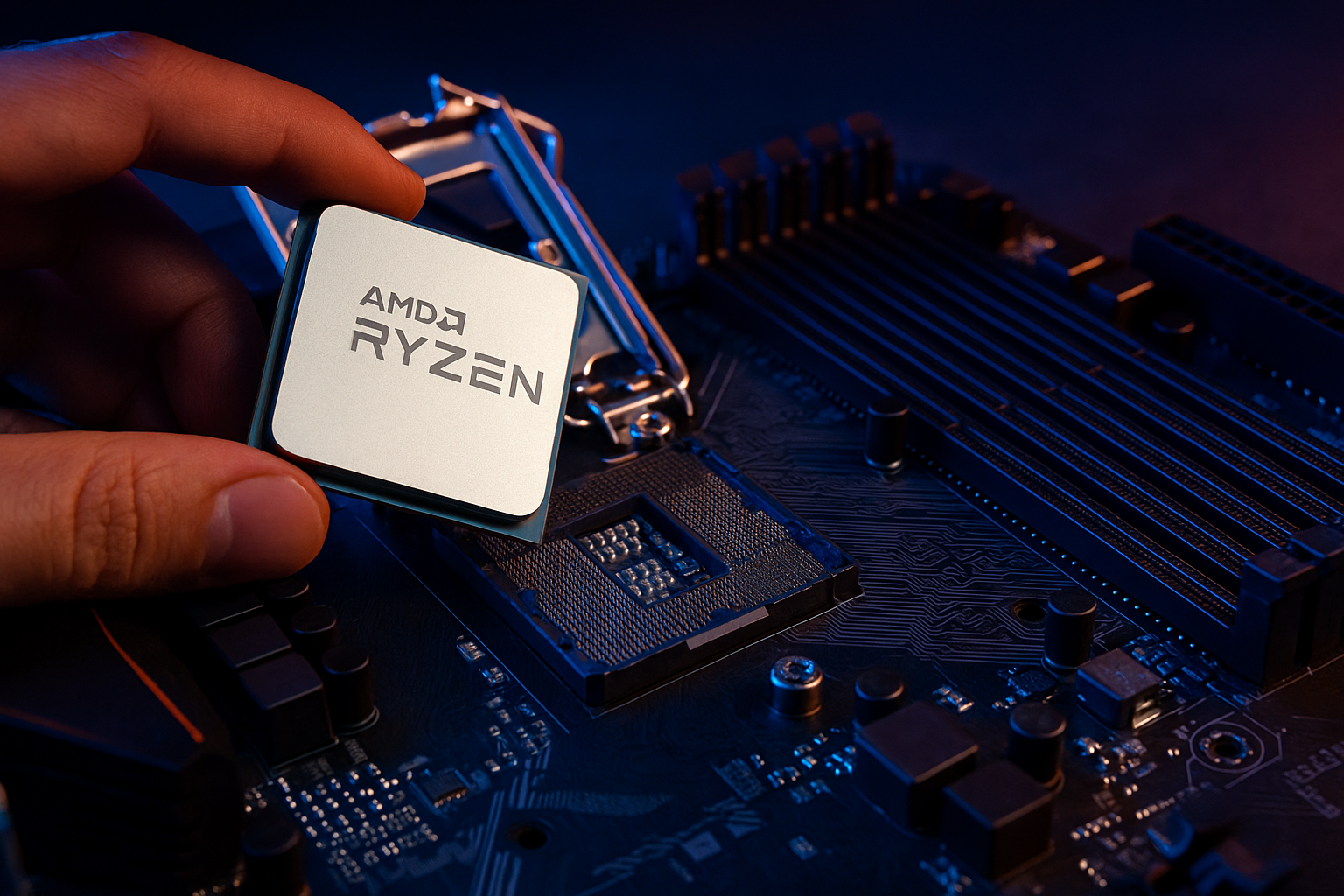

AMD Gaming PC Build Under 1000 2026 Guide Dom S Tech Gaming Perfect Gaming 768x503 . The Ultimate Gaming PC Build 2026 Guide By Xidax 1 Unnamed . Best AMD Ryzen 5 9600X Builds June 2026 Reviews Best AMD Ryzen CPUs For Gaming 768x419 . Best AMD Gaming CPUs 2026 Ranked By Price To Performance 1536x1024 . Gaming Desktop PC Guide 2026 Build The Ultimate Gaming Setup 2 2 3

Best Gaming PC Builds For 2026 AMD Ryzen 5 7600X CPU . How To Build Gaming PC Guide 2026 Step By Step Budget Gaming PC 2026 Gaming Pc . Best Gaming PC Builds For 2026 ASRock Radeon RX 9070 XT Challenger 16GB 300x300 . Best Gaming PC Builds For 2026 AMD Ryzen 7 7800X3D CPU 1 . Budget Gaming PC Build For 2026 AMD Intel Nvidia Parts And Prices



Best Gaming PC Builds For 2026 GIGABYTE B850 Gaming X 150x150 . AMD CES 2026 AI PC GAMING UNIKO S Hardware CES AMD 2026 2.webp. Intel Vs AMD 2026 The Right CPU For Gaming Work 1536x1024 . 12 AMD Gaming PC In 2026 Is It Any Good YouTube . Best Gaming PC 2026 High Performance Buil Gaming PC Guru Best Gaming Pc On Amazon Featured 800x500