Explore the exciting world of playing console games on your PC without spending a dime. This comprehensive guide navigates through the best legal and free methods available in 2026, offering practical tips and tricks for busy gamers balancing life and passion. Discover how to set up emulators for classic titles, find free-to-play options with cross-platform support, and optimize your PC for a smooth, immersive experience. We address common challenges like performance issues, controller setup, and finding reliable game sources, ensuring you can enjoy your favorite console experiences right on your computer. Learn about the latest trends in free gaming, community resources, and how to maximize your fun while sticking to a budget. Whether you crave nostalgia or modern hits, unlock a universe of entertainment. Get ready to game smarter, not harder, and connect with fellow players without the added cost of a new console or game purchase. This is your ultimate resource for free console gaming on PC.
How can I start playing console games on my PC for free today?
Getting started is simpler than you might think. Focus on two main avenues: utilizing legitimate free-to-play (F2P) titles available on PC that mimic console experiences, or exploring legal emulation for classic games. Platforms like Steam, Epic Games Store, and even browser-based services offer a vast library of F2P games often with cross-platform play. For retro titles, emulators combined with legally obtained game ROMs (e.g., from your own cartridges) are your best bet. Ensure your PC meets minimum specs and consider a good controller.
What are the best legal ways to get free console games on PC?
The most reliable and legal methods involve free-to-play games that started on or are also available on consoles, offered via official PC storefronts. Think games like Fortnite, Apex Legends, Genshin Impact, and Rocket League. Many of these offer a full console-like experience. For older console games, legal emulation means using emulators downloaded from reputable sources and playing ROMs you've dumped yourself from physical cartridges you own, or those that are now in the public domain. Avoid illegal ROM sites to stay safe and compliant.
Can I use my Xbox or PlayStation controller to play these free console games on PC?
Absolutely! Modern PCs and gaming platforms offer excellent support for console controllers. Xbox controllers often connect seamlessly via USB or Bluetooth with Windows PCs, typically requiring no extra drivers. PlayStation controllers (DualShock and DualSense) can also be connected, usually via Bluetooth or USB. You might need a third-party tool like DS4Windows for older games or specific customization, but most modern F2P titles and many emulators have native support. This greatly enhances the console-like feel.
What kind of PC specs do I need for free console gaming?
Your required PC specs will vary wildly depending on whether you're playing modern free-to-play titles or emulating retro games. For classic console emulation (NES, SNES, PS1, N64), most mid-range PCs from the last decade can handle it with ease. However, for more demanding emulators (PS2, PS3, Switch) or modern F2P games like Warzone, you'll need a dedicated graphics card (like an NVIDIA GTX 1660 or AMD RX 580 or better), 16GB of RAM, and a decent multi-core processor (Intel i5/Ryzen 5 equivalent or newer) for smooth gameplay at 1080p.
Are there any hidden costs or in-game purchases in "free" console games on PC?
While the core experience of many free-to-play console games on PC is indeed free, most do feature optional in-game purchases (IAPs). These typically involve cosmetic items like character skins, emotes, battle passes, or convenience items that speed up progression but rarely offer a direct "pay-to-win" advantage in reputable titles. Emulators, on the other hand, usually have no IAPs themselves, but the process of legally acquiring ROMs might involve initial hardware costs (e.g., a cartridge reader). It's crucial to be mindful of IAPs, especially if you're on a budget.
How do I find the best free console games on PC that my friends are also playing?
The easiest way to find popular free console games on PC is to check major digital storefronts like Steam and Epic Games Store, filtering by "Free to Play" and "Most Popular" or "Trending." Titles like Valorant, League of Legends, and Destiny 2 consistently rank high. Additionally, engage with gaming communities on platforms like Discord or Reddit. Many groups are dedicated to specific games or general F2P recommendations, often with players actively looking for teammates. This month's trends often highlight new free-to-play launches or seasonal events that attract large player bases.
What are the risks of downloading unofficial emulators or ROMs for free console games on PC?
Downloading unofficial emulators or ROMs from untrusted sources carries significant risks. Foremost are security threats, including malware, viruses, and spyware that can compromise your PC's data and performance. Beyond that, there are legal implications; distributing or downloading copyrighted ROMs without permission is illegal and can lead to penalties. Unofficial software often lacks updates, support, and stability, leading to crashes, bugs, or poor performance. Always stick to well-known, reputable emulator developers and understand the legal aspects of ROM acquisition to ensure a safe and enjoyable experience.
Are you a dedicated gamer who loves the console experience but finds yourself juggling work, family, and the ever-rising cost of new hardware and games? You're not alone. For many US gamers, particularly the average 36-year-old balancing life's demands, finding time and budget for gaming can be a real challenge. You want to unwind, build skills, socialize with friends, and stay current with gaming trends without breaking the bank or feeling overwhelmed by hype. Good news: playing console games on PC for free is not just a dream, it's a very real and accessible reality in 2026. With 87 percent of US gamers regularly dedicating 10 plus hours a week to their passion, optimizing how and where you play is more important than ever. This guide will cut through the noise, offering practical, no-nonsense solutions to help you unlock a world of free console-style gaming right on your PC.
We understand the pain points: setup issues, performance hiccups, struggling to find quality game recommendations that fit limited playtimes, and the constant pressure of hardware upgrades. This article is crafted for you, the smart gamer who values real value and enjoyable experiences over flashy marketing. We'll explore legitimate ways to play, troubleshoot common problems, and connect you with the vibrant gaming community. Let's dive in and transform your PC into a versatile, free console gaming hub.
What exactly are "console games on PC free" and how do they work?
When we talk about "console games on PC free," we're referring to two primary categories that deliver a console-like gaming experience without direct cost on your computer. The first category includes legitimate free-to-play (F2P) titles that are either natively available on PC and also on consoles, or were originally console exclusives that have since become free or ported to PC for free. These are typically modern games found on digital storefronts like Steam or Epic Games Store.
The second category involves playing classic console games through emulation. Emulators are software programs that mimic a console's hardware, allowing your PC to run games designed for older systems like the NES, SNES, PlayStation, or Nintendo 64. While the emulators themselves are usually free, legally obtaining the game files (ROMs) typically means creating backups from your own physical game cartridges or discs, or acquiring games that are now in the public domain. Both methods provide a rich, diverse, and budget-friendly gaming experience.
Is it legal and safe to play console games on PC for free?
Yes, playing console games on PC for free can be entirely legal and safe, provided you stick to reputable sources and understand the nuances. For modern free-to-play titles, platforms like Steam, Epic Games Store, and official publisher launchers provide legal and secure access. These games are designed for PC and often support cross-platform play, allowing you to connect with console friends. Always download from official channels to avoid malware.
For emulation, the legality is often misunderstood. Emulators themselves are legal software. The legal grey area, and often outright illegality, arises from the distribution and download of copyrighted game ROMs. To stay fully legal, you should only play ROMs that you have personally extracted from game cartridges or discs that you own. Websites offering vast libraries of ROMs are typically illegal. Sticking to these guidelines ensures you're gaming safely and within legal boundaries, protecting both your PC and your conscience.
How can I play classic console games on my PC for free through emulation?
Playing classic console games on your PC for free via emulation is a fantastic way to revisit beloved titles without needing old hardware. The process generally involves three steps. First, you'll need to choose and download a reputable emulator for your desired console. Popular choices include RetroArch (a multi-system emulator), PCSX2 for PlayStation 2, PPSSPP for PSP, Dolphin for GameCube/Wii, and Yuzu/Ryujinx for Nintendo Switch. Always download these from their official developer websites to ensure safety and stability.
Second, you'll need the game ROMs (the digital copies of the games). As mentioned, the most legal method is to dump these from your own physical game collection using specialized hardware. Some very old games may also be considered public domain, but this is rare. Third, configure your emulator. This can sometimes be the trickiest part, requiring adjustments to video, audio, and controller settings for optimal performance. Many emulators have extensive community guides and forums that offer troubleshooting tips and recommended settings for specific games and hardware configurations. Investing a little time here ensures a smooth, nostalgic trip down memory lane.
What modern console-style games can I play on PC for free?
The landscape of modern console-style games on PC for free is incredibly rich and constantly expanding. These aren't just low-budget indie titles; many are graphically impressive, feature-rich experiences that compete with paid console games. Popular examples include:
- Battle Royale/FPS: Apex Legends, Call of Duty: Warzone, Fortnite, Valorant
- MMORPGs: Genshin Impact, Destiny 2 (base game is free, expansions are paid), Lost Ark
- MOBA: League of Legends, Dota 2
- Racing/Sports: Rocket League (free-to-play on PC, cross-platform with consoles)
- Card Games: Hearthstone, Gwent
What hardware do I need to play console games on PC smoothly, especially on a budget?
The hardware requirements for playing console games on PC free can vary significantly. For retro emulation (NES, SNES, PS1, N64), most modern budget PCs or even older laptops (i3 processor, 4-8GB RAM, integrated graphics from the last decade) will suffice. However, for more demanding emulation (PS2, PS3, Switch) or modern free-to-play titles, you'll need more robust specs to ensure smooth gameplay, aiming for an experience comparable to current consoles. Here's a general budget-friendly recommendation for 1080p gaming:
| Component | Budget-Friendly Recommendation | Notes |
|---|---|---|
| Processor (CPU) | Intel Core i5 (8th gen+) or AMD Ryzen 5 (2000 series+) | Good for multitasking and emulators; can often find older generations used. |
| Graphics Card (GPU) | NVIDIA GeForce GTX 1650/1660 or AMD Radeon RX 570/580 | Crucial for modern F2P games and higher-end emulation; look for used deals. |
| RAM | 16GB DDR4 | Essential for smooth multitasking and memory-intensive games. |
| Storage | 500GB SSD (NVMe preferred) | Faster load times make a huge difference; supplement with a larger HDD for less-played games. |
| Operating System | Windows 10/11 (64-bit) | Most compatible for gaming. |
| Controller | Xbox One/Series S/X Controller (wired or Bluetooth) | Excellent native PC support, affordable, provides an authentic console feel. |
You don't necessarily need the absolute latest and greatest. Many gamers successfully build capable systems on a budget by looking for sales, buying previous generation components, or sourcing reliable used parts. Prioritizing the GPU and sufficient RAM offers the most immediate impact on gaming performance.
How do I set up my PC for the best free console gaming experience?
Setting up your PC for the best free console gaming experience involves a few key steps beyond just installing games or emulators. First, ensure your graphics drivers are always up-to-date. NVIDIA GeForce Experience and AMD Radeon Software automatically scan for updates and provide optimized game settings. Outdated drivers are a common cause of performance issues and crashes.
Second, optimize your in-game or emulator settings. Start with recommended settings and then fine-tune. For modern F2P games, prioritize frame rate (FPS) over ultra-high graphics fidelity, especially if you're on a budget system. Lowering shadow quality, anti-aliasing, and view distance can significantly boost performance. For emulators, experiment with rendering backend (OpenGL, Vulkan, DirectX), internal resolution, and scaling filters to find the sweet spot between visuals and speed. Close unnecessary background applications, use Windows Game Mode, and consider a clean operating system installation if you haven't done one in years to remove bloatware. Finally, set up your controller; most Xbox controllers connect seamlessly, while PlayStation controllers might require DS4Windows for full functionality in some games. This proactive approach minimizes setup issues and maximizes enjoyment.
Where can I find reliable and free console game downloads or platforms?
Finding reliable and legitimate sources for free console game downloads or platforms is crucial for a safe and enjoyable experience. For modern free-to-play titles that mimic console gameplay, always stick to official digital storefronts and launchers:
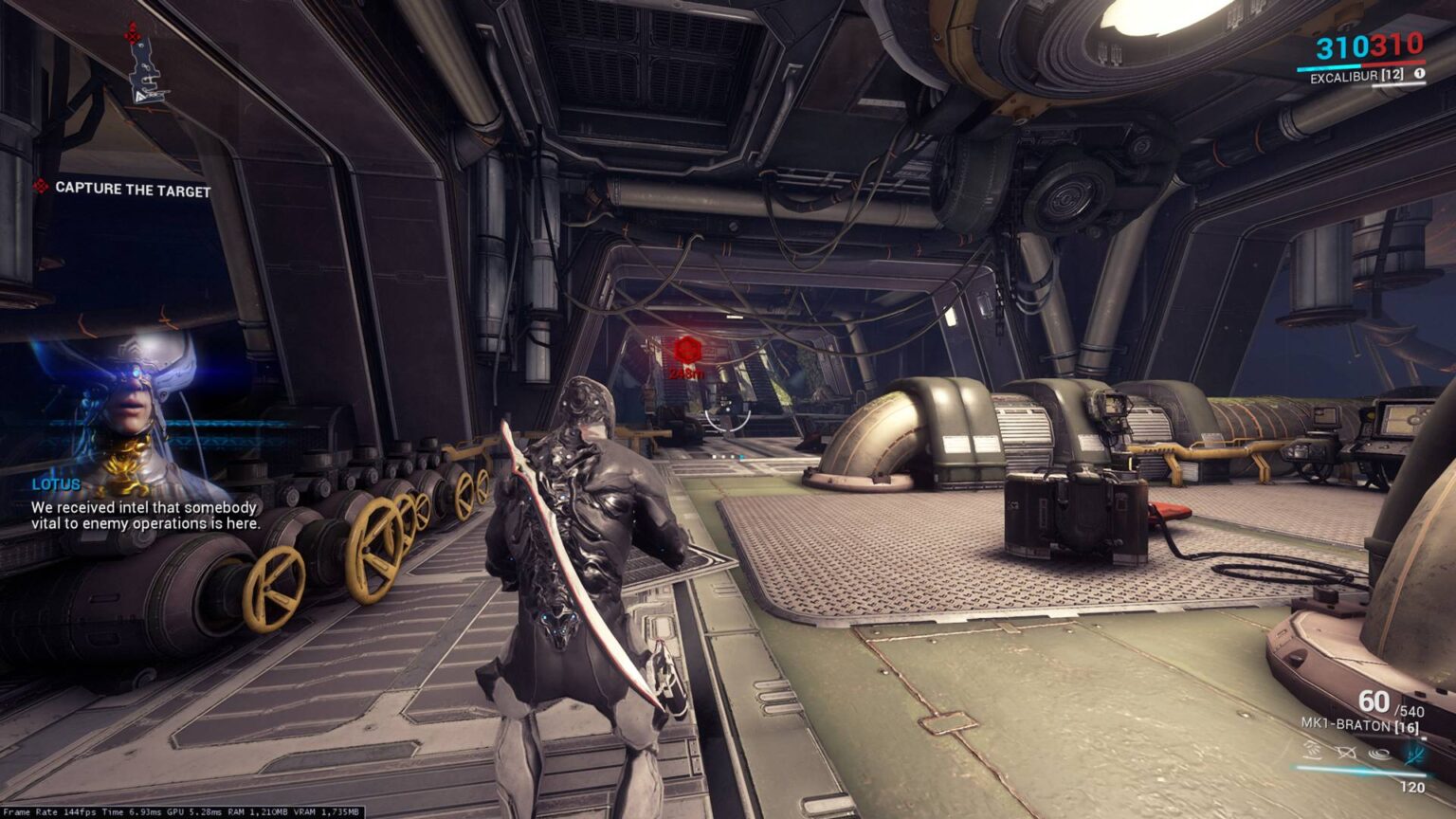
- Steam: The largest PC gaming platform, offering a massive library of F2P games (e.g., Apex Legends, Destiny 2, Warframe). Use their 'Free to Play' filter.
- Epic Games Store: Known for giving away free full games weekly, in addition to hosting major F2P titles like Fortnite and Genshin Impact.
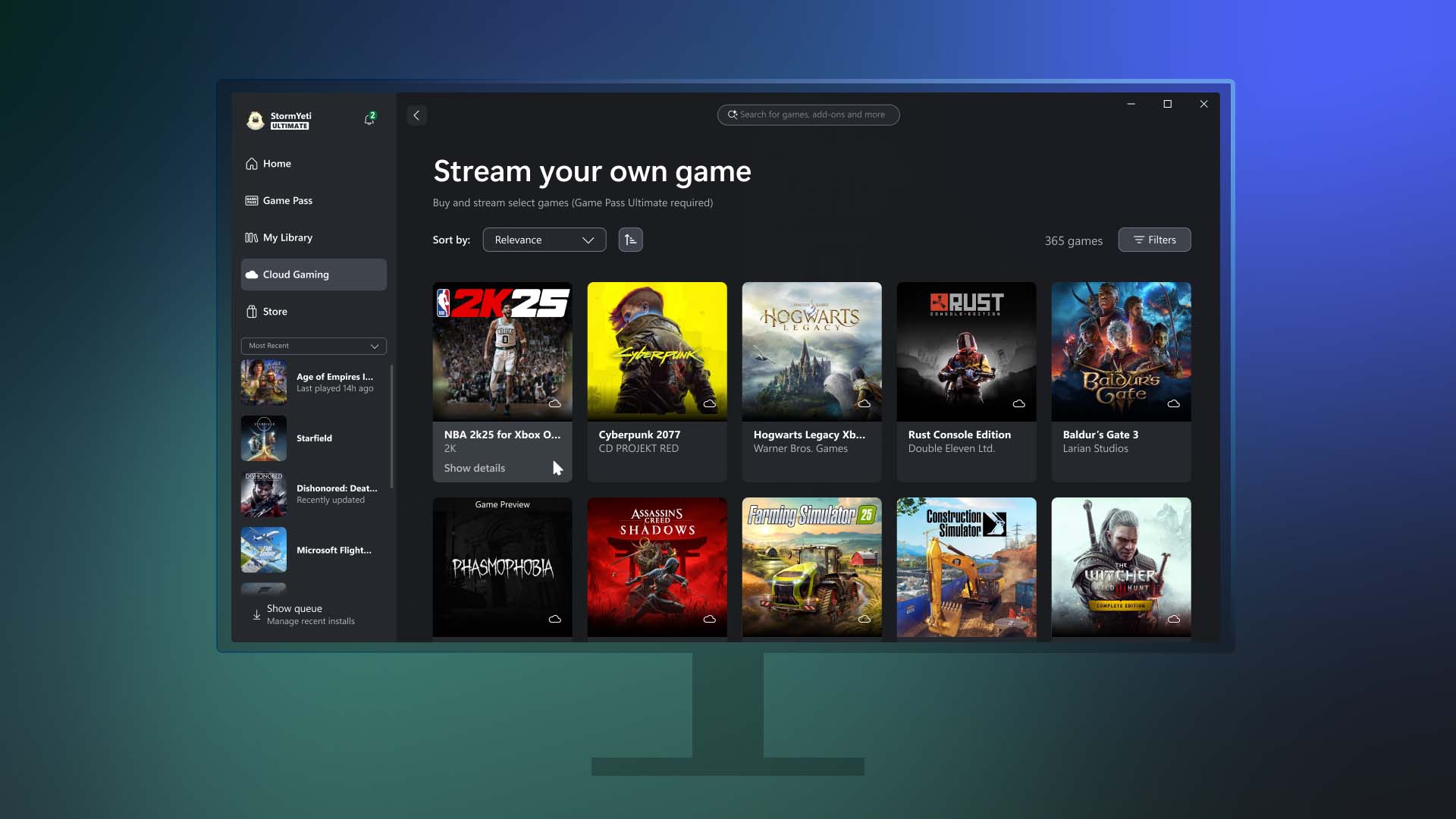
- Xbox App (PC): Offers access to Xbox Game Pass (subscription) but also free-to-play titles that are part of the Xbox ecosystem.
- Publisher Launchers: Many publishers, like Riot Games (Valorant, League of Legends) or Blizzard (Overwatch 2), have their own free launchers.
For emulators, download directly from the official project websites (e.g., dolphin-emu.org, pcsx2.net, retroarch.com). For ROMs, the safest and most legal method remains dumping them from your own physical game cartridges or discs. Avoid unofficial ROM sites, as they often host illegal content and can be a source of malware. Engaging with dedicated communities on platforms like Reddit (r/emulation) can also provide guidance on legal ROM acquisition and emulator usage, but always exercise caution and critical thinking.
How can I connect with friends and socialize while playing free console games on PC?
One of the biggest draws of gaming is the social aspect, and playing free console games on PC offers ample opportunities to connect with friends. The rise of cross-play has largely bridged the gap between PC and console communities. Many popular F2P titles like Fortnite, Apex Legends, and Call of Duty: Warzone allow you to party up with friends regardless of their platform.
Beyond in-game features, Discord has become the de facto communication hub for PC gamers. Create or join servers dedicated to your favorite games, use voice chat to coordinate with teammates, and participate in community events. This is where many gamers, especially those in the ~36 age bracket balancing life, find their gaming family. You can share tips, troubleshoot issues, and simply hang out. Many games also have active subreddits or official forums where you can find groups to play with or stay updated on social events. Embracing these tools ensures you're not just playing, but truly connecting and building friendships through gaming.
What are the common pitfalls and how do I avoid them when playing free console games on PC?
While playing free console games on PC is rewarding, there are common pitfalls to watch out for. The most significant is the risk of malware and viruses from unofficial game or emulator downloads. Always download from official websites and recognized digital storefronts. Avoid obscure sites offering
Free console gaming on PC is accessible and rewarding. Emulation and free-to-play titles offer diverse options. Performance optimization and proper setup are crucial for a smooth experience. Community engagement enhances the free gaming journey. Budget-friendly gaming solutions help balance life and passion.
35


Best Game Console Showdown 2026 5 Contenders You Didn T See Coming Best Game Console Showdown 1024x683 . Cloud Playable Console Games On PC Archives XBOX Wire Wire SYOG Games HERO . 25 Best Free To Play Games 2026 Across PC PS5 Xbox And Mobile Gamer Org A Modern Gaming Thumbnail Design Featuri O7wSIvRITG 9Thg5ko8Tw 1024x574 . Best Free EA Mobile Games To Play In 2026 Best Crossplay Games 2026.webp. Top 10 Most Anticipated Games Of 2026 What To Watch Out For TVN GAMES IN 2026


Top 20 INSANE FREE PC Games Coming In 2026 NEW YouTube . James Most Anticipated PC Games For 2026 Rock Paper Shotgun James Most Anticipated Games . Best 20 Unique Indie Games For PC Console 2026 YouTube . 15 Best Free PC Games To Play In 2026. Steam 2026 4 New Free To Play Games Available Now AllKeyShop Com Showcase Steam Free Games 2026 Indie F2p Card Roguelike Sci Fi


The Best Anbernic Handheld Consoles For 2026 Gaming Complete Guide The Top 15 Anbernic Handheld Consoles For 2025 . Best Game Consoles On 2026 You Can Buy Right Now YouTube . The Best Free To Play Games In 2026 Stepico Image 1 800x450 . Best Free PC Games To Play In 2026 Club386 Warframe 1536x864 . Best Free PC Games To Play In 2026 Club386 The Finals 1068x601


Top 5 Console Exclusives Now On PC AllKeyShop Com Top 5 Console Exclusives Now On PC.webp. 15 Best Free PC Games To Play In 2026. 13 Must Play PC Games You Can T Miss This January 2026 YouTube . TOP 35 NEW EXCLUSIVE Games Coming To PC In 2025 And 2026 YouTube . Wer Soll Das Alles Spielen Hier Kommen Die PC Highlights 2026 PC Ausblick 2026 V3 Pc Games


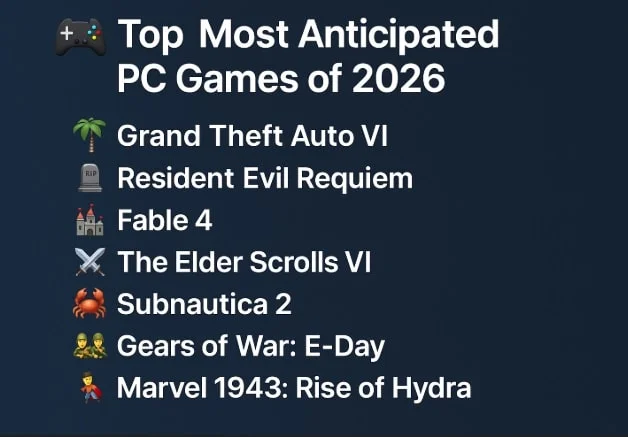

I Tried These 8 Free Steam Games In 2026 I Didn T Expect Them To Be Contra Is Not Dead Yet - 2026 . Xbox Update Now Lets You Stream Console Games On PC Dexerto Xbox Game Pass Best Games . How To Play PC Games On Your Xbox Console FREE FULL TUTORIAL YouTube Hqdefault . Top Most Anticipated PC Games Of 2026 A Deep Dive Top Most Anticipated Pc Games Of 2026 A Deep Dive.webp. New 2026 Games Our Release Date Calendar PC Gamer 450 80
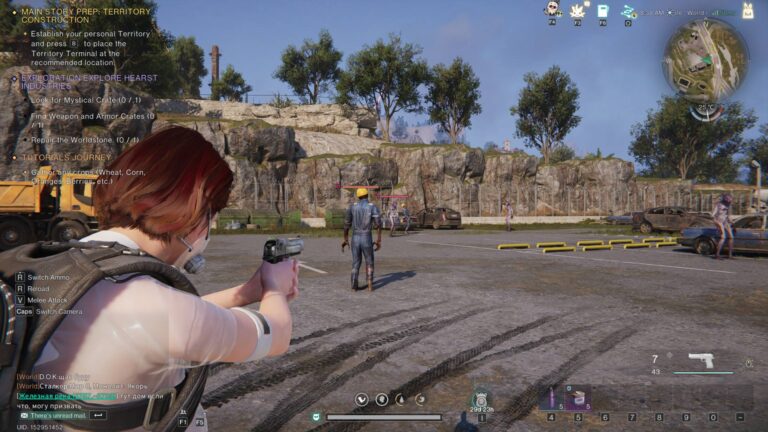


Free To Play ARC Raiders Revealed For Xbox PlayStation And PC Xbox In 2026 696x385 . Best Free PC Games To Play In 2026 Club386 Once Human 768x432 . The Best Free To Play Games In 2026 Stepico Image . Uncover The Best Free MMO Games For PC In 2026 Your Ultimate Guide 1024x576 . 5 Best Free PC Games In 2026 What To Play Without Cost Best Free Pc Games 2025 700x467



The Best PC Games Coming In 2026 ForzaH6 915x515 . The Most Anticipated PC Games Of 2026 . Xbox Cloud Gaming Is About To Go Free But There S A Catch Stuff Best Handhelds 2025 Lead . Top 15 Pc Games Van 2026 Cdkeynl Nl PT PT FI 2026 . Top Free To Play PC Games 2025 2026 Best Games For Low End PC YouTube