Navigating the digital world with younger players can be challenging especially when popular platforms like Roblox are involved. Many parents and guardians seek effective ways to manage or even completely ban Roblox access to ensure a balanced gaming environment or address specific concerns. This guide provides comprehensive, actionable strategies on how to ban Roblox covering various methods from parental controls on devices and routers to understanding account management options. We delve into practical steps for PC consoles mobile and network level restrictions. For gamers balancing work family and play finding equilibrium is key. This article offers clear insights helping you maintain control over screen time and content without disrupting your family's digital harmony. Discover how to implement robust blocking techniques that align with your family's needs and current gaming trends.
How do I ban Roblox permanently from my home network?
To permanently ban Roblox from your home network, access your router's administration panel, typically through a web browser using its IP address (e.g., 192.168.1.1). Navigate to the parental controls or firewall settings. Add Roblox's main domain names, such as roblox.com and roblox.net, to the blocked website list. For an even more robust solution, you can configure your router to use a third-party DNS service like OpenDNS FamilyShield, which automatically blocks gaming and other undesirable categories across all devices connected to your network.
What are the best parental control apps to block Roblox on multiple devices?
For blocking Roblox across various devices, leading parental control apps offer comprehensive solutions. Google Family Link is excellent for Android devices and Chromebooks, while iOS Screen Time is built into iPhones and iPads. For a cross-platform approach covering Windows, macOS, Android, and iOS, consider robust third-party options like Qustodio or Net Nanny. These apps allow you to set time limits, block specific applications, filter content, and monitor activity from a central dashboard, providing peace of mind for busy parents balancing life and gaming with their children.
Can I set a daily time limit for Roblox play without completely banning it?
Absolutely! Setting daily time limits for Roblox is a popular method to manage screen time effectively. On Windows, use 'Family Safety' features. For Mac, 'Screen Time' offers similar controls. On mobile, Google Family Link (Android) and iOS Screen Time provide robust app-specific time limit settings. Many modern gaming consoles, such as Xbox and PlayStation, also include built-in family settings that allow parents to define daily play durations for specific user profiles. Consistent implementation across all platforms ensures a balanced gaming routine.
How can I disable my child's Roblox account temporarily?
Temporarily disabling a child's Roblox account requires a direct request to Roblox Support. There isn't an immediate self-service option for parents to simply 'pause' an account. You would need to contact their customer service and explain your situation. They can guide you through the process of deactivating the account for a desired period or permanently deleting it if necessary. Remember, this is different from simply uninstalling the game from a device, as the account and its associated data would still exist on Roblox's servers until explicitly deactivated.
Are there any free tools to block Roblox access?
Yes, several free tools and methods can effectively block Roblox. Native operating system features like Windows Family Safety and Mac Screen Time are powerful, free options. For mobile, Google Family Link and iOS Screen Time are also free and built-in. At the network level, configuring your home router's parental controls or changing your DNS settings to a free filtering service like OpenDNS FamilyShield can block Roblox across all connected devices without additional cost. These methods provide strong foundations for managing access without needing to purchase premium software.
What are the consequences if a child is caught trying to bypass a Roblox ban?
When a child attempts to bypass a Roblox ban, the consequences should align with your family's established digital rules and values. It typically involves a conversation about trust, responsibility, and the reasons behind the restrictions. Depending on the severity and frequency, consequences could range from an extended ban period or loss of other privileges to requiring participation in non-screen-based activities. The goal is to reinforce healthy digital habits and ensure children understand the importance of respecting boundaries, preparing them for responsible online behavior in the long run.
Does blocking Roblox prevent in-game purchases and communication?
Blocking Roblox through device or network restrictions will prevent all access, thereby inherently stopping in-game purchases and communication, as the game cannot be launched. However, if you're using Roblox's internal 'Account Restrictions' without a full block, you can specifically disable chat features and prevent Robux purchases by setting a PIN and managing permissions. Combining a partial block with in-platform restrictions offers a layered approach to control both access and specific in-game functionalities, providing peace of mind to parents.
Hey fellow gamers and guardians! We all know the drill. You love gaming. Your kids love gaming. Roblox, with its endless array of user-created experiences, can be a fantastic creative outlet and social hub. But sometimes, too much of a good thing isn't so good. Maybe you're seeing your child spend countless hours immersed, or perhaps you have concerns about content, moderation, or simply balancing gaming with homework, family time, and other activities. Sound familiar? You're not alone. Many US gamers, especially those averaging around 36 years old and balancing careers and families, look for ways to manage digital consumption effectively. Recent data shows 87% of gamers play regularly, often exceeding 10 hours a week, with mobile gaming dominating and social play being a huge draw.
This article is your ultimate guide on how to ban Roblox, offering practical, no-nonsense solutions. We're not here to preach, but to equip you with the tools to take control. Whether you want to temporarily restrict access, set strict time limits, or implement a full ban, we'll cover methods for various devices and network configurations. Think of this as your friendly co-op partner, helping you navigate the digital landscape to ensure a healthy, balanced gaming lifestyle for everyone in your household. Let's dive in and find those solutions!
What are the primary methods to ban Roblox access?
Banning Roblox access primarily involves three categories: device-specific controls, network-level blocking, and Roblox's own platform settings. Device-specific controls leverage built-in operating system features or third-party apps on PCs, consoles, and mobile devices. Network-level blocking uses your router or DNS settings to prevent Roblox servers from being reached. Lastly, Roblox itself offers parental controls and account management options that can restrict certain aspects of the experience or even temporarily deactivate an account. Combining these methods often provides the most robust solution.
How can I block Roblox on a PC or Mac?
On PC and Mac, you have several effective ways to block Roblox. The simplest is often through operating system parental controls. On Windows, use 'Family Safety' to set time limits, content filters, and block specific apps. For Mac, 'Screen Time' offers similar functionalities. Alternatively, you can modify the 'hosts' file to redirect Roblox's domain names, essentially making the game unreachable from that computer. Third-party parental control software like Qustodio or Net Nanny also provide comprehensive blocking capabilities, often with detailed activity reports, which many busy parents find invaluable for managing screen time effectively across various platforms.
Can I restrict Roblox access on mobile devices like phones and tablets?
Yes, mobile devices offer strong native parental control features. On iOS (iPhones, iPads), navigate to 'Screen Time' in Settings. Here you can set app limits for Roblox, content and privacy restrictions, and even block app installations. For Android devices, Google's 'Family Link' app is your go-to. It allows you to manage app usage, set screen time limits, approve or block app downloads, and even locate the device. These mobile-first solutions are crucial given the prevalence of mobile gaming; 60% of US gamers regularly play on mobile, making these controls essential for comprehensive management.
What are the steps to block Roblox using my home router?
Blocking Roblox at the router level is a powerful method as it affects all devices connected to your home network. Log into your router's admin interface (usually via a web browser using an IP like 192.168.1.1). Look for sections like 'Parental Controls', 'Access Restrictions', or 'Firewall'. Here, you can often add specific websites or applications to a block list. You'll need to identify Roblox's domain names (e.g., roblox.com, roblox.net) and potentially specific ports it uses. Some advanced routers also allow you to block specific IP addresses or apply time-based restrictions, meaning Roblox can only be accessed during certain hours. This method is effective for enforcing network-wide boundaries.
Are there in-game or account-specific ways to limit Roblox engagement?
Roblox itself provides some account-level controls, primarily for managing privacy and communication. While there isn't a direct 'ban' button for specific users to ban themselves, parents can utilize 'Account Restrictions' to limit chat interactions, restrict access to certain experiences, and prevent purchases. For older children, setting up a PIN to prevent changes to these settings is crucial. If you're looking to temporarily deactivate a child's account, contacting Roblox Support is the official route. However, this is usually a more permanent solution than a simple ban.
How can I set up time limits for Roblox across different platforms?
Setting time limits requires a multi-faceted approach. On PC and Mac, use the operating system's built-in parental controls (Windows Family Safety, Mac Screen Time). For mobile devices, utilize Google Family Link (Android) or iOS Screen Time. Many gaming consoles like Xbox and PlayStation also have their own family settings that allow you to set daily play limits for specific user profiles. For a network-wide approach, some advanced routers offer scheduled internet access, which can cut off Roblox (and other internet-based activities) after a certain time each day. The key is consistency and combining these methods for a truly integrated approach, mimicking how many busy adults manage their own entertainment time.
What if my child bypasses the Roblox ban?
Children are often tech-savvy, so bypassing bans can happen. If a child bypasses the ban, it's an opportunity for a conversation about digital boundaries and trust. Technically, they might use VPNs, different network connections, or simply find loopholes in your current setup. To counter this, review your parental control settings regularly, ensure strong, unique passwords for administrator accounts, and update your router's firmware. Consider advanced DNS filtering services like OpenDNS FamilyShield, which can block categories of sites, including gaming, across your network. Ultimately, a combination of technical controls and open communication about the 'why' behind the rules is often the most effective long-term strategy. Building skill-building and social play in other forms might also help.
What are the long-term benefits of managing Roblox access?
Managing Roblox access proactively offers numerous long-term benefits for both children and the entire family. It fosters healthier digital habits, preventing excessive screen time which can impact sleep, academic performance, and physical activity. It encourages engagement in diverse activities, promoting creativity, outdoor play, and face-to-face social interaction. For parents, it reduces conflict over screen time, leading to a more harmonious home environment. By teaching responsible digital citizenship early on, children develop self-regulation skills that are crucial in an increasingly connected world. This approach aligns with the values of many adult gamers who prioritize balance in their own lives.
As busy adults who balance jobs, families, and personal passions, we understand the desire for a well-managed digital environment. Whether you're a casual gamer or deeply invested, the principles of healthy digital living apply to everyone in the household. By implementing these strategies for how to ban Roblox or manage its use, you're not just restricting access; you're cultivating a healthier, more balanced lifestyle for your family.
What's your biggest gaming challenge when it comes to balancing family life? Comment below and share your strategies!
FAQ Section
Can Roblox be completely deleted from a device?
Yes, Roblox can be uninstalled like any other application from your PC, Mac, or mobile device. This removes the game client, but the account itself remains active unless manually deleted through Roblox Support.
Are there age restrictions within Roblox?
Roblox experiences have age recommendations (e.g., All Ages, 9+, 13+), and the platform allows parents to enable 'Account Restrictions' which limits access to specific experiences and communication features for younger users.
Does blocking Roblox affect other games or apps?
Blocking Roblox specifically, either through app controls or domain blocking, should not affect other games or applications, unless you implement broad network-wide restrictions that unintentionally block other services.
What is the difference between blocking and setting time limits for Roblox?
Blocking completely prevents access to Roblox, while setting time limits allows access only for a specified duration per day. Both are effective management tools, often used in conjunction for comprehensive control.
Can I report inappropriate content on Roblox?
Yes, Roblox has robust reporting tools within every experience and on user profiles. Users can report inappropriate content, behavior, or experiences directly to Roblox moderators for review, which is a key safety feature of the platform.
Is a VPN effective for bypassing Roblox parental controls?
A Virtual Private Network (VPN) can bypass network-level blocking (e.g., router-based). However, device-specific controls (like iOS Screen Time or Android Family Link) are typically unaffected by VPNs, as they operate at the operating system or application level.
Parental control setup for Roblox access on PC console mobile router Block Roblox via network settings Understand Roblox account options and reporting features Screen time management strategies for gaming families Practical tips for digital wellness
35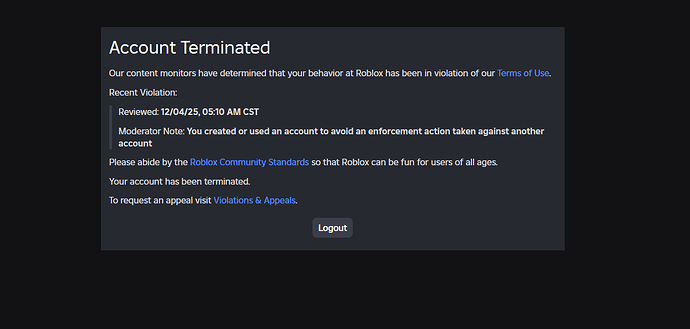


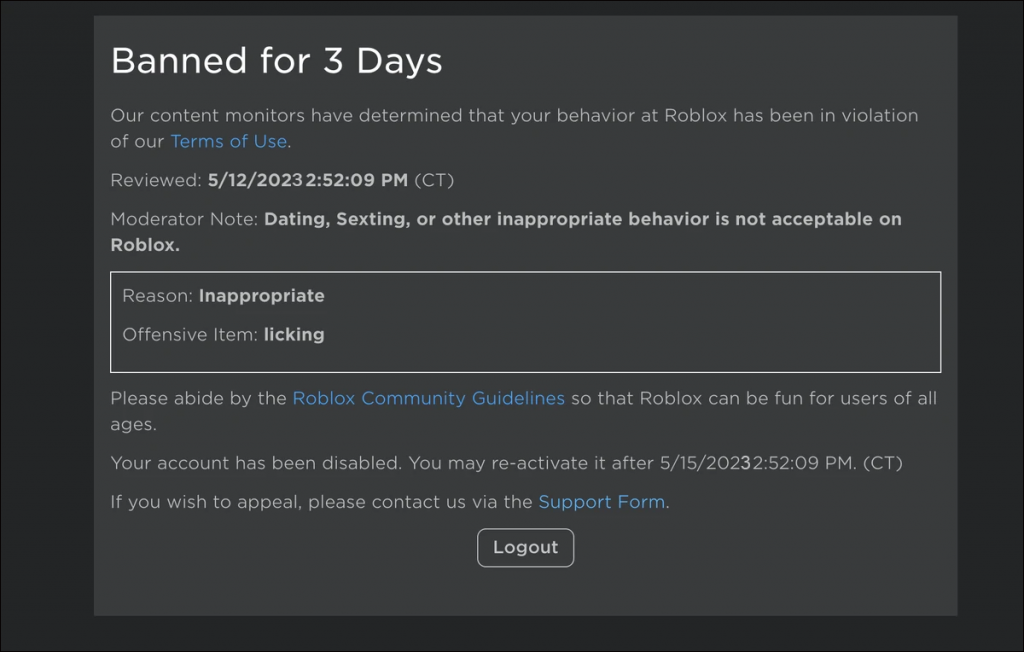
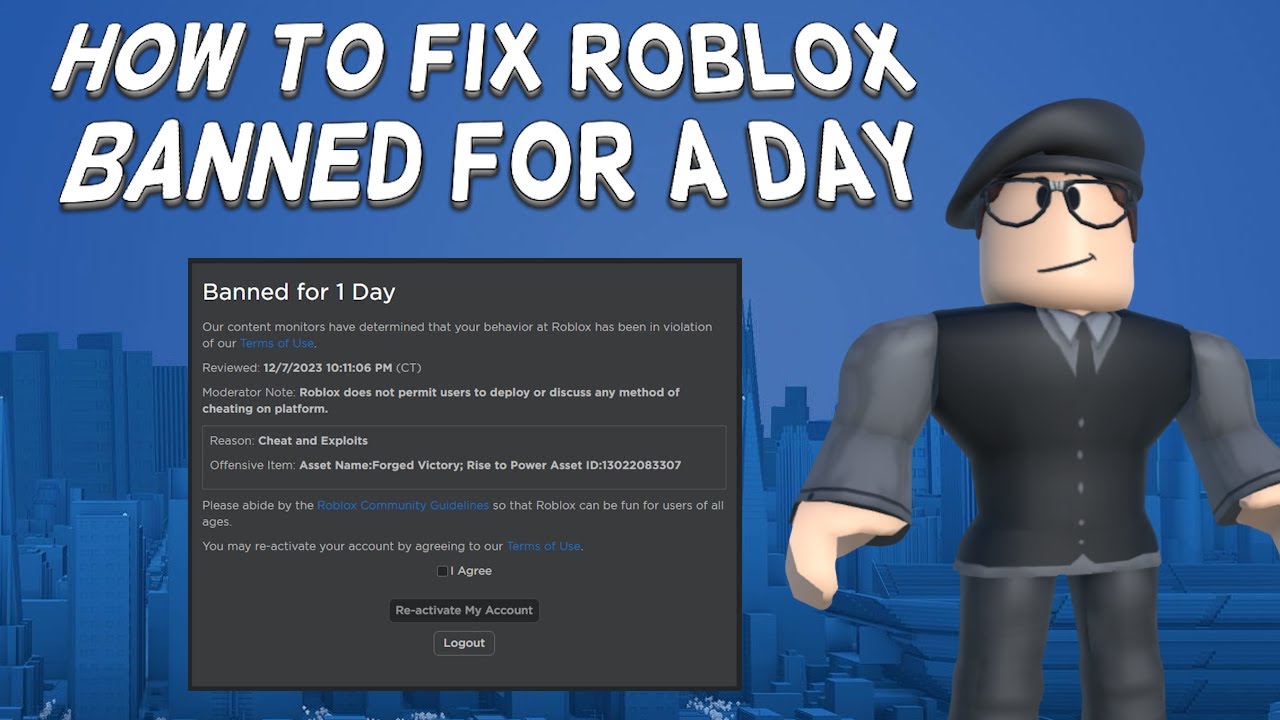
Reinstated 12 16 2025 Banned AGAIN 01 14 2026 Account Hacked 2 690x329 . How To Message On Roblox 2026 A Quick Guide . How To View Banned Accounts In Roblox 13 Copy 21 . When Is The Next Roblox Ban Wave Expected 24 7 1024x652 . How To Fix Roblox Banned For A Day Tutorial YouTube


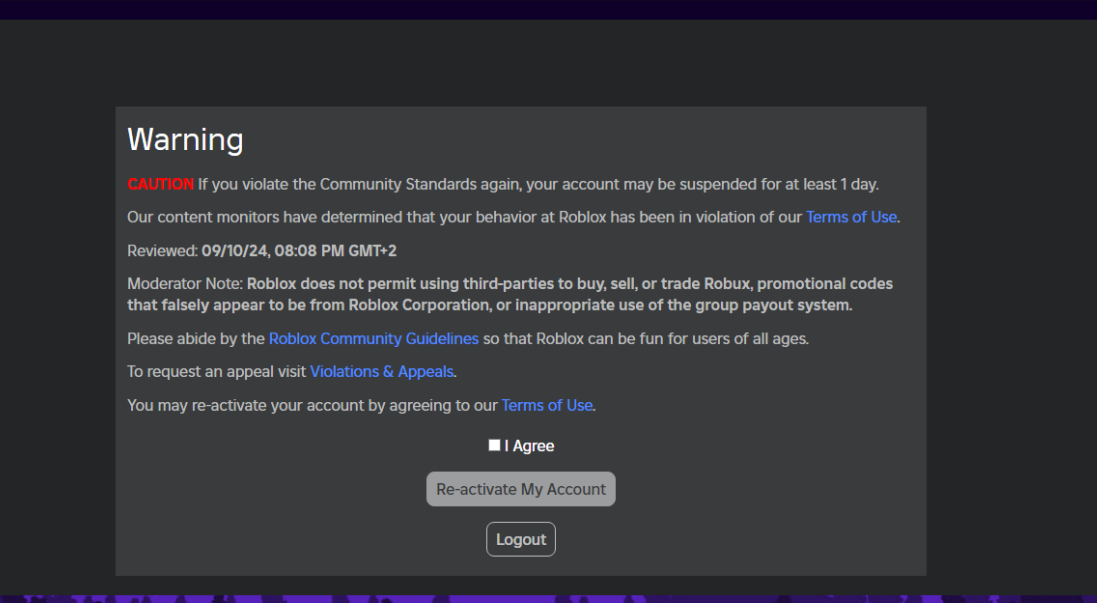
What Is A Trello Ban Roblox At Latonya Rodriguez Blog . How To Get Someone Ban On Roblox 2026 YouTube . I Got Banned On Roblox For A Day YouTube . When Is The Next Roblox Ban Wave Expected . How To Overcome Roblox Ban Using VPN Fast And Easy 395


New Interface For Bans And A New Warning System Website Features . When Is The Next Roblox Ban Wave Expected . How To Message On Roblox 2026 A Quick Guide . Roblox Ab Wann Permanent Bann Quantos Bans Roblox XUVGXG Roblox Ban V0 . How To Ban Roblox Lets Talk About It


Roblox Hardware Ban What You Need To Know . Roblox Bans False Reports Lets Clear This Up . Roblox IP Ban What It Is And Why It Happens Why Roblox Issues Bans . Is Roblox Banned In The US Unpacking The Rumors 93xzre . Reinstated 12 16 2025 Banned AGAIN 01 14 2026 Account Hacked


Is Roblox Banned In The US Unpacking The Rumors . How To Ban Roblox Lets Talk About It Roblox False Bans . Got A Banned Roblox ID What Happens When Your Account Is Restricted Ban Roblox Roblox . Roblox Bans False Reports Lets Clear This Up . Roblox Bans False Reports Lets Clear This Up 23 1 901x1024



Roblox Crash Help R RobloxHelp . Unfair Ban For 6 Months Platform Usage Support Developer Forum Roblox . Got A Banned Roblox ID What Happens When Your Account Is Restricted V4 460px Do You Get Banned On Roblox For Swearing In Vc Step 2 Version 2 . How To Fix Roblox Error Code 600 Game Bans Appeals T 9 . How To Message On Roblox 2026 A Quick Guide SL1500



Roblox IP Bans What You Need To Know 26 1 . Roblox Bans Where Cant You Play . How To BAN PEOPLE From Your Game Using BAN ASYNC Roblox Studio . When Is The Next Roblox Ban Wave Expected . Roblox Bans False Reports Lets Clear This Up