Navigating the complex world of gaming GPUs can feel like a boss battle, especially for busy gamers balancing work and family. This comprehensive guide simplifies the process of how to select gaming GPU, helping you make an informed decision without the hype. Discover the critical factors like budget, resolution, VRAM, and compatibility to optimize your gaming experience. We address common pain points such as performance bottlenecks and budget constraints, providing practical solutions for US gamers. Learn what truly matters in 2026 to ensure your hardware upgrade is smart, efficient, and delivers maximum fun. Get ready to level up your understanding and choose the perfect graphics card that fits your lifestyle and gaming aspirations, ensuring smooth frame rates and stunning visuals in all your favorite titles.
Related games- Guide to Roblox Stocks Game Master the Market!
- Guide to Ellipses Roblox Understanding Chat & UI
- Guide to Roblox Stock Earnings What Gamers Need to Know
- Guide Play Console Games on PC Free Now
- How to Find the Best Free Phone Games in 2026 for Busy Gamers
What is the best way to choose a gaming GPU for my specific needs?
Choosing the best gaming GPU starts with understanding your budget, desired game performance, and monitor resolution. Consider popular titles you play and aim for a GPU that consistently delivers smooth frame rates at your preferred settings. Balancing price with performance is key to a satisfying upgrade without overspending or underperforming, especially for busy gamers who value efficiency.
How much VRAM do I actually need for gaming in 2026?
For modern gaming in 2026, 8GB of VRAM is generally the minimum for 1080p, while 12GB to 16GB is ideal for 1440p to 4K resolutions. Games are increasingly demanding more VRAM, especially with high-resolution textures and ray tracing. Future-proofing your purchase means leaning towards higher VRAM if your budget allows to avoid premature upgrades.
Should I upgrade my CPU first or my GPU for better gaming performance?
In most gaming scenarios, upgrading your GPU first will yield a more significant performance boost than upgrading your CPU, assuming your current CPU isn't a severe bottleneck. The GPU handles the heavy lifting of rendering graphics. However, if your CPU is very old (e.g., 5+ generations), a balanced upgrade or even a CPU-first approach might be necessary for overall system fluidity.
What are the key differences between NVIDIA and AMD gaming GPUs today?
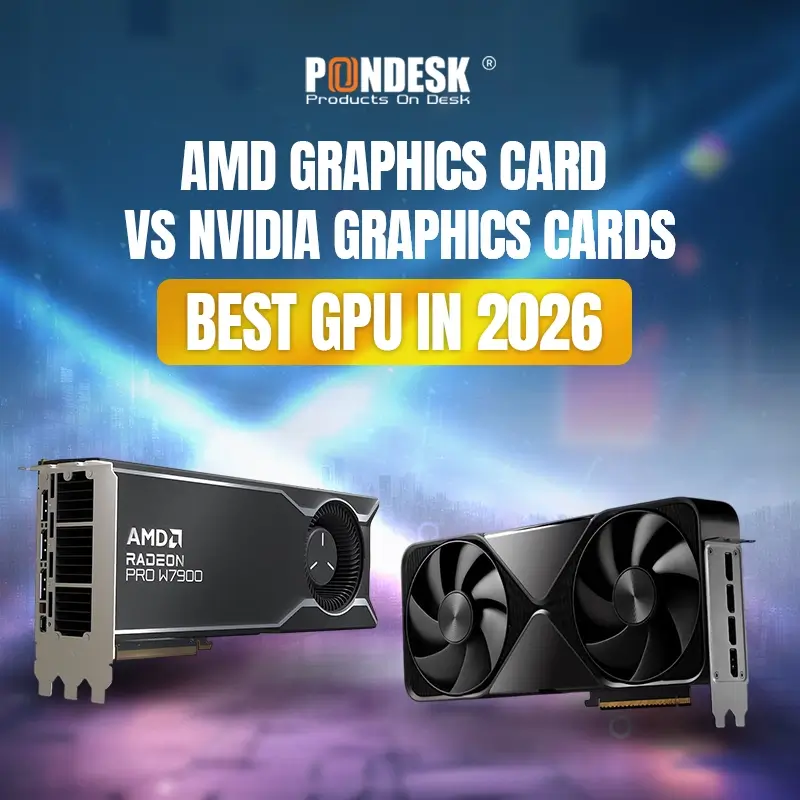
NVIDIA generally excels in ray tracing performance and offers technologies like DLSS for upscaling and Frame Generation, providing significant frame rate boosts. AMD provides strong raw rasterization performance often at competitive price points, with FSR as its open-source upscaling solution. Both brands have excellent driver support, and choice often comes down to specific feature preference and budget. US gamers often choose based on game benchmarks for their favorite titles.
How do I know if my power supply unit PSU can handle a new gaming GPU?
To check PSU compatibility, identify the recommended wattage for your desired GPU, usually found on the manufacturer's product page. Add the power draw of your other components (CPU, motherboard, storage) to ensure your PSU has sufficient overhead. Also, verify you have the correct PCIe power connectors (e.g., 6-pin, 8-pin, 12VHPWR) required by the new GPU, as modern cards can be power-hungry.
What are common mistakes to avoid when buying a gaming GPU?
Avoid buying solely based on price without considering performance reviews for your target resolution, neglecting to check PSU compatibility, ignoring case size and cooling requirements, and purchasing a GPU that heavily bottlenecks your existing CPU. Research thoroughly and read multiple reviews to make an informed decision that aligns with your gaming habits and budget, preventing future regrets or setup issues.
Can a gaming GPU really improve my overall PC experience beyond just games?
Absolutely. A powerful gaming GPU significantly enhances tasks beyond gaming, such as video editing, 3D rendering, graphic design, and even general productivity by accelerating certain applications. For streamers or content creators, it's essential for encoding and smooth live broadcasts. It contributes to a much smoother, more responsive, and efficient overall PC experience, making your daily digital life more pleasant and productive.
Hey fellow gamers! If you're anything like the average US gamer, you're likely balancing a job, family, and a million other things, yet still crave that sweet escape into your favorite virtual worlds. Gaming isn't just a hobby; it's relaxation, skill-building, social connection, and pure fun. But let's be honest, trying to figure out how to select gaming GPU that truly fits your life and budget can feel more like a chore than a challenge you want to conquer. With so many options, confusing specs, and constant new releases, it's easy to get lost in the hype.
We get it. You want to optimize performance, get value for your money, and stay current without falling for every marketing trick. You're probably tired of setup issues, performance hiccups, or wondering if your hard-earned cash is going into the right upgrade. You need practical advice that respects your time and budget. That's why we've put together this comprehensive guide on how to select gaming GPU, crafted specifically for gamers like you. Did you know 87% of US gamers play regularly, often clocking 10+ hours a week? We’re here to ensure those hours are spent enjoying seamless gameplay, not troubleshooting hardware. This guide will cut through the noise, offering clear, actionable answers to help you choose the perfect graphics card for your rig in 2026.
What's the absolute first step in how to select gaming GPU?
The very first and most crucial step in choosing a gaming GPU is to define your budget and assess your current PC setup. Your budget sets realistic expectations for performance and features. Knowing what you can comfortably spend prevents overspending and buyer's remorse. Beyond that, understanding your existing CPU, motherboard, power supply unit PSU, and case size is paramount. An incredible new GPU won't do much good if your PSU can't power it or your case is too small.
Think of your GPU as part of a team. If your CPU is significantly older or weaker, it might create a 'bottleneck,' meaning your powerful new GPU can't perform at its best. Also, check your motherboard's PCIe slot version a modern GPU benefits from PCIe 4.0 or 5.0, though older slots are often backward compatible with some performance impact. This foundational check ensures any new GPU will integrate smoothly and provide the expected performance boost.
How do target resolution and refresh rate impact my GPU choice?
Your monitor's resolution and refresh rate are arguably the most critical factors influencing which GPU you should buy. These determine how many pixels your GPU needs to render and how quickly it needs to do so. For example, rendering games at 4K resolution requires significantly more processing power than at 1080p.
- 1080p Gaming (Full HD): If you game on a standard 1080p monitor, even at high refresh rates like 144Hz, you don't necessarily need a top-tier GPU. Mid-range cards from NVIDIA's RTX 40-series or AMD's RX 7000-series will deliver excellent performance, easily pushing 60-100+ FPS in most titles.
- 1440p Gaming (Quad HD): This is the sweet spot for many gamers, offering a great balance of visual fidelity and performance. For 1440p, especially at 120Hz or 144Hz, you'll want to aim for upper-mid-range to high-end GPUs. This tier ensures smooth frame rates in demanding titles, often allowing you to enjoy ray tracing features too.
- 4K Gaming (Ultra HD): The ultimate visual experience, 4K gaming demands the most powerful GPUs available. If you're chasing 60+ FPS at 4K with high settings, expect to invest in top-tier cards. Even then, you might need to leverage upscaling technologies like DLSS or FSR to maintain desirable frame rates in the most graphically intensive games.
Remember, a GPU designed for 4K will be overkill and poor value for a 1080p monitor, and vice-versa. Match your GPU's power to your monitor's capabilities to avoid wasted performance or frustrating bottlenecks.
What about VRAM how much do I really need for modern games in 2026?
VRAM, or Video Random Access Memory, is crucial for storing game textures, models, and frame buffers. In 2026, VRAM requirements are higher than ever, especially with modern games featuring incredibly detailed environments and high-resolution assets. Over the past year, we've seen a noticeable trend where games demand more VRAM for optimal performance, even at 1080p.
- 8GB VRAM: This is generally the minimum for comfortable 1080p gaming in new titles without constant stuttering, especially if you plan to enable higher texture settings. For some competitive esports titles, it's more than enough.
- 12GB-16GB VRAM: This range is the sweet spot for 1440p gaming and offers solid future-proofing for 1080p, allowing you to crank up textures and enjoy ray tracing with less compromise. Many of this month's major releases show significant performance gains with 12GB+ VRAM at QHD resolutions.
- 16GB+ VRAM: Essential for smooth 4K gaming, particularly if you want to use ultra textures, ray tracing, and other demanding graphical features. Content creators and those running multiple high-resolution monitors also benefit immensely from more VRAM.
Don't skimp on VRAM if you can help it. While you might save a few dollars now, insufficient VRAM will quickly become a performance bottleneck as new games get released, potentially forcing you into an earlier upgrade.
Should I go with NVIDIA or AMD for my next gaming GPU?
The NVIDIA vs. AMD debate is a classic in the gaming community, and both companies offer compelling options in 2026. Your choice often comes down to specific features, budget, and personal preference.
- NVIDIA: Known for its strong performance in ray tracing and advanced upscaling technology, DLSS (Deep Learning Super Sampling). DLSS 3.5, with its Frame Generation capabilities, significantly boosts frame rates in supported games, providing a smoother experience even on high-resolution monitors. NVIDIA also generally has a strong ecosystem for creative professionals with CUDA cores.
- AMD: Offers competitive raw rasterization performance often at slightly better price points, especially in the mid-range. AMD's FidelityFX Super Resolution FSR is an open-source upscaling technology that works across a broader range of GPUs, including older cards and even some NVIDIA GPUs. AMD also tends to offer more VRAM for the money at certain tiers.
Ultimately, both brands provide excellent drivers and gaming experiences. Look at benchmarks for the specific games you play most. If ray tracing and AI-powered frame generation are high priorities, NVIDIA might edge out. If raw performance-per-dollar and open-source upscaling are more appealing, AMD could be your pick. Current trends show gamers appreciate the value AMD often brings, while NVIDIA maintains its premium performance lead in the very high-end segment.
How can I ensure my power supply and case can handle a new GPU?
Ignoring PSU and case compatibility is a common and frustrating mistake. A new GPU needs enough power to run efficiently and enough space to fit properly and cool itself. This is a critical part of how to select gaming GPU.
First, check your existing Power Supply Unit (PSU). Look at its wattage rating (e.g., 750W, 850W) and the number/type of PCIe power connectors it provides (e.g., 6-pin, 8-pin, 12VHPWR). Every GPU manufacturer lists a recommended PSU wattage and required connectors for their cards. For instance, a high-end card might recommend an 850W PSU and require two 8-pin PCIe power connectors. Don't just meet the minimum; aim for about 100-150W of headroom for system stability and potential future upgrades.
Next, consider your PC Case. GPUs vary wildly in length, height, and thickness. Measure the available space in your case, particularly from the PCIe slot to the front panel drive bays or radiator. Check the GPU's dimensions on the manufacturer's product page and compare them to your measurements. Also, ensure your case has adequate airflow. A powerful GPU generates a lot of heat, and poor airflow can lead to thermal throttling, reducing performance and potentially shortening the card's lifespan.
What features should I look for beyond raw performance?
Beyond frame rates, modern GPUs offer a suite of features that enhance your gaming experience. For the discerning gamer who values more than just raw power, these can be significant differentiators:
- Ray Tracing: This technology simulates the physical behavior of light to render incredibly realistic lighting, reflections, and shadows. While demanding, it adds immense visual fidelity to supported games. Both NVIDIA and AMD offer ray tracing, with NVIDIA generally holding a performance lead.
- Upscaling Technologies (DLSS / FSR): These are game-changers for performance. DLSS (NVIDIA) and FSR (AMD) render games at a lower resolution and then intelligently upscale them to your monitor's native resolution, dramatically boosting frame rates with minimal visual quality loss. For those balancing high resolution with performance, these are essential.
- Cooling Solution: Look for GPUs with robust cooling designs. Larger heatsinks, multiple fans, and effective heat pipe layouts contribute to lower temperatures, which translates to sustained performance and quieter operation. This is especially important for extended gaming sessions.
- Software Ecosystem: Consider the broader software features. NVIDIA's GeForce Experience offers game optimization and ShadowPlay recording. AMD's Adrenalin Software provides a comprehensive suite of tuning, monitoring, and recording tools. Both are mature and user-friendly, catering to different preferences.
- Power Efficiency: While often overlooked, a more power-efficient GPU generates less heat and can save you a bit on your electricity bill over time. It also means less strain on your PSU and potentially quieter operation.
These features can profoundly impact your overall gaming satisfaction, especially for those who enjoy the latest visual innovations or want to maximize performance on their existing hardware.
How can I find a good deal on a gaming GPU without breaking the bank?
Upgrading your gaming GPU doesn't have to empty your wallet. Smart shopping strategies can help you score a great deal. This is particularly relevant for the average gamer, who values good value without falling for aggressive marketing tactics.
First, keep an eye on seasonal sales events like Black Friday, Cyber Monday, and Amazon Prime Day. These are prime times for retailers to offer significant discounts on hardware. Second, consider purchasing last-generation GPUs. When a new series launches, the previous generation often sees price drops, offering excellent performance-per-dollar for gamers not chasing the absolute bleeding edge. For example, a slightly older flagship might still outperform a current-gen mid-range card at a similar price.
Third, explore the refurbished market from reputable sellers. Many manufacturers and major retailers offer certified refurbished GPUs with warranties. This can be a fantastic way to get a higher-tier card at a much lower price. Finally, check for bundle deals. Sometimes, retailers will offer discounts when you purchase a GPU alongside a CPU, motherboard, or even a game. Staying informed about current market trends and being patient can save you hundreds.
When is the best time to upgrade my gaming GPU?
Deciding when to upgrade your gaming GPU can be tricky, especially with new generations launching periodically. There are a few clear indicators that it might be time for a change.
The most obvious sign is when your current GPU struggles to run your favorite games at your desired settings and frame rates. If you're constantly lowering settings just to hit a playable 30-60 FPS, or if stuttering and lag are ruining your immersion, it's definitely time to consider an upgrade. Another indicator is when you've upgraded your monitor to a higher resolution (e.g., from 1080p to 1440p) or a higher refresh rate, and your old GPU simply can't keep up with the new demands.
Sometimes, it's about new game releases. If a highly anticipated title requires significantly more power than your current card, that might be your cue. However, avoid upgrading solely based on hype. Remember, the goal is often performance optimization and value for money, not just having the newest thing. Current trends suggest that holding onto a GPU for 2-3 generations often provides the best balance of cost and performance benefit, especially with the longevity offered by modern upscaling technologies.
What are some common pitfalls to avoid when selecting a gaming GPU?
Choosing a new gaming GPU can be exciting, but it's also easy to make mistakes that lead to disappointment or wasted money. Being aware of these common pitfalls can save you a lot of headaches:
- Ignoring Component Compatibility: As discussed, not checking your PSU's wattage and connectors, or overlooking your case's dimensions, is a recipe for disaster. A beautiful new card is useless if it doesn't fit or can't power on.
- Overspending for Unused Performance: Don't buy a top-tier 4K GPU if you only have a 1080p monitor and no plans to upgrade. You'll pay a premium for performance you simply can't utilize, which is poor value.
- Underestimating VRAM Needs: While it's tempting to save money on a GPU with less VRAM, modern games are increasingly memory-hungry. Skimping on VRAM often leads to performance issues like stuttering and texture pop-in, making the card feel outdated much faster.
- Forgetting Driver Support and Software: Both NVIDIA and AMD regularly update their drivers. Ensure you install the latest drivers for optimal performance and bug fixes. Also, utilize the companion software (GeForce Experience or Adrenalin) for game optimization and feature access.
- Buying Solely on Brand Loyalty: While you might have a preferred brand, it's wise to consider both NVIDIA and AMD options at your desired performance and price points. Performance leadership often shifts, and one might offer a better value proposition for your specific needs.
- Neglecting Cooling and Airflow: A powerful GPU generates a lot of heat. If your case has poor airflow or your GPU's cooler is inadequate for its power, it will thermal throttle, reducing performance and potentially shortening its lifespan. Invest in good case fans and ensure proper cable management.
By avoiding these common mistakes, you'll be well on your way to a satisfying and future-proof GPU upgrade. Remember, thoughtful research and planning are key to maximizing your gaming enjoyment and investment.
Phew! That was a deep dive into how to select gaming GPU in 2026. We've covered everything from setting your budget and understanding VRAM to navigating the NVIDIA vs. AMD debate and avoiding common upgrade pitfalls. The goal was to empower you, the busy gamer, with practical, no-nonsense advice so you can make an informed decision that truly enhances your precious gaming time. Remember, the best GPU is the one that fits your specific needs, budget, and existing setup, delivering the performance you desire without unnecessary headaches.
We hope this guide helps you feel more confident in your next graphics card purchase. Go forth and enjoy those stunning visuals and smooth frame rates! What's your biggest gaming challenge with your current setup? Comment below!
FAQ Section
Is a higher VRAM always better?
While more VRAM is generally beneficial for higher resolutions and texture settings, it's not the only factor. A GPU needs a balanced architecture, including core performance, memory bandwidth, and VRAM amount, to perform optimally. Excessive VRAM on a low-power GPU won't magically make it perform like a high-end card.
Do I need the latest generation GPU?
No, you don't always need the absolute latest generation GPU. Often, last-generation cards offer excellent performance-per-dollar, especially for 1080p and 1440p gaming. They become even more attractive during sales events or after a new series launch, providing significant power without the premium price tag.
What's the deal with integrated graphics vs. dedicated GPU?
Integrated graphics are built into your CPU and share system RAM, offering basic display capabilities and modest performance suitable for light gaming or productivity. A dedicated GPU is a separate, powerful component with its own VRAM, designed specifically for demanding tasks like modern gaming, 3D rendering, and video editing, delivering vastly superior performance.
How important is cooling for a gaming GPU?
Cooling is extremely important for a gaming GPU. Effective cooling prevents the card from overheating and 'thermal throttling,' which means it reduces its clock speeds to lower temperatures, leading to decreased performance. Good cooling ensures consistent, high frame rates and contributes to the longevity of your hardware, crucial for marathon gaming sessions.
Can I use a monitor with a higher refresh rate than my GPU can handle?
Yes, you can use a high-refresh-rate monitor with a GPU that can't consistently hit those high frame rates. The monitor will simply display whatever frames your GPU can produce, up to its maximum refresh rate. You'll still get a smoother experience when frames are high, but you won't always see the monitor's full potential unless your GPU can match it.
What is a GPU bottleneck?
A GPU bottleneck occurs when your graphics card is waiting for your CPU to process information, or vice versa, leading to less than optimal performance. If your CPU is too slow to feed instructions to a powerful GPU quickly enough, the GPU will sit idle part of the time. This results in lower frame rates than the GPU is capable of, effectively limiting your system's gaming potential.
Budget vs performance, VRAM importance, resolution and refresh rate matching, PSU and case compatibility, NVIDIA vs AMD features, cooling solutions, future-proofing considerations, avoiding common upgrade pitfalls.
35


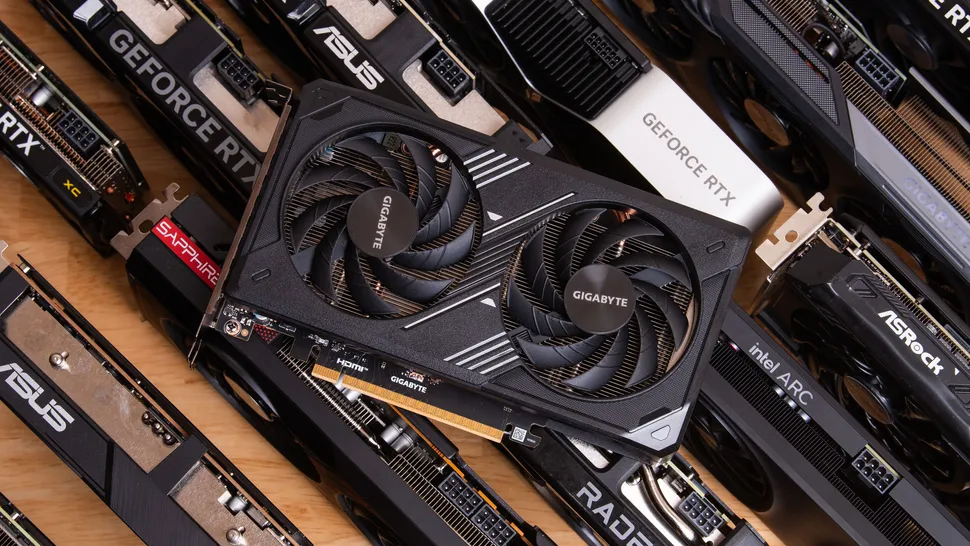
GPU Buying Guide 2026 Tips To Choose The Right GPU Image Png Sep 27 2024 10 56 40 0671 AM . 13 Best GPUs For Gaming 2026 Top Graphics Cards Ranked Banner 5. Best Budget Gaming GPU 2026 Top Picks Under 200 Switchblade Gaming Best Budget Gaming Gpu 2026 Intext Budget Gpu. Best Mid Range GPU 2026 Sweet Spot Picks Switchblade Gaming Best Mid Range Gpu 2026.webp. Best Gaming PC Deals 2026 Deals From Amazon Best Buy Newegg Dell


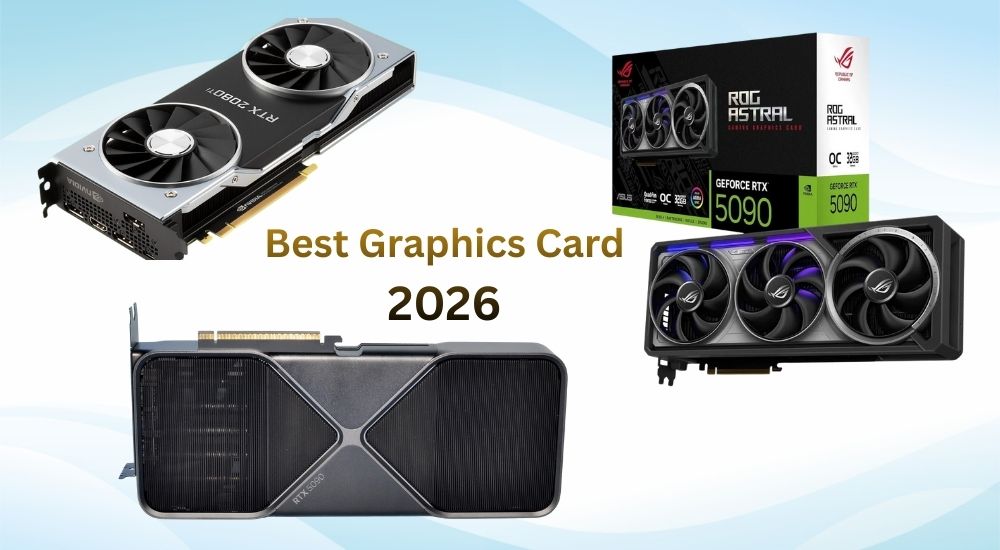
Best Gaming GPU 2026 Top Graphics Cards For Every Budget Switchblade Best Gaming Gpu 2026.webp. Best GPUs To Upgrade To In 2026 My Honest Take Tech Tactician 100420 1920x965 . Best Budget Gaming GPU 2026 Top Picks Under 200 Switchblade Gaming Best Budget Gaming Gpu 2026.webp. Best Graphics Card 2026 Top GPUs For Gaming AI Value Best Graphics Card 2026 . Latest Graphics Cards For Gaming In 2026 UK Budget 1440p 4K Ranked Best Latest Graphics Cards 2026 Uk 1320x880

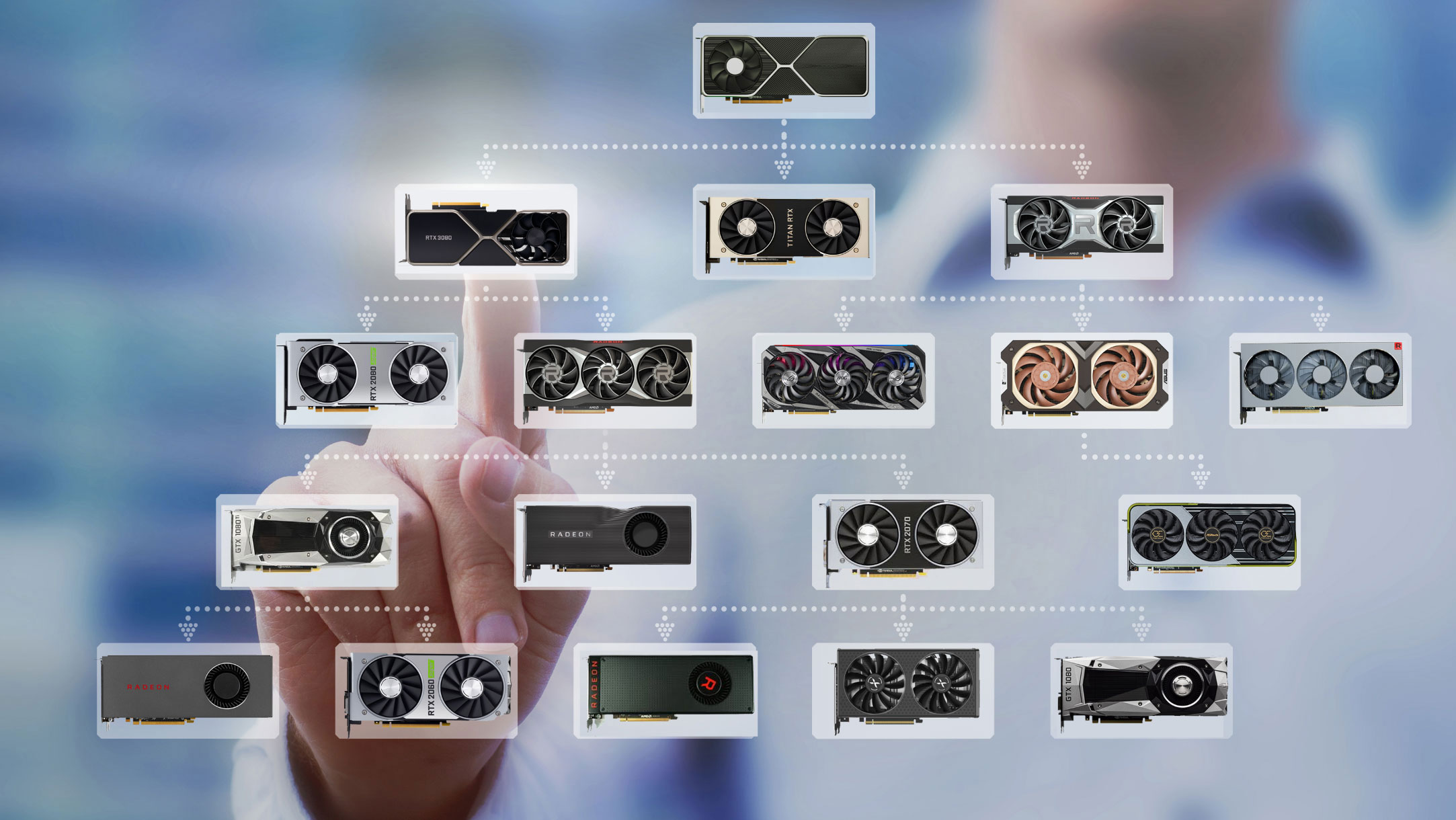
2026 GPU Prices Going Up Best Graphics Card To Buy Now Best GPU . 8 Best Graphics Cards GPUs For 1080P 240Hz March 2026 Best Graphics Cards GPUs 768x419 . Should You Upgrade Your GPU In 2026 GTX 1080 Ti Vs RTX 2060 Super Vs Media. Best RTX 2060 Graphics Card 2026 Our Top Picks PC Guide Best GPU For 1440p 144Hz . Best Gaming Laptops 2026 Tested And Reviewed Tom S Hardware
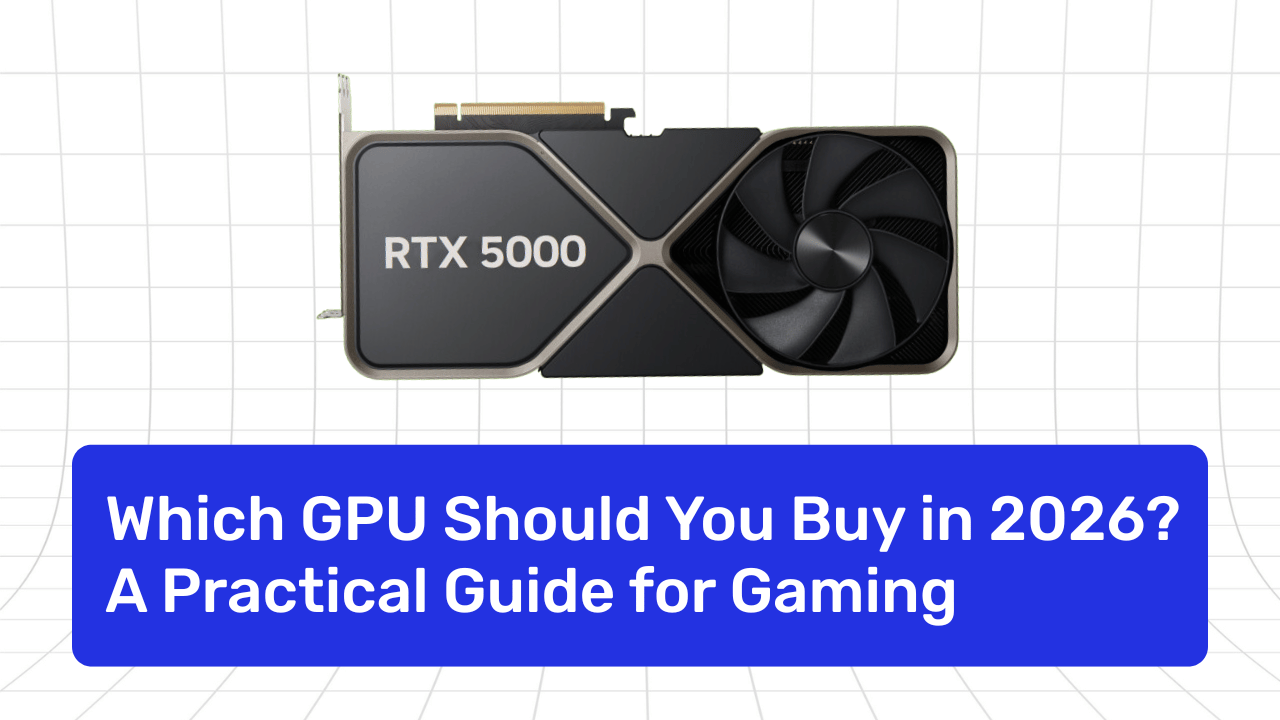
13 Best GPUs For Gaming 2026 Top Graphics Cards Ranked Banner 11.webp. How To Choose The Right Graphics Card 2026 Expert Guide Featured Image P9ixjmz0 300x210 . Which GPU Should You Buy In 2026 Practical Guide For Gaming Which GPU Should You Buy In 2026 . GPU Price Hike 2026 NVIDIA And AMD Graphics Cards Set To Surge What RTX 5060 8GB Gaming Performance 1536x864 . Best GPUs For Gaming 2026 Top VGA Cards Ranked By Performance 6 Best GPUs For AI And Deep Learning In 2026.webp
Best GPU And How To Choose The Right GPU In 2026 Complete Guide Image 2 2 . How To Find Out What Graphics Card You Have On Your PC Or Laptop In 2026 1767789256 AMD Graphics Card Vs Nvidia Graphics Card. Which GPU Is Best In 2026.webp. Best GPU And How To Choose The Right GPU In 2026 Complete Guide Image 3 . How To Choose A Laptop With The Right Graphics Card Top Budget Nvidia Graphics Cards For 2026 Best Performance For Your Money . 13 Best GPUs For Gaming 2026 Top Graphics Cards Ranked Blog Banners 1 1 Scaled.webp




How To Choose A Laptop With The Right Graphics Card Best Deal Graphics Cards 2026 Main . The Best GPU For Gaming Our Top Reviewed Picks For 2026 Graphics Cards . Best NVIDIA GPU For Gaming In 2026 Image 42 . How To Choose The Right GPU Dedicated Server For AI 2026 How To Choose The Right GPU Dedicated Server For AI A 2026 Guide. How To Choose GPU For AI In 2026 Training Inference Untitled 50



12 Best Budget Gaming Graphics Cards 2026 GPUs Under 350 Best Graphics Cards GPUs Laptops 1024x559 . This Is The GPU I M Most Excited For In 2026 And It S Not By AMD Or. PC Gaming In 2026 Faces GPU Shortages And Rising Prices NoobFeed Rx 9060 Xt . Ultimate Buying Guide How To Choose The Best Gaming GPU In Gaming Product Shot 03.webp. AMD UDNA Radeon Gaming GPUs Rumored To Enter Mass Production In Q2 AMD UDNA Radeon Gaming GPUs 1920x905