Roblox scripting is crucial for creating engaging games and optimizing player experiences This guide explores strategies for crafting better Roblox scripts focusing on efficiency performance and maintainability Many adult gamers balancing work and family seek seamless lag free gameplay and efficient development practices Learning to write optimized scripts can transform your Roblox creations attracting more players and ensuring smoother gameplay We will cover everything from fundamental coding practices to advanced optimization techniques helping you build high quality games that stand out Discover how to enhance game responsiveness reduce memory usage and create more robust enjoyable experiences for your community This resource is designed to empower both aspiring and experienced Roblox developers to elevate their scripting skills and achieve their creative visions effectively and without unnecessary frustration Understanding these principles is key to navigating the competitive Roblox development landscape and delivering truly exceptional content
How do I start writing a better Roblox script?
To begin crafting better Roblox scripts, focus on understanding Lua's fundamentals and Roblox's API. Start with small projects, practicing clear variable naming, commenting your code, and organizing scripts logically. Prioritize functionality first, then refactor for efficiency. Utilize Roblox Studio's built-in tools like the Script Editor and Output window for debugging and testing as you learn. Consistency in your coding style significantly aids in maintainability and collaboration.
What are the immediate steps to optimize an existing Roblox script?
For immediate optimization, first identify performance bottlenecks using Roblox Studio's MicroProfiler or Developer Console. Look for unnecessary loops, excessive remote calls, or inefficient object creation/destruction. Implement object pooling, debounce frequent events, and localize global variables. Refactor large functions into smaller, more manageable ones. Prioritize optimizing scripts that run frequently or handle large amounts of data, as these yield the most significant performance gains quickly.
How does event handling impact Roblox script performance?
Event handling is crucial for script performance. Overuse of connected events, especially those firing rapidly (e.g., RunService.Heartbeat, Mouse.Move), can lead to lag if handlers are not optimized. Disconnect events when they are no longer needed to prevent memory leaks and unnecessary processing. Use 'Once' connections for events that only need to trigger once. Debounce or throttle frequently fired events to limit their execution rate, ensuring your game remains responsive and smooth for players.
What data structures lead to better Roblox script efficiency?
Choosing efficient data structures significantly improves script performance. Use tables (Lua's equivalent of arrays/dictionaries) wisely. Prefer numerical indexing for ordered lists and string indexing for key-value pairs. Avoid iterating over unnecessarily large tables or creating new tables within loops if possible. Consider using modules to encapsulate related data and functions, promoting reusability and better organization, which indirectly enhances efficiency by simplifying debugging and maintenance.
How can I ensure my Roblox scripts are secure and exploit-resistant?
Securing your Roblox scripts means validating all client-side input on the server. Never trust the client. Use RemoteEvents and RemoteFunctions for communication, but always add server-side checks to verify player actions, preventing common exploits like speed hacks, teleporting, or giving themselves items. Implement sanity checks for values passed from the client, and ensure sensitive game logic, like currency changes or item spawning, is handled exclusively on the server. Regularly update your security practices.
Where can I find reliable resources to learn better Roblox script techniques?
Reliable resources for learning better Roblox script techniques include the official Roblox Developer Hub, which offers extensive documentation, tutorials, and API references. YouTube channels by experienced Roblox developers often provide practical guides and insights. Community forums like the Roblox Developer Forum are excellent for asking questions and learning from others. Exploring open-source projects on GitHub or within Roblox Studio can also provide valuable real-world examples and coding patterns from successful games.
What is the role of modular scripting in creating better Roblox games?
Modular scripting, through the use of ModuleScripts, is vital for creating better Roblox games. It allows you to break down complex game logic into smaller, reusable, and manageable chunks. This improves code readability, makes debugging easier, and facilitates collaboration among multiple developers. By compartmentalizing code, changes in one module are less likely to break others, leading to a more robust and scalable game architecture. It's a cornerstone for professional-level Roblox development.
Are you an adult gamer or creator juggling life work and your passion for Roblox Do you ever feel frustrated by laggy games or inefficient development processes You are not alone In the bustling world of Roblox where 87 percent of US gamers regularly spend 10 or more hours a week playing finding ways to make your creations run smoother or enjoy existing games without hiccups is paramount especially when your gaming time is precious We understand that you value relaxation fun skill building and a smooth experience above all else and that means needing a better Roblox script at the heart of everything you do.
As busy adults we seek quality and performance in our entertainment and our creative outlets We want games that run seamlessly that offer deep engagement without technical glitches and that respect our limited time This is where the power of a better Roblox script comes into play Whether you are an aspiring developer looking to build a thriving experience or simply a player curious about what makes your favorite games tick optimizing script performance is not just a technical detail it is a cornerstone of an enjoyable and successful Roblox journey This comprehensive guide will equip you with the knowledge and practical strategies to transform your Roblox scripting skills ensuring your games are not only fun but also incredibly efficient and responsive for every player on any device from mobile phones to high end PCs.
Forget the hype and focus on real solutions We are here to talk about tangible steps you can take to elevate your scripting to a professional level tackling common pain points like performance issues debugging frustrations and creating truly impactful user experiences We will dive deep into how to write better Roblox script that stands the test of time and player expectations ensuring your contributions to the Roblox universe are both meaningful and impeccably executed.
Why is a better Roblox script essential for creators and players today
A better Roblox script is the backbone of a high-quality game experience in 2026 For creators it means games that perform well attracting more players and potentially generating more engagement and income For players it translates directly to a smoother lag free enjoyable experience free from frustrating delays or crashes With the average US gamer spending over 10 hours a week on gaming and mobile platforms dominating a significant portion of that time optimized scripts are critical for cross platform compatibility and player retention.
In a competitive landscape where social gaming trends and free to play titles are king developers must deliver polished bug free experiences Efficient scripting ensures your game is responsive runs well on diverse hardware and provides consistent performance whether someone is playing on a brand new PC or an older smartphone This directly impacts player satisfaction and can be the difference between a game that thrives and one that struggles to gain traction.
How can I identify an inefficient Roblox script in my game
Identifying inefficient Roblox scripts is the first step toward optimization Roblox Studio provides several powerful tools to help creators pinpoint performance bottlenecks The MicroProfiler is an invaluable resource offering a detailed timeline of what your game engine is doing each frame revealing exactly which scripts or processes are consuming the most CPU time The Developer Console accessed via F9 in game or during testing provides client and server logs showing network statistics memory usage and script errors This allows you to monitor performance in real time and catch issues before they impact players.
Look for scripts that execute frequently or handle large amounts of data such as those updating character positions physics calculations or complex UI elements High script activity spikes in the MicroProfiler or consistent warnings in the Developer Console often indicate areas ripe for improvement Also be mindful of scripts that create and destroy many instances or make excessive remote calls as these are common culprits for performance drops across the Roblox platform.
What are the fundamental principles of writing better Roblox script
Writing better Roblox script starts with foundational principles that prioritize clarity efficiency and maintainability
Clarity and Readability Use clear descriptive variable and function names Comment your code adequately to explain complex logic This makes your scripts easier to understand for yourself and for any collaborators fostering a more efficient development process.
Modularity Break down your game logic into smaller manageable ModuleScripts This promotes code reusability reduces redundancy and makes debugging much simpler By encapsulating functionality you create a more organized and scalable codebase.
Efficiency Aim for algorithms that minimize computational cost Avoid unnecessary loops repeated calculations or excessive object creation/destruction whenever possible Efficient code runs faster and uses fewer resources which is crucial for smooth gameplay especially on lower end devices.
Server Client Separation Understand and respect the client server model All critical game logic security checks and data storage should be handled on the server to prevent exploits and maintain game integrity Only send necessary data to the client and validate all client input on the server.
Defensive Programming Anticipate potential errors and handle them gracefully Use checks like
if instance:IsA("Part") thenorpcallfor potentially failing operations This makes your scripts more robust and less prone to crashing due to unexpected input or conditions.
Adhering to these principles will lay a strong groundwork for creating robust performant and easily maintainable Roblox experiences that stand out in today's dynamic gaming environment.
How do I optimize scripts for better Roblox game performance
Optimizing scripts for better Roblox game performance involves a mix of strategic coding and smart resource management
One key strategy is object pooling Instead of constantly creating and destroying instances like projectiles or visual effects reuse them by simply moving them off screen or resetting their properties This drastically reduces memory allocations and garbage collection overhead which can cause noticeable lag particularly during intense action sequences For example a system where bullet parts are reactivated rather than instantiated anew every shot can significantly boost frame rates.
Another vital technique is debouncing and throttling events Events that fire very rapidly such as RunService.Heartbeat or Player.CharacterAdded if connected repeatedly can consume excessive CPU resources Use a single connection for frequent events or add timers to limit how often a connected function actually executes This prevents unnecessary calculations and keeps your game responsive especially important when players demand immediate feedback without stutter.
Furthermore localize variables within functions rather than relying on global access to them This makes lookup faster for the Lua VM and can offer minor performance gains but these small gains accumulate over a large codebase Finally always profile your code using Roblox Studio's MicroProfiler to confirm that your optimizations are actually working and not creating new bottlenecks focusing your efforts where they will have the most impact
What scripting practices reduce lag and improve responsiveness
Reducing lag and improving responsiveness in Roblox games hinges on several key scripting practices The first is to minimize expensive computations within loops Especially in loops that run frequently every frame avoid operations like finding objects by name with workspace:FindFirstChild() or creating new tables These operations should ideally be done once outside the loop or cached for later use.
Another crucial practice is efficient use of RemoteEvents and RemoteFunctions Network communication is inherently slower than local script execution Only send necessary data between the client and server and bundle multiple related actions into a single remote call where appropriate Avoid sending large tables or strings unnecessarily and always ensure client requests are validated on the server to prevent exploit related lag It is also important to disconnect events that are no longer needed to prevent memory leaks and unnecessary processing as connected functions will continue to run even if the associated objects are destroyed.
Consider spatial partitioning techniques for large open worlds instead of checking every object against every other object divide your game world into smaller zones and only process interactions between objects within adjacent zones This drastically reduces the number of checks needed particularly beneficial for physics simulations or collision detection systems This methodical approach ensures your game remains snappy and immersive even with complex environments and many players.
Are there tools to help me write better Roblox script faster
Absolutely Roblox Studio itself is packed with features designed to help you write better Roblox script faster and more efficiently The built in Script Editor offers syntax highlighting auto completion and linting features that highlight potential errors and suggest improvements as you type This significantly speeds up development and helps catch mistakes early on The Output window is indispensable for debugging providing real time messages errors and warnings that guide you to problems in your code.
Beyond the editor the MicroProfiler previously mentioned is a key optimization tool It visually breaks down engine activity allowing you to see exactly where your game is spending its processing time and thus where your scripting efforts should be focused for maximum impact The Developer Console accessible during runtime provides detailed client and server logs network statistics and memory usage offering a holistic view of your game's performance These integrated tools empower developers to iterate quickly identify and resolve issues and continuously refine their scripts for optimal performance.
For more advanced users external tools like VS Code with Rojo can provide a more robust development environment allowing you to use external text editors with powerful extensions and version control integration while seamlessly syncing your code back to Roblox Studio This setup offers advanced features like better code navigation refactoring tools and collaborative workflows which are invaluable for larger projects and teams aiming to produce better Roblox script at scale.
How do I maintain and update my Roblox scripts effectively
Maintaining and updating Roblox scripts effectively is vital for the long term health and success of any game Regular maintenance prevents technical debt and ensures your game remains functional and enjoyable for its player base One of the best practices is to use version control systems like Git This allows you to track changes revert to previous versions and collaborate with other developers without conflicts For solo developers it provides a robust backup and history of your work preventing accidental loss of progress.
Another crucial aspect is thorough documentation and commenting Even if you are working alone future you will appreciate clear comments explaining complex logic or non obvious design choices This reduces the time it takes to understand and modify older code When updating always test changes rigorously in a separate staging environment before deploying to your live game This minimizes the risk of introducing new bugs or breaking existing functionality.
Furthermore regularly review your scripts for outdated practices or deprecated APIs Roblox is constantly evolving and staying current with the latest API changes and best practices ensures your code remains efficient and compatible Keep an eye on the official Roblox Developer Hub for announcements and updates Finally foster a culture of modularity and reusability which makes it easier to update specific parts of your game without affecting the entire system leading to a more agile and maintainable development process.
What are common pitfalls to avoid when scripting on Roblox
Avoiding common pitfalls is key to writing better Roblox script and preventing frustration for both developers and players One significant pitfall is client side trust Never assume data received from the client is legitimate Always validate player input and actions on the server to prevent exploits like speed hacks or item duplication This is a fundamental security principle that protects your game integrity.
Another common mistake is over connecting events If you connect an event handler multiple times without disconnecting previous connections or if events fire excessively without debouncing your game can suffer from severe performance issues and memory leaks Always disconnect events when they are no longer needed for example when a UI element is closed or a character dies Also avoid premature optimization Focus on making your code work correctly first then optimize identified bottlenecks rather than spending excessive time optimizing code that isnt causing any performance issues.
Inefficient asset loading can also be a major bottleneck Loading too many large assets at once or not preloading necessary assets can cause significant lag and slow load times for players especially on mobile devices Employ streaming enabled wisely and preload critical assets during loading screens Additionally lack of modularity can lead to spaghetti code that is difficult to debug maintain and scale Breaking your code into logical ModuleScripts is essential for any project of significant size and complexity leading to much better Roblox script overall.
How can I learn advanced techniques for better Roblox script
Learning advanced techniques for better Roblox script involves moving beyond the basics and exploring more sophisticated programming paradigms and Roblox specific optimizations One excellent resource is the Roblox Developer Hub which offers advanced tutorials on topics like custom character controllers physics manipulation and advanced UI frameworks Participating actively in the Roblox Developer Forum allows you to ask specific questions learn from experienced developers and discover solutions to complex problems faced by the community.
Studying open source Roblox projects on platforms like GitHub or exploring highly successful games within Roblox Studio can provide invaluable insights into how professional developers structure their code and solve intricate challenges Look for games with a reputation for smooth performance and analyze their module scripts and overall architecture Many top developers also share their knowledge through YouTube channels and personal blogs providing practical demonstrations and deep dives into advanced scripting concepts.
To truly master advanced techniques focus on understanding fundamental computer science concepts like data structures algorithms and design patterns These foundational skills are universally applicable and will significantly enhance your ability to write efficient scalable and robust code Finally consistent practice and taking on challenging projects are paramount The more you build the more you will learn and the better your Roblox script will become through continuous learning and application of advanced principles.
Can better Roblox script lead to more engagement and income
Yes absolutely better Roblox script directly contributes to increased player engagement and potential income for creators A game that runs smoothly is responsive and free of bugs naturally provides a more enjoyable and immersive experience This leads to higher player retention longer play sessions and more positive reviews Word of mouth from satisfied players is incredibly powerful and can significantly boost your game's visibility and popularity on the platform.
With higher engagement comes greater opportunities for monetization Optimized games are more likely to encourage in game purchases whether through Robux for cosmetic items game passes or developer products Players are more willing to spend money on an experience they trust and enjoy Without the frustration of lag or glitches they can focus on the fun and invest in the game's ecosystem This month's trends continue to show that social games with strong community features and seamless performance are top earners on Roblox Demonstrating your commitment to quality through better Roblox script not only builds a loyal player base but also positions your creations for greater financial success in the competitive Roblox marketplace.
How does mobile gaming impact Roblox script optimization
Mobile gaming profoundly impacts Roblox script optimization making it a critical consideration for every developer With over 60 percent of Roblox's daily active users accessing the platform via mobile devices prioritizing efficiency for these platforms is non negotiable Scripts must be designed to consume minimal CPU and GPU resources to ensure smooth gameplay on devices with less processing power and battery life This means being extra vigilant about performance bottlenecks and memory usage.
Optimization strategies for mobile include reducing draw calls by combining meshes and textures minimizing the complexity of visual effects and avoiding heavy physics simulations where possible Scripts should be designed to dynamically scale quality based on the player's device capabilities offering a smoother experience for all users Developers need to test their games extensively on various mobile devices to identify and address performance issues unique to that environment This commitment to mobile optimization ensures that your game reaches the widest possible audience and provides an equitable and enjoyable experience for every player regardless of their chosen device a vital factor in today's cross platform gaming landscape.
FAQ Section
What is the best language for Roblox scripting
The best language for Roblox scripting is Lua specifically Luau a custom version optimized for Roblox It offers performance enhancements and additional features while retaining Lua's simplicity and power It is the only language natively supported for game logic within Roblox Studio making it essential for all developers to master.
How often should I review my scripts for optimization
You should review your scripts for optimization regularly especially after significant feature additions or when performance issues are reported A good practice is to schedule periodic code reviews and actively use Roblox Studio's profiling tools during development to catch inefficiencies early on before they become major problems impacting player experience.
Can free scripts be optimized
Yes free scripts can and often should be optimized Many free models or scripts from the Toolbox may not adhere to best practices or be designed for peak performance Always review and refactor third party code for efficiency security and compatibility with your game's specific needs before integrating it fully into your project.
Does script size affect performance
While extremely large individual script files can have a minor impact on initial loading times or memory usage the content and execution logic within the script are far more critical to performance An inefficient loop in a small script can cause more lag than a well optimized large script Focus on the quality of your code's operations rather than just its byte size to achieve better Roblox script performance.
Where can I find reliable Roblox scripting resources
Reliable Roblox scripting resources include the official Roblox Developer Hub YouTube channels from reputable Roblox developers the Roblox Developer Forum and open source projects on GitHub These platforms provide comprehensive documentation tutorials community support and real world code examples to aid your learning journey.
Is it worth paying for script optimization services
For complex projects or if you lack the expertise paying for script optimization services from experienced Roblox developers can be a worthwhile investment It can save you significant time improve game performance and enhance player satisfaction ultimately leading to a more successful game and potentially higher revenue especially if your own time is limited due to work or family commitments.
What are the biggest challenges facing Roblox developers in 2026
In 2026 Roblox developers face challenges including adapting to increasingly powerful engine updates maintaining performance across diverse mobile and PC devices combating sophisticated exploits and keeping up with evolving player expectations for social and immersive experiences Balancing innovation with technical efficiency is paramount to thriving in this dynamic platform.
Conclusion
Crafting better Roblox script is not just about writing code it is about creating exceptional experiences that resonate with players and stand the test of time In a world where adult gamers seek quality and efficiency in their limited free time your commitment to optimized secure and maintainable scripts makes all the difference By embracing the principles and tools outlined in this guide you empower yourself to build games that are not only fun but also perform flawlessly across every device and scenario ensuring your creative vision reaches its full potential Remember that continuous learning and adaptation are key to staying ahead in the fast paced Roblox development landscape.
What is your biggest scripting challenge Comment below We would love to hear from you
Enhanced game performance Smoother player experience Efficient resource usage Debugging strategies Best coding practices Community engagement Robust game development Scalable script architecture
35
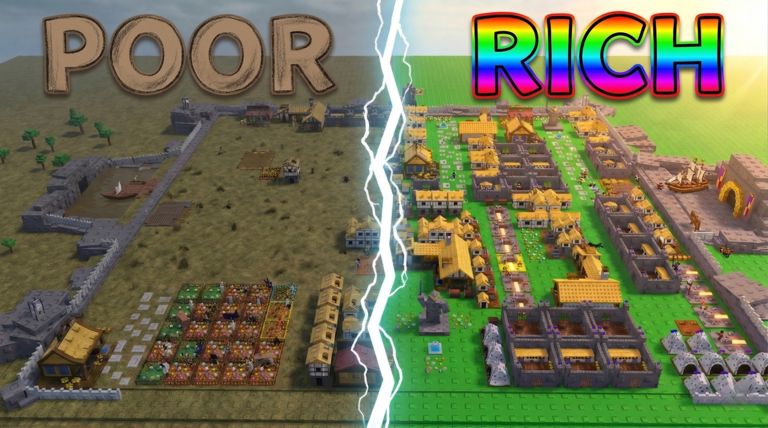


Contoh Roblox Scripts 2026 Panduan Lengkap Untuk Pemula Jurnal Ngawi 3789630207 . Guide To Roblox Scripts With In 2026 . Roblox Scripts Free Working Scripts 2026 Tiny Empires Script Img1 . Roblox Scripts Free Working Scripts 2026 Cake Off Script Img1 . Guide To Roblox Scripts With In 2026 553770912 Orig


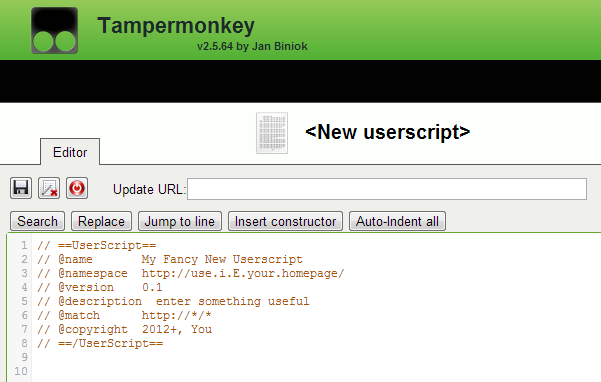


Guide To Roblox Scripts With In 2026 Como Usar Scripts En Roblox Studio . Guide How To Make Roblox Art In 2026 TM 07169 Definitive Guide To Roblox 2026 . Guide To Roblox Scripts With In 2026 Screenshot . Guide To Roblox Scripts With In 2026 155635718 . Guide How To Make Roblox Art In 2026 How To Make A Roblox Game In 2026 Beginner Guide 1024x683

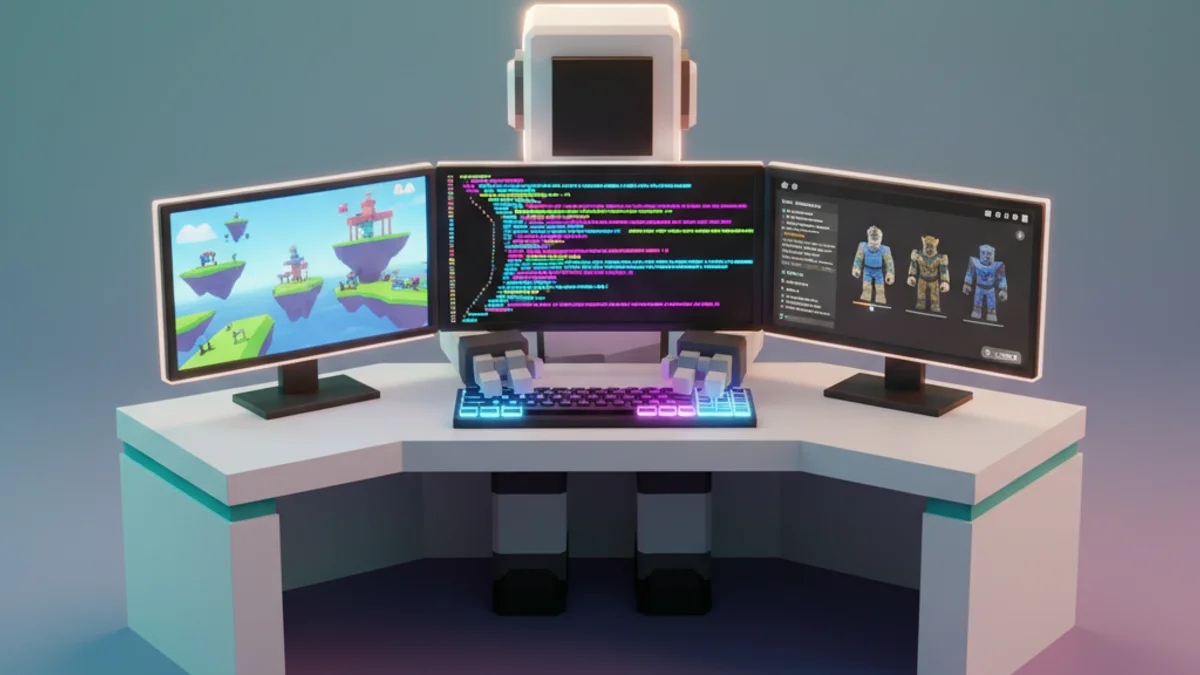



Best AI For Roblox Scripting In 2026 Top Tools Ranked Obby Obby Best Ai For Roblox Scripting Hero.webp. Roblox AI Script Generator Auto Generate Luau Code In 2026 Obby Roblox Ai Script Generator Mid.webp. Blade Ball Scripts Roblox Tips For Better Gaming Experience Blade Ball Script.webp. Roblox Names 2026 Display Name Guide NickFinder Roblox 3 . FPS Flick Scripts No Key July 2026 Script 1 FLick
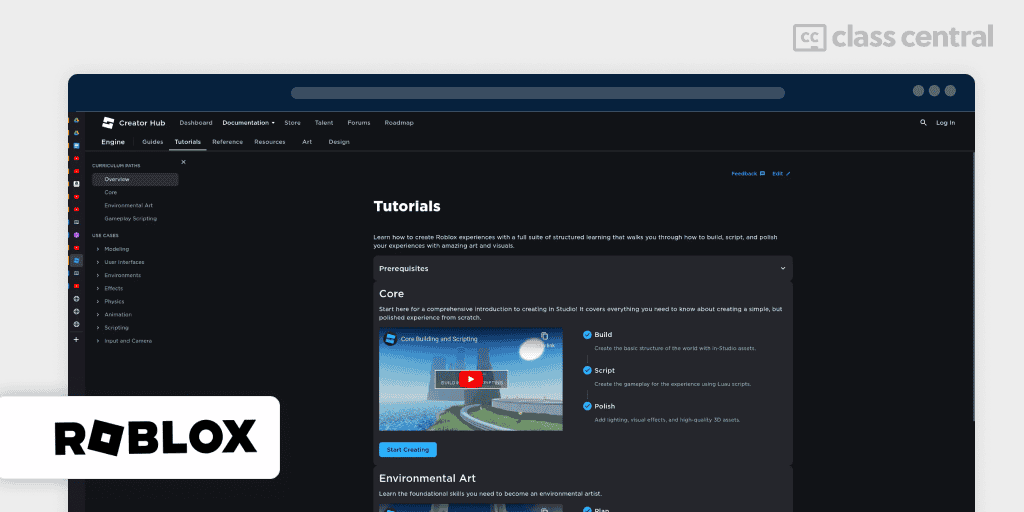

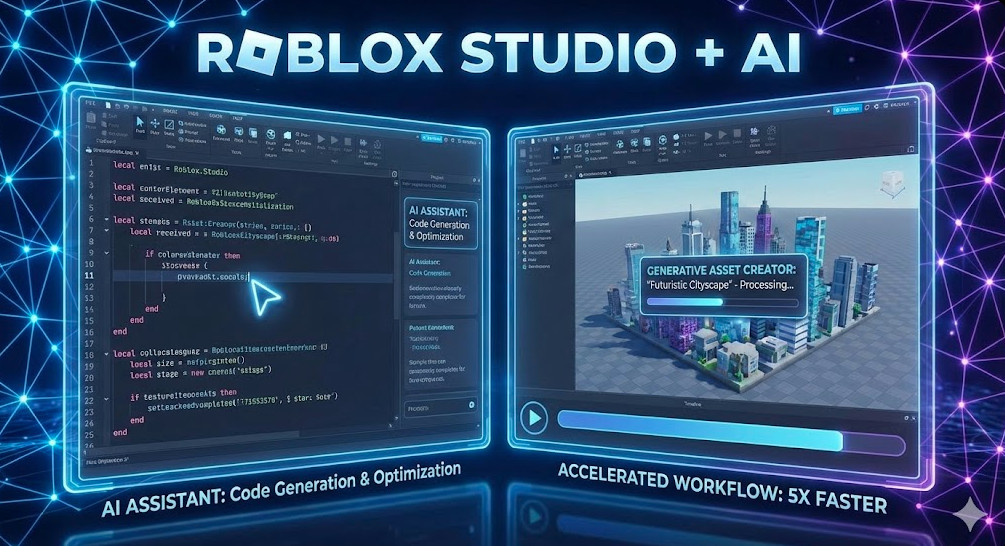

8 Best Roblox Scripting Courses For 2026 Free Paid Class Central BCG Roblox Roblox . FPS Flick Scripts No Key July 2026. Build A Boat For Treasure JUNE 2026 Ultimate BABFT Script 537413528 . Roblox AI Accelerate Game Creation With Studio S New Features Roblox AI . Claude AI For Roblox Studio Complete Workflow Guide 2026 Obby Claude Ai Roblox Studio Hero.webp
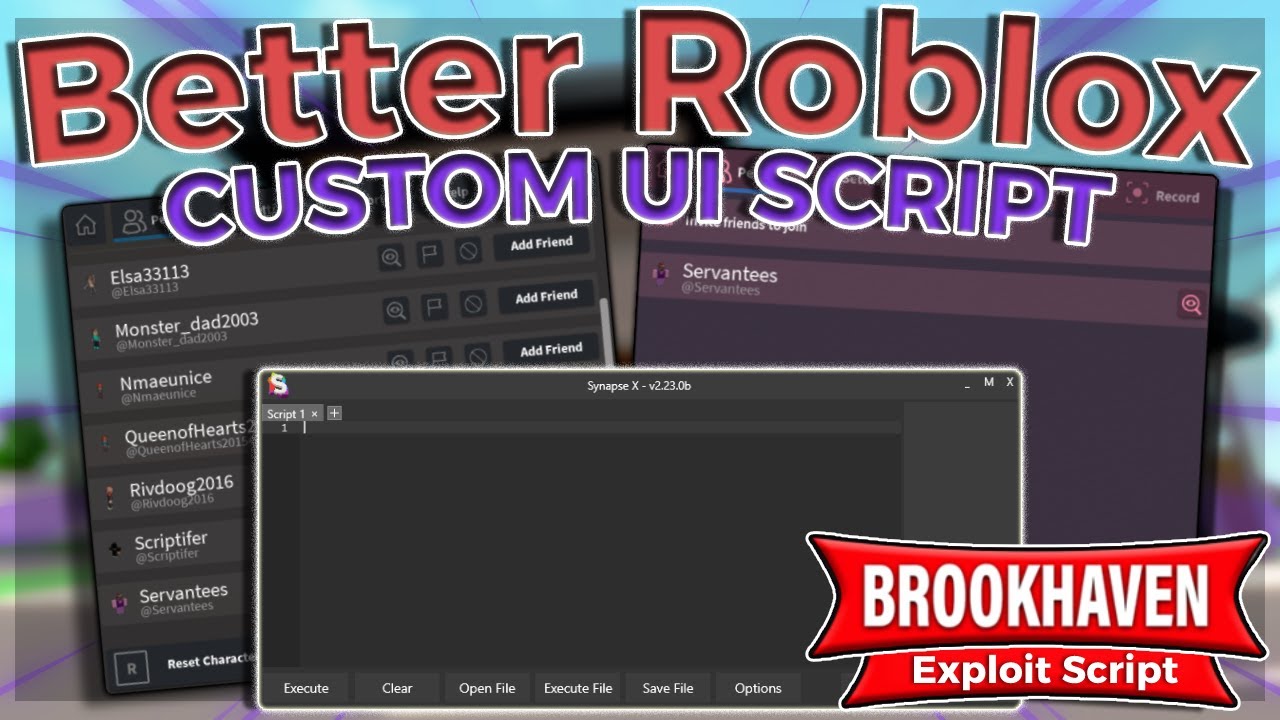




Better Roblox UI Overhaul Script FREE YouTube . Best Roblox Clone Script For Gaming Startups 2026 Roblox Clone Script.webp. Is Lemonade AI The Future Of Roblox How To Build A Game In Minutes In 2026. Roblox Pirate Scripts 2026 Boat Ride Into A Better Life Script . How To Script On Roblox 2023 H Ng D N L P Tr Nh Chi Ti T


Rolling Script Roblox At Catherine Fletcher Blog . How To Message On Roblox 2026 A Quick Guide . The BEST Beginner Guide To SCRIPTING In Roblox Part 3 Roblox Studio Hqdefault . What Is Roblox Terumi Script And Its Role In Gaming Grow A Garden Fly Script . How To Use Require Script In Roblox Mobile PC YouTube Hqdefault




Write Quality Roblox Scripts At Great Value By Fiverr Develop Reactjs Nextjs Web App With Shadcn Tailwind Superbase Firebase . Roblox RTX Graphics Script YouTube . Free Roblox Scripts Where To Find Them How To Use Them Safe Obby Free Roblox Scripts Hero.webp. GitHub Scripts Scripts Github Io Yez. 10 Best Roblox Tycoon Games In 2026 From Chill Builds To Full Strategy Gym Tycoon Best Games Img