Uncover the truth about whether a gaming monitor truly improves your frames per second. This comprehensive guide, crafted for US gamers balancing life and play, demystifies the relationship between your monitor and gaming performance. We explore how refresh rate, response time, and adaptive sync technologies like FreeSync and G-Sync, while not directly increasing your GPU's FPS output, significantly enhance the *smoothness*, *clarity*, and *responsiveness* of your gameplay. Learn how to choose the right monitor to unlock your system's full potential, improve reaction times, and enjoy a more immersive experience without breaking the bank. Dive into practical tips for optimizing your setup, understanding key specs, and making informed decisions to elevate your gaming, whether you're a casual player or a competitive enthusiast. This article cuts through the hype, offering actionable advice to help you see and feel every frame your powerful rig can render, making your precious gaming time more rewarding.
What role does a gaming monitor play in FPS?
A gaming monitor does not generate FPS itself, but it significantly impacts how smoothly and clearly you *perceive* the frames your graphics card produces. It ensures you see every frame your GPU renders, especially with high refresh rates, making gameplay feel more fluid and responsive.
Does a higher refresh rate monitor improve my gaming performance?
Yes, a higher refresh rate monitor, like 144Hz or 240Hz, dramatically improves gaming performance by displaying more frames per second, leading to smoother visuals and less motion blur. This allows for quicker reaction times in fast-paced games and reduces eye strain, helping you stay focused longer.
What is the difference between FPS and refresh rate?
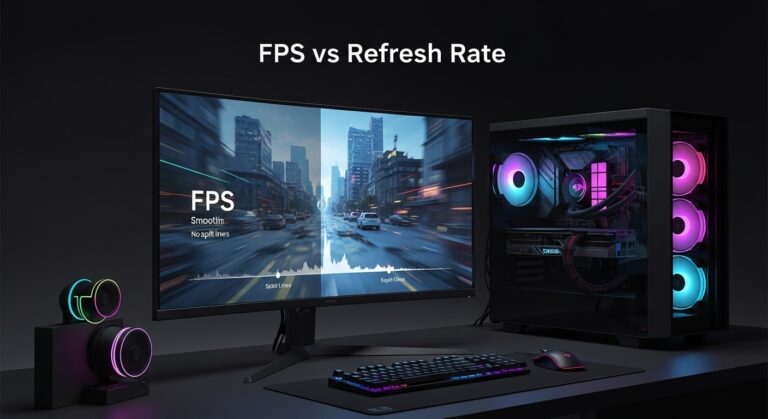
FPS (Frames Per Second) is the number of frames your graphics card renders per second, representing your system's output. Refresh rate (measured in Hz) is how many times your monitor updates its display per second, representing its display capability. A monitor with a higher refresh rate can fully display a higher FPS output from your GPU, making gameplay appear smoother.
Will a 4K gaming monitor lower my FPS?
A 4K monitor itself doesn't lower your FPS, but driving games at 4K resolution requires a significantly more powerful graphics card to achieve high FPS. If your GPU isn't strong enough, playing at 4K will result in lower actual FPS compared to 1080p or 1440p, because the GPU has many more pixels to render.
How important is response time for competitive gaming?
Response time is crucial for competitive gaming. A low response time (1ms or 0.5ms) means pixels change color faster, reducing ghosting and motion blur. This is vital for seeing enemies clearly and reacting instantly in fast-paced titles, providing a distinct visual advantage and improving overall accuracy.
Should I prioritize refresh rate or resolution for gaming?
For competitive gamers, prioritizing a high refresh rate (e.g., 144Hz, 240Hz) is generally more beneficial for fluid gameplay and reaction times. For immersive single-player experiences, prioritizing resolution (e.g., 1440p, 4K) can offer stunning visuals, assuming your hardware can handle it. Most gamers find 1440p with 144Hz a great balance.
Does FreeSync or G-Sync actually improve gaming fluidity?
Absolutely. Adaptive sync technologies like FreeSync and G-Sync synchronize your monitor's refresh rate with your GPU's frame rate. This eliminates screen tearing and minimizes stuttering, resulting in a much smoother and more enjoyable gaming experience, especially when FPS fluctuates. It creates a seamless visual flow without directly increasing FPS.
Hey fellow gamers! Ever wonder if upgrading your monitor will magically boost your FPS? It's a common question, especially for those of us who juggle work, family, and a precious few hours for digital adventures. You've invested in a decent rig, maybe a new GPU, and you're still chasing that buttery-smooth gameplay. You might be getting high frame rates from your graphics card, but something just feels...off. The good news is, you're not alone in thinking about this vital piece of hardware. Roughly 87% of US gamers play regularly, often for 10+ hours a week, and everyone wants their investment in gaming gear to pay off with a great experience. While your monitor won't magically add frames per second that your GPU isn't producing, it absolutely dictates how many of those frames you actually *see* and how smoothly they are presented. Think of it this way: your graphics card is the engine, but your monitor is the windshield. A dirty, cracked windshield, no matter how powerful the engine, limits what you can truly perceive and react to. Today, we're diving deep to clarify exactly how a gaming monitor impacts your experience, helping you make smart choices without succumbing to marketing hype or breaking your budget.
We'll cut through the jargon and focus on what truly matters for gamers like us: getting the best performance for our dollar, reducing frustration from choppy visuals, and making our limited gaming time as enjoyable and competitive as possible. From understanding refresh rates and response times to demystifying adaptive sync technologies, we'll equip you with the knowledge to make an informed decision. Let's find out how a quality gaming monitor can unlock the full potential of your system and seriously level up your gameplay.
Does a Gaming Monitor Directly Increase Your FPS?
This is the million-dollar question, and the straightforward answer is: no, not directly. Your Frames Per Second (FPS) are primarily generated by your computer's Graphics Processing Unit (GPU) and Central Processing Unit (CPU). These components are responsible for rendering the game world, processing physics, and calculating every frame you see. A monitor, on the other hand, is an output device. Its job is to display the frames that your GPU sends to it. So, if your GPU can only generate 60 FPS in a particular game, buying a 144Hz monitor won't magically make it render 144 FPS. The monitor simply won't have 144 unique frames to display each second.
However, this doesn't mean a gaming monitor is irrelevant for FPS. Far from it! A high-performance gaming monitor allows you to *see* and *experience* the high FPS your powerful system is already producing. If your GPU is pumping out 120 FPS, but you're still using an old 60Hz monitor, you're literally only seeing half of those frames. The monitor can only refresh 60 times a second, so it's displaying each frame twice or skipping frames, leading to a less smooth experience. Upgrading your monitor means you can finally appreciate the full frame rate capabilities of your gaming PC.
How Do Refresh Rate and Response Time Affect Perceived FPS?
These two terms are cornerstones of a great gaming monitor and are often confused. Let's break them down:
Refresh Rate (Hz): This is how many times per second your monitor can draw a new image. A standard office monitor is usually 60Hz, meaning it refreshes 60 times per second. Gaming monitors commonly offer 144Hz, 165Hz, 240Hz, or even higher. The higher the refresh rate, the more frames per second your monitor can display, leading to significantly smoother motion. This smoothness is crucial in fast-paced games like competitive shooters or racing titles, where every millisecond counts. You'll notice less motion blur, making it easier to track enemies and react quickly.
Response Time (ms): This measures how quickly pixels on your screen can change from one color to another (typically gray-to-gray, or GtG). A lower response time means less ghosting or streaking behind moving objects. For example, a 1ms response time is excellent for gaming because it ensures crisp, clear visuals even during rapid movements. Monitors with higher response times (e.g., 5ms or more) can result in noticeable motion blur, making fast action look smudged. For a busy gamer trying to make the most of their limited play session, eliminating visual distractions like ghosting enhances focus and enjoyment.
Together, a high refresh rate and low response time ensure that the high FPS your GPU produces is delivered to your eyes with maximum clarity and fluidity, directly impacting your perceived performance and ability to react in-game. It truly feels like an extension of your own reflexes.
What is Adaptive Sync (FreeSync/G-Sync) and Why Does It Matter?
Screen tearing and stuttering are frustrating visual artifacts that can ruin an otherwise perfect game. They happen when your graphics card sends frames at a rate different from your monitor's refresh rate. This mismatch causes the screen to display parts of multiple frames simultaneously, creating a jagged,
A gaming monitor does not directly generate more FPS but enhances the visual experience of your GPU's output. Higher refresh rates (144Hz, 240Hz) deliver smoother visuals and better responsiveness. Low response times (1ms) reduce ghosting and motion blur. Adaptive Sync (FreeSync, G-Sync) eliminates screen tearing and stuttering for fluid gameplay. Choosing the right monitor unlocks your PC's full potential, improving perceived performance and reaction times. Budget-friendly options exist to significantly upgrade your gaming experience.
35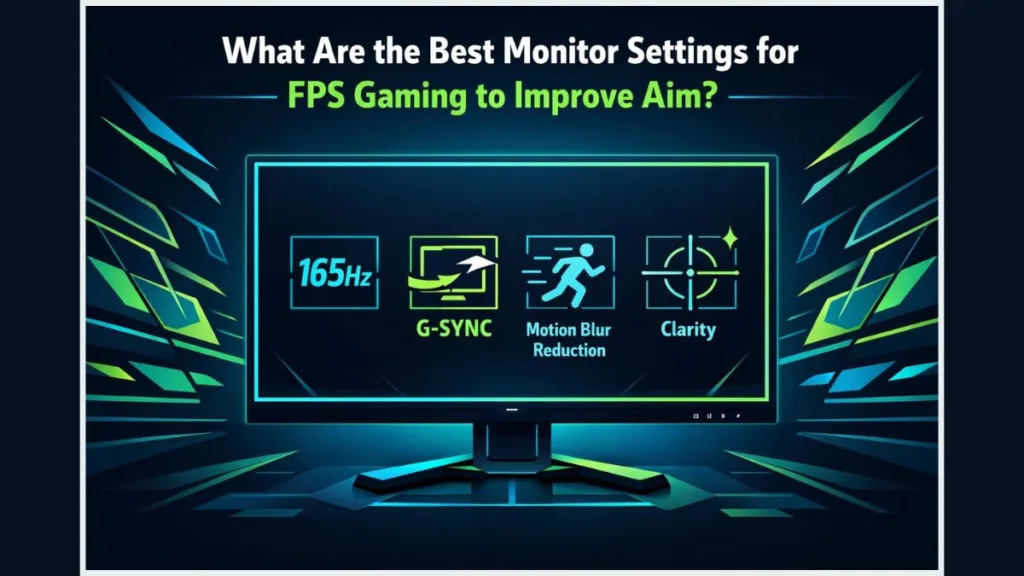


What Are The Best Monitor Settings For FPS Gaming To Improve Aim Izoate Best Monitor Settings For FPS. How To Fix FPS Drops And Stuttering In PC Games 2026 Switchblade Gaming Fix Fps Drops Stuttering Cover.webp. Xiaomi Curved Gaming Monitor G34WQi 2026 Jagat Review Xiaomi G34WQi 2026 D9ea3e6021 . Best Monitors For FPS Games 2026 Guide Display Ninja Best Gaming Monitors Under 100 USD . The Best Recommended Gaming Monitors 2026 TFTCentral ROG Swift OLED PG27AQWP Bottom

Chinese ESports Firm Worked With AMD On 1 000 Hz Gaming Monitor Primed . Buy The Best Gaming Monitor 2026 Buy The Best Gaming Monitor 1 . Best Monitors For FPS Games 2026 Guide Display Ninja Best 27 Inch Monitors . Blog Free FPS Testing Tool 8d624e5b 8189 4955 Adbd . Migliori Monitor Gaming 2026 4K 240Hz QD OLED E Mini LED MSI Fps Gaming


Best Monitors For FPS Games 2026 Guide Display Ninja KTC M27T6 Monitor Review 1024x576 . How To Increase FPS Every Fix That Actually Works How To Check FPS In Any Game 1.webp. How To Choose A Gaming Headset In 2026 Competitive FPS Immersion And. How To Check And Test Your Monitor S Refresh Rate Free FPS Testing Tool Fb18dbb6 04c3 432d 8c2c 768x419 . 8 Best FPS Monitors In 2026 Highest Fps Monitor


Top 10 Best Gaming Chairs For Ultimate Comfort In 2026 Gaming Monitors Improve FPA Main . Best Monitors For FPS Games 2025 Guide Display Ninja Best USB C Gaming Monitors 600x338 . Does 144Hz Monitor Increase Fps For Gaming Performance Does 144hz Monitor Increase Fps 1759538025 . How Dual Mode Gaming Monitors Improve FPS And Visual Quality Gaming Monitors Improve FPA 1 . Does Bad Wifi Affect Fps At Ricky Payne Blog Does Dual Monitor Affect FPS


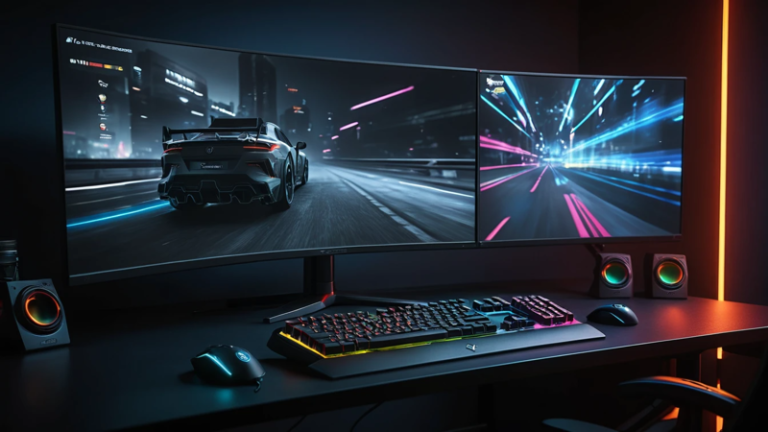
Best Monitors For FPS Games 2026 Guide Display Ninja Best 1440p Monitors . How To Show FPS In Every Game FPS GPU And CPU Usage YouTube . How To Monitor Frame Rate In Any Games Show In Game FPS YouTube . Valorant Low End PC Guide Boost FPS On Potato Rigs 2026 Good Fps For Gaming 1024x572 . Best Gaming Monitors For FPS Games Ultimate Speed Clarity Win 2026 Best Gaming Monitors For FPS Games 768x432
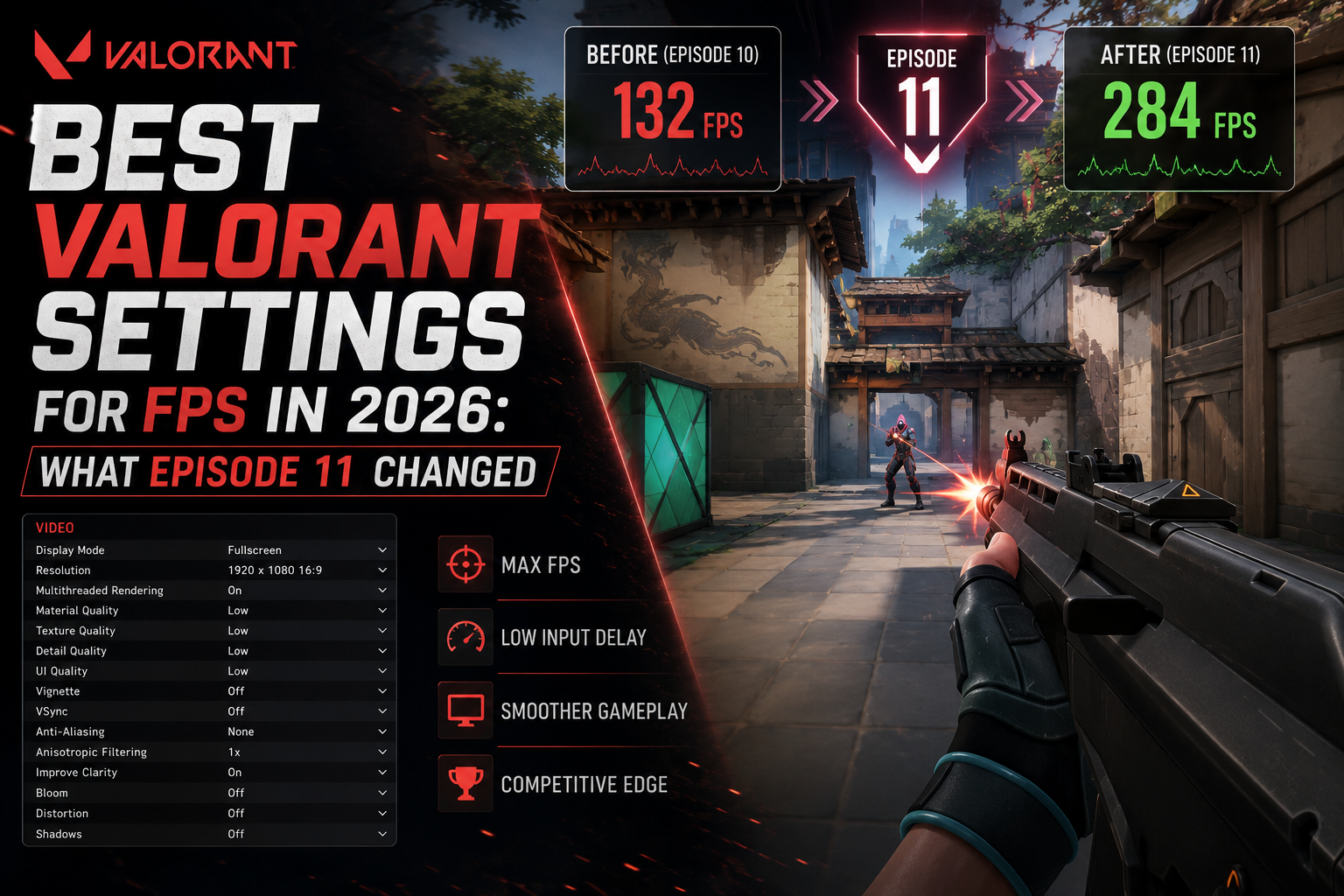
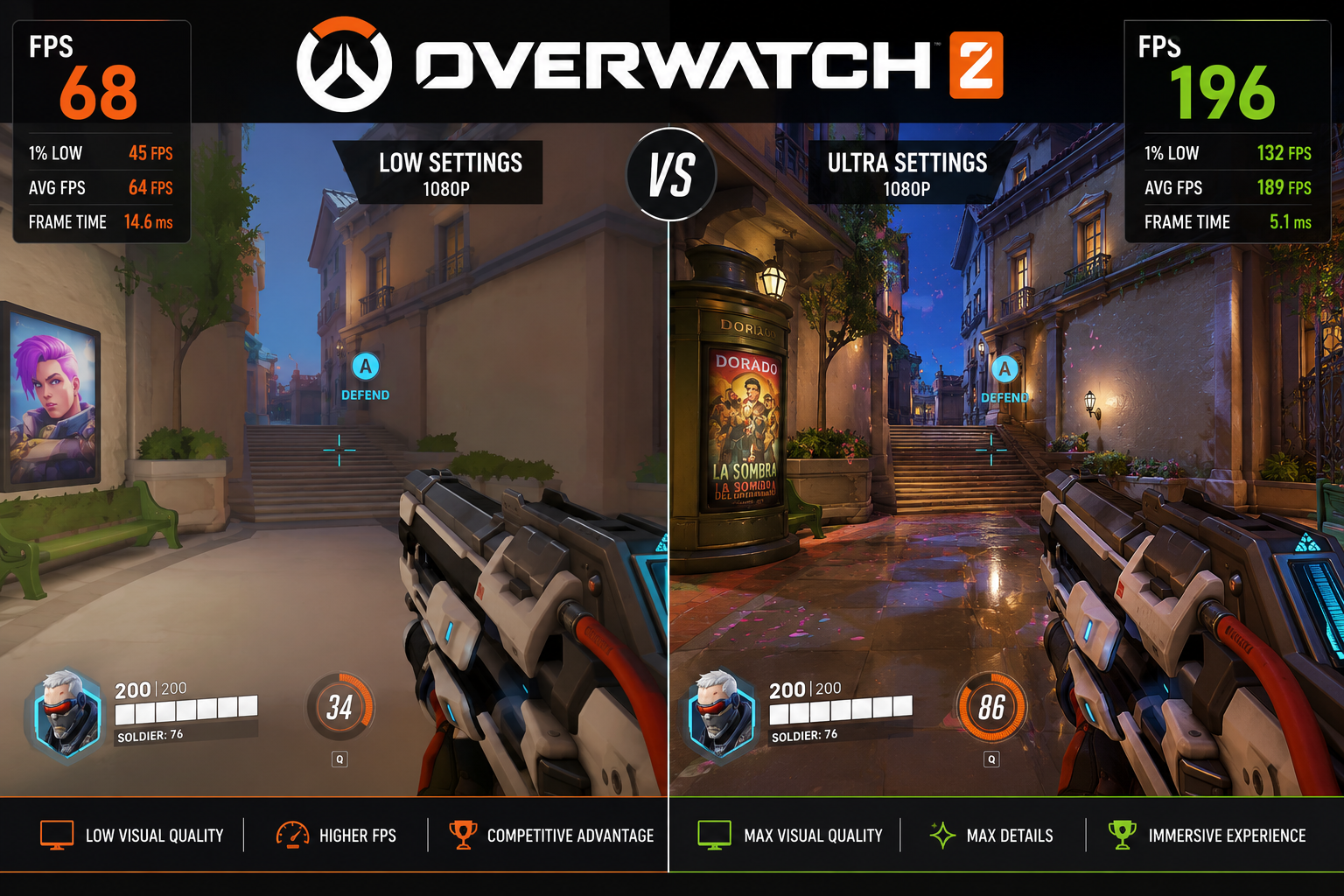
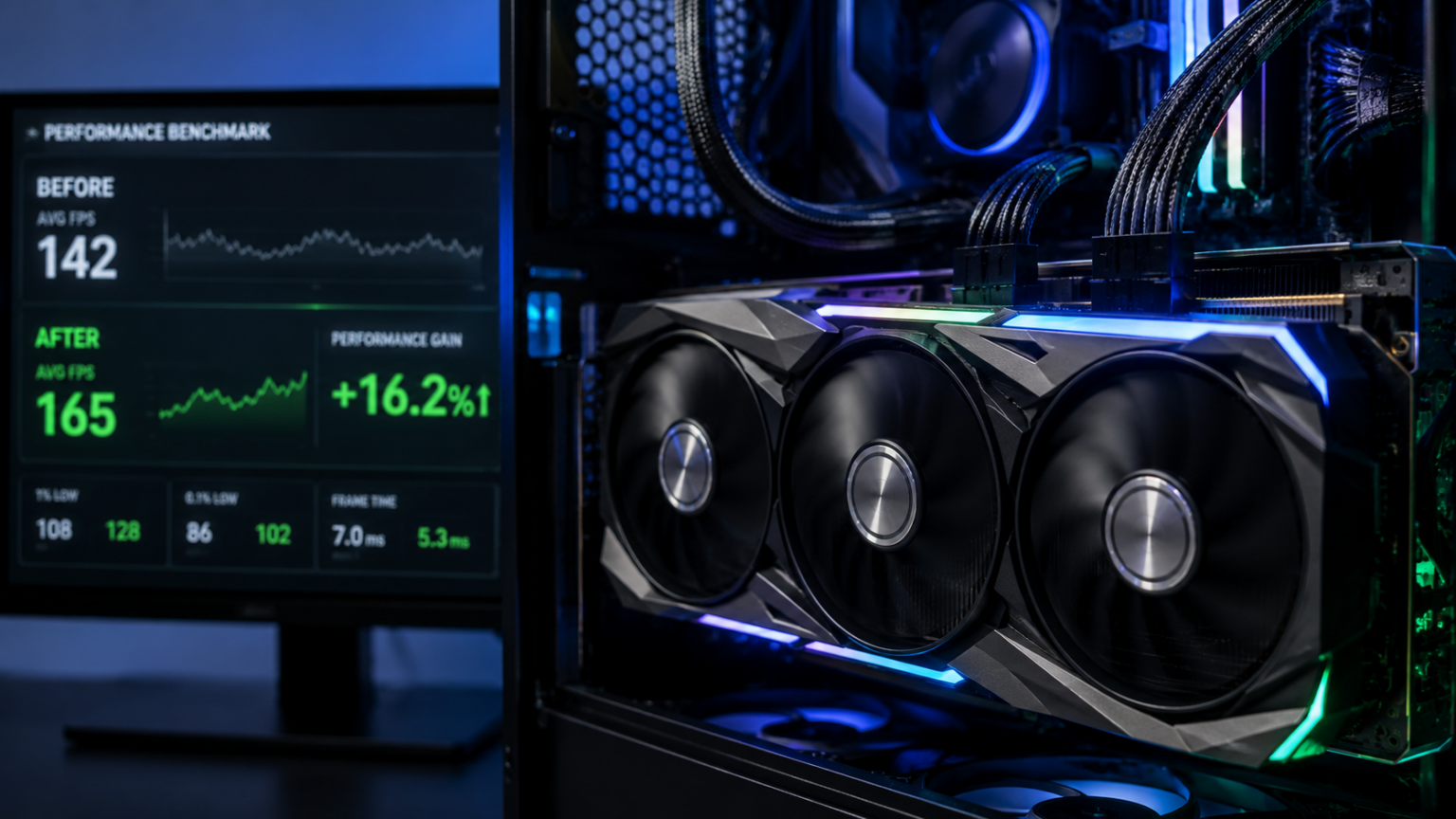
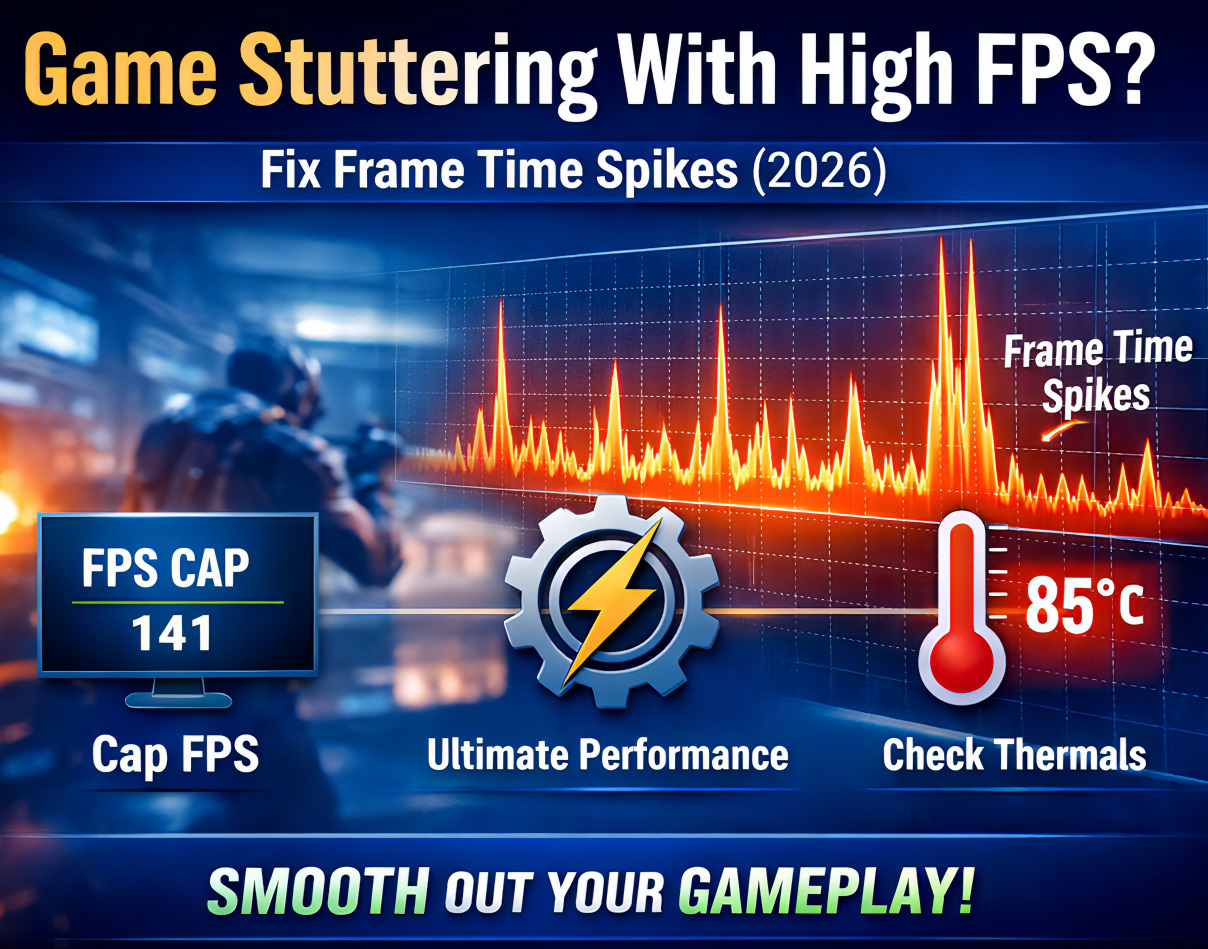
Good FPS For Gaming What The Numbers Actually Mean Best Valorant Settings For FPS In 2026 What Episode 11 Changed . Fix FPS Drops In Rust 2026 Best Settings For Any GPU Best Settings For Overwatch 2 PC FPS . Good FPS For Gaming What The Numbers Actually Mean Does GPU Increase FPS 1536x864 . Stuttering At 144 FPS Fix It In 15 Minutes 3 Steps Fix Game Stuttering With High Fps . Best Overwatch 2 PC Settings 2026 Max FPS Any GPU Fix Fps Drops Rust 2026 300x200



Does Capping FPS Improve Performance WhalesDev Monitor Escape From Tarkov. Is More Than 60 FPS On A 60 Hz Monitor Better YouTube . Game Vivid2201 Patches Improve 2026 Ultimate FPS Boost Guide Game Vivid2201 Patches Improve 2026 Ultimate FPS Boost Guide Game Vivid2201 Patches Improve Your PC Games A Lot. They Make Frames Go Up Fix.webp. How Dual Mode Gaming Monitors Improve FPS And Visual Quality Gaming Monitors Improve FPA 3 . Best Monitors For FPS Games 2026 Guide Display Ninja Best HDR Monitors 1024x576