Are you ready to truly immerse yourself in the world of high-fidelity gaming? Diving into 4K gaming is a dream for many, offering unparalleled visual clarity and detail that standard HD resolutions simply cannot match. This comprehensive guide is designed for US gamers, particularly Gen Z and Millennials, who are looking to upgrade their setup or build a new rig specifically for 4K performance. We will explore everything you need to know about choosing the best GPU for 4K, understanding key specifications like VRAM and clock speeds, and optimizing your system for smooth, breathtaking gameplay. From understanding the current market trends, including the rise of social gaming on platforms like Discord and the enduring appeal of free-to-play titles, to making smart, budget-friendly choices without sacrificing quality, this article serves as your trusted companion. We'll demystify the jargon and provide actionable advice to ensure your investment in a powerful GPU for 4K delivers the ultimate gaming experience, helping you unwind, socialize, or compete at the highest visual settings. Get ready to transform your gaming reality.
Which GPU is truly best for 4K gaming without any compromises in 2026?
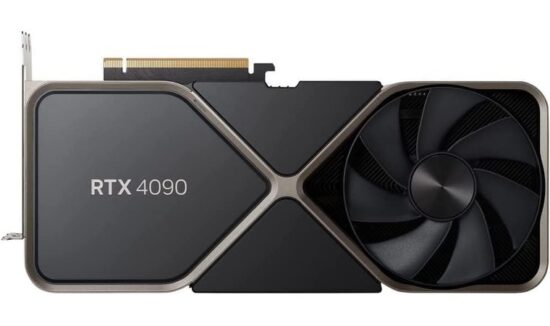
For absolutely uncompromising 4K gaming at max settings, including ray tracing, the NVIDIA GeForce RTX 4090 remains the top choice in 2026. It offers unmatched raw performance and excels with DLSS 3.5, ensuring smooth frame rates even in the most demanding titles. If budget allows, it delivers the ultimate visual fidelity.
How much VRAM do I really need for 4K gaming in today's games?
For comfortable 4K gaming in current and upcoming AAA titles, a GPU with at least 12GB of VRAM is highly recommended. However, 16GB or more is ideal, especially if you plan to enable high-resolution textures and ray tracing, providing better future-proofing and preventing performance stutters.
Can I run 4K gaming on a budget graphics card, and what are the trade-offs?
Yes, you can approach 4K gaming on a budget, but with trade-offs. Cards like the AMD RX 7800 XT or NVIDIA RTX 4060 Ti (16GB) can manage 4K, but you'll likely need to lower graphical settings (e.g., from Ultra to High), reduce ray tracing, and rely heavily on upscaling technologies like FSR or DLSS to achieve playable frame rates (around 60 FPS).
Is a 4K monitor with a high refresh rate (120Hz+) essential for 4K gaming?
While not strictly essential to *start* 4K gaming, a 4K monitor with a high refresh rate (120Hz or more) is highly recommended to fully appreciate the performance of a powerful GPU for 4K. It provides smoother motion and a more responsive experience, which significantly enhances immersion and competitive play.
What's the difference between DLSS and FSR, and which is better for 4K?
DLSS (NVIDIA) and FSR (AMD) are both upscaling technologies that boost frame rates by rendering at a lower resolution and then reconstructing the image to 4K. DLSS uses AI and dedicated Tensor Cores, often resulting in slightly superior image quality, especially at lower base resolutions. FSR is open-source and works on more GPUs. Both are excellent for 4K, with DLSS often having an edge in fidelity, but FSR's broader compatibility is a plus.
Will my current CPU bottleneck a new, powerful GPU for 4K?
It's possible. While 4K gaming is predominantly GPU-bound, an older or lower-tier CPU can still create a bottleneck, especially if it struggles to feed the GPU data fast enough. For optimal 4K performance, a modern mid-to-high-end CPU (like an Intel Core i7/i9 or AMD Ryzen 7/9 from the last few generations) is recommended to ensure your GPU for 4K can perform at its peak.
How important is ray tracing for the 4K gaming experience in 2026?
Ray tracing is becoming increasingly important for a truly next-gen 4K gaming experience in 2026. While not every game supports it, titles that do benefit immensely from realistic lighting, shadows, and reflections. With advancements in GPU power and upscaling tech, enjoying ray tracing at 4K with playable frame rates is now more feasible than ever, adding significant immersion.
Hey fellow gamers! Ever stare at those stunning 4K game trailers and wonder if your rig can handle that visual feast? You are not alone. With 87% of US gamers averaging 10+ hours a week in their digital worlds, and many seeking that next level of immersion, the quest for the ultimate GPU for 4K is more relevant than ever. Whether you are unwinding after a long day, linking up with friends on Discord, or diving into the latest esports title, getting crisp, fluid 4K visuals can elevate your experience from good to absolutely legendary. This month, with new titles pushing graphical boundaries, optimizing your setup for 4K is a hot topic.
Is upgrading your graphics card a massive headache? It does not have to be! Think of me as your trusted co-op partner, guiding you through the maze of specs and prices to ensure you pick the perfect GPU for 4K gaming without breaking the bank or your sanity. Let's get you ready for eye-popping resolutions and smooth frame rates.
What is a GPU for 4K, and Why Does it Matter?
A GPU for 4K is essentially a powerhouse graphics processing unit specifically designed to render games at an incredibly high resolution of 3840 x 2160 pixels. This is four times the pixel count of standard 1080p HD, meaning a massive jump in visual detail and clarity. Why does it matter? Because it transforms your gaming. Imagine seeing every leaf, every water ripple, every intricate texture with astonishing realism. For busy adults who game to de-stress or connect with friends, this level of immersion makes your precious gaming time far more rewarding. It is not just about pretty pictures; it is about deeper engagement with your favorite digital worlds.
How Does a GPU for 4K Impact My Gaming Experience?
The right GPU for 4K dramatically enhances graphical fidelity, leading to sharper images, more detailed environments, and improved anti-aliasing without performance drops. Without a capable GPU, trying to run games at 4K would result in extremely low frame rates, stuttering, and an unplayable experience. A powerful GPU for 4K ensures you maintain smooth frame rates (60 FPS or higher is the sweet spot) even with demanding graphical settings like ray tracing enabled. This month, with games like 'Helldivers 2' or 'Palworld' dominating social gaming trends, having a system that can handle their visual demands at 4K while you chat with friends is a game-changer.
Which GPUs Are Currently Best for 4K Gaming?
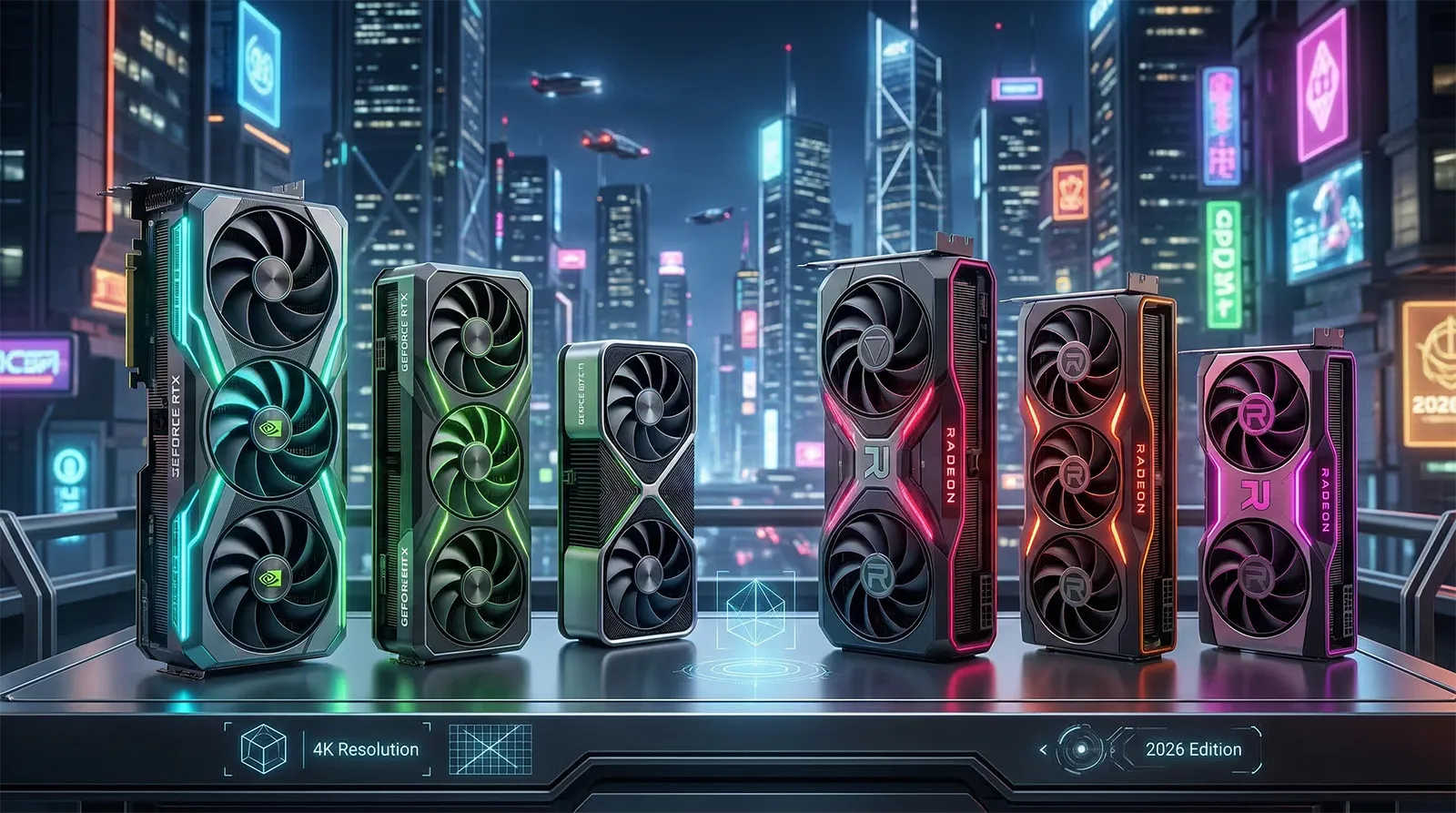
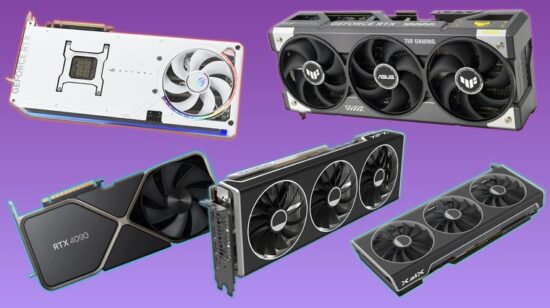
For uncompromised 4K gaming, NVIDIA's RTX 40 series and AMD's RX 7000 series are the go-to choices. Here is a quick breakdown:
- NVIDIA GeForce RTX 4090: The king of 4K. Offers top-tier performance, ray tracing, and DLSS 3.5. If budget is no object, this is your pick.
- NVIDIA GeForce RTX 4080 SUPER: Excellent 4K performance, slightly more affordable than the 4090, still with strong ray tracing and DLSS.
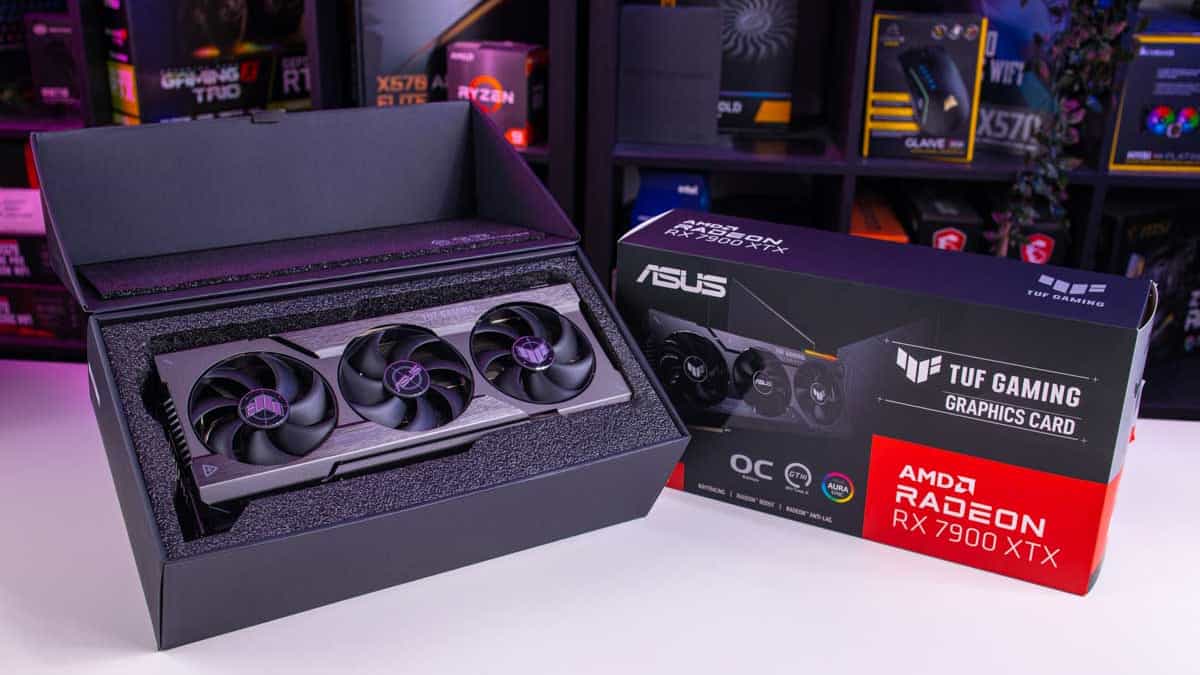
- AMD Radeon RX 7900 XTX: AMD's flagship, providing strong rasterization performance at 4K, often competing with the RTX 4080 SUPER. FSR technology is also a great upscaling option.
- NVIDIA GeForce RTX 4070 Ti SUPER: A strong contender for high refresh rate 4K gaming at optimized settings, offering a good balance of price and performance.
- AMD Radeon RX 7900 XT: A solid choice for 4K gaming, especially for those prioritizing rasterization over ray tracing, offering good value.
Choosing the best GPU for 4K often comes down to your budget and specific priorities (raw power vs. ray tracing vs. upscaling tech).
What Key Specifications Should I Look For in a GPU for 4K?
When selecting a GPU for 4K, pay close attention to these critical specs:
- VRAM (Video Memory): For 4K, 12GB is generally the minimum, with 16GB or more being ideal, especially for future-proofing and high-texture games. Modern titles chew through VRAM at 4K.
- CUDA Cores (NVIDIA) / Stream Processors (AMD): More cores generally mean more processing power.
- Clock Speed (Boost Clock): Higher speeds can translate to better performance, but raw clock speed isn't the only factor.
- Bus Width and Memory Bandwidth: These affect how quickly the GPU can access its VRAM. Wider bus widths and higher bandwidth are better for 4K.
- Ray Tracing Cores: If you want realistic lighting, reflections, and shadows, dedicated RT cores (NVIDIA RT Cores, AMD Ray Accelerators) are essential.
- Upscaling Technologies (DLSS/FSR): NVIDIA's DLSS (Deep Learning Super Sampling) and AMD's FSR (FidelityFX Super Resolution) are crucial for boosting frame rates at 4K without a significant loss in visual quality. They render the game at a lower resolution and intelligently upscale it.
Is a Budget-Friendly GPU for 4K a Realistic Option?
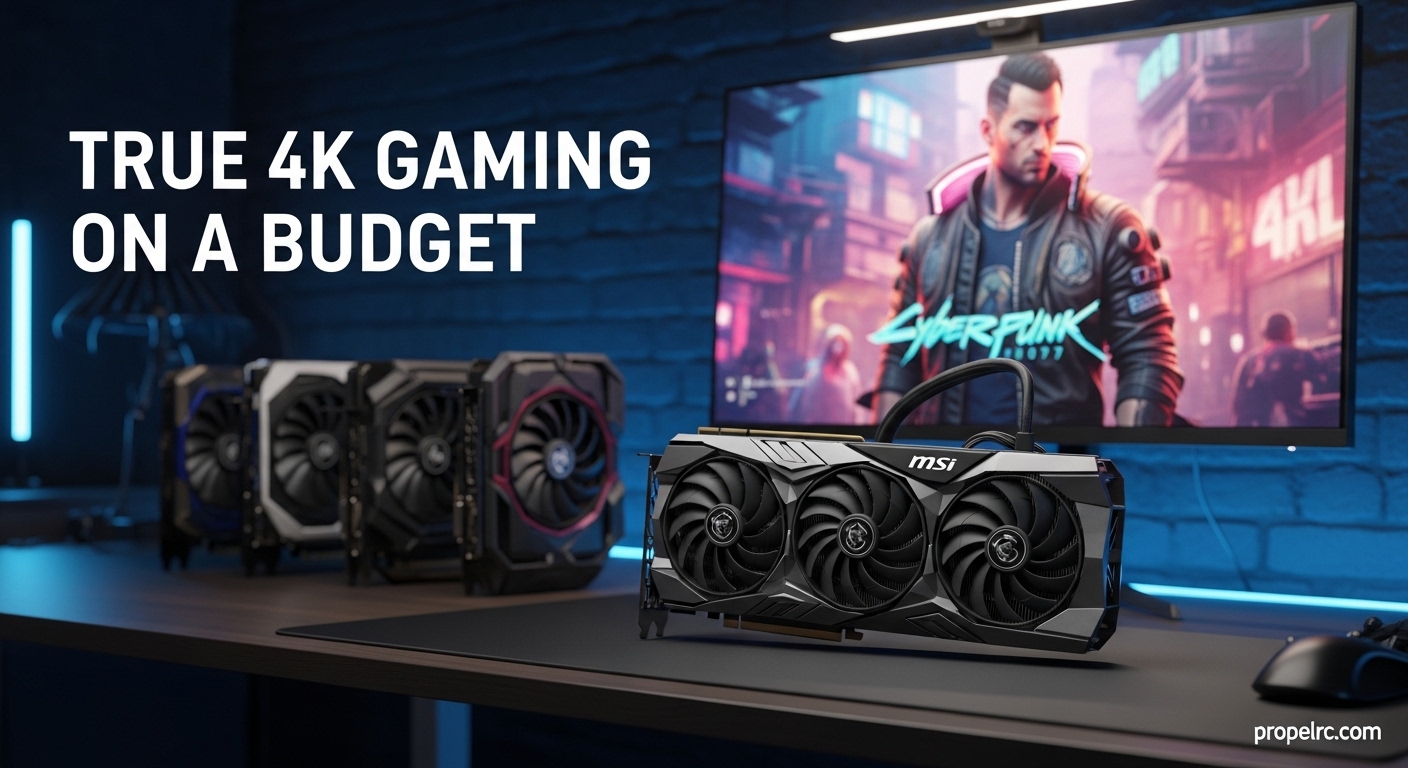
Yes, but with caveats. While true top-tier 4K performance often comes with a premium price tag, you can absolutely get into 4K gaming on a more modest budget. Cards like the NVIDIA RTX 4060 Ti (16GB version) or AMD RX 7800 XT can handle many games at 4K, but you will likely need to adjust settings. This means opting for 'High' instead of 'Ultra' presets, potentially reducing ray tracing effects, and relying heavily on upscaling technologies like DLSS or FSR to maintain playable frame rates. For the Gen Z and Millennial gamer balancing work, social life, and the rising cost of living, these budget options are a smart way to experience 4K without financial strain, allowing you to save for other in-game purchases or social activities.
When is the Best Time to Upgrade My GPU for 4K?
The best time to upgrade your GPU for 4K is when your current card can no longer deliver the frame rates and visual quality you desire at your target resolution. With new GPUs frequently launching, and sales cycles changing, it can be tricky. Generally, significant performance jumps happen every 1-2 generations. If you're struggling to hit 60 FPS in your favorite games at 4K, even with optimized settings and upscaling, it's time to consider an upgrade. Keeping an eye on tech news this month can also reveal upcoming releases or price drops on current-gen cards, making your decision even smarter.
How to Optimize Your System for the Best 4K Gaming Performance?
Getting a powerful GPU for 4K is only half the battle. Your entire system needs to be in sync:
- CPU: A strong multi-core CPU (e.g., Intel Core i7/i9 or AMD Ryzen 7/9) is essential to avoid bottlenecks, especially in CPU-intensive games or while streaming.
- RAM: At least 16GB of fast DDR4 or DDR5 RAM is recommended, with 32GB being ideal for future-proofing and heavy multitasking.
- Storage: NVMe SSDs are a must for rapid game loading times.
- Power Supply (PSU): Ensure you have a high-quality PSU with enough wattage (typically 750W-1000W+ for high-end 4K GPUs) and the correct connectors.
- Monitor: A true 4K monitor (3840x2160) with a high refresh rate (120Hz or 144Hz+) and G-Sync/FreeSync compatibility is crucial for a smooth visual experience.
- Cooling: High-performance GPUs generate a lot of heat. Invest in a robust cooling solution for your GPU and CPU (good case airflow, AIO liquid coolers for CPU).
- Drivers: Always keep your GPU drivers updated to the latest version. Manufacturers frequently release 'Game Ready' drivers that optimize performance for new titles.
By ensuring all these components are up to snuff, you'll unleash the full potential of your GPU for 4K and enjoy a truly premium gaming experience.
Why is VRAM So Important for 4K Gaming?
VRAM, or Video Random Access Memory, is where your GPU stores all the graphical data it needs to render a scene – textures, models, frame buffers, and more. At 4K resolution, games require significantly more VRAM because there are four times as many pixels to draw compared to 1080p, each with its associated texture and lighting data. Running out of VRAM leads to 'texture swapping' where the GPU has to pull data from slower system RAM, causing stutters, frame rate drops, and even visual artifacts. This is why a GPU for 4K needs a generous amount of VRAM (12GB+ is a good starting point for modern games) to ensure smooth, high-fidelity visuals.
Who Benefits Most from a High-End GPU for 4K?
Serious gamers who prioritize visual fidelity and immersion above all else will benefit most. This includes: PC gamers who want to experience the latest AAA titles at their highest settings, content creators or streamers who need robust hardware for capturing and rendering high-resolution footage, and competitive players who want the best possible visual clarity to spot details quickly. Also, anyone who enjoys social gaming or cooperative titles and wants their shared experiences to look spectacular will find immense value. If you game to escape, explore, or simply enjoy beautiful digital art, a high-end GPU for 4K is for you.
Where Can I Find Reliable Benchmarks for GPU for 4K Performance?
Reliable benchmarks are your best friend when researching a GPU for 4K. Websites like TechPowerUp, Gamers Nexus, Hardware Unboxed, and PC Gamer offer in-depth reviews and performance comparisons across a wide range of popular games at different resolutions, including 4K. YouTube channels from these same outlets also provide video benchmarks, showing actual gameplay performance. Always look for benchmarks that test the specific games you play or similar demanding titles, and pay attention to average frame rates, 1% low frame rates (which indicate stuttering), and power consumption figures.
In-Article FAQ: More Questions About Your GPU for 4K
Is ray tracing worth it for 4K gaming?
Yes, ray tracing significantly enhances visual realism with more accurate lighting, shadows, and reflections. While demanding, modern GPUs for 4K, especially with DLSS/FSR, can run ray tracing at playable frame rates. It is definitely worth experiencing in compatible titles.
What is DLSS/FSR and how does it help 4K performance?
DLSS (NVIDIA) and FSR (AMD) are upscaling technologies that render games at a lower internal resolution and then use AI (DLSS) or sophisticated algorithms (FSR) to intelligently upscale the image to 4K. This provides a significant boost to frame rates while maintaining near-native 4K image quality, making high-end settings more accessible.
Do I need a new CPU if I upgrade my GPU for 4K?
It depends. While 4K gaming is more GPU-bound, a weak CPU can still bottleneck performance. If you have an older or entry-level CPU, upgrading to a modern mid-to-high-end processor is advisable to ensure your powerful GPU for 4K isn't held back.
How much power does a 4K gaming GPU typically draw?
High-end GPUs for 4K can draw a lot of power, ranging from 300W to over 450W under load. This means you will need a robust power supply, typically 750W-1000W or more, with appropriate PCIe power connectors, to ensure stable operation and room for future upgrades.
Can I use my existing 1080p monitor with a new 4K GPU?
Yes, you can. A new GPU for 4K will still display perfectly fine on a 1080p monitor, often achieving extremely high frame rates. However, to truly experience 4K gaming, you will need a 4K monitor. The GPU will just be rendering at a lower resolution or downscaling from 4K.
What is the minimum VRAM for smooth 4K gaming in 2026?
In 2026, for smooth 4K gaming, especially in new AAA titles, a minimum of 12GB VRAM is recommended. For ultimate performance and future-proofing, aiming for 16GB or more will provide the best experience and prevent potential bottlenecks.
Are integrated GPUs good enough for 4K gaming?
No, absolutely not. Integrated GPUs (like those found in many CPUs) are designed for basic tasks and light gaming, not demanding 4K resolutions. For any meaningful 4K gaming experience, a dedicated, powerful GPU for 4K is essential.
Should I prioritize frame rate or resolution for 4K gaming?
This is a personal preference. Many gamers aim for a balance, targeting 60 FPS at 4K. If you play fast-paced competitive games, prioritizing a higher frame rate (even if it means slightly lowering some settings) might be better. For single-player, visually stunning games, holding stable 4K at 60 FPS is often the sweet spot.
Congratulations, you are now equipped with the knowledge to conquer the world of 4K gaming! Picking the right GPU for 4K is a big step, but it is one that pays off with incredible visual experiences. Remember, gaming is about having fun and escaping, and a stunning 4K setup only amplifies that joy. Happy gaming, and may your frame rates be high!
Got more questions or an epic 4K setup to share? Drop a comment below! Want more guides like this delivered straight to your inbox? Sign up for our newsletter!
***SEO Recommendations:***
Meta Title Suggestion: Best GPU for 4K Gaming Guide 2026 Ultimate Setup & Performance
Meta Description Suggestion: Unlock stunning 4K gaming! Our 2026 guide helps US gamers choose the perfect GPU for 4K, optimize settings, and achieve smooth, immersive visuals. Learn about top cards, VRAM, and budget options.
Internal Link Suggestions: Link to articles on 'Best Gaming Monitors for 2026', 'CPU Bottlenecking Explained', 'Understanding Ray Tracing'.
External Link Suggestions: Link to official NVIDIA/AMD product pages, reputable tech review sites (e.g., Tom's Hardware, PCGamer) for specific GPU models.
Image Alt Text Recommendations:
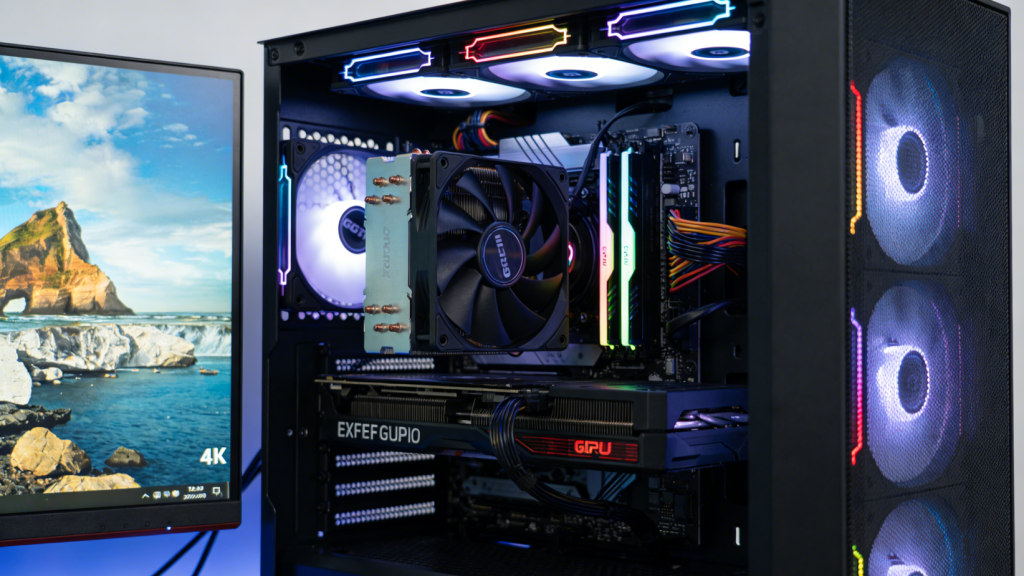
- 'Powerful GPU for 4K gaming setup with vibrant 4K monitor displaying a game'
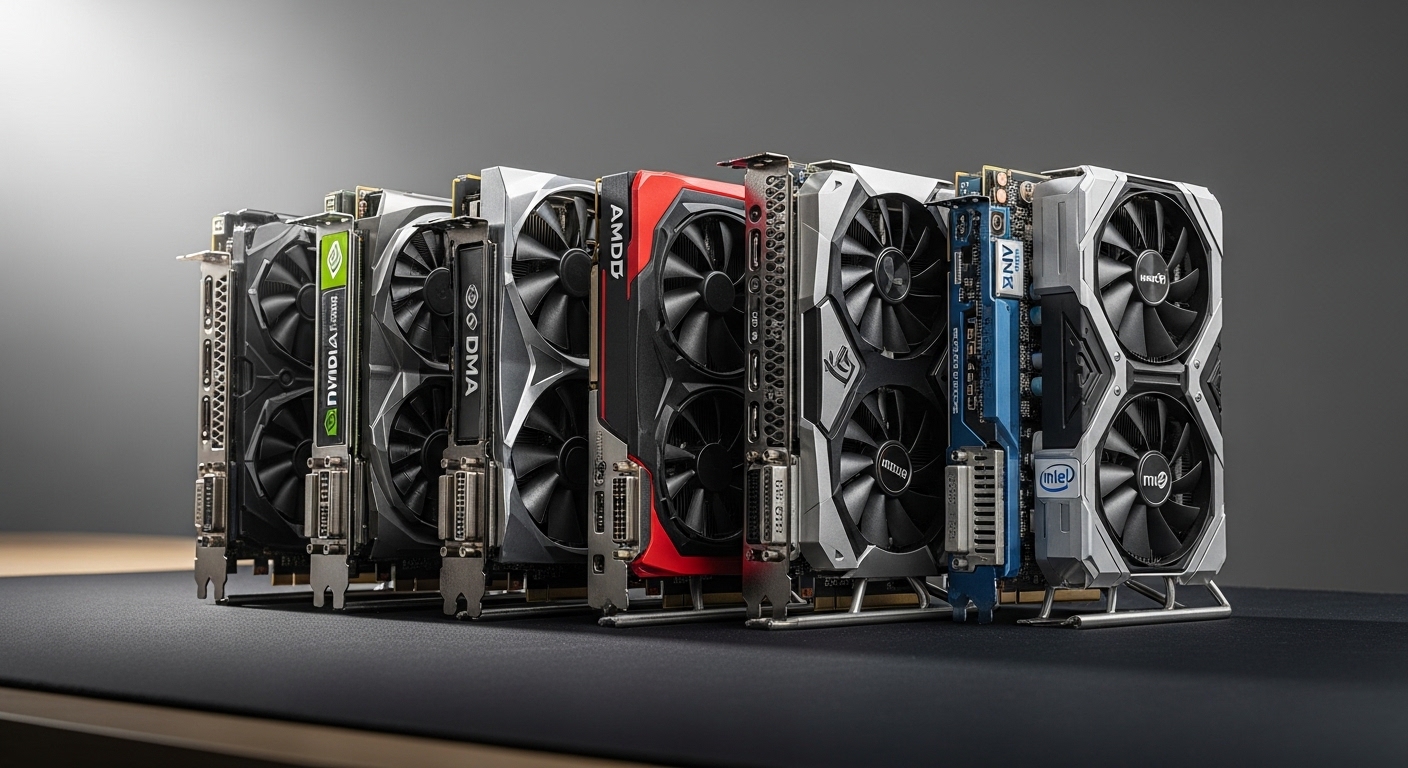
- 'Comparison table of NVIDIA and AMD 4K graphics cards specifications'
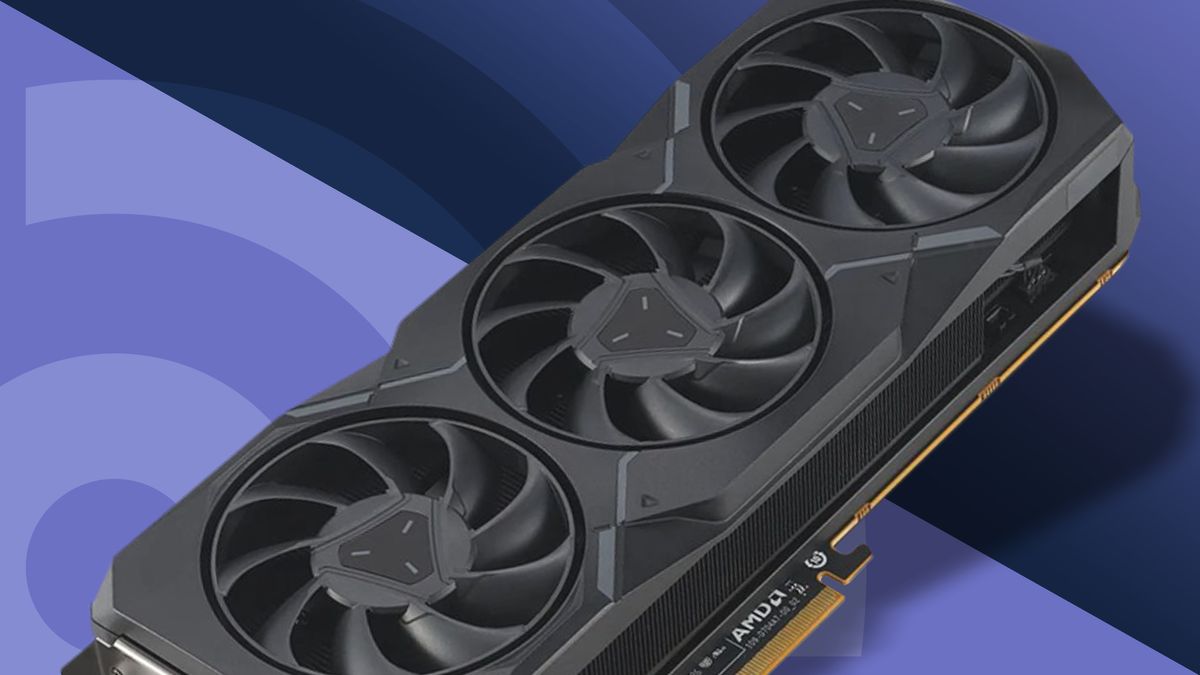
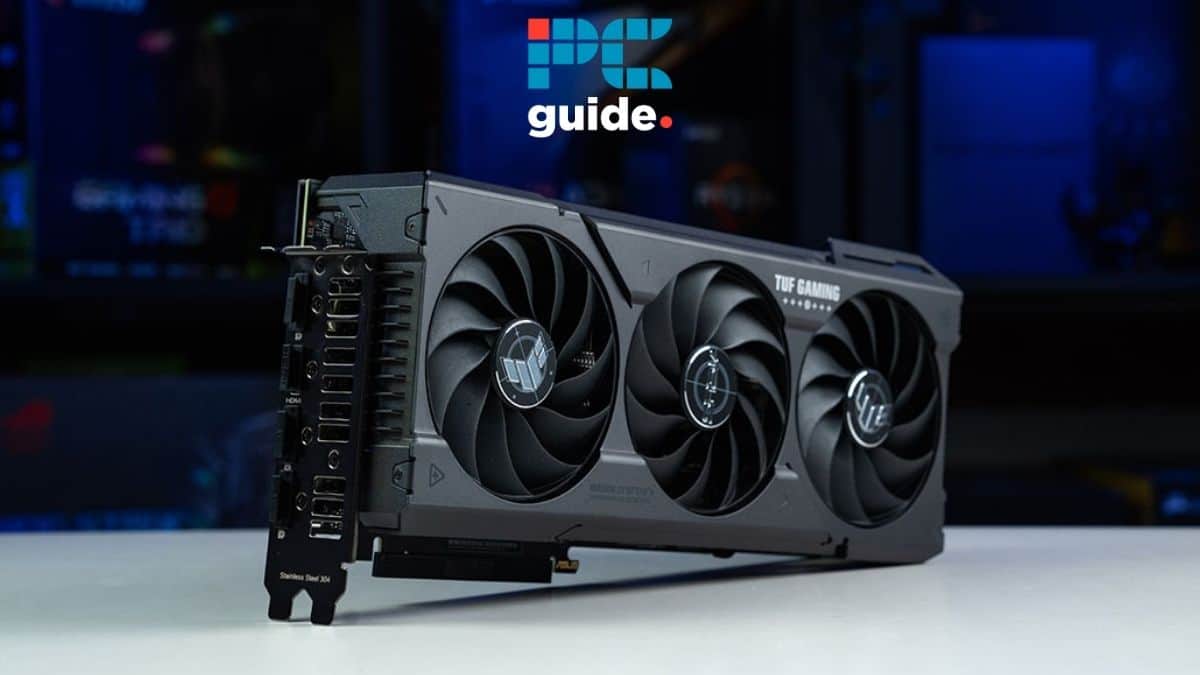
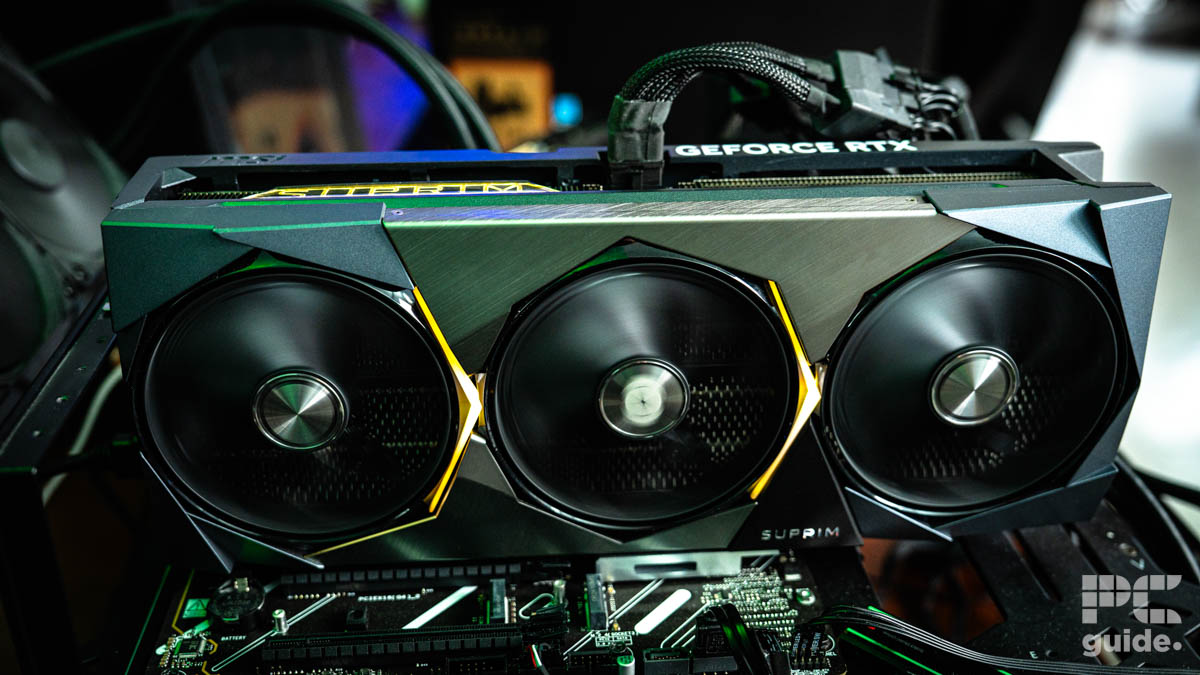
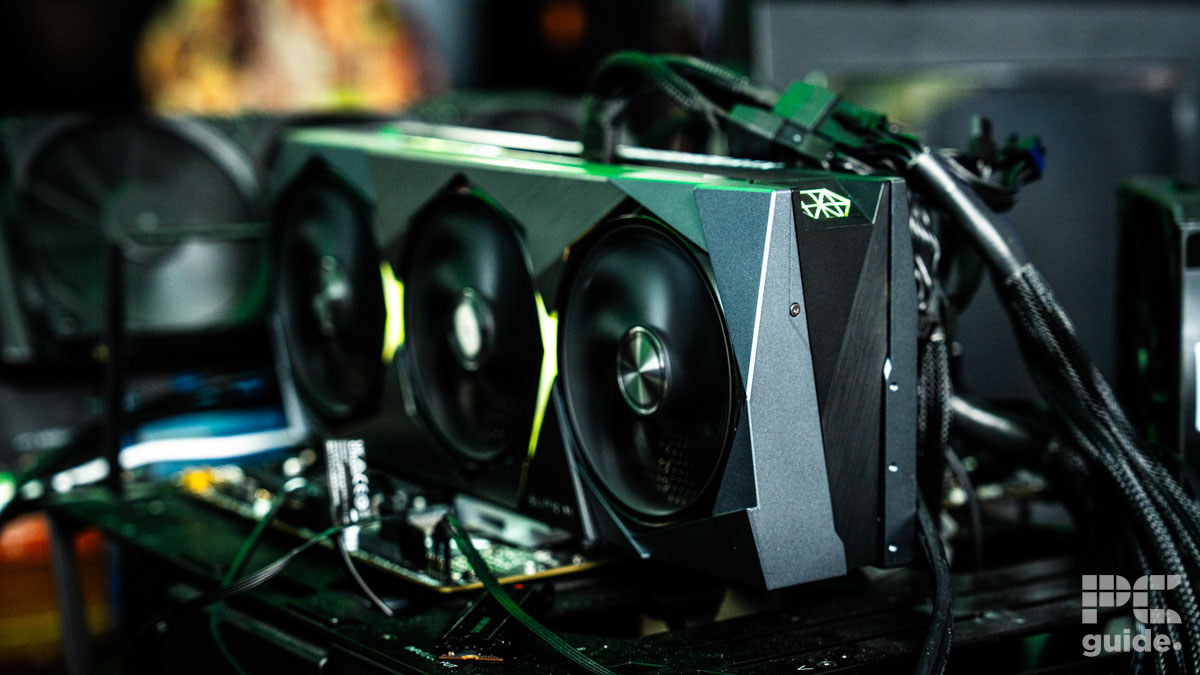
- 'Close-up of a GPU showing large cooling fans and heat sinks'
- 'Gamer playing a visually demanding game on a 4K monitor, enjoying high frame rates'
- 'Chart illustrating VRAM usage at different resolutions'
Choosing a GPU for 4K requires considering VRAM (12GB+ recommended), core clock speed, ray tracing capabilities, and the specific games you play. Modern cards like the NVIDIA GeForce RTX 4070 Ti SUPER or AMD Radeon RX 7900 XT offer excellent 4K performance for most titles, with higher-end cards like the RTX 4090 for uncompromising fidelity and frame rates. Budget-friendly options exist, but often require settings compromises. Cooling and PSU are crucial for stable 4K gaming.
34


Best Graphics Cards For 4K Gaming 2026 Expert Reviews Guide Featured Image Ynzkmc8m . 9 Best GPUs For 4K Gaming 2026 Eneba Hub Best Gpu For 4k Gaming . The Best 4K Graphics Card Of 2026 Top Options For Gamers And Creatives 1200 80 . 4K GPU 6 GeForce Radeon 2026. Hardware 4K Gaming 2026 Welche GPU Reicht Wirklich Gigamaus De 4k Gaming 2026 Welche Gpu Reicht Wirklich

Best GPUs For 4K Gaming In 2026 RTX 5090 5080 5070 Ti And RX 9070 XT Best 4k Gaming Gpu 2026 980x552 . Latest Graphics Cards For Gaming In 2026 UK Budget 1440p 4K Ranked Best Latest Graphics Cards 2026 Uk 1200x800 . Top 8 Budget 4K Graphics Cards Tested May 2026 Budget 4K Graphics Cards . Top 5 Best Graphics Cards In 2026 For 4K Gaming Performance NoobFeed Radeon Rx 9060 . 4K GPU 6 GeForce Radeon 2026



Best GPUs For Machine Learning In 2026 Top 15 Ranked Banner 5.webp. Best Graphics Cards GPUs For 4K Gaming 2026 10 Top Models Tested Featured Image 7pdhqgan 1536x864 . Comparatif GPU 2026 Le Guide Complet Pour Jouer En 1080p 1440p Ou 4K Best OF GPU . 9 Best GPUs For 4K Gaming 2026 Eneba Hub Geforce Rtx 5090 Rtx 5080 Rx 7900xt Radeon Rx 7900xtx Geforce Rtx 4090 Best Gpu For 4k Gaming 550x308 . 10 Best 4K Graphics Cards GPUs March 2026 Buyer S Guide Featured Image Q3b35n94 300x210


Best GPU For 4K Gaming In 2026 Our Top Picks Tested For 60 And 144Hz Best GPU For 1440p 144Hz . Best Graphics Cards 2026 NVIDIA AMD Intel GPU Comparison Best Graphics Cards 1 . 10 Best 4K Graphics Cards GPUs March 2026 Buyer S Guide B0BWMCF6GN Customer 4 1152x1536 . Best GPU For Gaming 2026 RTX 5090 RTX 50 Gaming PC Guru Best Gpu For Gaming Featured . Top 5 Graphics Cards For 4K Gaming In 2026 Graphics Cards.webp

4K GPU 6 GeForce Radeon 2026. Which GPU Should You Buy In 2026 Practical Guide For Gaming Which GPU Should You Buy In 2026 . Best GPU For 1080p 1440p 4K Gaming 2026 Guide AWD IT UK Best GPU For 1080p 1440p 4K Gaming . Best GPU For 4K Gaming In 2026 Our Top Picks Tested For 60 And 144Hz MSI Suprim SOC RTX 5090 Fans Spinning Image By PC Guide . Best GPU For 4K Gaming In 2026 Our Top Picks Tested For 60 And 144Hz MSI Suprim SOC RTX 5090 On Test Bench Image By PC Guide


2026 4K Gaming Monitors GPU Balance And Best Settings 4 3 1 1024x576 . 5 Best GPU For Video Editing 4k And 8k In 2026 Fluence Network Best GPU For Video Editing . Best GPU For 4K Video Editing And Rendering 2026 Our Top Picks Tested Samsung TV Remote Codes Featured Image 78 . 2026 4K Gaming Monitors GPU Balance And Best Settings 2 3 1 . 8 Best Budget Graphics Cards For 4K Gaming February 2026 Featured Image P5s8qha5

Best GPUs To Upgrade To In 2026 My Honest Take Tech Tactician 100420 1920x965 . 9 Best GPUs For 4K Gaming 2026 Eneba Hub Vipera Nvidia Geforce Rtx 4090 Best Gpu For 4k Gaming 550x326 . Best GPU For 4K Gaming In 2026 Our Top Picks Tested For 60 And 144Hz XTX And Its Packaging 1 . Les 5 Meilleurs GPU De F Vrier 2026 Top 5 Des Gpu Fevrier 2026 Infographie 1143x2048